
Setelah bermain game di panel tingkat pro, saya dapat memberi tahu Anda sekarang bahwa 360 Hz adalah sweet spot untuk monitor gaming
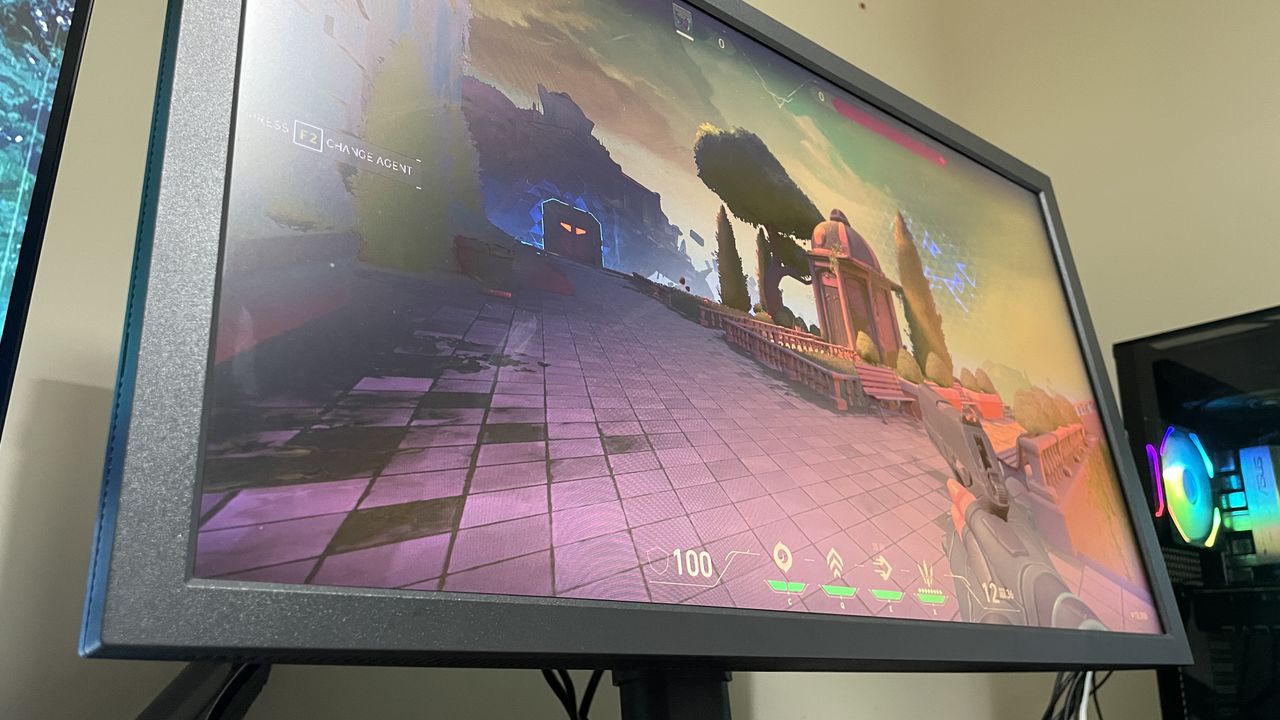

This week I've been: Latency testing a 320 Hz monitor, trying to climb up CS2 Premier ranks, and looking into information theory.
If you've been on this planet as long as I have, you might remember the sentiment that your eyes can't see above 60 fps. At least, that's what console gamers seemed to tell themselves once the PC gaming scene moved on. But actually using 120 Hz or 144 Hz quickly put an end to that myth.
Something about it must have sunk into my subconscious, though, because until recently, I stuck to 144 Hz monitors ever since I got my hands on one around 2014. It's as if I'd accepted that while 60 Hz isn't the limit, perhaps 144 Hz is—or, more realistically, it's as if I'd assumed that diminishing returns might kick in soon thereafter.
I've since discovered that's incorrect. It might be true if you're kicking back in a third-person RPG, and it's certainly true if you're not hitting north of 144 fps in-game. But as I've discovered recently, for competitive FPS gaming, ultra-high refresh rates are genuinely fantastic and much better than sticking at 144 Hz or 165 Hz.
There is truth to the idea that there are diminishing returns to upping your refresh rate, but they don't diminish as drastically or as quickly as a lot of people seem to think they do. I'd say 360 Hz is the sweet spot before real diminishing returns start to kick in, but it's also a little more complicated than that.
I first discovered this when testing the Zowie XL2586X+. Zowie monitors are the most popular for tactical FPS esports pros, for a few main reasons. First, there's the fact that big tournaments often use them across the board, so it makes sense to practice with them—that's one reason for sticking to a 24/25-inch 1080p monitor, too, by the way.
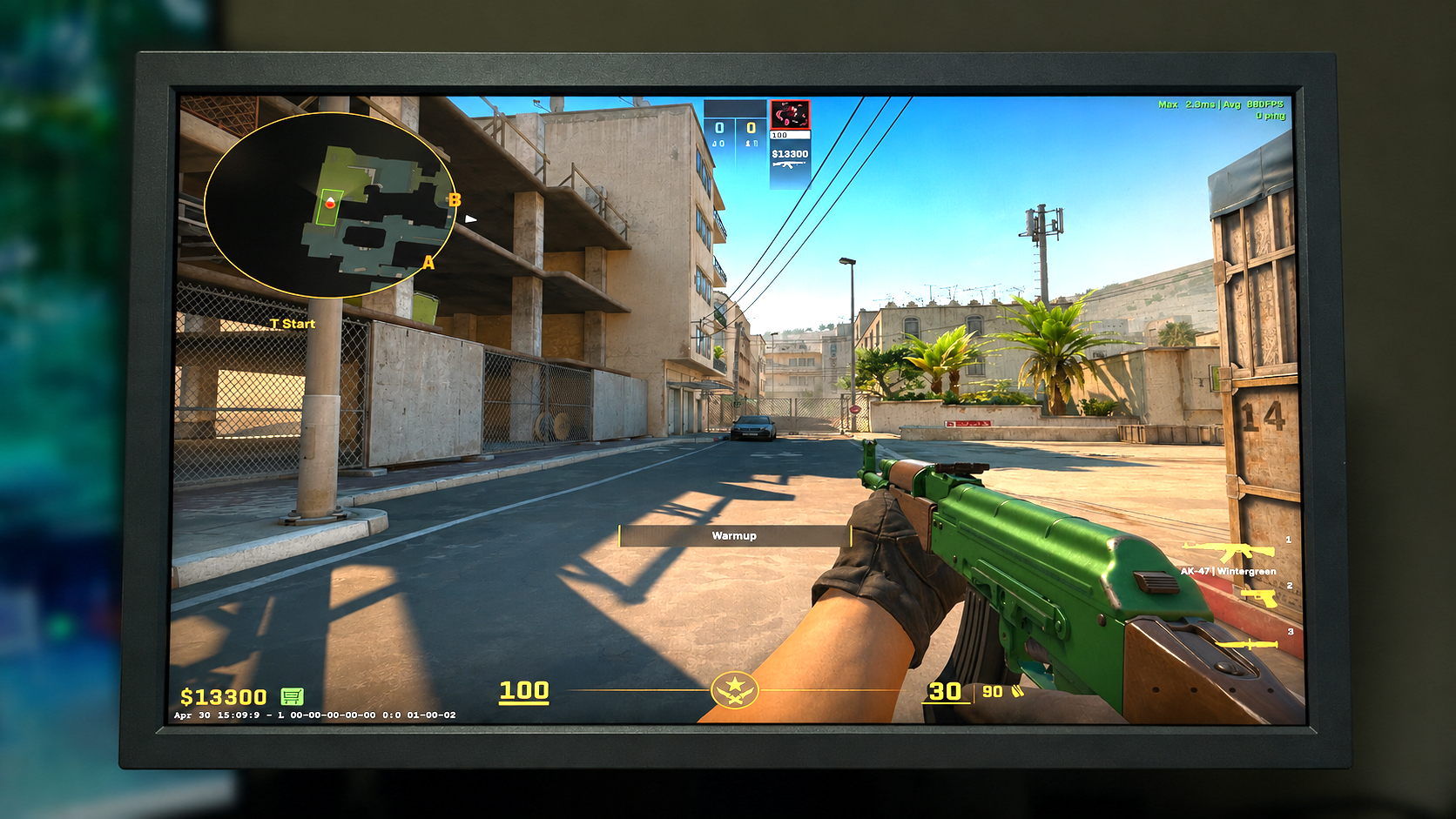
Apart from that very pragmatic reason, though, there's the fact that these monitors have ultra-high refresh rates, panels and colour profiles that are tailored to popular esports titles, and DyAc 2 anti-blur tech.
Of all of these factors, though, I've found that having a high refresh rate is the most important, in my opinion. Which is good news because it opens the field to a whole load more monitors than just Zowie ones with DyAc 2.
I've recently been impressed, for instance, by the $250 Alienware AW2525HM, which has a 320 Hz refresh rate. DyAc 2 and better-tailored panels do give Zowie monitors the edge, but for my money, as long as a panel is generally accurate and clear, I'd take a cheaper one with a similarly high refresh rate.
The question then is: What refresh rate do you need?
One answer to this is, 'As high of a refresh rate as you can afford.' Another answer is 240 Hz, because most pros use either 240 Hz or 360 Hz Zowie monitors. Both of these answers are true in their own way, but neither is fully informative.
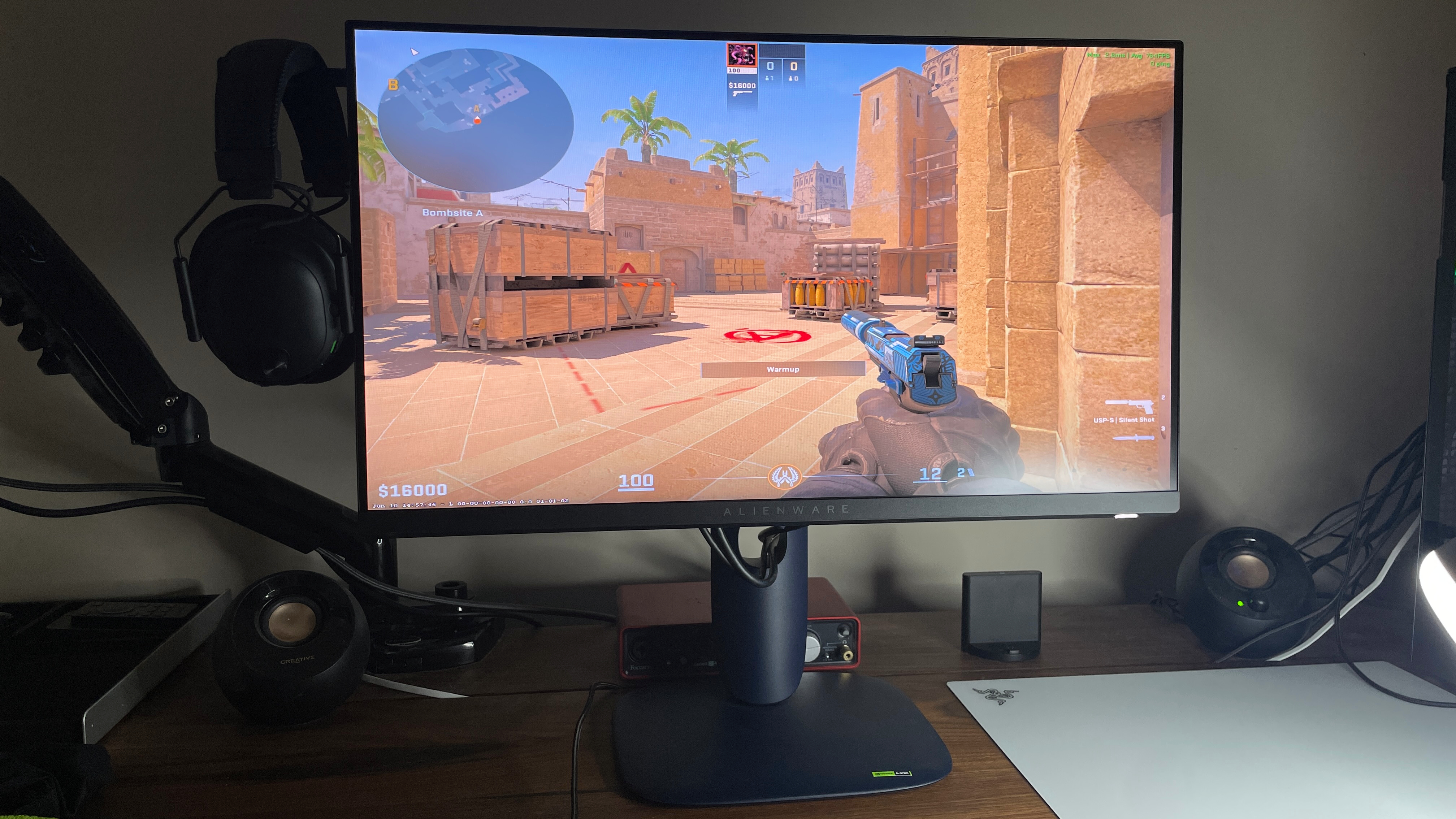
With both the 600 Hz Zowie and 320 Hz Alienware, I spent lots of time swapping between different refresh rates and testing things out in Counter-Strike. I came out the other end of this realising these main things:
- The jump from 144 Hz to 240 Hz gives a very noticeable improvement in the gameplay experience and how well I play.
- The jump from 240 Hz to 320/360 Hz gives a big enough improvement to gameplay experience that I think it would be worth paying extra for, but this improvement doesn't translate to making me play any better.
- Beyond 320/360 Hz, increasing to (say) 600 Hz does feel better, but the difference isn't as big as from 240–360 and is nowhere near as big as from 144–240, and it doesn't make me play any better.
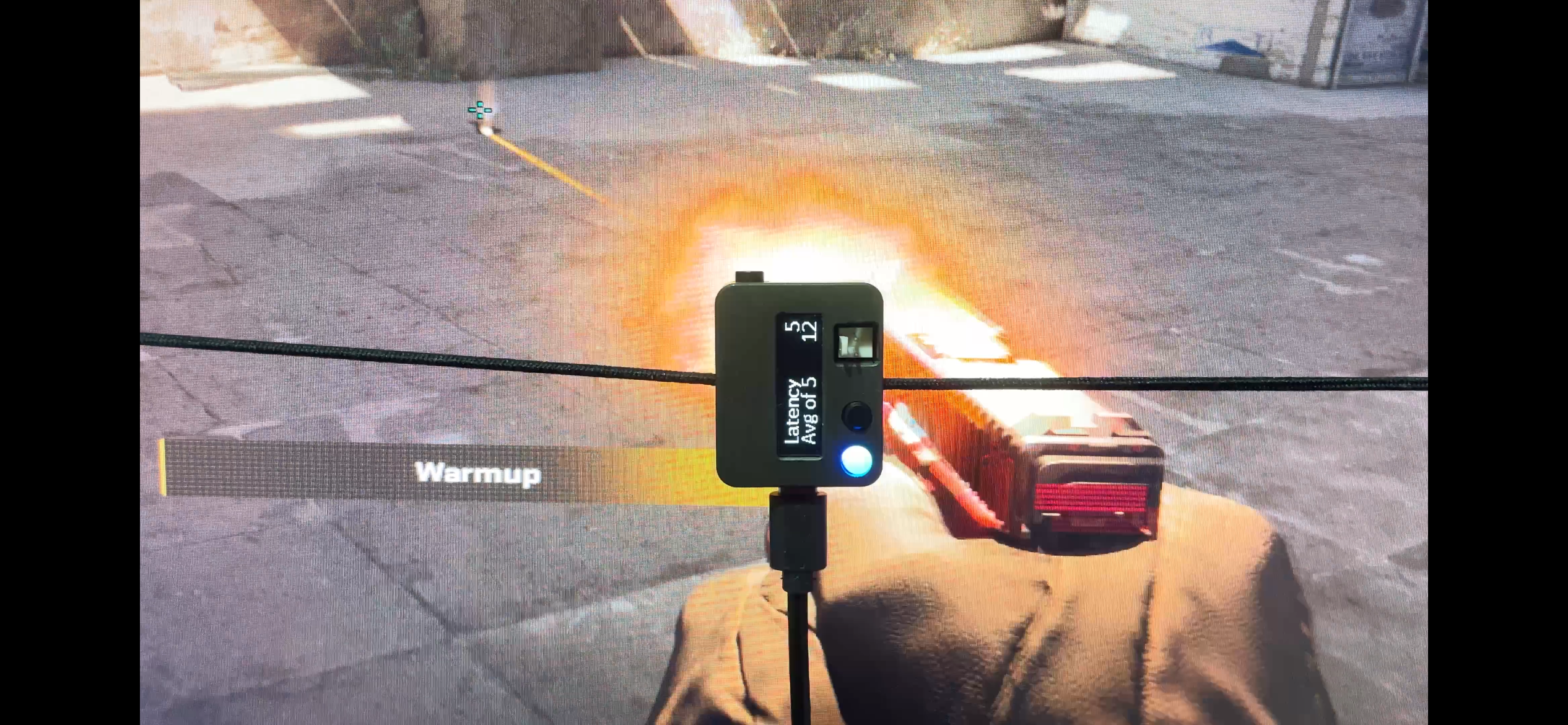
In addition to just seeing how different refresh rates actually feel in practice while playing CS2, I also used an Nvidia Latency and Display Analysis Tool (LDAT) to test real-world response times—ie, the end-to-end latency between clicking and having your gun's muzzle flash appear on-screen. The muzzle flash is lower down on the screen, which means (given how monitors refresh from top to bottom) latency will be measured higher than towards the top, but what's important here is the comparison between the numbers.
End-to-end latency (ms)
| Product | Value |
|---|---|
| 144 Hz | 7.5 |
| 240 Hz | 7 |
| 360 Hz | 7.38 |
| 600 Hz | 6.81 |

As you can see, when you're using a really good monitor, there's very little in it. These sub-millisecond differences are all within a margin of error, as is made clear by the actual, non-averaged test results. I did 150+ tests at each refresh rate, and there was often variation of a few ms between different ones at the same refresh rate.
In practice, this means that sometimes clicking at 600 Hz will cause the corresponding on-screen effect slower than it will at 144 Hz, though more often than not the opposite will be true, but not by much.
What made more of a difference was whether the frame rate was kept capped or uncapped. I tested this on the Alienware monitor, comparing 144 Hz and 320 Hz, and found that this had a more definite effect on end-to-end latency, though again the difference was small and probably imperceptible in practice.
End-to-end latency
| Product | Value |
|---|---|
| 144 Hz | 11.97 Latency, VRR on, capped (ms), 11.35 Latency, VRR off, capped (ms), 8.32 Latency, VRR off, uncapped (ms) |
| 320 Hz | 7.62 Latency, VRR on, capped (ms), 7.81 Latency, VRR off, capped (ms), 6.2 Latency, VRR off, uncapped (ms) |
Note that the results are the same whether VRR (FreeSync Premium) was enabled or disabled. VRR only kicks in when frame rates are below your refresh rate, but even with frame rates capped so it could take effect, it didn't change latency.
Here are the two main takeaways from this:
- It's better to have your frame rate uncapped if your system can churn out frames higher than your refresh rate, as this can lower your response time.
- If your system can't produce a frame rate higher than your refresh rate, you might as well cap it just below and enable VRR to have the benefit of zero screen tears.
There are, of course, caveats to all of the above. For one, you shouldn't ignore differences between panels: if it's an OLED, it will have an ultra-low response time, if it's a VA, it will likely have a higher one, and if it's an IPS, it will very much depend on the panel.
You also shouldn't ignore differences between people. A younger pro gamer might, for instance, be able to derive more of an actual benefit to how well they play by stepping up from 240 Hz to 360 Hz, where I, as a 31-year-old non-pro, cannot.
And probably the biggest caveat is that all of the above is redundant if your system can't pump out enough frames to keep up with your refresh rate. It's also irrelevant if you mainly play casual games and don't care so much about having the snappiest response time and clearest view of enemies in motion. I don't particularly care for much above 144 Hz if I'm sitting back with a controller in a third-person shooter, for instance.
Ultimately, though, I think most people who are into competitive shooters will be similar to me in how they are likely to perceive differences between high refresh rates. For my money, I think 360 Hz is the sweet spot before diminishing returns kick in, not only in terms of how much it helps you play well but also how pleasant it feels to experience. 240 Hz isn't much worse, though, and if I were on a strict budget, that would be what I'd opt for—but no lower. 144 Hz and 165 Hz are certainly far from the limit before significant diminishing returns kick in.
Sumber: PC Gamer