
Rupanya beberapa mouse gaming terbaik tidak tetap di DPI yang tepat saat digerakkan perlahan
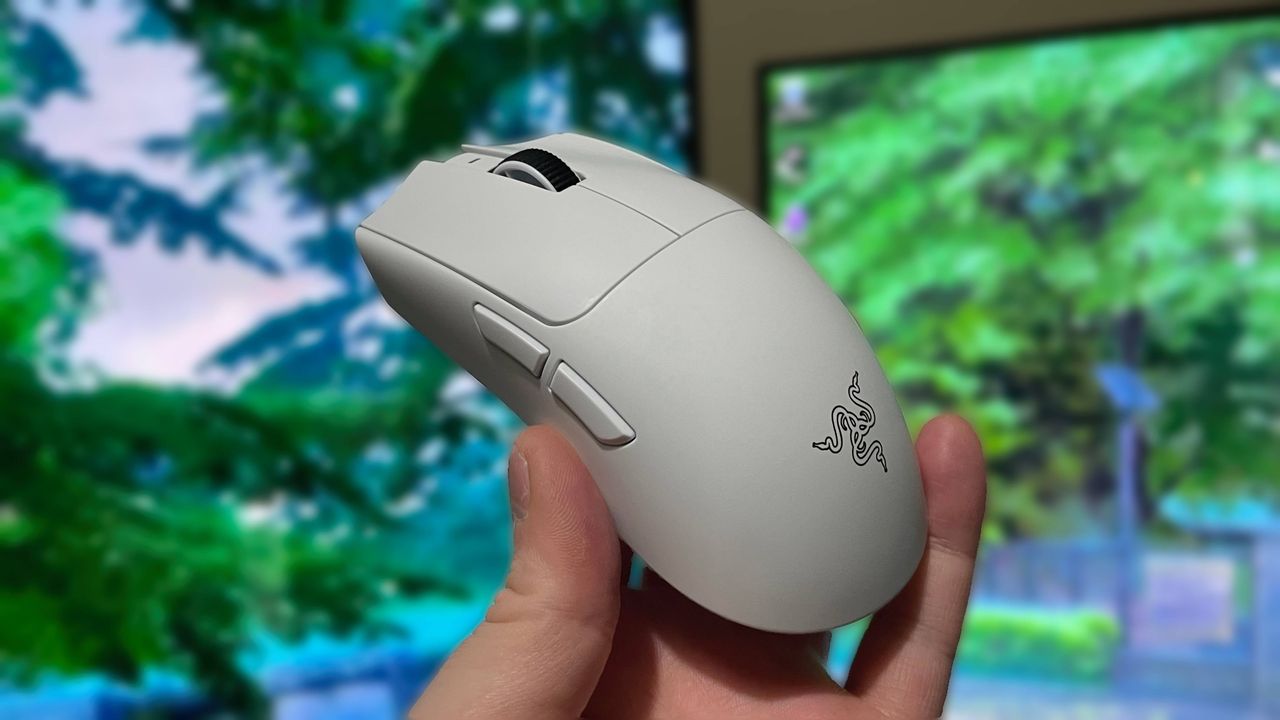
According to one PC peripheral YouTuber, some of the best gaming mice on the market that use the latest sensors aren't sticking at the DPI they're set to (via MouseCast). At least, not when moved at a very slow speed.
An X user noted the problem a couple of years ago, pointing out the problematic feature in the firmware for some popular mouse sensors: the PixArt PAW3395, PAW3950, and PAW3399. Designed to prevent stationary cursor jitter, the 'DPI downshift' feature (as the X user phrased it) apparently works by throttling higher DPIs down to a lower one for when velocity is very low.
The potential problem with this is that one might intentionally be moving the mouse very slightly and very slowly, in which case the DPI will be lower than you've set it to and you'll get a slower movement than you might expect.
The YouTuber, pandahling, explains that there are three kinds of DPI downshift you might see. One that's binary, where it downshifts to a threshold (usually 7,500 DPI) when above this DPI and at very low velocity. The second type is caused by a profile switch in the firmware which changes things somewhat but still means that most DPI settings will be subject to downshift at low velocities.
The third kind of DPI downshift is much more slight, but apparently affects every these sensors at every DPI setting, not just at high ones. The YouTuber notes that all four PAW3950 mice they bought recently suffer from this one, as well as the Viper V4 Pro, the best gaming mouse on the market, which uses a newer, custom PixArt sensor.
The mice tested were found to have a 2–5% downshift in DPI, except for the Viper V4 Pro which was found to have a much higher 8–10% downshift. All only when at very low velocity, of course.
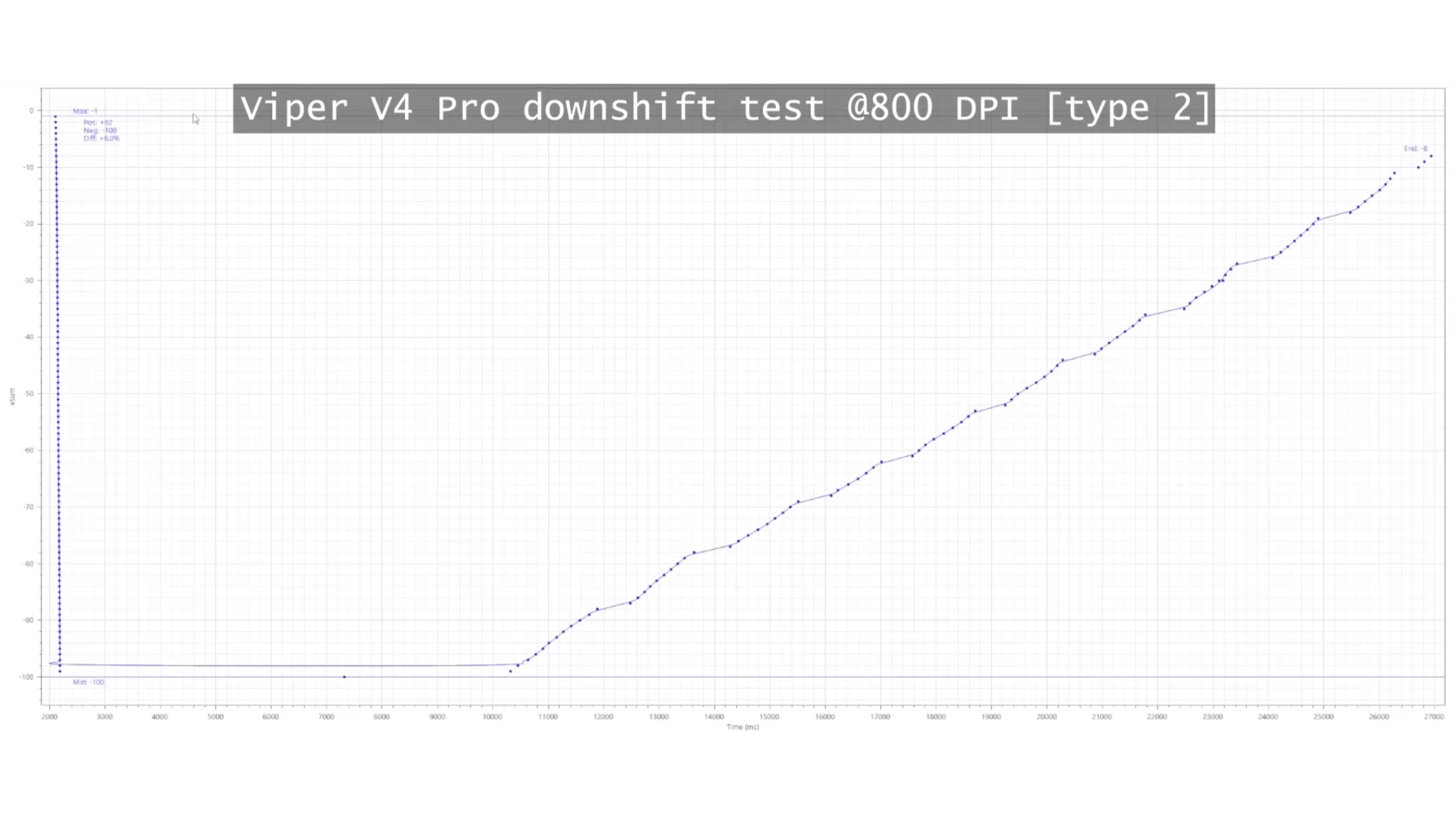
The graph above, from Pandahling's video, shows MouseTester results for the Viper V4 Pro at 800 DPI and 8K polling.
The vertical line on the left represents when the mouse moves quickly, and the slope on the right represents it moving the same small distance but very slowly. As you can see, there are fewer 'counts' of deviation from a stationary position when the mouse is moved slowly, which means there are fewer inputs registered by the mouse.
In other words: very slow movement means a decrease in DPI. That's why the slope ends lower on the right than it started on the left. The same distance has been travelled, but there were less dot/count registers on the slow return journey, and MouseTester therefore assumes that it hasn't returned to its starting spot.
I use a mouse with a PAW3950—the Zowie EC2-DW—and haven't noticed any problems, even when making small and slow micro-adjustments when holding an angle in Counter-Strike. But I only play at a low DPI of 800—if it's good enough for CS2 pros then it's good enough for me. And the PAW3950 seemingly doesn't suffer quite as much as the Viper V4 Pro reportedly does from this third type of DPI downshifting that occurs even at lower DPIs.
I must say, I'm not sure just how much of an effect such slight downshifting would have in practice given I don't tend to move my mouse gradually at a very low velocity—I'll have to try it out once the Viper V4 Pro is back from its merry travels at the PC Gamer offices. But one recommendation for those with an affected sensor, unless the manufacturer has fixed it in a firmware update, might be to keep your mouse DPI at least below 7,500 to make the first two types of more dramatic DPI downshift less likely.
Sumber: PC Gamer