
Cooler Master HAF II 500 review
🌐 Konten masih dalam Bahasa Inggris. Terjemahan sedang diproses.
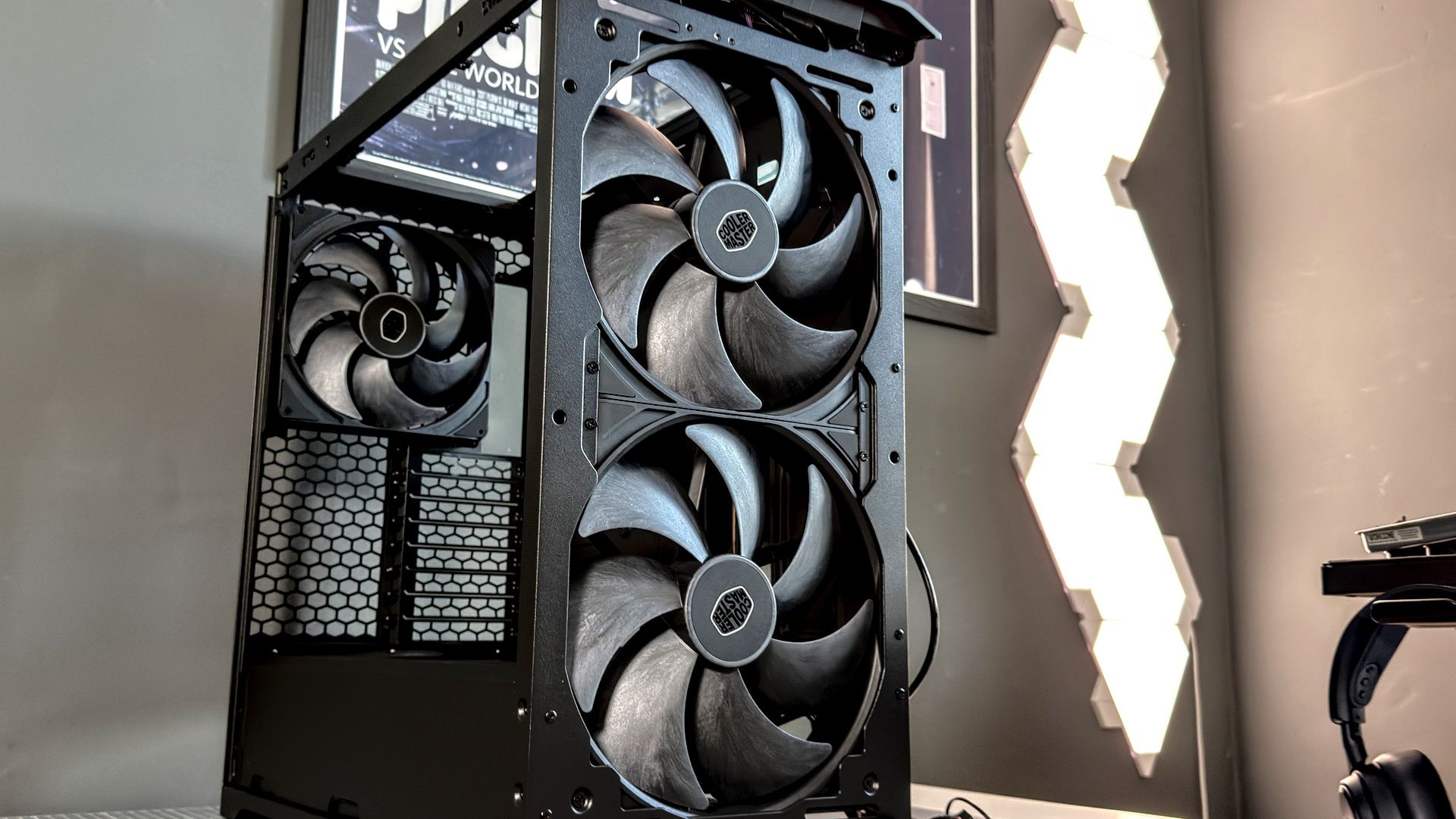
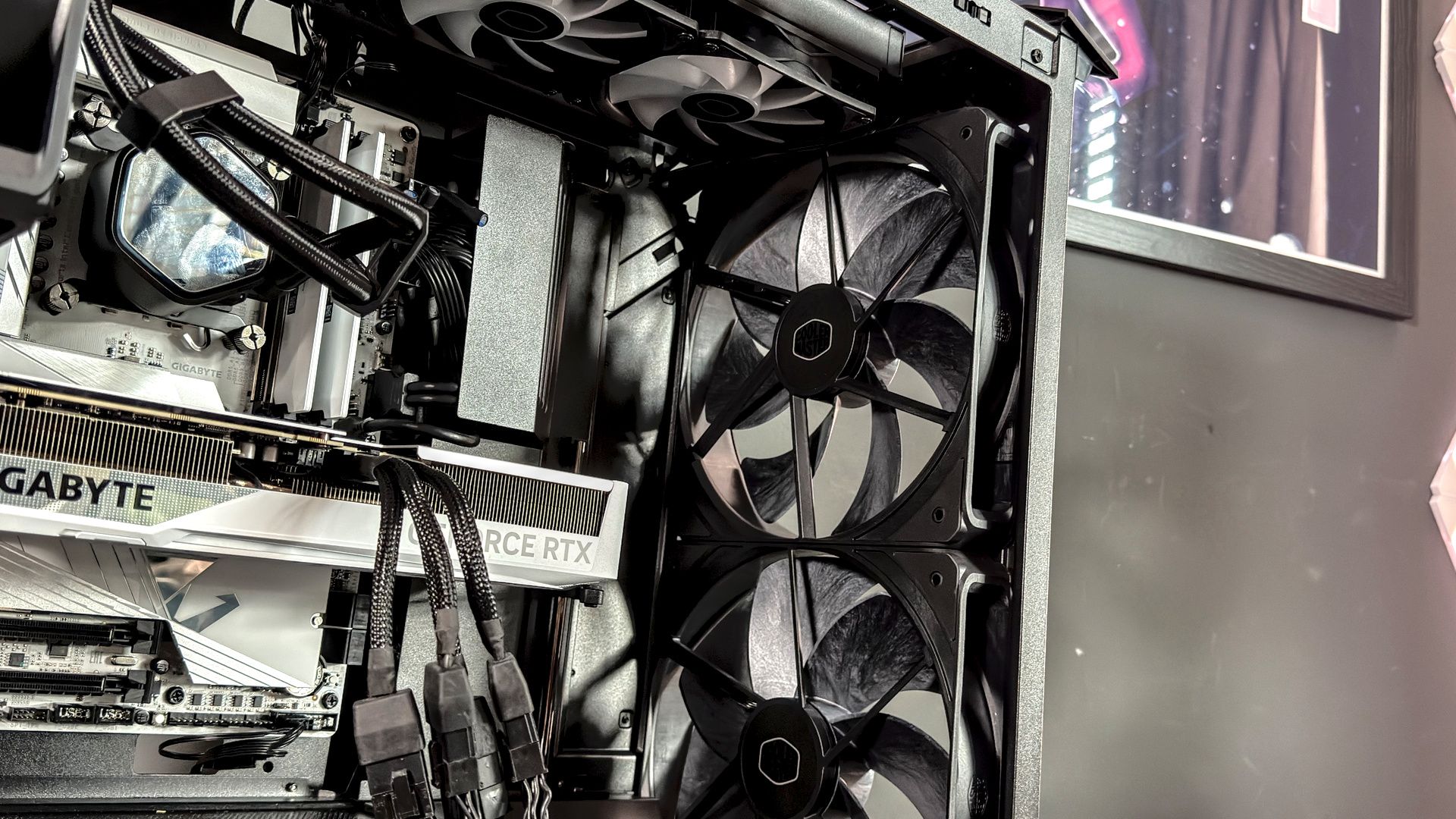
I first spotted the HAF II 500 at Cooler Master's HQ in Taiwan. It wasn't the case that first caught my eye then, it was the massive fan on a stand in front of it. A spinning goliath measuring a mighty 220 mm, of which there are not one, but two stuffed in the front of the HAF II 500.
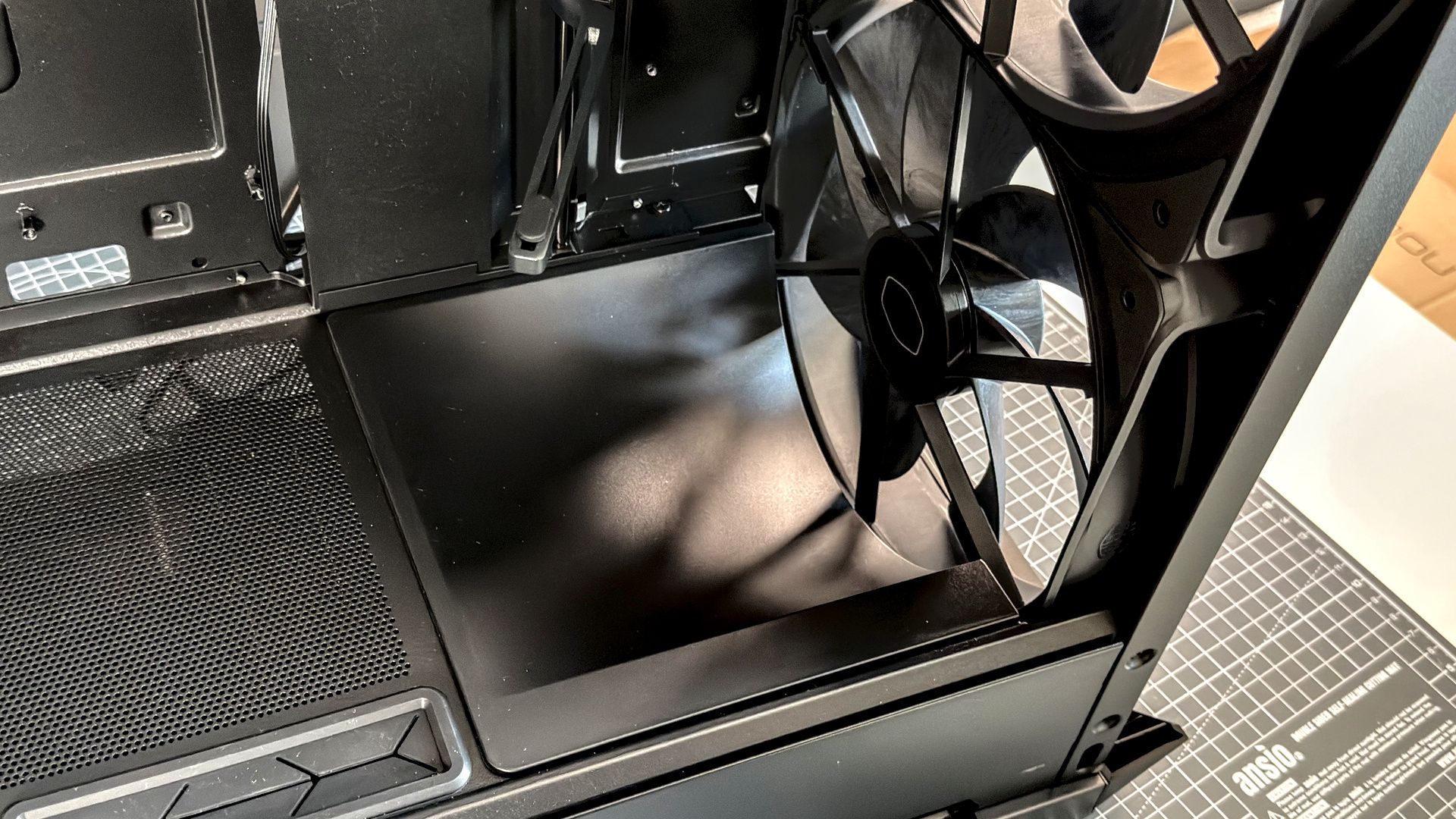
If you want more airflow over your core components—you got it. The HAF II is more wind tunnel than computer chassis. Those large fans drive an immense amount of airflow over the motherboard, GPU, VRM and anything else caught in their backdraft. It reminds me of the Havn BF 360 in many ways—another PC case that focuses on airflow, albeit with 180 mm fans—right down to the scoop in the front to keep cool air flowing towards the graphics card. They're similarly wide, too.
The HAF II 500 is not just a big beast. It's got the brawn and the brains. There's a space-saving fan hub smartly integrated into the rear of the case, alongside ample cable management options. The front includes a couple ways to keep your build looking tidy, too, including a dual-GPU support bracket and sliding cable management cover.
At $200/£250, these fans and extra features come at a high cost. That's one of few points against this case, but it's a big one. It's a prime choice for anyone worried about overheating components, but for most, a more affordable PC case will suffice nearly as well.
Buy if…
✅ You want all the airflow: This thing is mighty for airflow, courtesy of three Mighty40 fans. Two 220 mm in the front, one 180 mm in the back.
Don't buy if...
❌ You want something more exciting: Beyond the fans, this is a pretty traditional case with a pretty traditional layout. It's not oozing wow factor compared to some.
Cooler Master HAF II 500 - Features
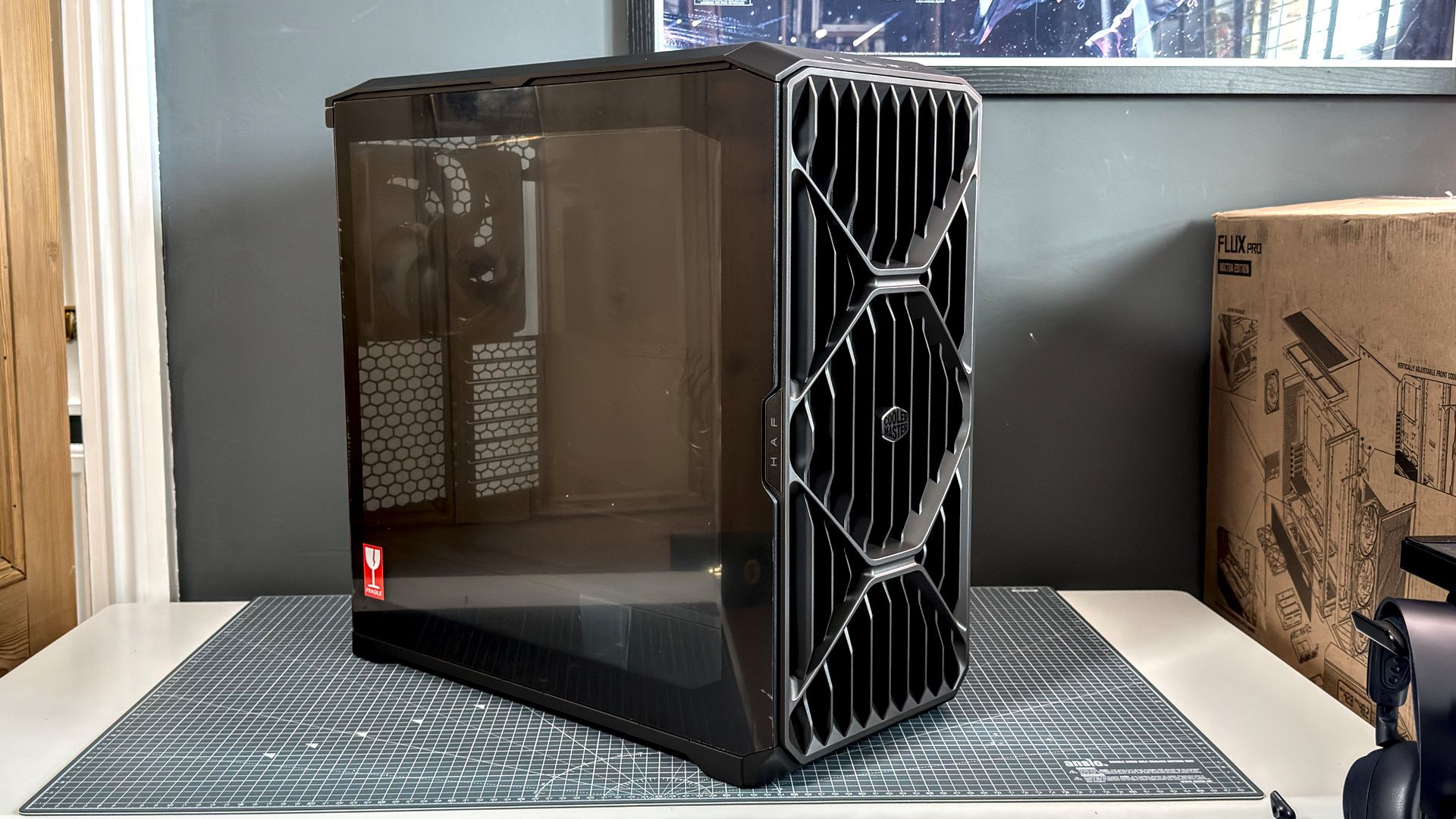
Cooler Master HAF II 500 | |
Dimensions | 557 × 262 × 548 mm |
Motherboard support | Mini-ITX, Micro-ATX, ATX, E-ATX (up to 130 mm) |
Radiator support | Top: Up to 360 mm / Front (with MasterRail and no fans) Up to 360 mm |
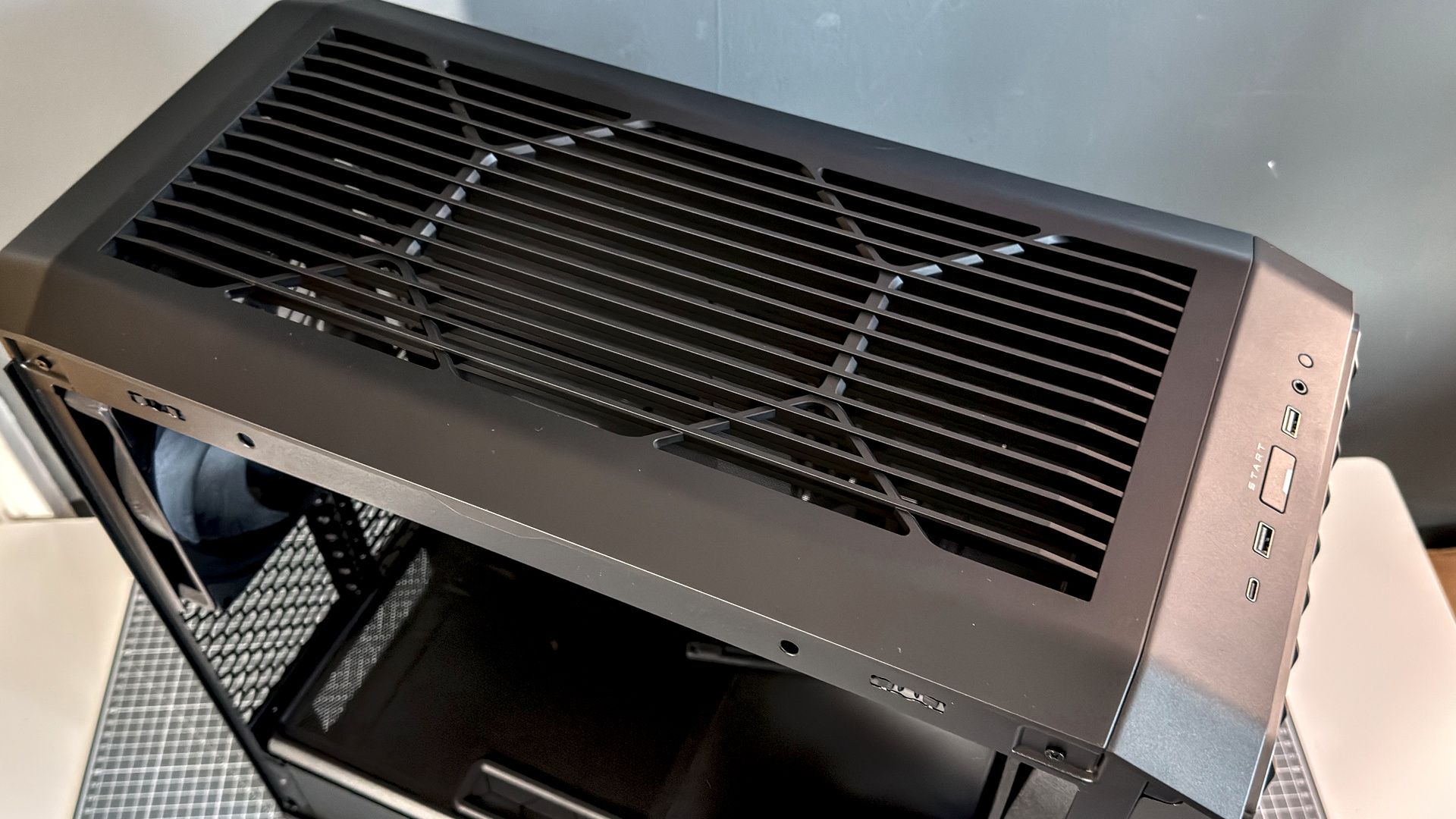
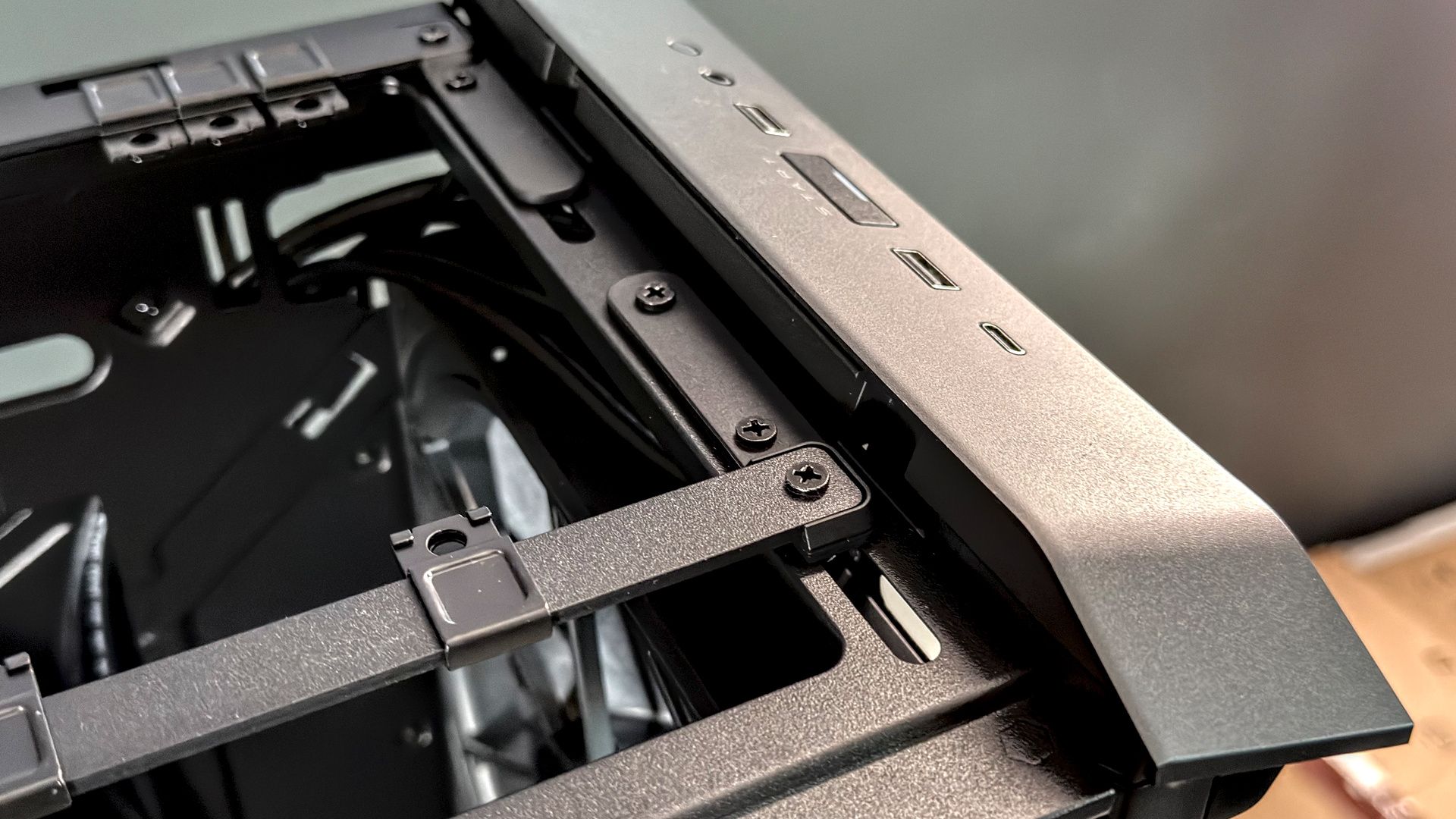
Front I/O | 1x USB 3.2 Gen 2×2 Type-C, 2x USB 3.2 Gen 1 Type-A, 1x 3.5 mm, power, reset |
Max. GPU length | 430 mm |
Price |
"Meticulously tuned for airflow." That's what Cooler Master claims for the HAF II 500 on its product page. The good news is that this case absolutely has the hardware to back that claim up.
In the front, two Mighty40 F220 fans. These are the largest (220 mm) and thickest (40 mm) consumer fans that Cooler Master could install into this case. The frame is made from PBT and the blade from liquid-crystal polymer (LCP)—that's the same as Noctua's NF-A14x25 G2 and is ideal for this application due to a high tensile strength and stability. Back at Cooler Master HQ, I snapped a pic of my hand in front of this goliath to give an idea of the size (see below).
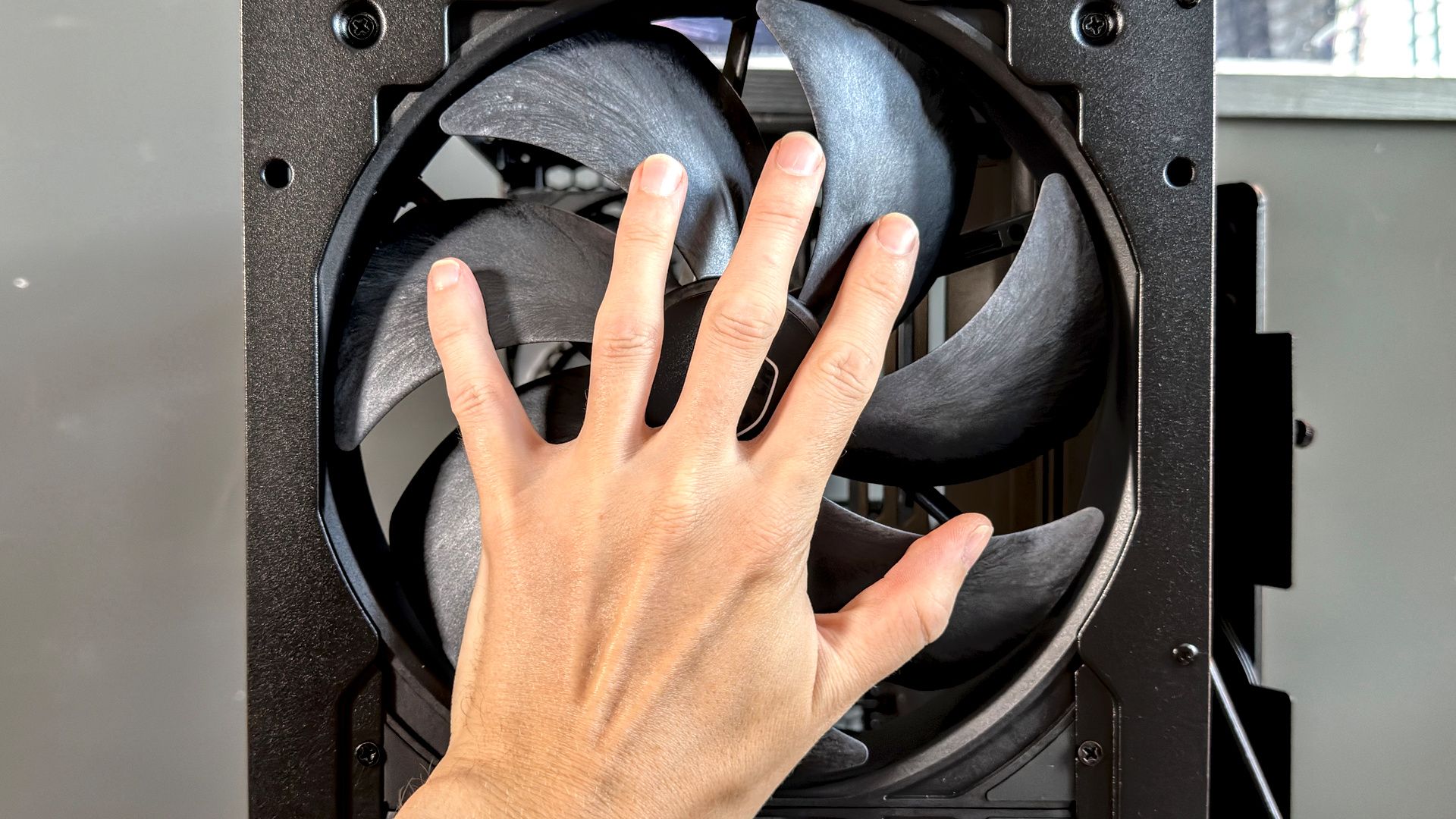
This fan size offers a clear advantage in terms of airflow. Cooler Master rates this fan to 203.8 CFM, which is a mighty figure for a fan that spins so slowly. Just 1,050 RPM at max speed. For reference, an Arctic P12 Pro is rated to 77 CFM at 3,000 RPM; an Arctic P14 Pro to 110 CFM at 2,500 RPM.
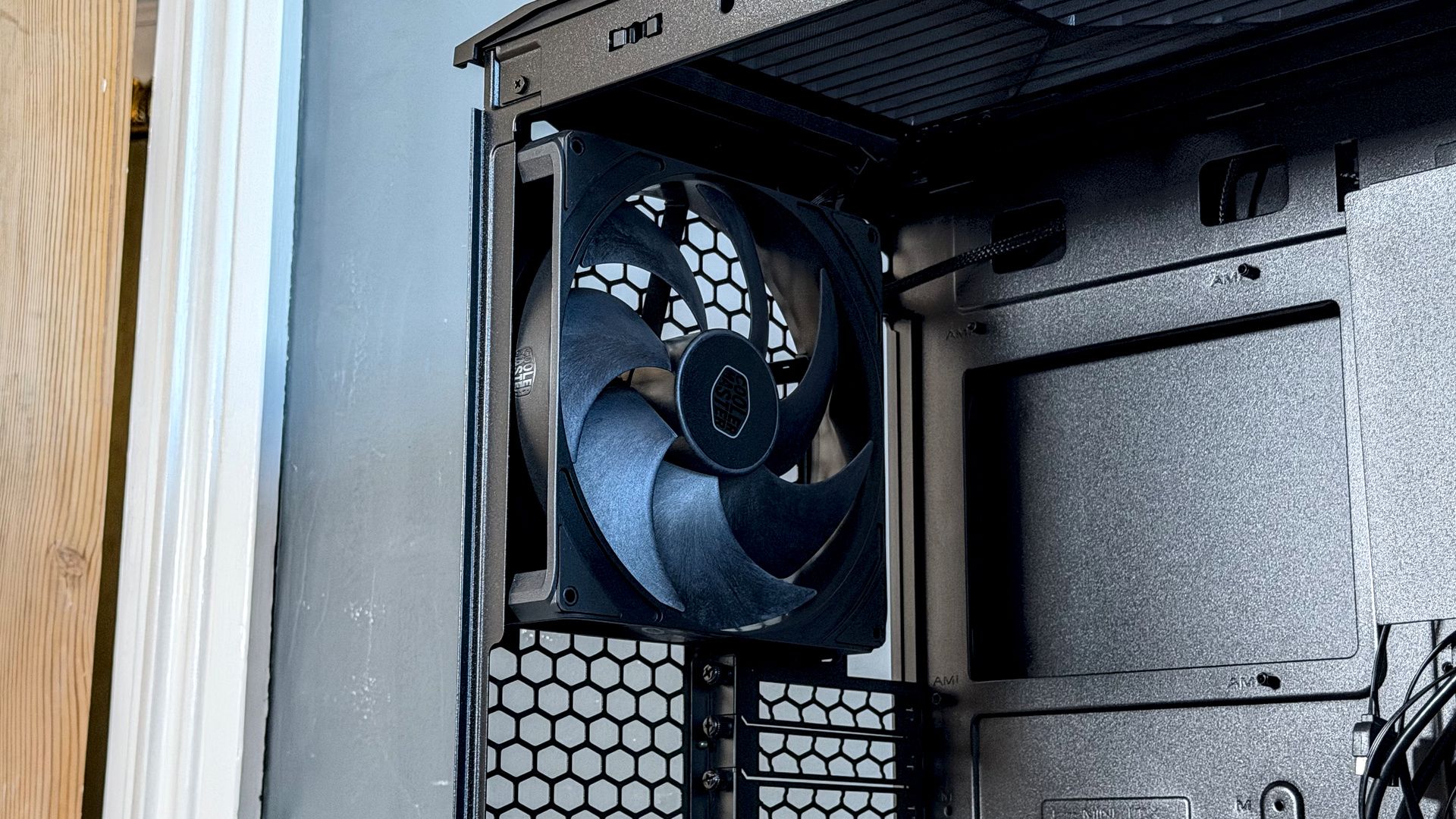
In the rear, one Mighty40 V180 fan. A little overshadowed by larger fans up front, this is a very capable unit in its own right, rated to 161.5 CFM at 1,370 RPM. Here, too, the blades are made from LCP.
As for the case itself, it's moderately tall and very wide. Like a tank in your driveway kinda wide. This roomy design has its benefits. It makes good use of all that volume, with support for E-ATX motherboards up to 310 mm and loads of room between the edge of the GPU and tempered glass side panel, which is a boon for big air coolers. It uses a traditional layout, which means you are likely to use the top mounting position for an all-in-one liquid cooler in most cases, but it supports up to 420 mm and a clever sliding mounting solution for a straightforward installation.
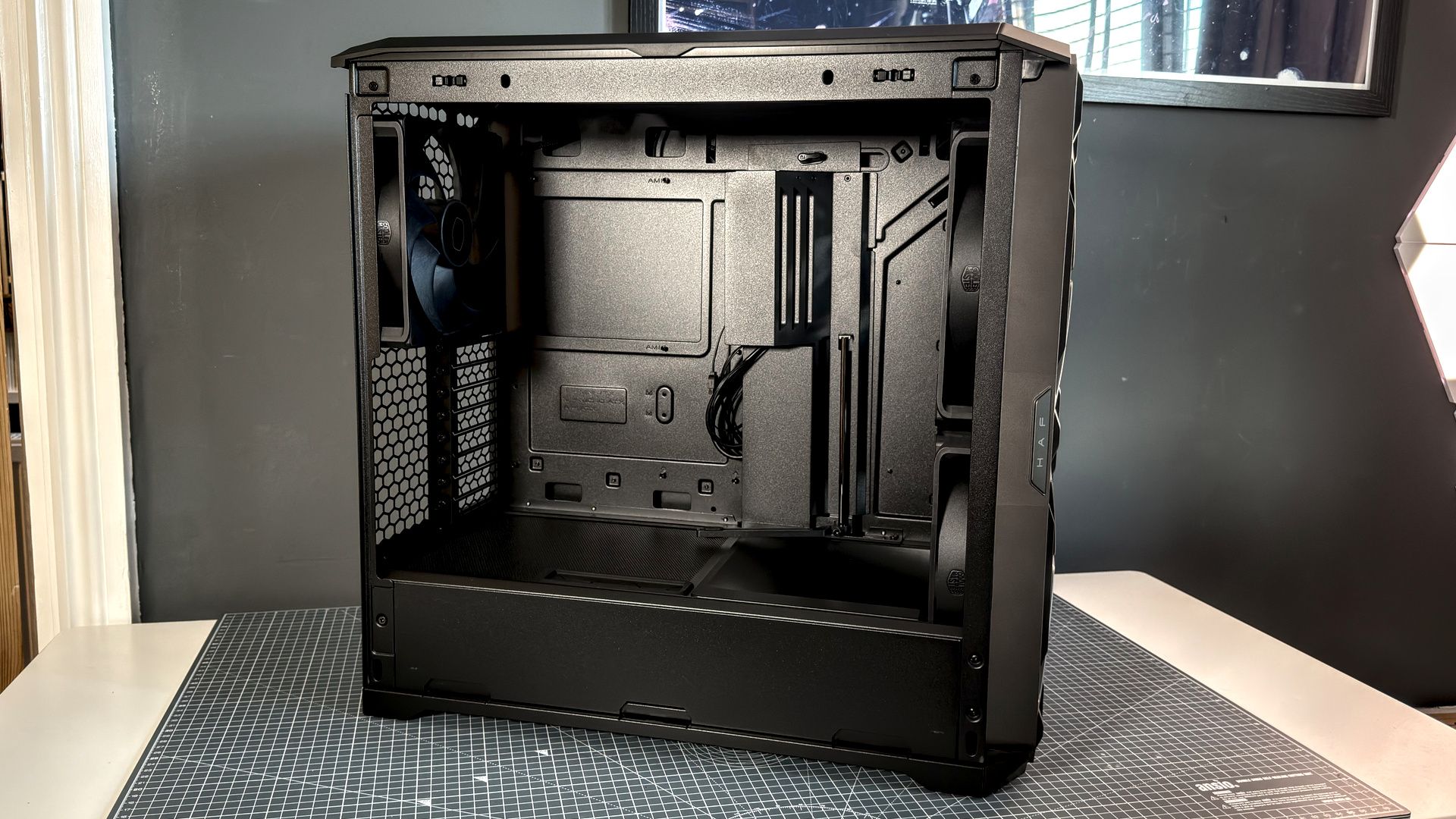
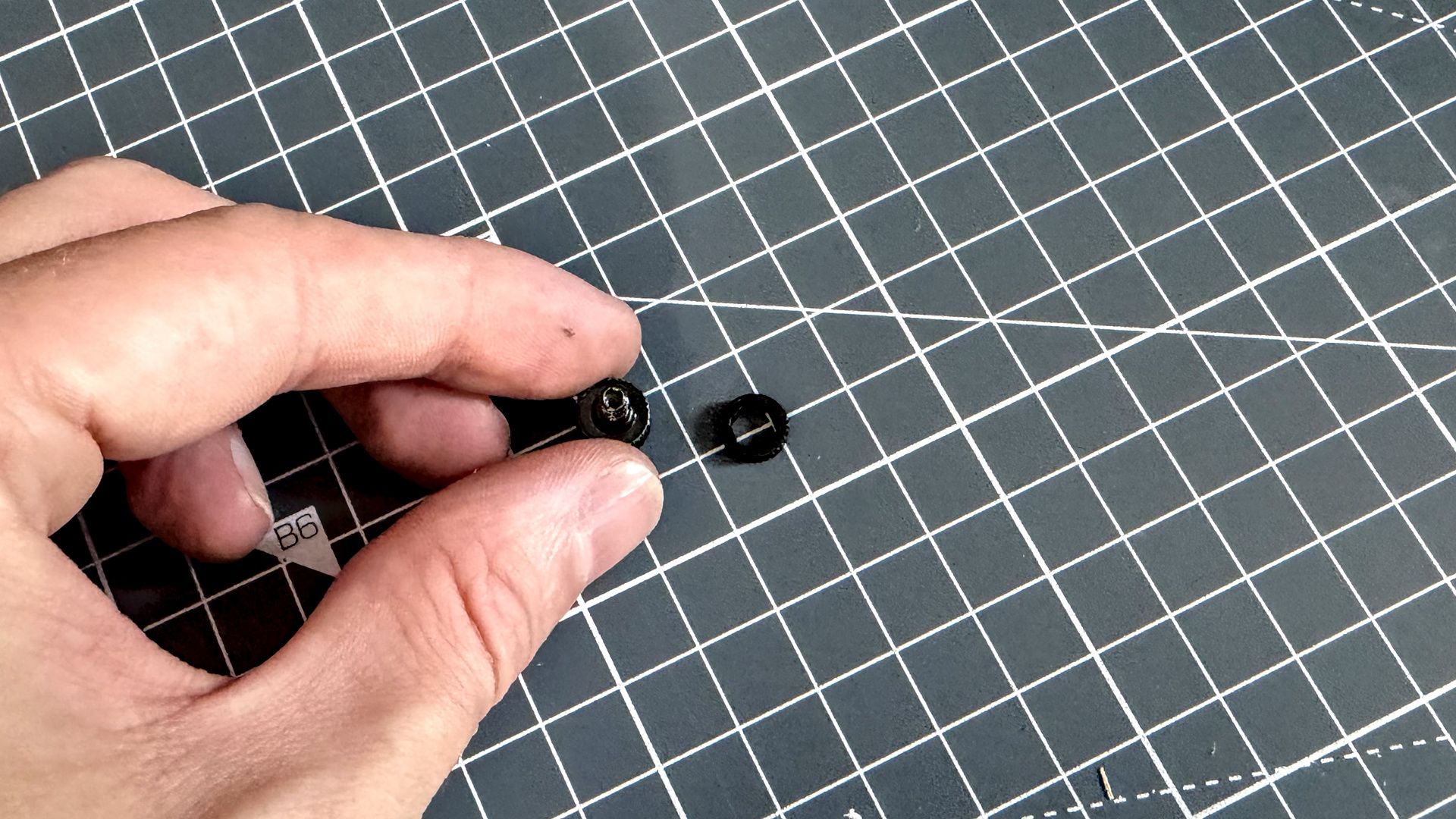
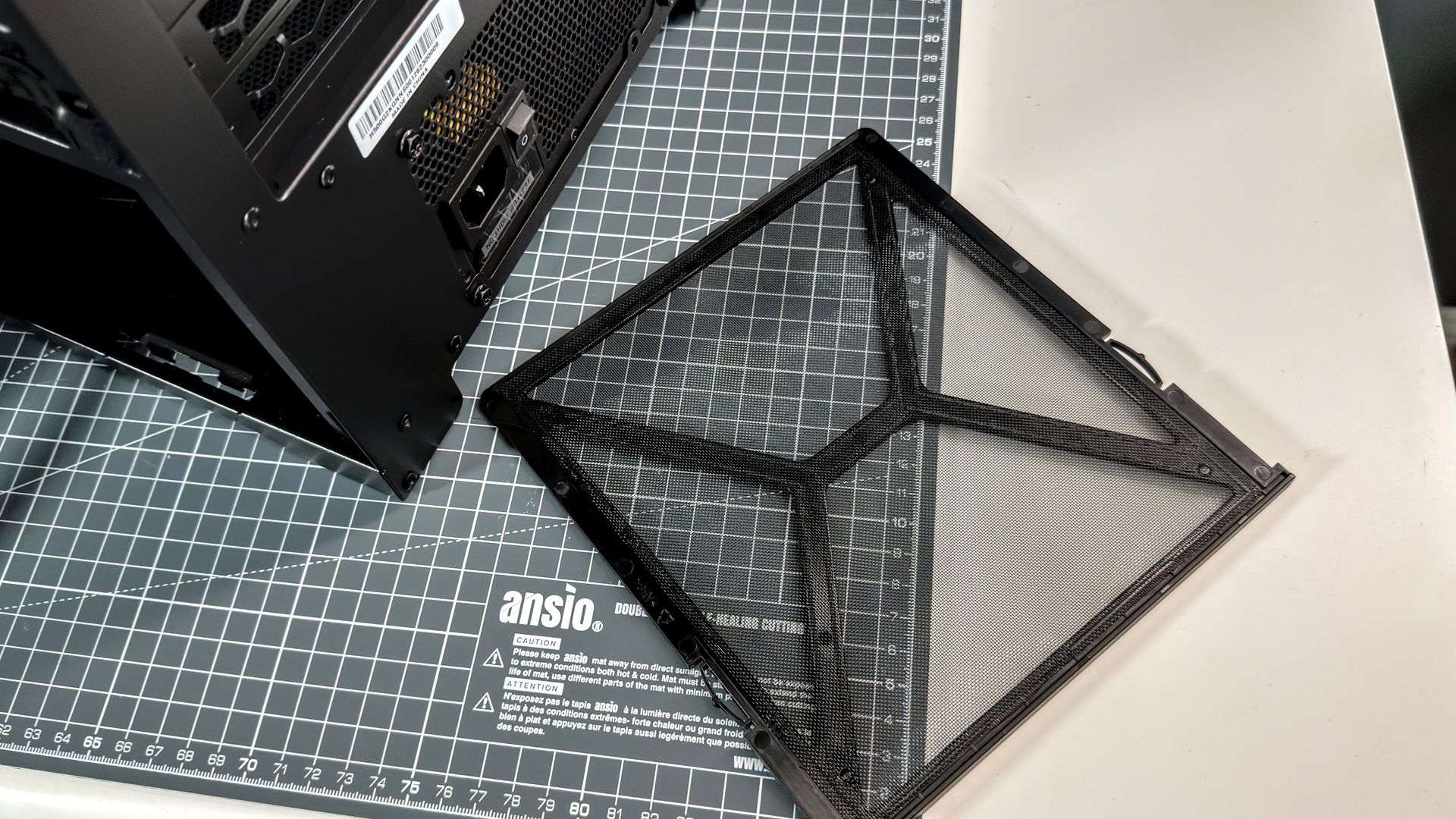
There are three easy-access dust filters on the HAF II 500: front, top, and PSU. The panels on this case are held in place by non-captive thumbscrews, which feels like a weird choice these days, especially as each thumbscrew also has a tiny washer that is very easily misplaced (ask me how I know).
A traditional design in many ways, there are some unusual features to be found on the HAF II 500.
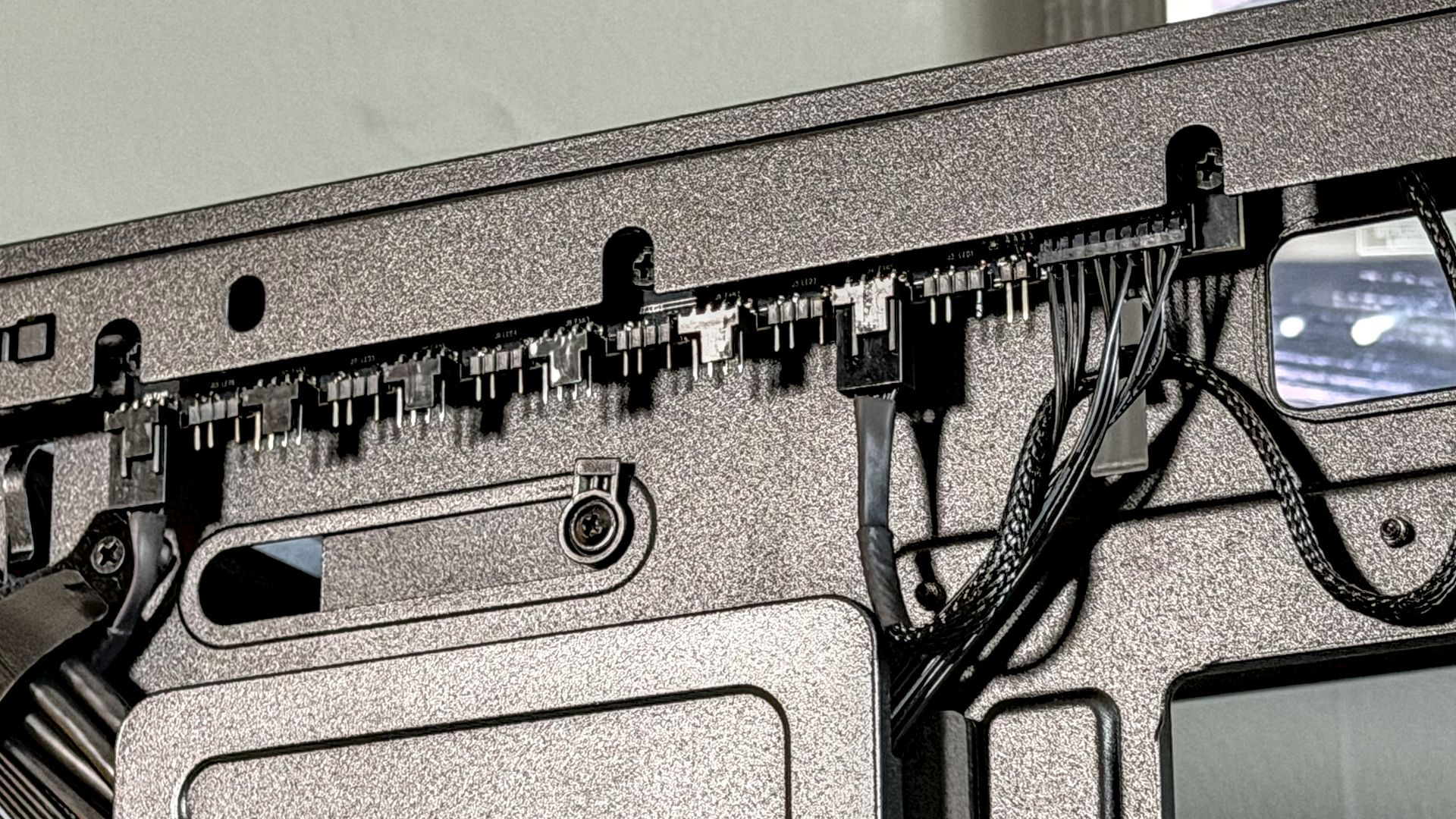
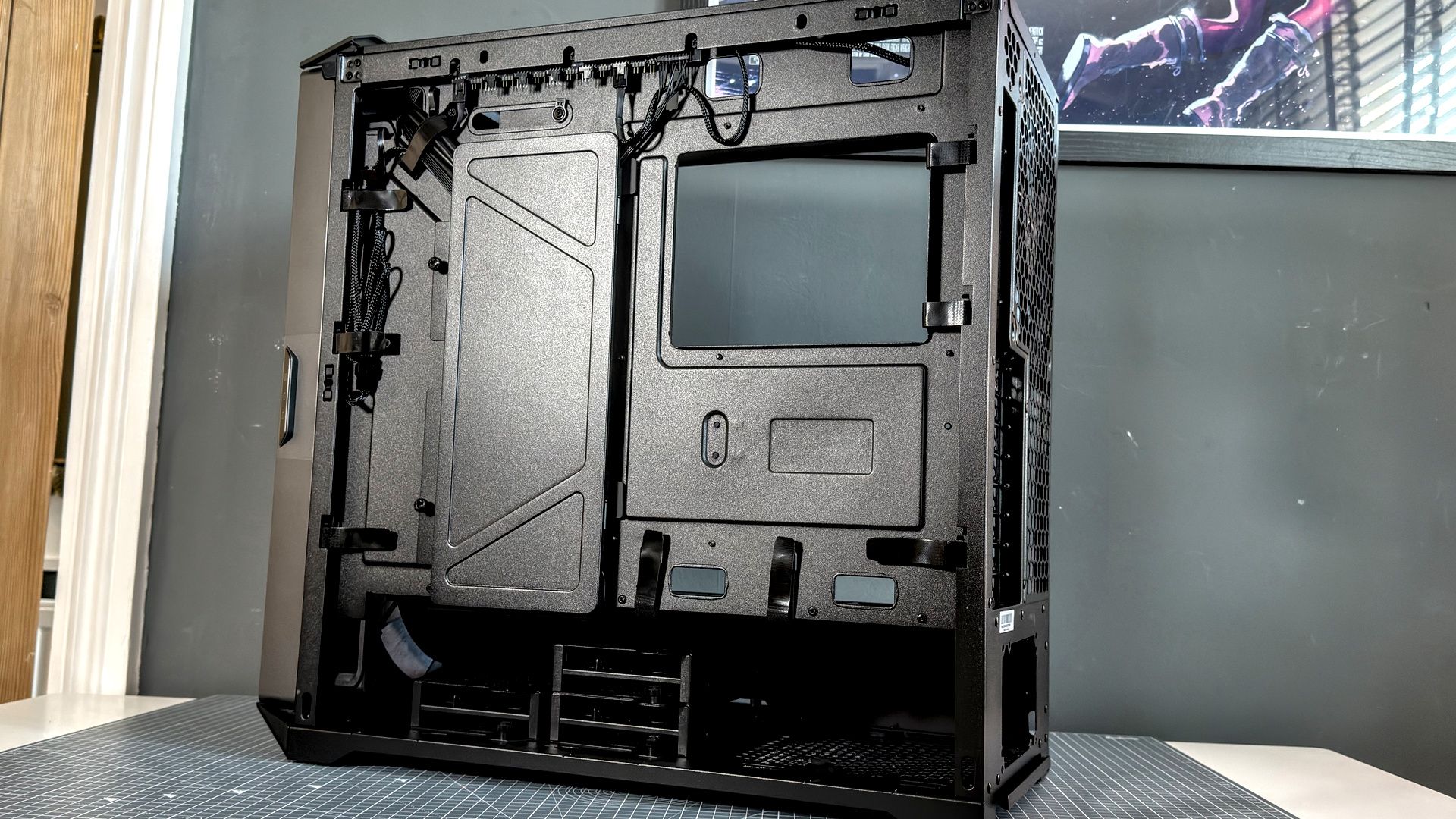
The fan hub is one such feature. It comes pre-installed inside the case and runs the upper edge of the motherboard tray; tucked away neatly behind the edge of the frame. It has six PWM fan headers and six ARGB headers. The HAF's array of huge fans are hooked up out of the box, leaving only any additional fans, SATA power, and fan header to motherboard cables to connect upon installation.
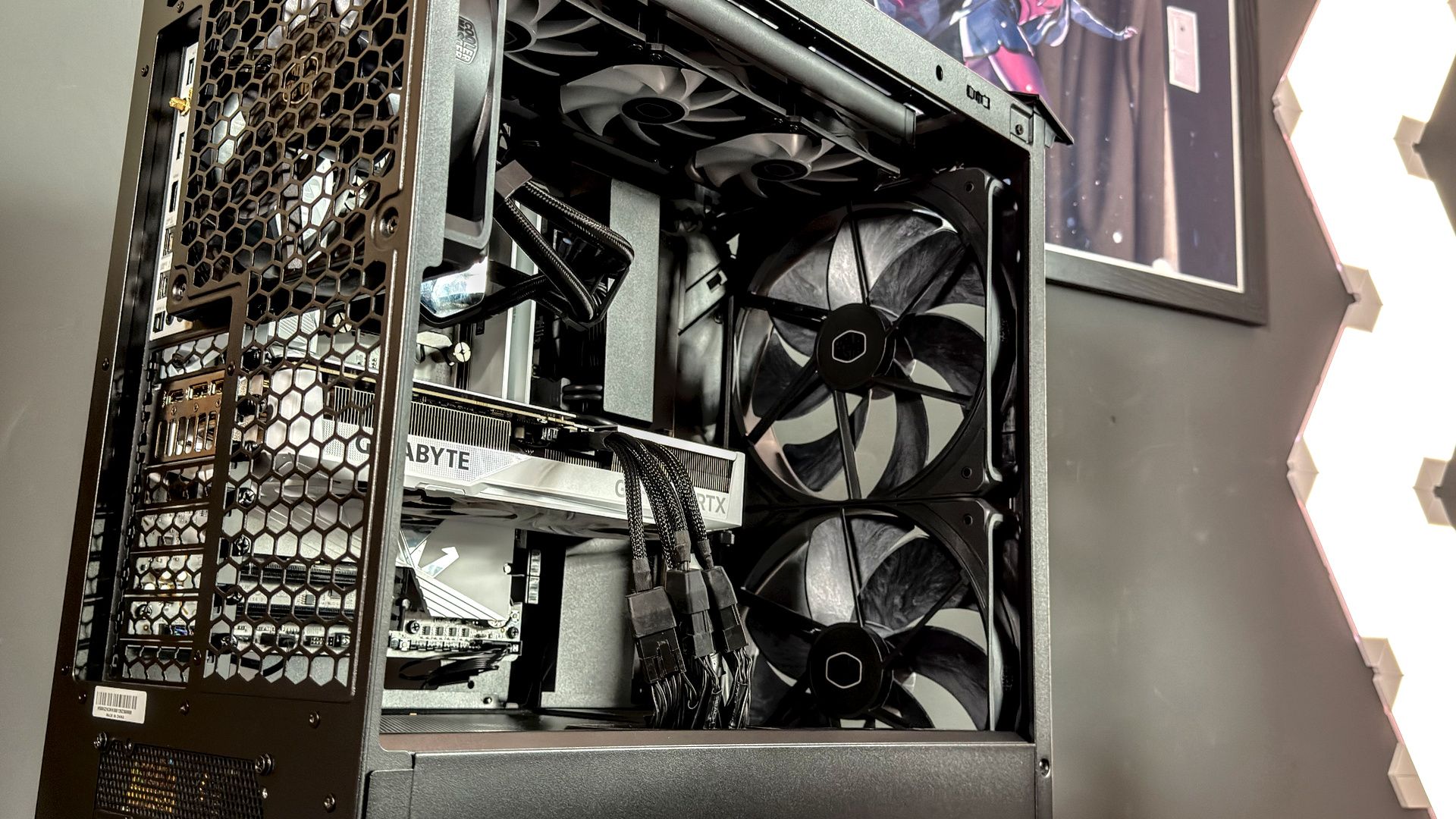
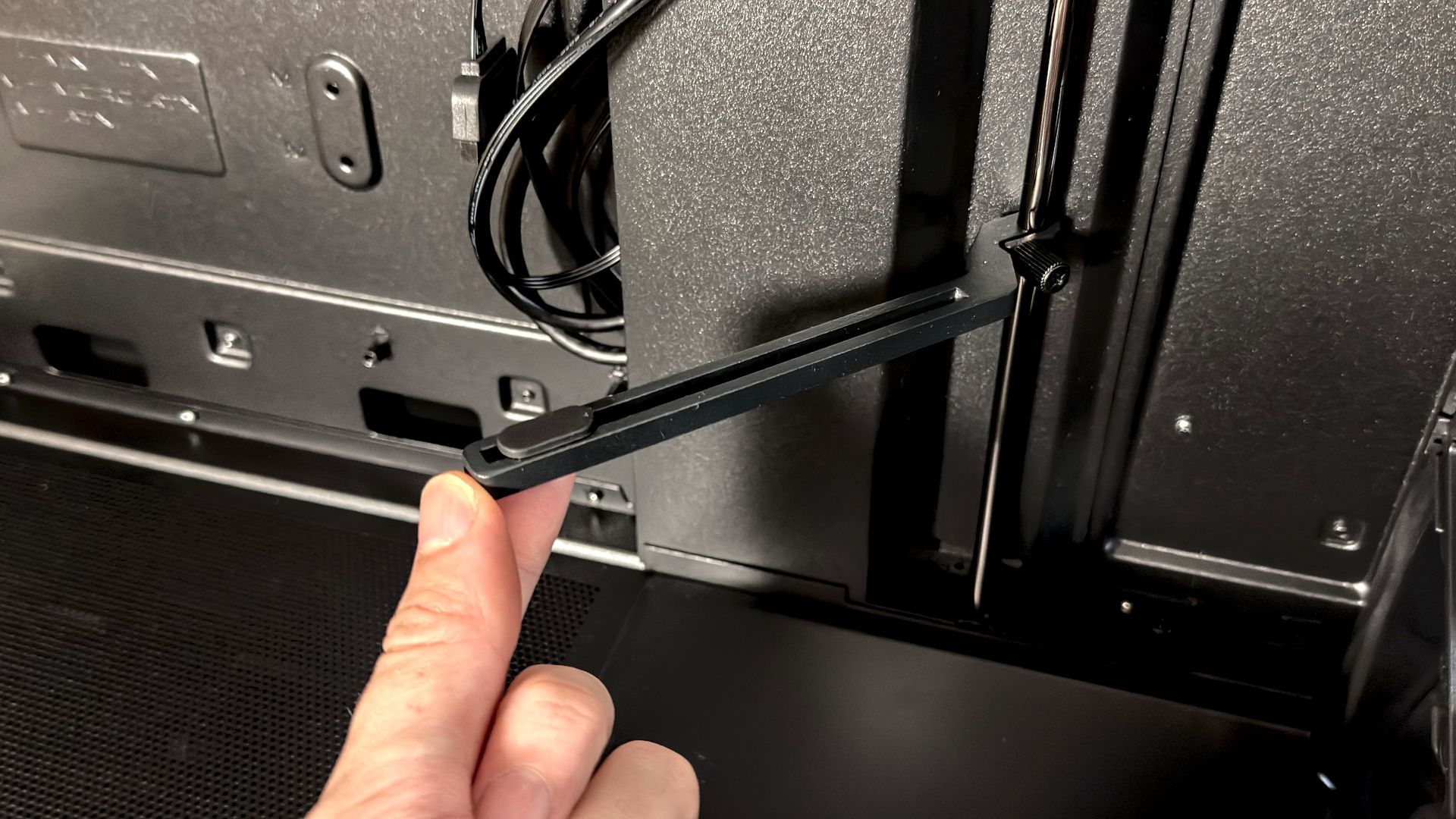
The GPU support bracket is another such feature. These are becoming more and more common with modern PC cases, but Cooler Master is throwing a bone to anyone planning a workstation build here: this thing supports not one, but two graphics cards. It's a swivelling design, which is slightly to its detriment as it only really has one axis of movement and not a lot of leeway, but it's easy to remove if not required.
Cooler Master HAF II 500 - Installation
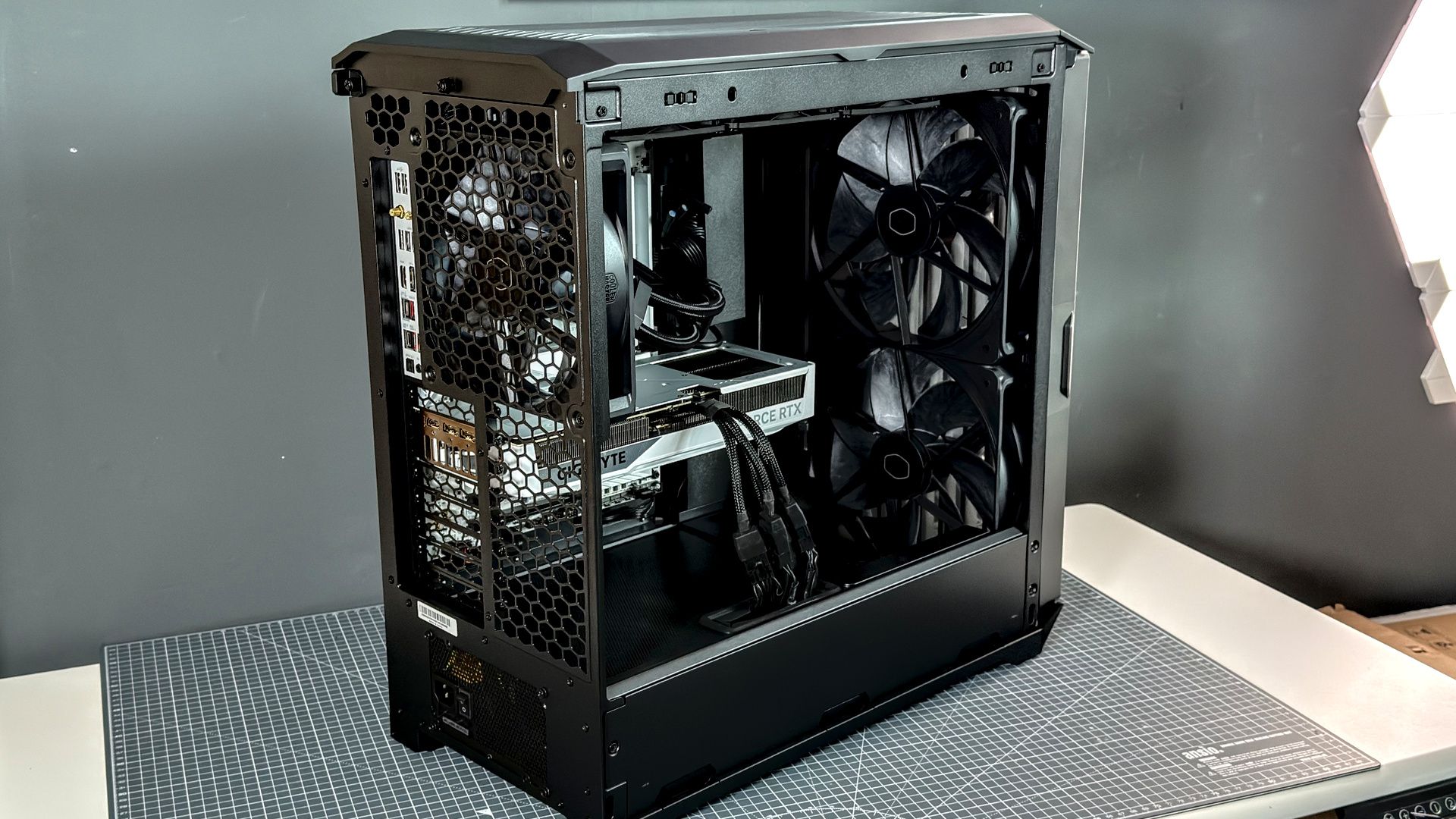
With enough space to park a small family car in this thing, it's no surprise that the HAF II 500 is a very easy case to build in. That's in large part due to its capacious size. There are few compatibility issues to worry about here, with bountiful room above, below, behind, and besides the motherboard tray. Ample room for liquid cooling up top, or an air cooler of any size over the CPU. There's a lot of space under the power supply shroud—including for a couple HDDs or SSDs—and even the fans are preinstalled to make life easier.
You can more or less begin building right away, though I'd start by ripping out the storage bays behind the PSU shroud for an easier time of it.
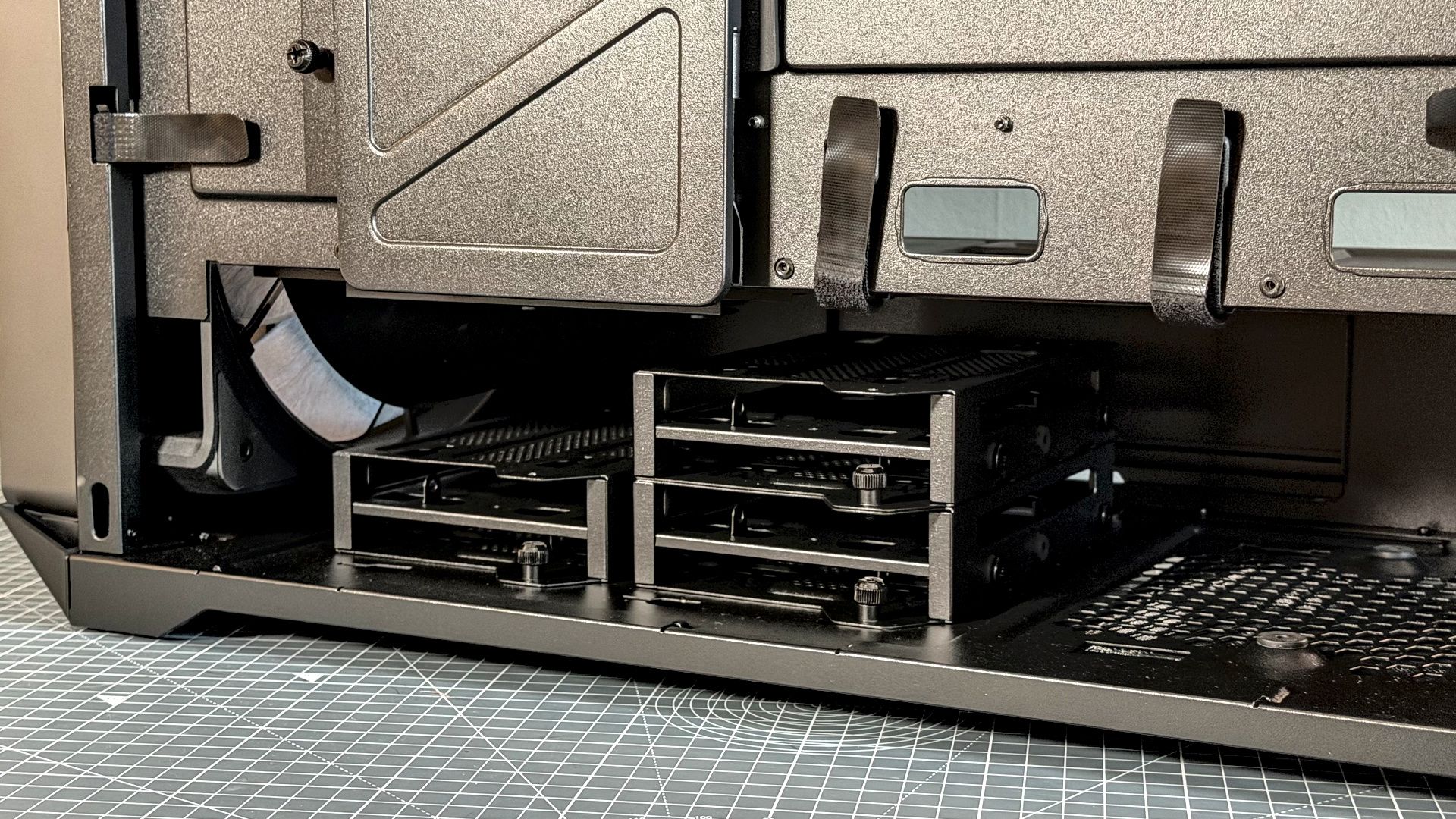
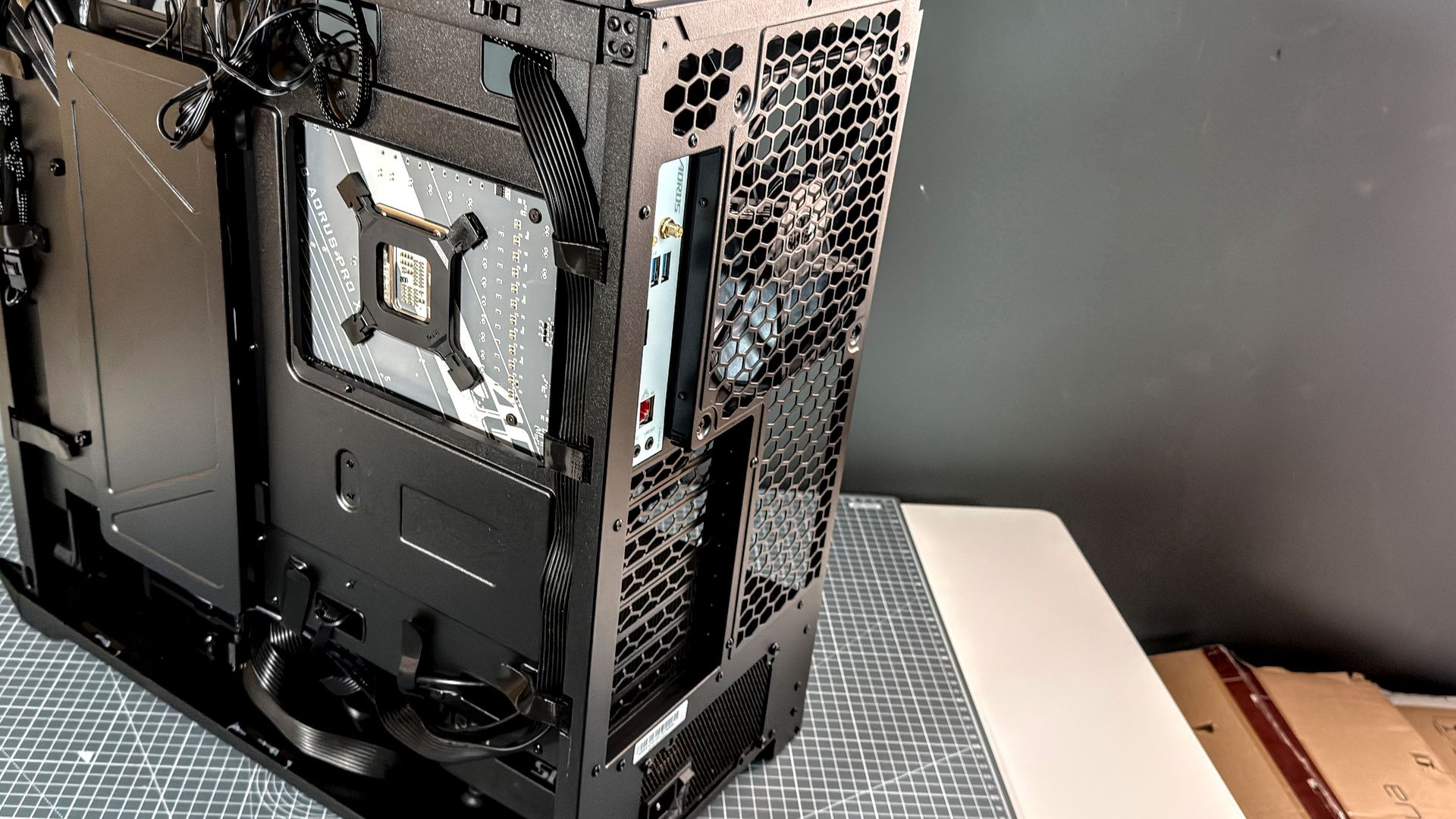
It may have a pretty traditional layout, but the cable management in the HAF II 500 is anything but. It offers what I would call the 'set and forget' style of management, in that you don't have to put much effort in to actually run cables correctly and instead just cover up most of the eventual mess.
It uses a clamshell of metal cable covers: one on the back, one on the front. The rear one is on a hinge, but both can be removed completely. These essentially keep the cable run from the rear to the front in loose order and away from prying eyes. That allows you to be about as lazy as you like without worrying someone will see your horrendous cable management, let alone shame you on the internet about it (don't look too closely at my test build).
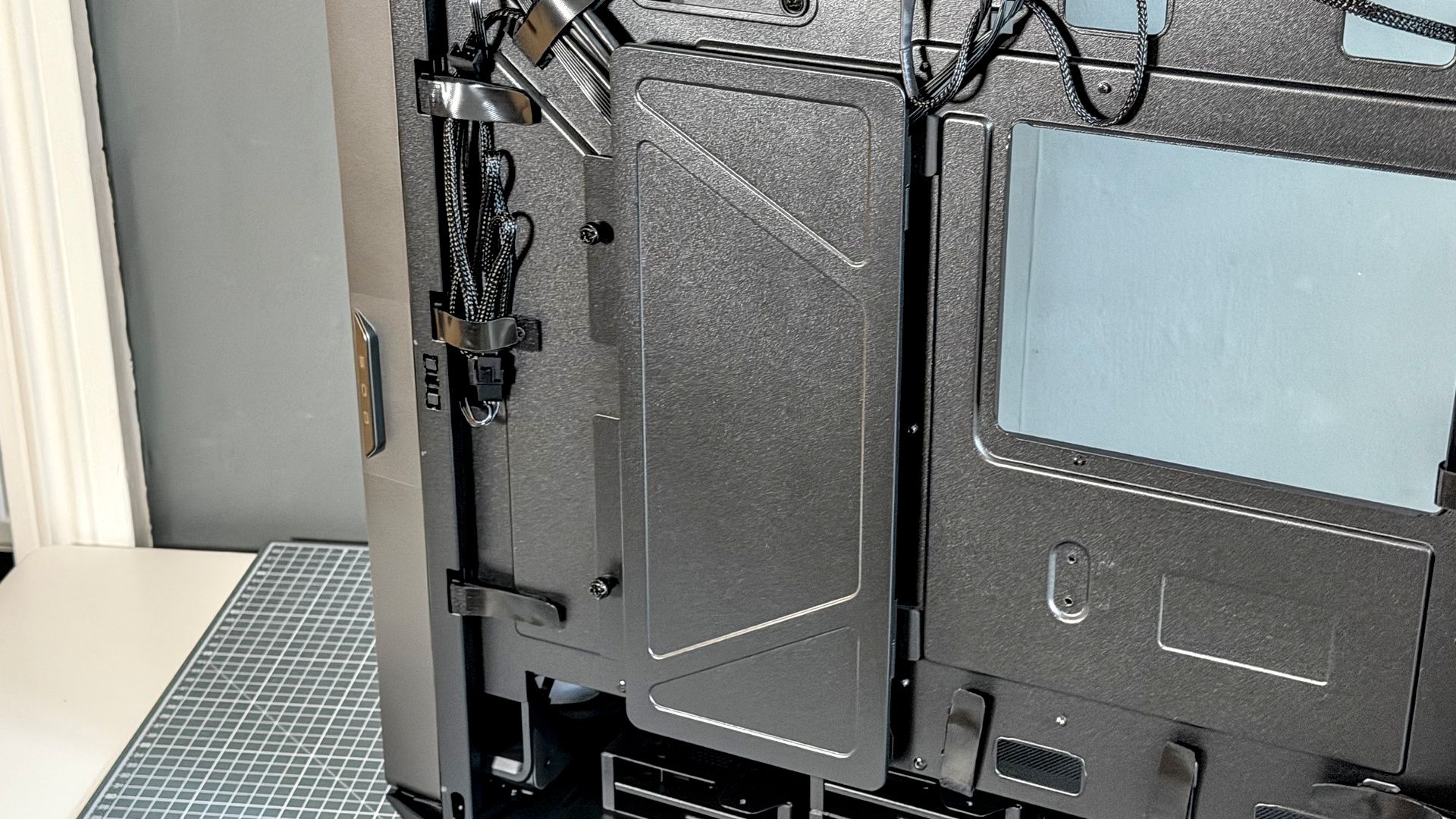
What's neat is that the front cable cover slides left and right, along the same axis as the motherboard tray, which lets me push it nice and snug against the edge of my motherboard and cover up any messing cable protruding out. All except that damned USB 3.0 connector. God, I hate that thing.
My only major complaints with the HAF II 500 are its non-captive thumbscrews with tiny washers that are very easy to lose (I lost one but found it a week later). I'd also like to see a little more adjustability on the actual arm of the graphics card support, as it didn't quite work as I'd like it to with the Gigabyte card in my test build. Oh, and it puts all the screws in one bag together. Clear labels would be better for a newbie builder.
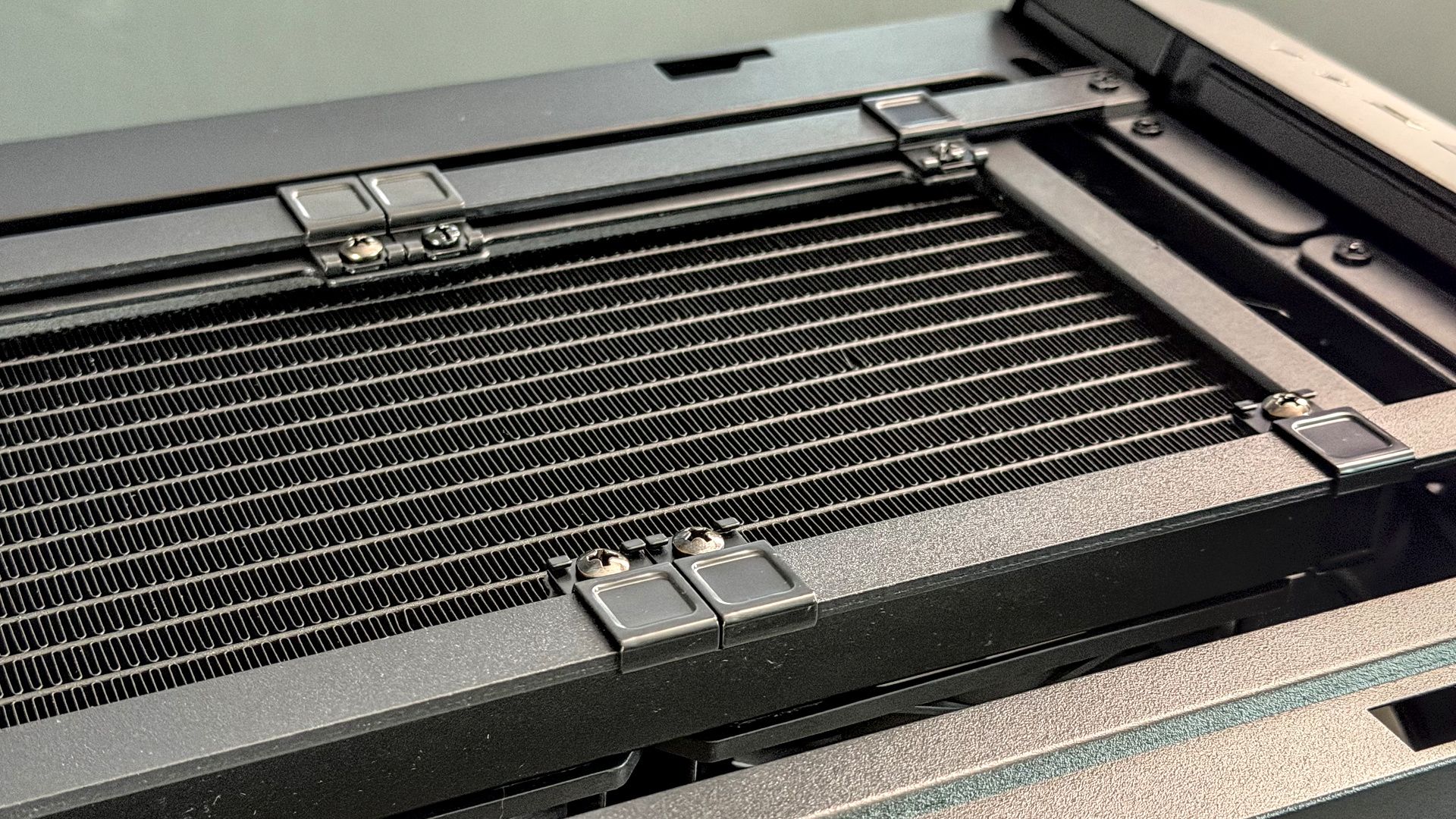
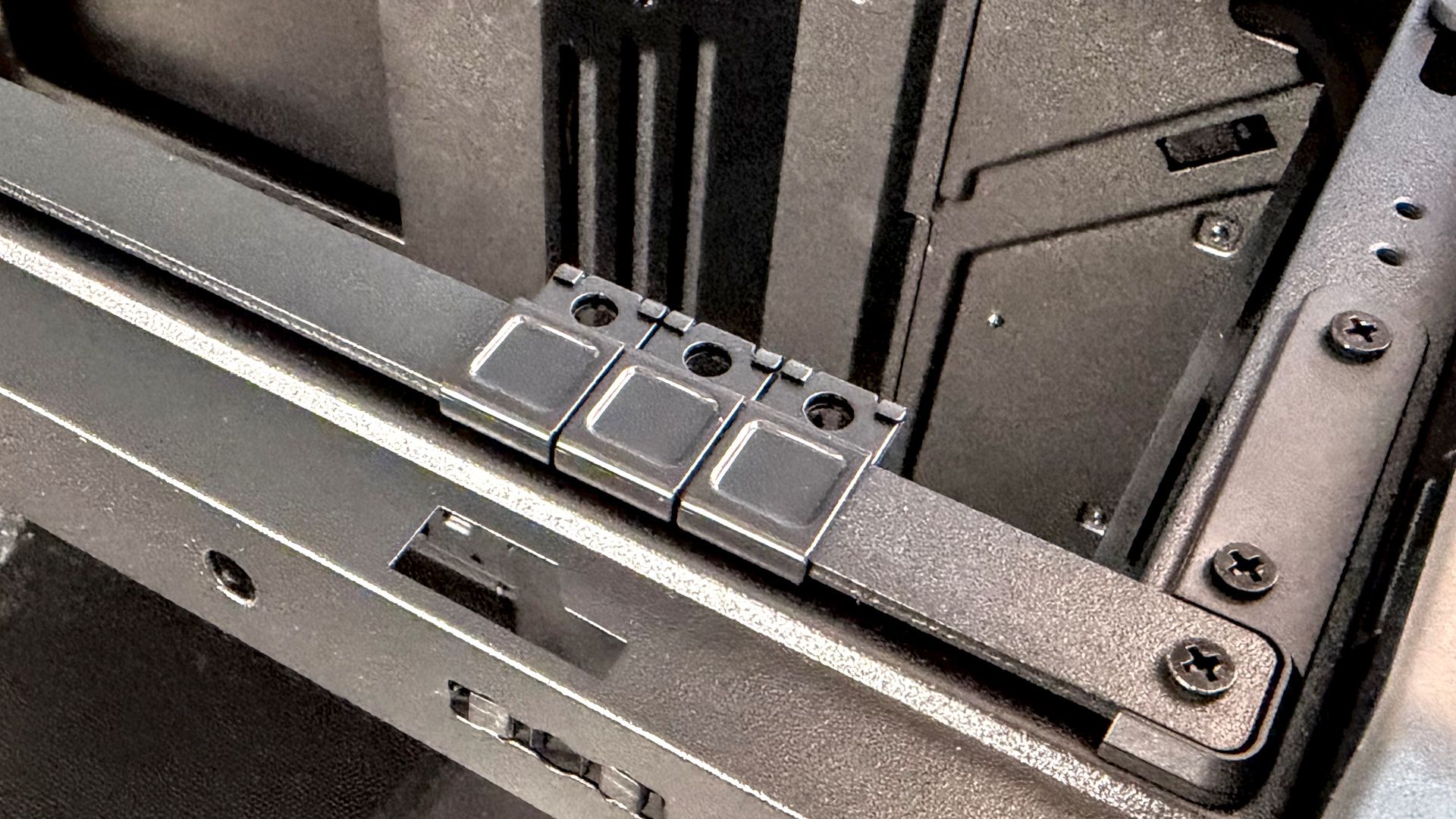
Up top, Cooler Master has rolled out a rail system for varying sizes of radiators, nicknamed MasterRail. Loosen a few screws, move a few sliders, and you can fit anything from 3x 140 mm fans or a 420 mm radiator to twin 180 mm fans. This is also true of the front of the case, but only if you move the rails from the top spot. There's only one set of rails included.
Yes, so, the HAF II 500: plenty of room and cable management made easy.
Cooler Master HAF II 500 - Aesthetics
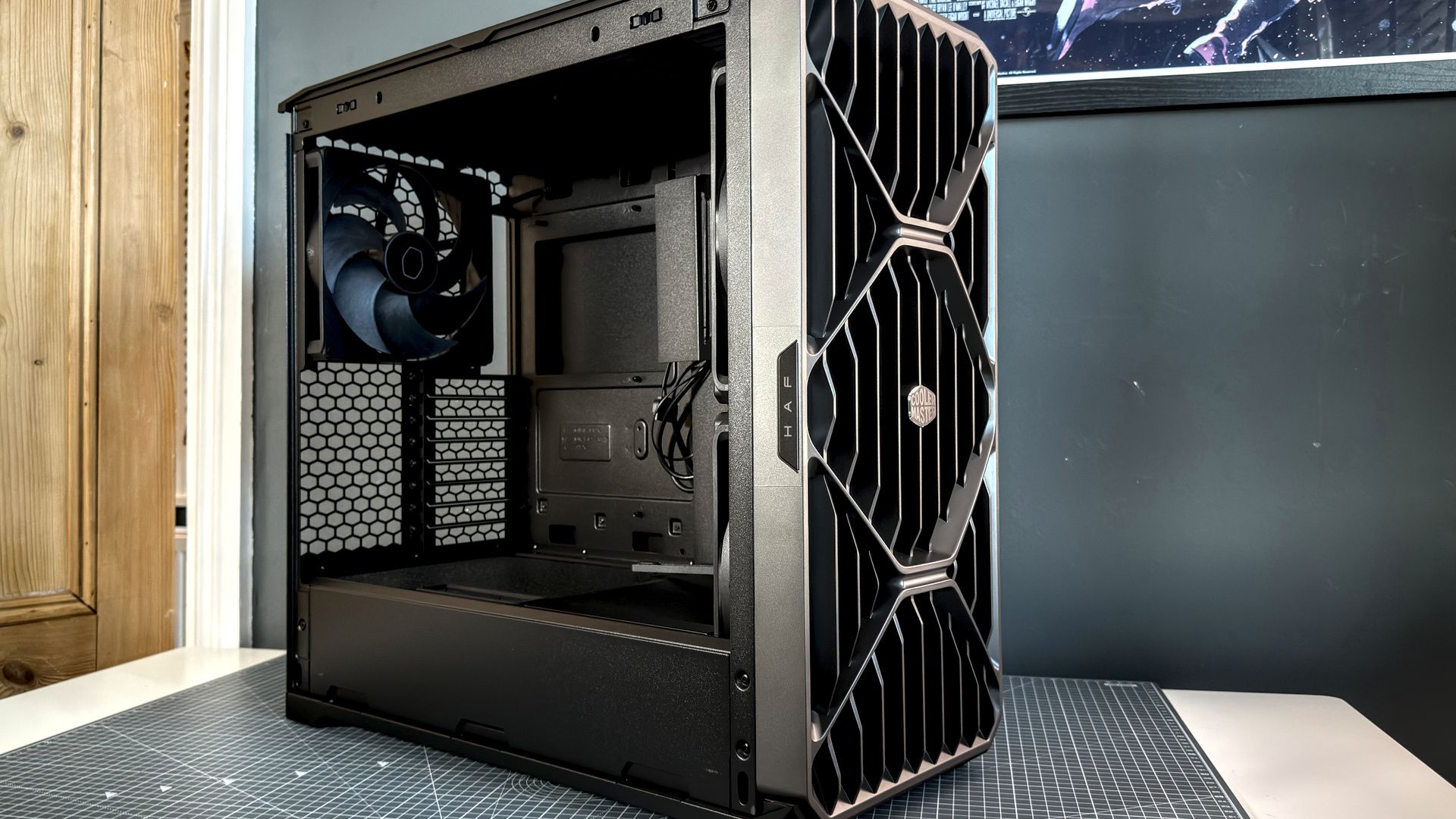
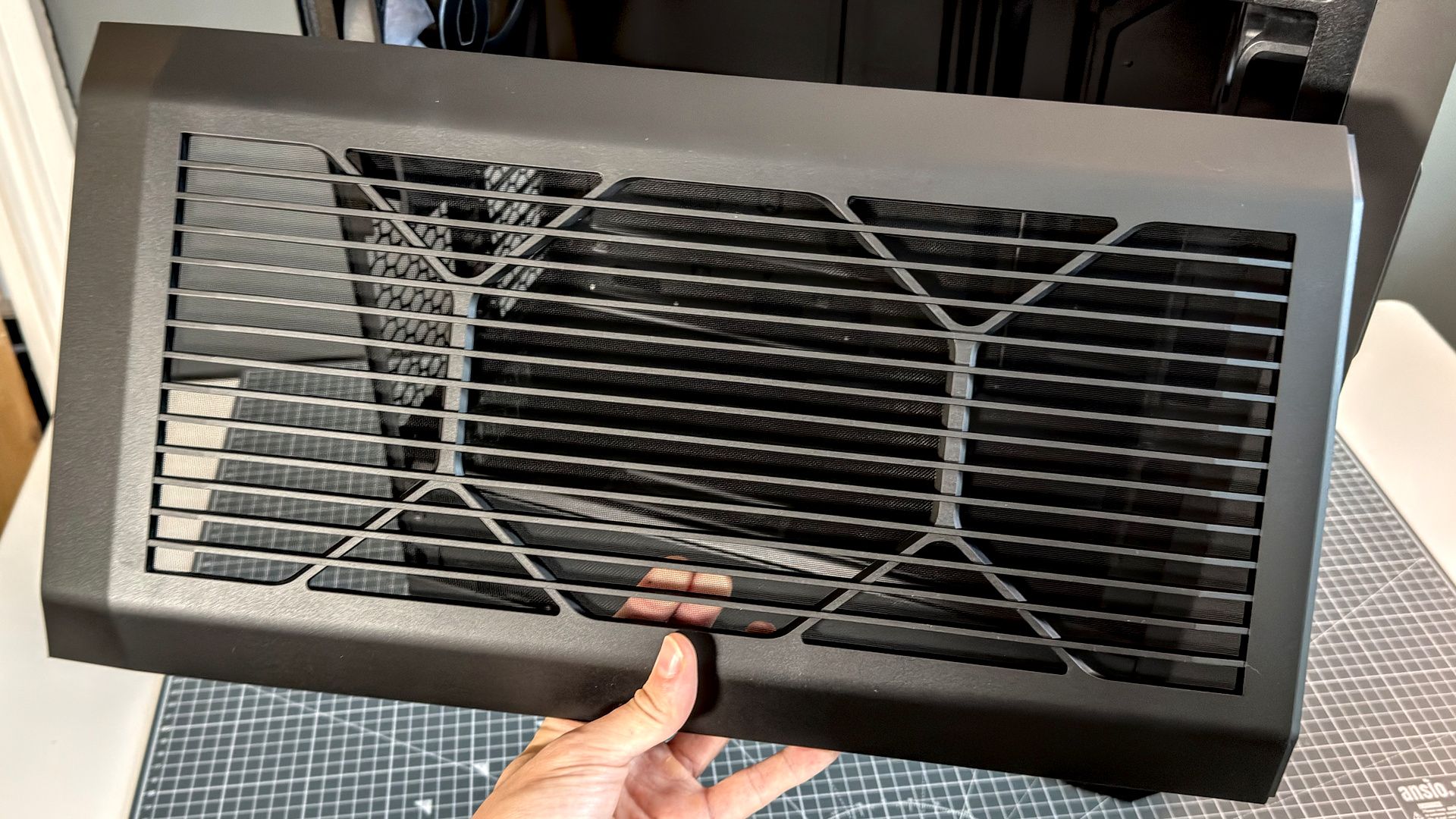
The front panel is the main attraction here. Appearing to be hewn from a single piece of metal, it's actually just polished plastic. I'm a fan of the design. It sounds a bit boring, as from the front it's a couple of straight lines arranged around Cooler Master's usual flattened hexagon, but little flourishes bring it all together. Like the HAF logo that sticks out from the tempered glass side panel.
Nevertheless, I think it'd be fair to say that Cooler Master isn't pushing the boat out too far in terms of appearance here.
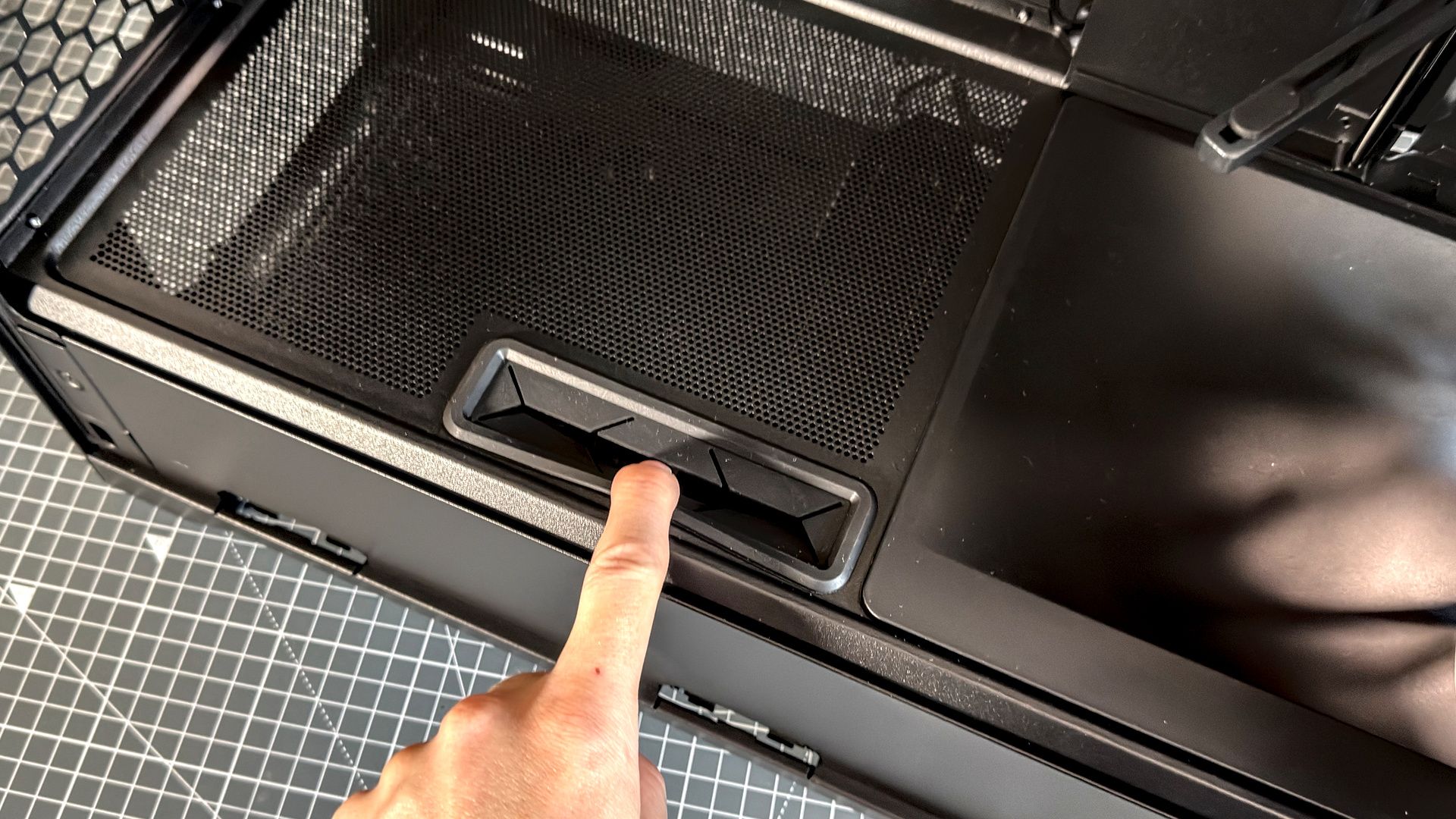
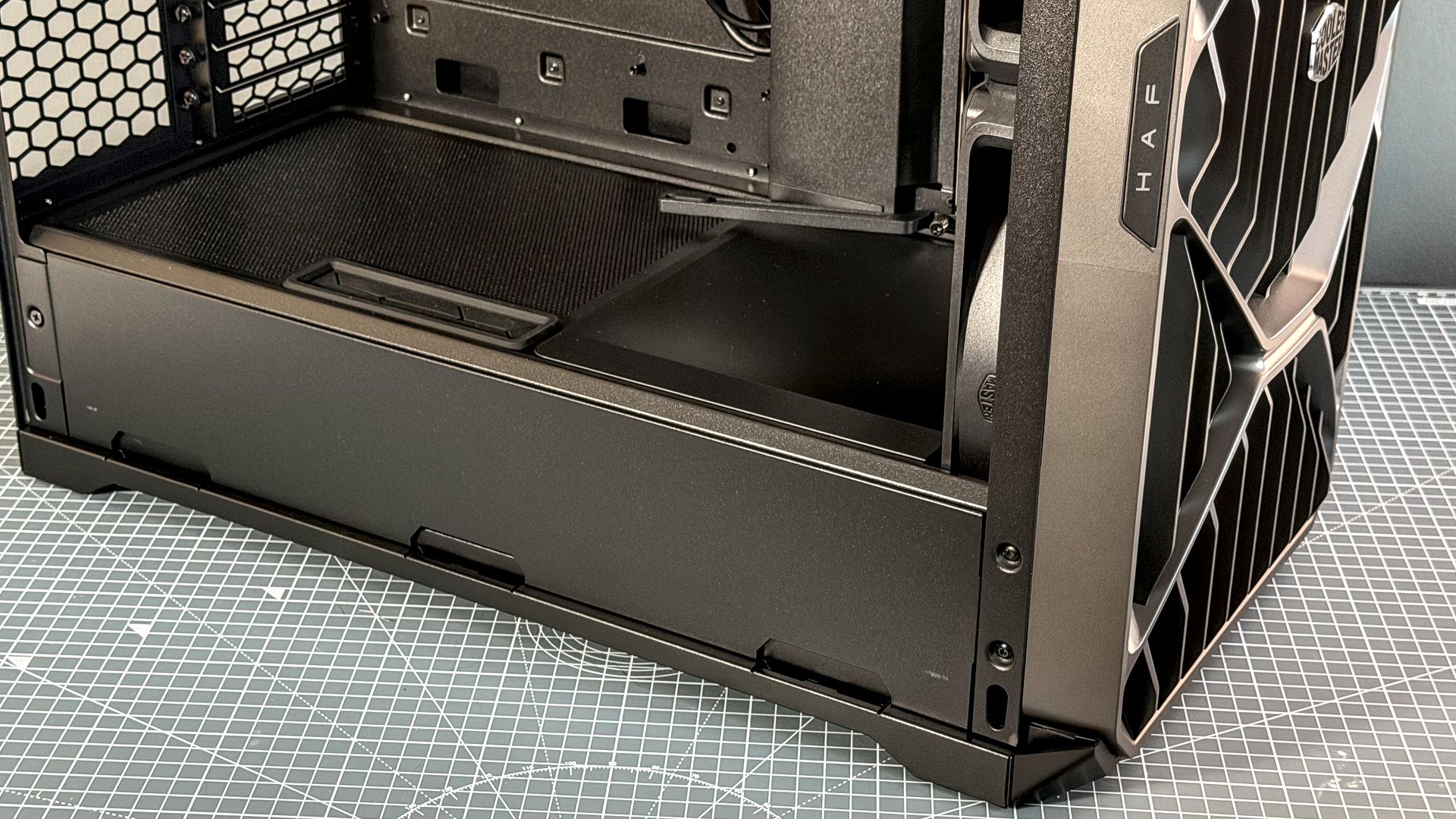
The cable management keeps any build in this case looking clean, and none more so than the cutout above the PSU shroud. That keeps any cable runs to the power connectors on a graphics card looking clean, which is surprisingly overlooked in many cases.
Finally, the plastic is a little rough around the edges. It looks clean and I guess that's what counts in the long-run, but if you take off some panels and feel around the edges, you can sometimes catch a sharp edge.
Cooler Master HAF II 500 - Gallery
Cooler Master HAF II 500 - Thermals
Make no mistake, the HAF II 500 makes no trouble of cooling. The twin 220 mm fans at the front make sure of that. Even holding my hand at the back of the case, below the 180 mm fan as an exhaust, and I can feel the airflow from the front fans—that's a good sign that the air is flowing through the case, and not straight out the top.
Its three fans reach a loud whirr at 100% speed—50 dB(A) from 50 cm away—but once I turned them down to a steady 70% in the BIOS, that figure dropped by a whopping 5 dB(A). The good news here is that I measured temps at both speeds and 70% was more than enough to keep my Intel Core i5 14600K and RTX 5070 Ti at near-enough the same temps as full whack.
While running 3DMark's Speedway benchmark on repeat, I measured the following in HWInfo:
At 100%
- GPU: 70 °C
- CPU: 35 °C
At 70%
- GPU: 71 °C
- CPU: 35 °C
I stuck my anemometer in the case to see if the dust filter and front panel have much affect on the airflow from those fans. Not out of any particular concern for airflow—this thing has plenty to spare—but I'm just curious. Here are the results:
- 2.3 m/s with front panel/dust filter
- 2.8 m/s without front panel/with dust filter
- 2.6 m/s with front panel/without dust filter
Cooler Master HAF II 500 - Value
It all comes down to cold, hard cash. The Cooler Master HAF II 500 should be a good investment simply for the huge amount of airflow delivered by those massive fans at the front. That cuts out any extra costs for cooling, and you can likely save some money with an air cooler and still see excellent performance.
Though there's no denying that $200/£250 is on the high side for a traditional PC case such as this. The HAF II 500 is also not the only option around for high airflow. The Havn BF 360, which I mentioned at the top of this review, comes with similarly large 180 mm fans for $180/£170. If you want something much more affordable, the Phanteks Eclipse G400A gets you four big fans for nearly half the price. Though compared to the Antec Flux Pro Noctua Edition, the HAF II 500 looks a much better deal.
There's definitely a case to be made for the Cooler Master, and the inclusion of three mighty fans and a fan hub help to justify the price tag.
Sumber: PC Gamer