Device

Saya menerapkan DLSS 5 pada game Miku Hatsune pilihan saya, dan saya punya beberapa penyesalan

๐Ÿ“ฐ PC Gamerโœ๏ธ Jess Kinghorn๐Ÿ“… 1 jam lalu๐Ÿ‘ 3 views

๐ŸŒ Konten masih dalam Bahasa Inggris. Terjemahan sedang diproses.
Saya menerapkan DLSS 5 pada game Miku Hatsune pilihan saya, dan saya punya beberapa penyesalan

For the time being, DLSS5 is only officially available via Nvidia's 50-series cards. The company has said in the past the neural rendering tech will eventually come to 40-series cards too, but I simply couldn't wait. Having now witnessed multiple passes of the upscaling tech applied to my anime-style game of choice, I have some regrets.

To be clear, the only way to get DLSS5 working with my Nvidia RTX 4070 Super is through completely unofficial means. You can scour the internet for the files you need, though there are some software options that automate the process.

For this unholy experiment, I used DLSS5 Manager and went to town with its adjustable 'Live Flow' function.

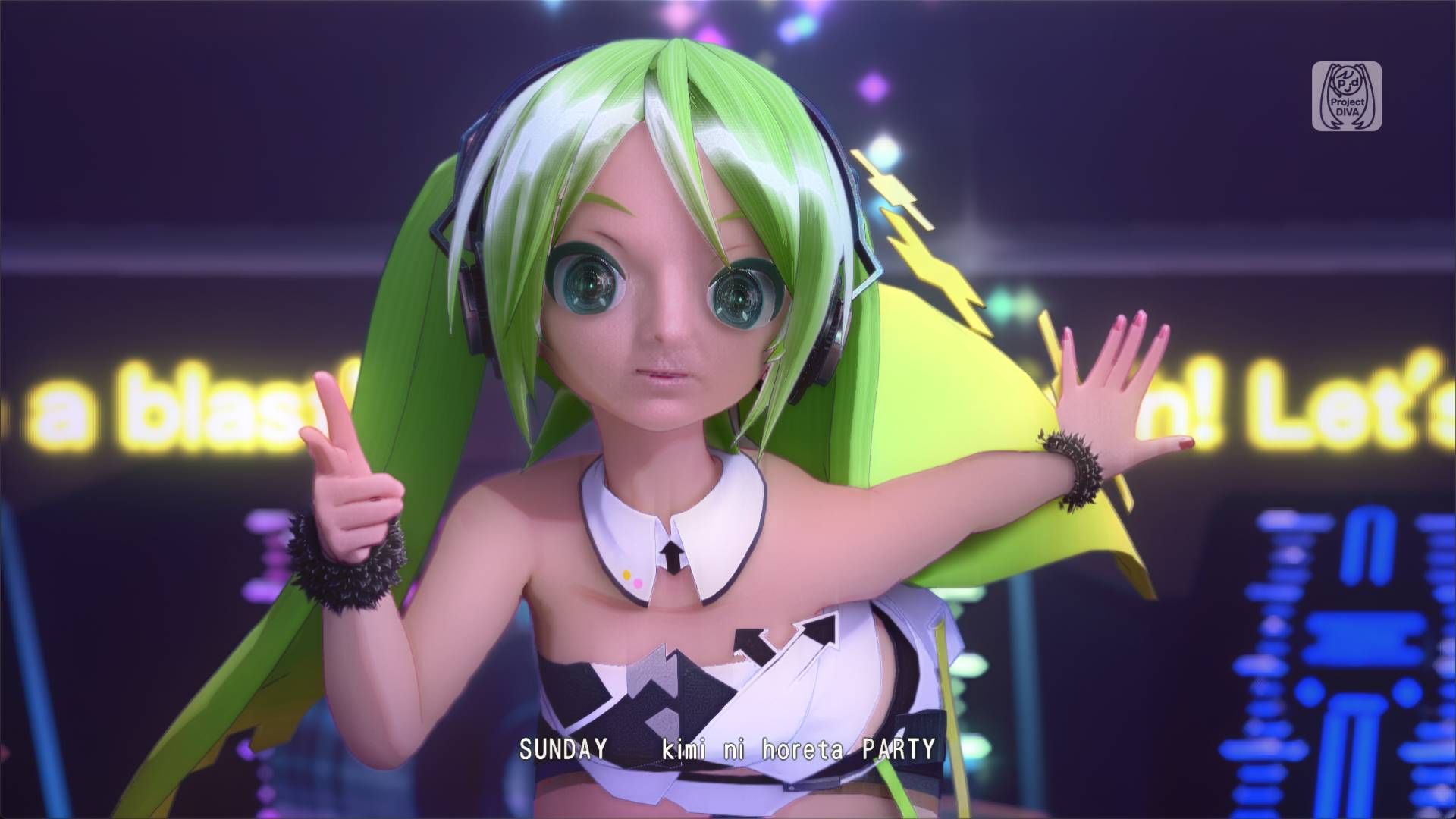
My game of choice for this unsanctioned exercise is Hatsune Miku: Project Diva Mega Mix+. This game has an anime-adjacent art style that DLSS 5 has no business upscaling, but I'm not letting that stop me. Before finagling a way to apply DLSS5 to this game, it ran at a fairly solid 60 fps (though that's a best case scenario largely dependent on which song you're playingโ€”if you're a Project Diva sicko, you know what I mean).

With Live Flow active, my frame rate tanked to the point that pressing timed button prompts became almost impossible.

Thankfully, Project Diva lets you watch all of its music videos without the rhythm mechanics getting in the way to remind you that you've got no sense of timing to begin with. From the main in-game menu I selected 'Custom Playlists,' composed a music video running order, and then headed off to the deepest pits of neural rendering Hell.

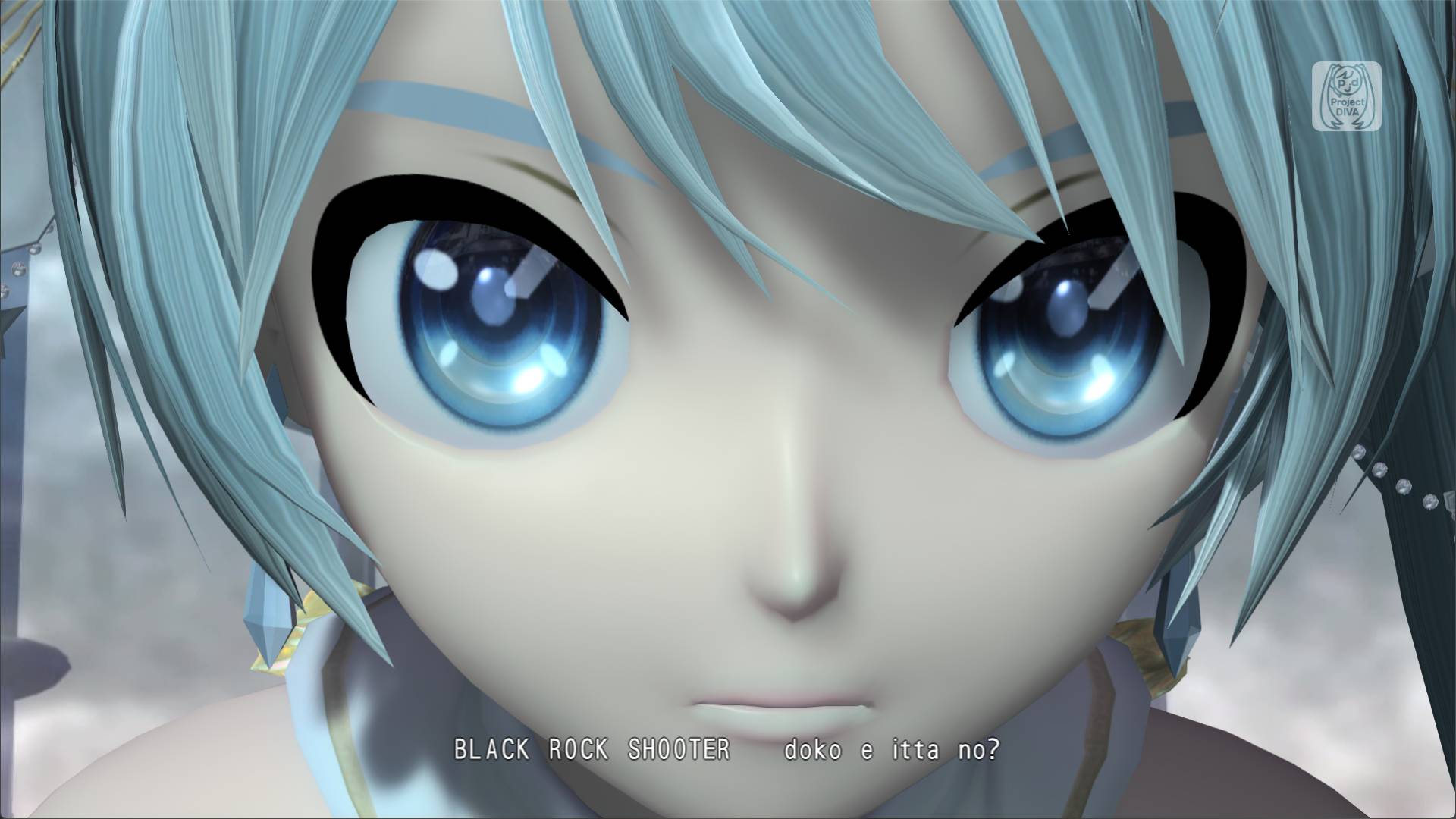
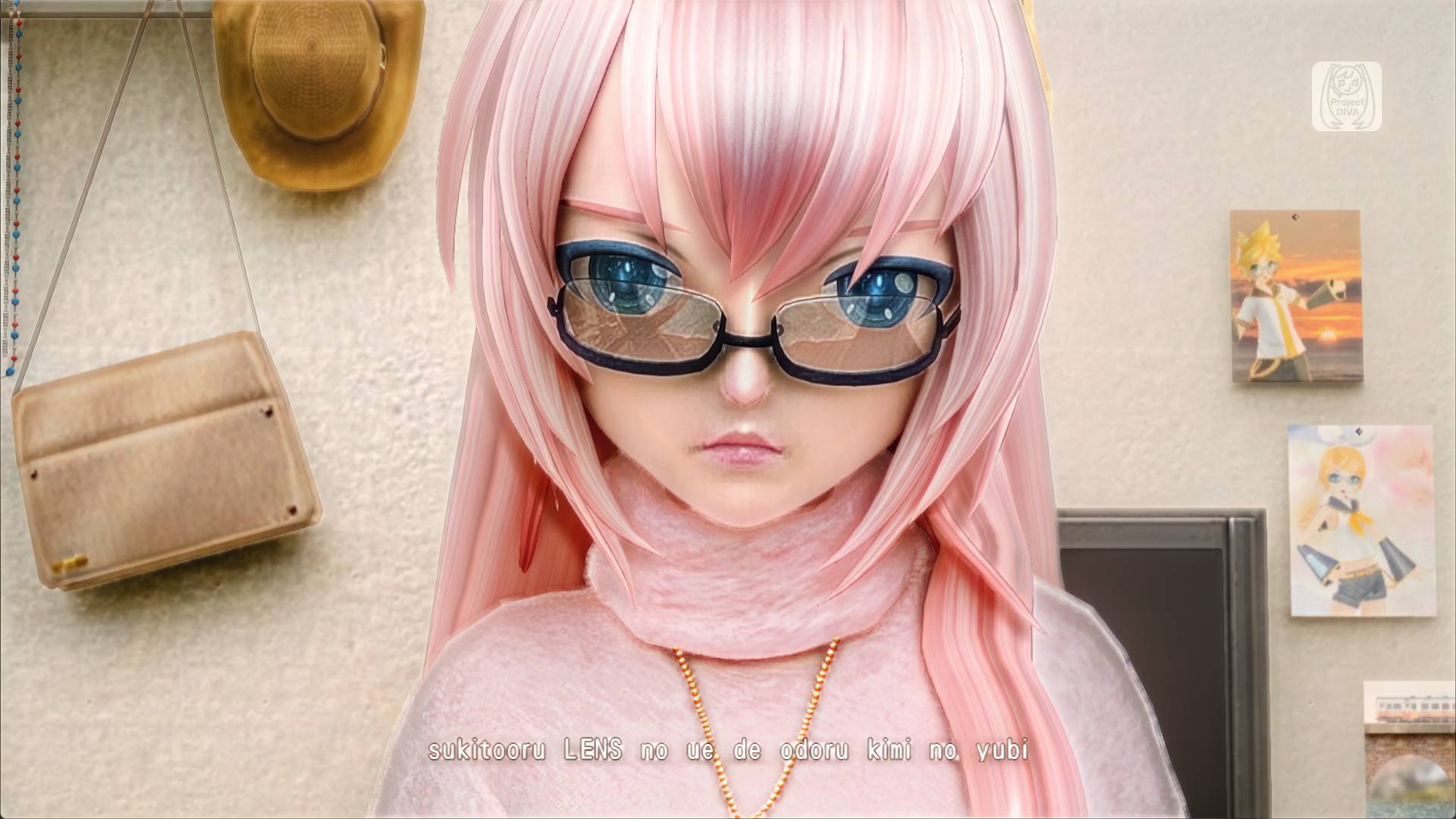
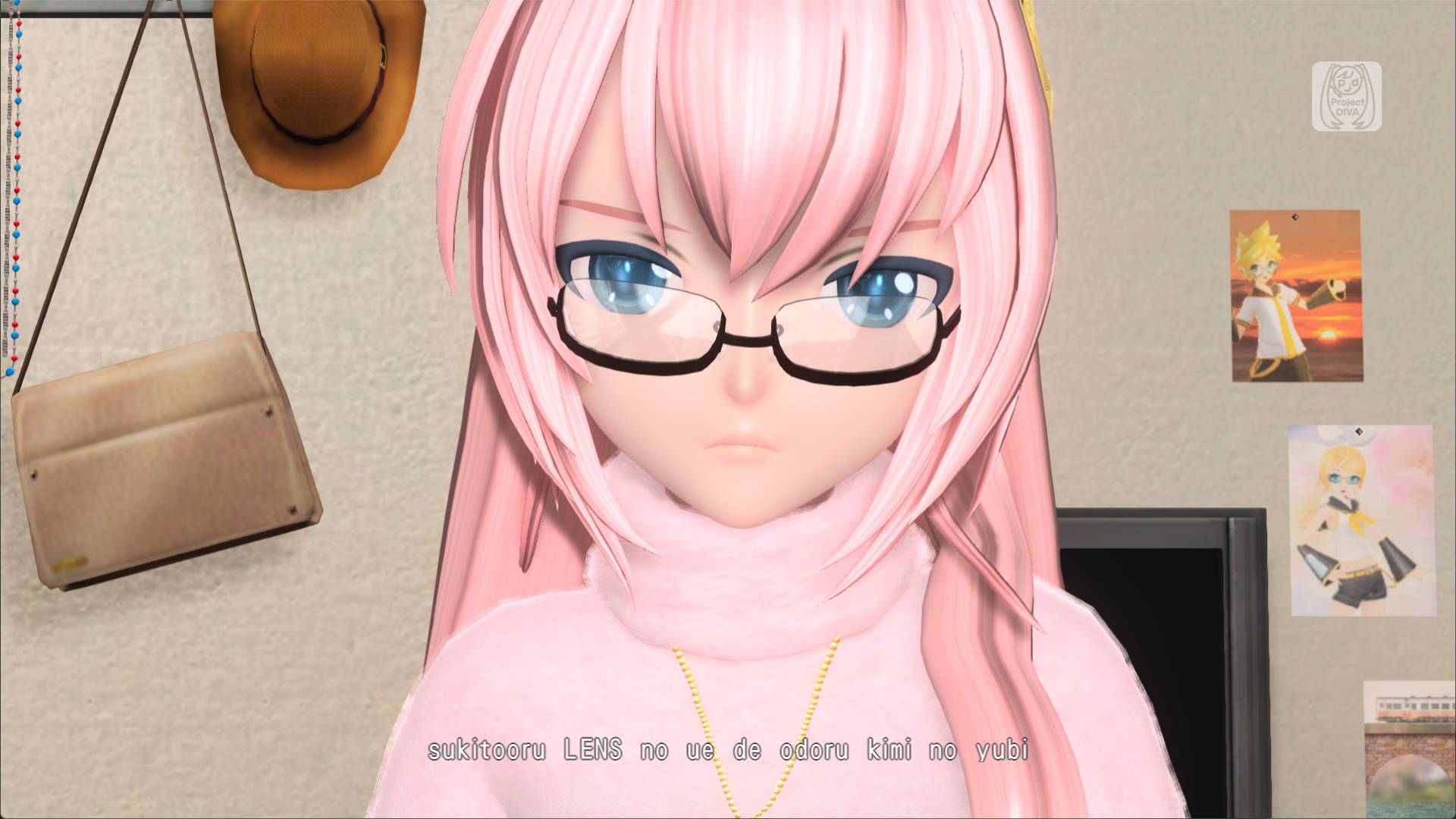
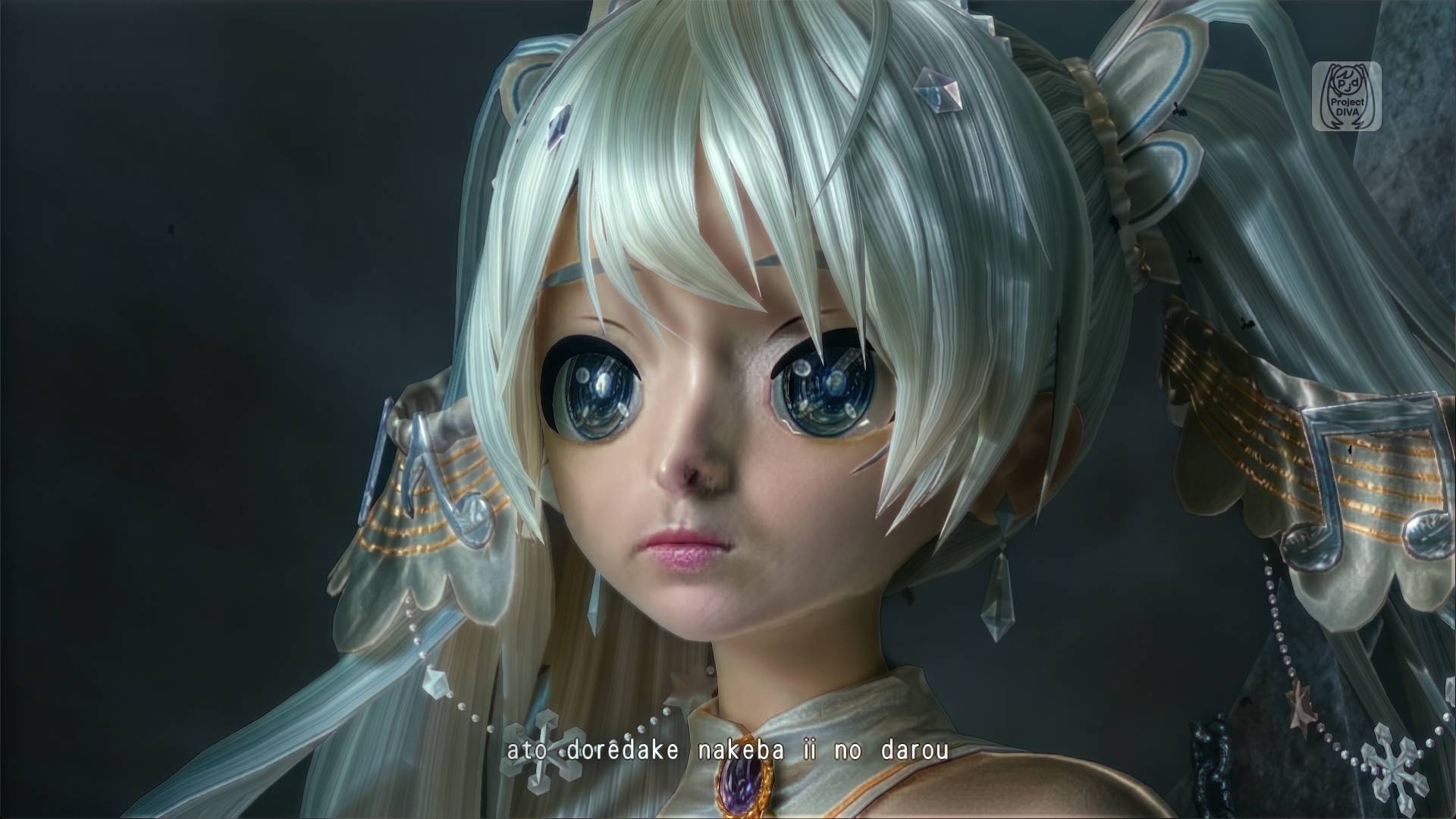
Oh, I have such sights to show you. Take a look at some of my comparisons below.

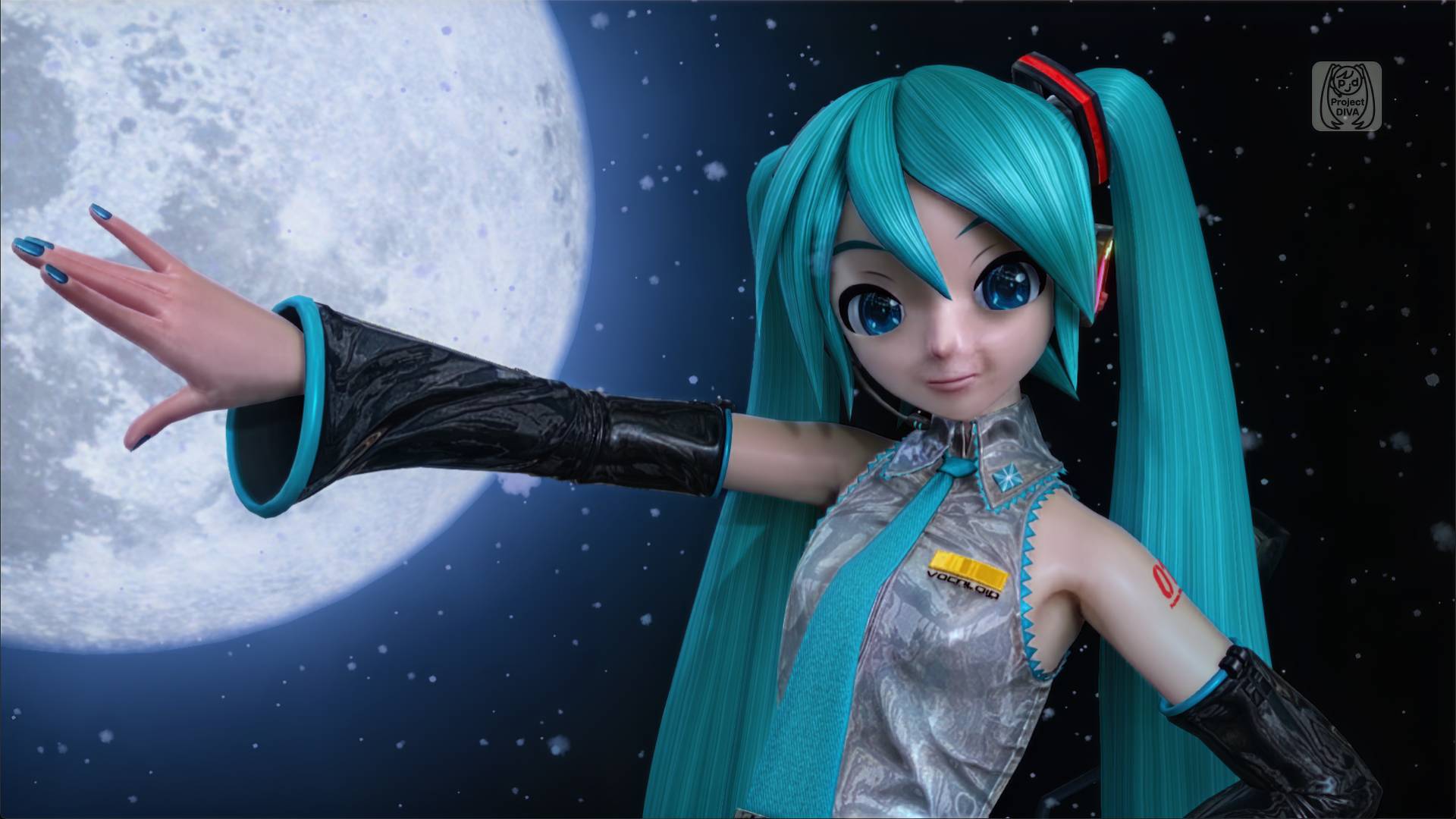
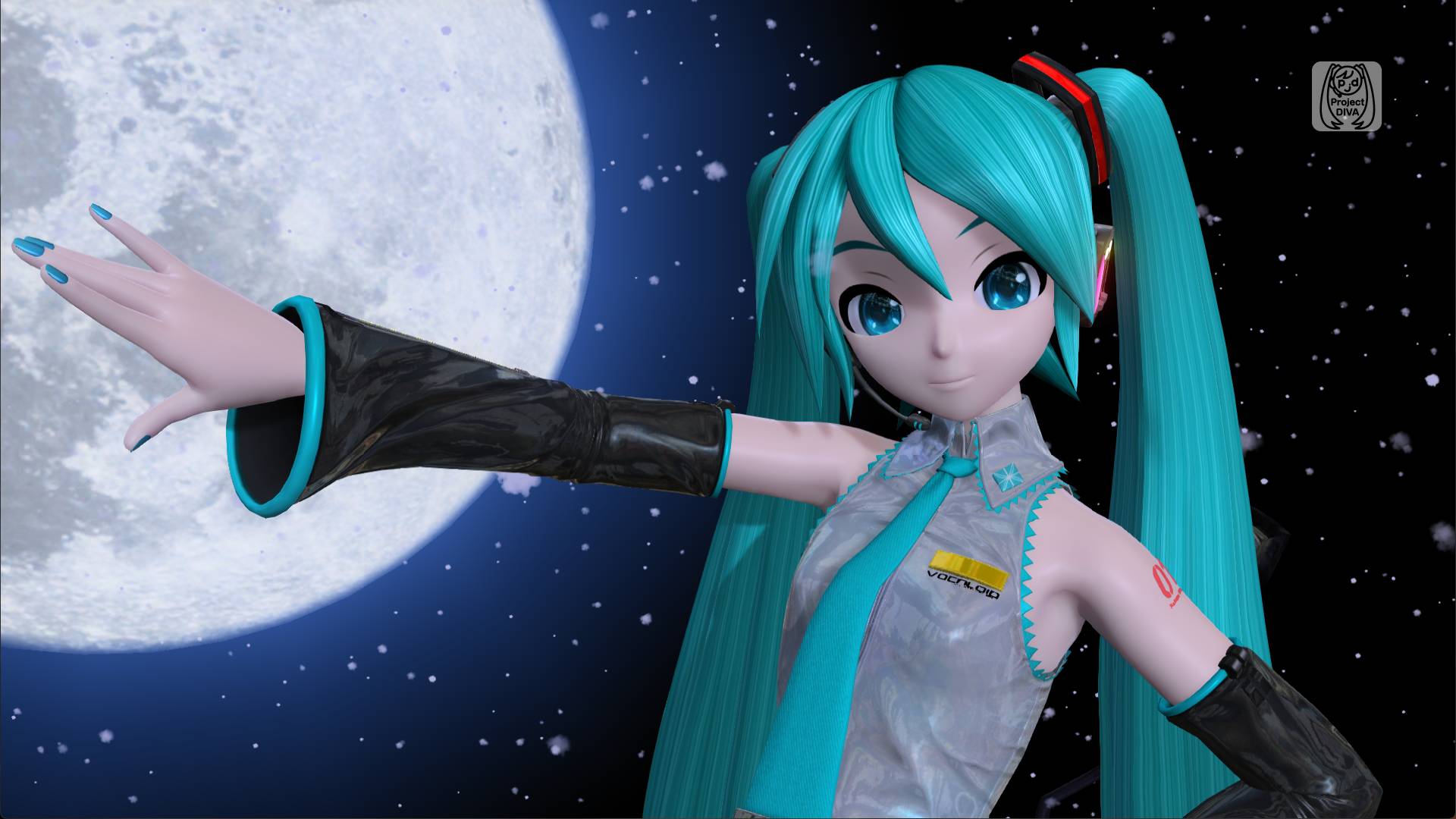
Hatsune Miku: Project Diva Mega Mix+ DLSS 5 mod comparison
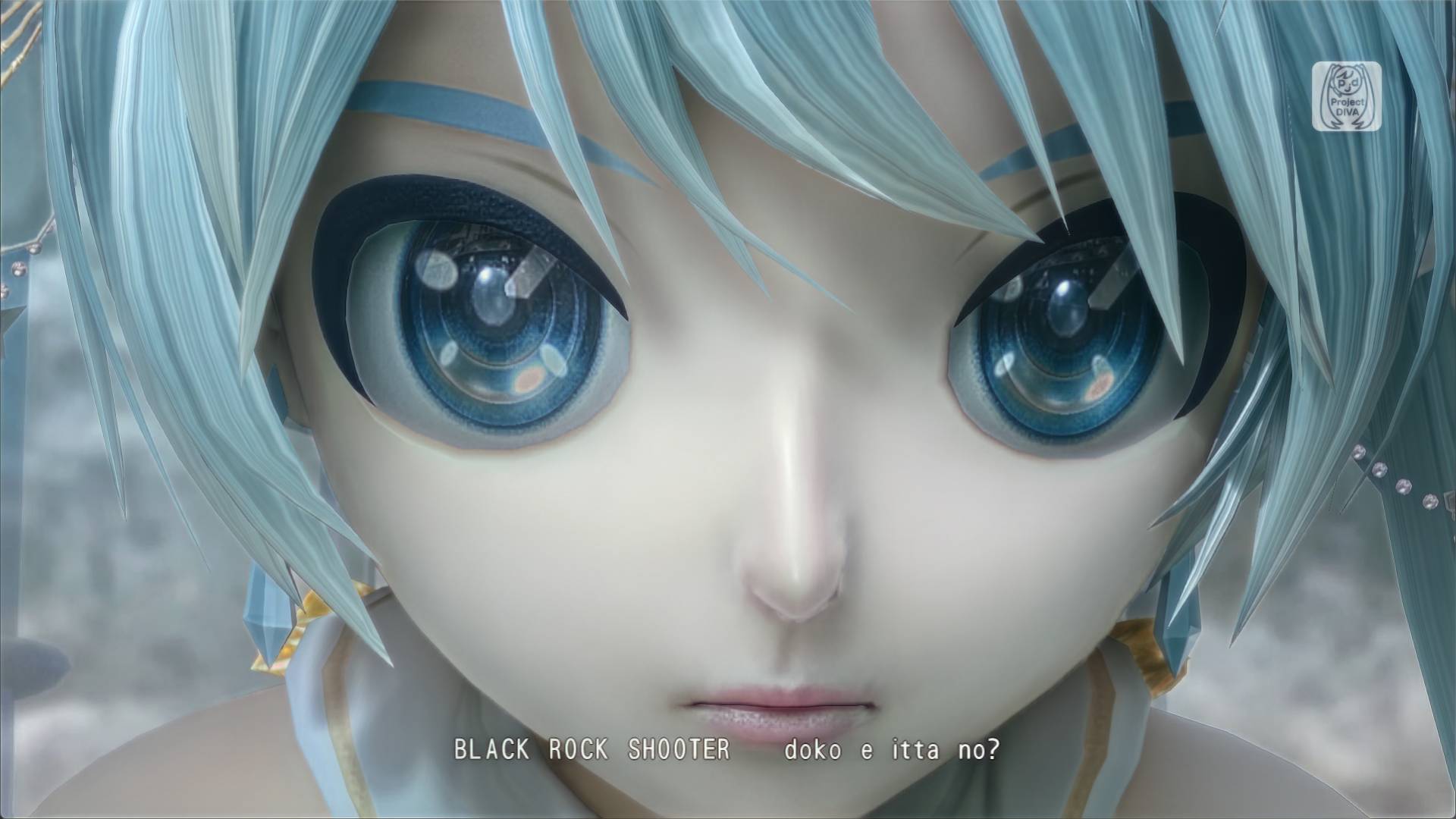
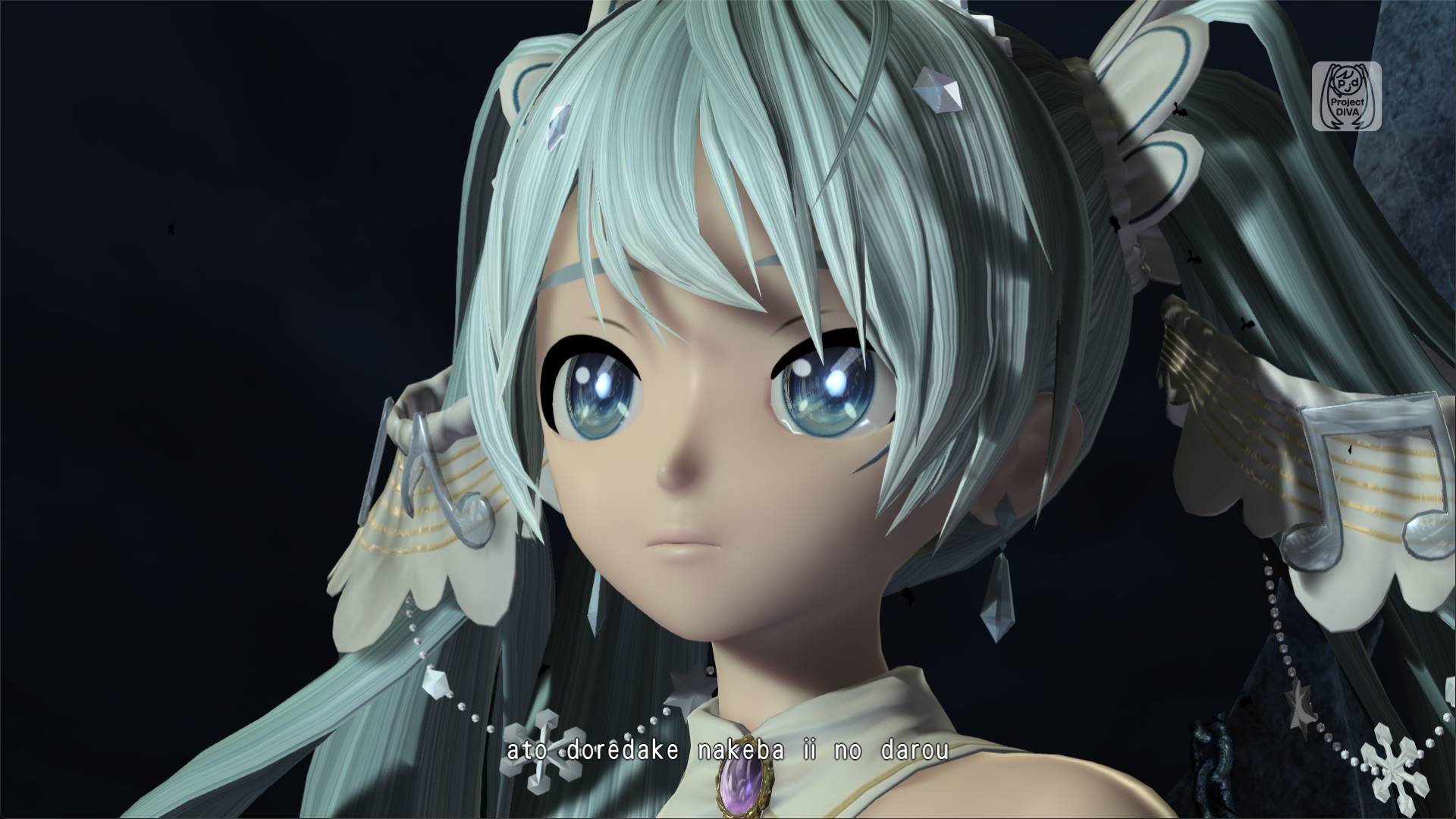
A close up of Miku Hatsune's face with the DLSS 5 mod onA close up of Miku Hatsune's face with the DLSS 5 mod off
Brand Logo
DLSS 5 off
DLSS 5 on
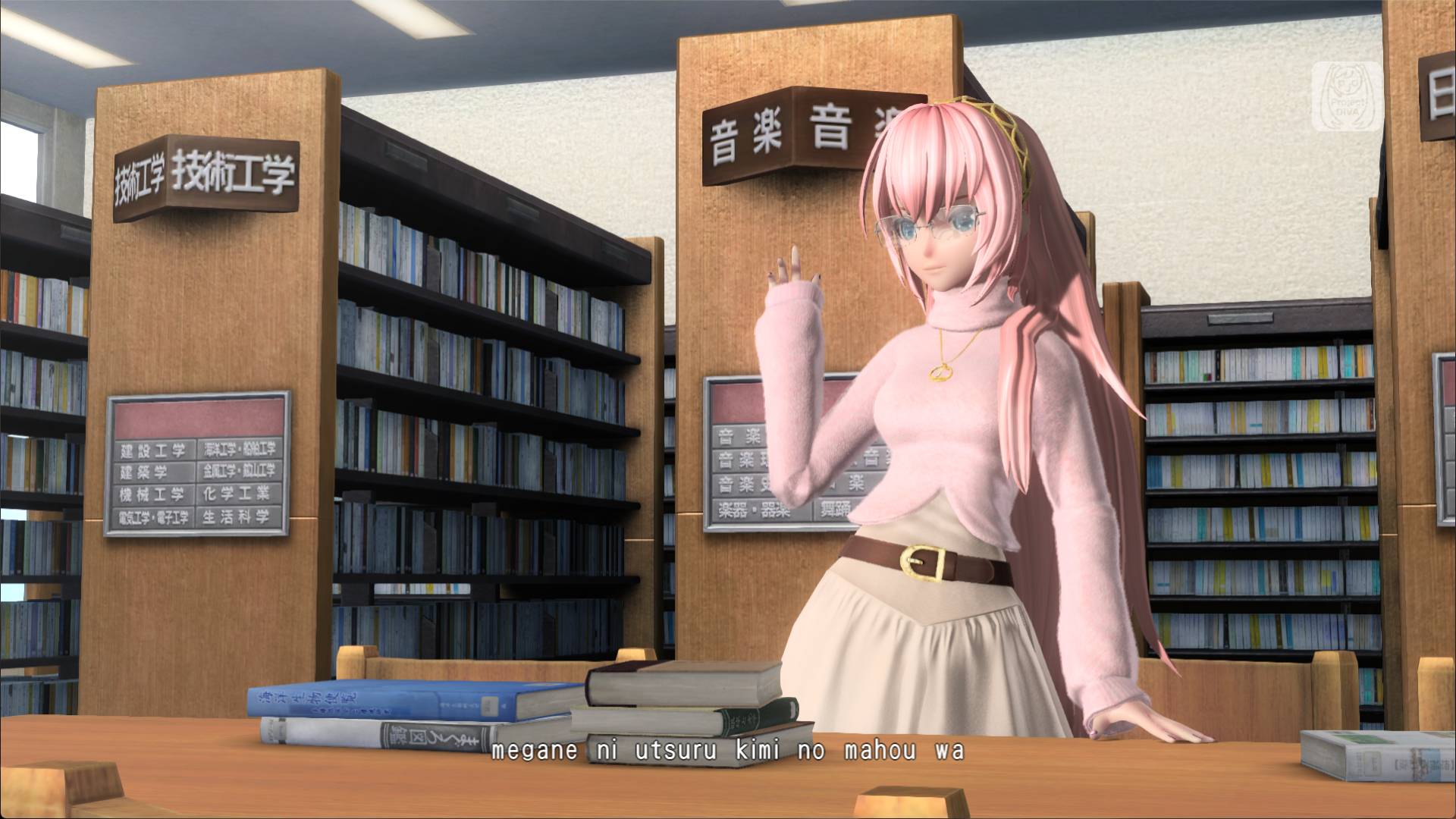
A close up of Luka Megurine's face with DLSS 5 onA close up of Luka Megurine's face with DLSS 5 off
Brand Logo
DLSS 5 off
DLSS 5 on
A close up of Miku Hatsune's face with DLSS 5 onA close up of Miku Hatsune's face with DLSS 5 off
Brand Logo
DLSS 5 off
DLSS 5 on
A shot of Luka Megurine with DLSS 5 onA shot of Luka Megurine with DLSS 5 off
Brand Logo
DLSS 5 off
DLSS 5 on
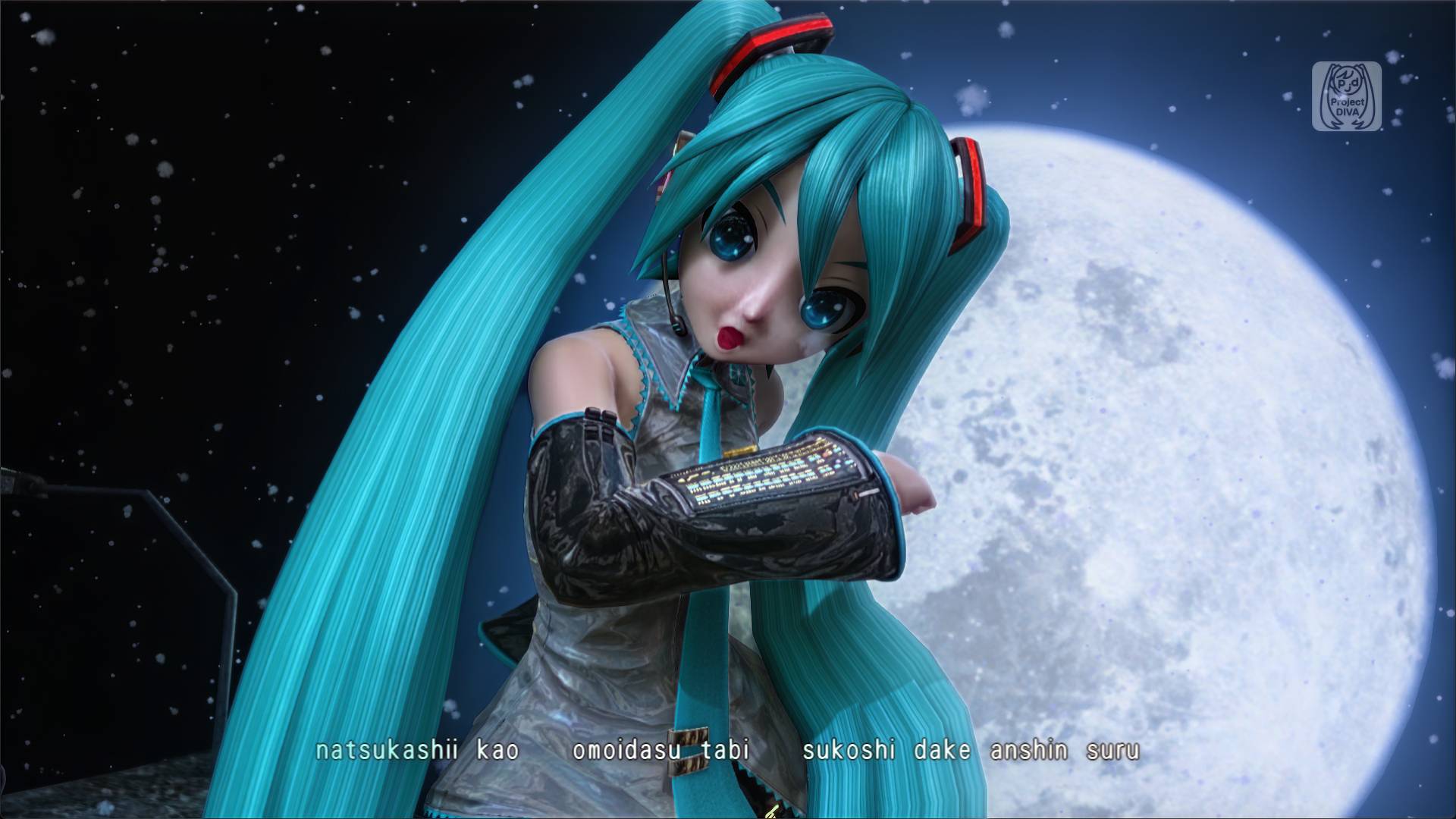
A close up of Miku Hatsune with DLSS 5 onA close up of Miku Hatsune with DLSS 5 off
Brand Logo
DLSS 5 off
DLSS 5 on
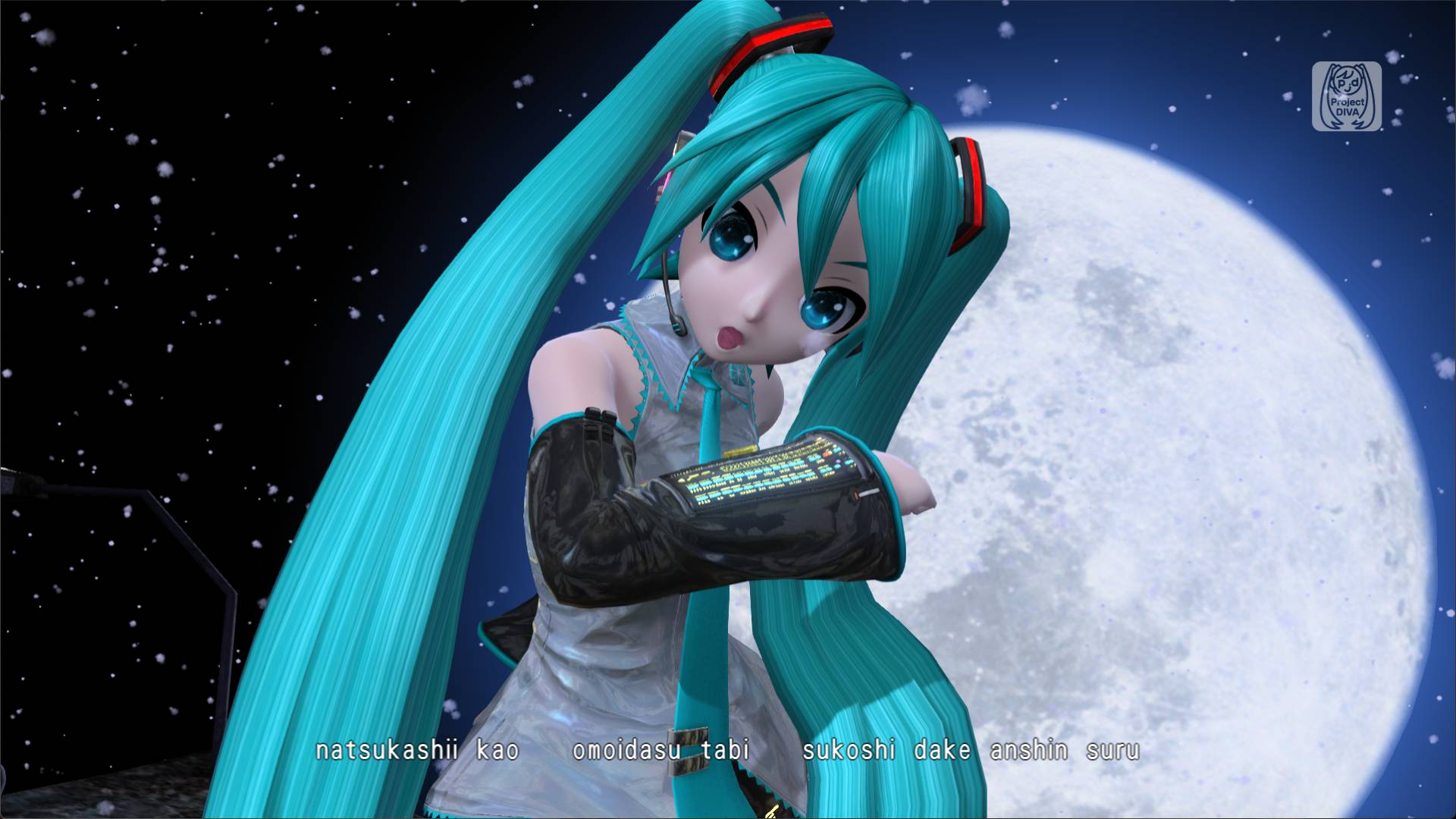
A close up of Miku Hatsune with DLSS 5 onA close up of Miku Hatsune with DLSS 5 off
Brand Logo
DLSS 5 off
DLSS 5 on

Sumber: PC Gamer

Kenapa Memilih Kami?

โšก

Proses Instan

24/7 otomatis

๐Ÿ’ฐ

Harga Termurah

Harga bersaing

๐Ÿ”’

100% Aman

Refund jika gagal

๐Ÿ“ƒ

Terlengkap

Beragam produk

๐ŸŽ

Cashback

Setiap pembelian

๐Ÿ’ณ

Multi Payment

Banyak metode

๐Ÿ’ฌ

CS 24/7

Bantuan kapan saja

๐Ÿ“ฌ Newsletter

Dapatkan info promo, produk baru, dan berita terkini langsung ke email kamu.

Kami tidak akan mengirim spam. Kamu bisa berhenti berlangganan kapan saja.

FAQ - Pertanyaan Umum

Temukan jawaban untuk pertanyaan seputar layanan kami

MakerGames adalah platform terpercaya untuk pembelian voucher game, top-up game, pulsa, paket data, token PLN, dan berbagai produk digital (PPOB) lainnya dengan harga termurah dan proses instan.
Pilih produk yang diinginkan, masukkan data yang diperlukan (seperti User ID atau nomor HP), pilih nominal, lakukan pembayaran melalui metode yang tersedia, dan produk akan dikirim secara otomatis dalam hitungan detik.
Kami mendukung berbagai metode pembayaran termasuk transfer bank, QRIS (GoPay, OVO, DANA, ShopeePay, Bank dan lain-lainnya), virtual account, dan saldo deposit.