
Saya tidak peduli apa kata kalian, tombol samping mouse itu untuk copy dan paste (di desktop)
🌐 Konten masih dalam Bahasa Inggris. Terjemahan sedang diproses.
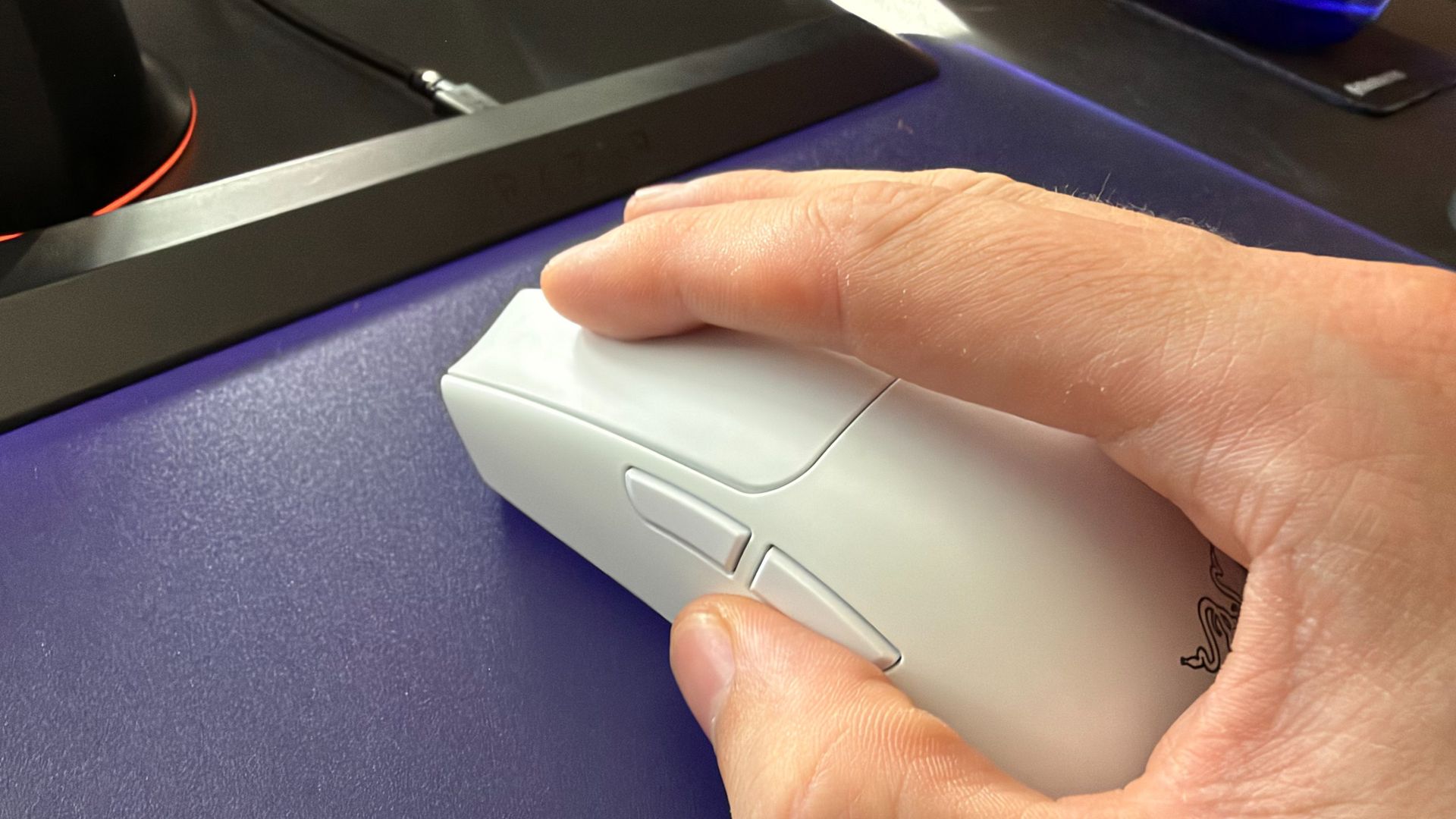
The PC Gamer hardware team got into a disagreement last week. We were sat around in the office chatting about Razer's new MMO gaming mouse and how we wouldn't know what to do with all its buttons (it has 12). That got us onto the topic of what we do with the two side buttons more commonly found across gaming mice.
Turns out, the team I've worked with for years, who I thought I could trust, who I've shared a laugh with, who I thought were my friends, are complete and utter fools. As are most of you—soz.
They reckon the best use of the two side buttons are forwards and back, ie. for browsing the web. That tends to be the default assignment for gaming mice out of the box, which goes to show the lack of ingenuity on their part.
We asked you lot what you thought about this very important question in the form of a poll. It read:
"Jacob wants to know if there are people like him, so do you have your mouse side button set to forward/back or copy/paste?"
The results are pretty surprising. Not for the overwhelming majority of you that use these buttons for forward and back (1,343), but the near two hundred kindred spirits—fellow travellers—that are with me on the whole copy and paste thing.
Do you have your mouse side button set to forward/back or copy/paste?
Turns out that so so so many of you are just wrong
Votes (%)
| Product | Value |
|---|---|
| CTRL+C / CTRL+V | 10 |
| Forward/Back | 67 |
| Something else entirely | 23 |

Hear me out: it makes it easy to copy from one place to another without ever reaching for your keyboard. I'd actually argue that's more ergonomic. Not in a medical or legal sense, but a moral one. Whereas you can already go forward and back on a browser with just your mouse. Why are you in such a rush between webpages anyways? What are you hiding?
Over 400 of you responded with 'something else entirely', which I'd chalk up to various game- or genre-specific macros. I'm with you on that. I map these buttons to 'C' and 'V' while I'm playing an FPS—I haven't completely lost the plot.
Anyways, is now a good time to say I also rest my middle on the scroll wheel at all times and use my ring finger for right click? Ah, probably not.
For our current week-long poll, we want to know about something far less contentious: How much RGB festoons your gaming PC?
Sumber: PC Gamer