
Saya hanya akan memainkan Halo: Campaign Evolved di perangkat genggam dengan peningkatan
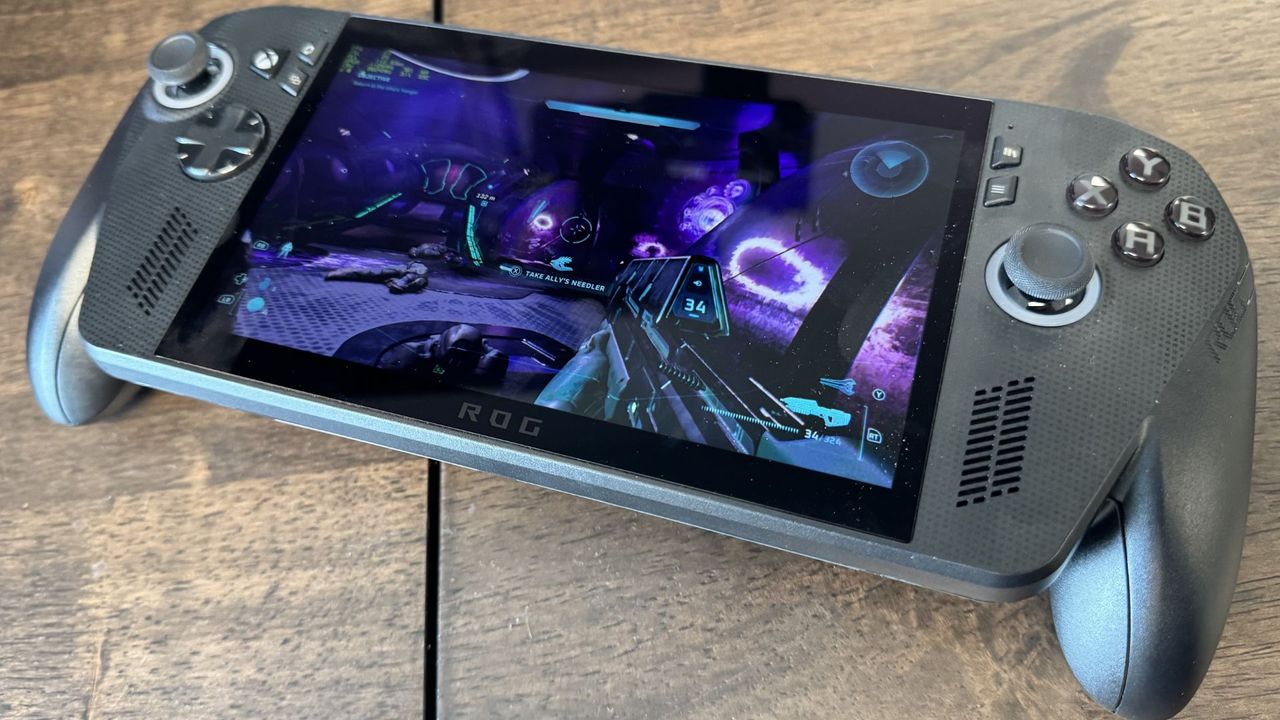
I've been playing Halo: Campaign Evolved on the rather beefy Asus ROG Xbox Ally X without upscaling and things aren't looking pretty. Well, they are looking quite pretty, but they certainly aren't running pretty. You'll definitely want some upscaling to do that, and in my testing, FSR Medium is the best way to go.
Strangely, there isn't an option to disable upscaling altogether in Halo Campaign Evolved as of the time of writing. There are instead 'native' modes with TSR, FSR or DLSS. This essentially acts like anti-aliasing, without any of the performance benefits of upscaling.
With TSR set to native, I saw an average fps of 20 and 1% lows of 14.3 fps.
With FSR set to native, I saw a similar 22 average fps and lows of 19 fps. I would have assumed these would be identical, but they are similar enough to be within some degree of variance. Either way, FSR might be a better shout if it's taxing the silicon a little less.
I've been testing with the Asus ROG Xbox Ally X in performance mode, whilst plugged in, running at around 17 W. This is arguably the best mode for the handheld, being decently performant without being too loud. The ROG Xbox Ally X is no slouch in specs, kitted out with the Zen 5 AMD Ryzen Z2 Extreme and 24 GB of LPDDR5X memory. It's on the higher end of the gaming handheld market right now.
There are some handheld-specific settings for Halo: Campaign Evolved. For instance, it has a very low graphical mode, which I couldn't access outside of the plucky ROG Xbox Ally X. This tones down the graphics quality but gives you better performance in return.
My money would be on TSR between the three available upscalers. Over three separate gaming tests, I saw an average fps of 31 and lows of 25.6 fps on TSR Ultra, which is a bit higher than native. Personally, I'd like lows in the 30s for smoother gameplay, and FSR can get you that… at a cost.
| Product | Value |
|---|---|
| FSR Low | 49 Avg FPS, 39 1% Low FPS |
| FSR Medium | 43 Avg FPS, 34 1% Low FPS |
| FSR Ultra | 33 Avg FPS, 27 1% Low FPS |
| FSR Native | 22 Avg FPS, 19 1% Low FPS |
| TSR Low | 33 Avg FPS, 30 1% Low FPS |
| TSR Medium | 32 Avg FPS, 28 1% Low FPS |
| TSR Ultra | 31 Avg FPS, 26 1% Low FPS |
| TSR Native | 20 Avg FPS, 14 1% Low FPS |

With FSR set to low, and using the Very Low graphical setting, I saw an average of 48.6 fps and lows of 38.6 fps. I'd call this 'perfectly playable' on the little 7-inch 1080p display. FSR Medium gave me an average fps of 42.6 with lows of 34 fps.
From my time so far, I reckon FSR Medium with very low graphics is the absolute sweet spot. That's what I stuck with as I have continued playing the game after I got all my testing stats.
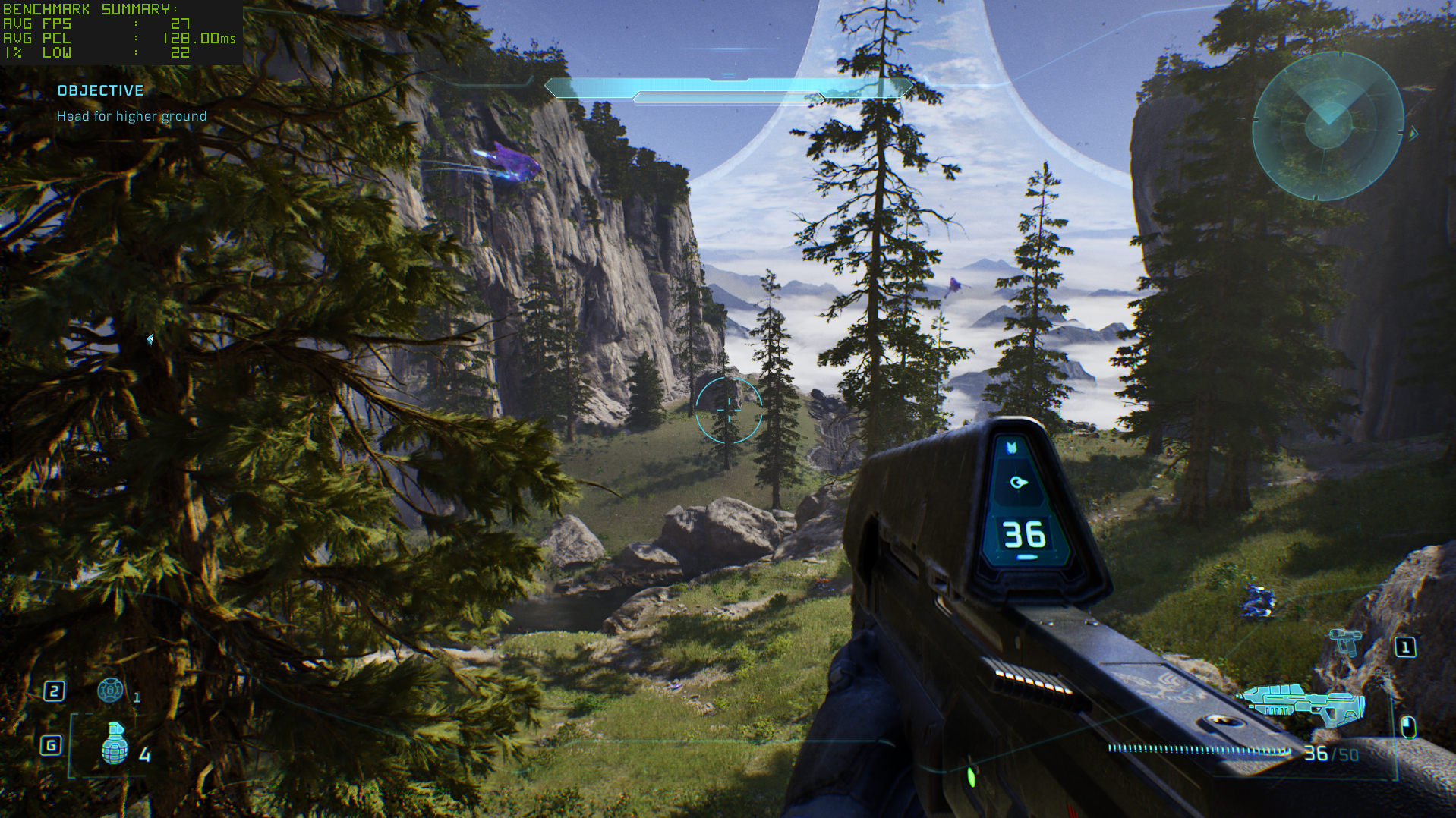
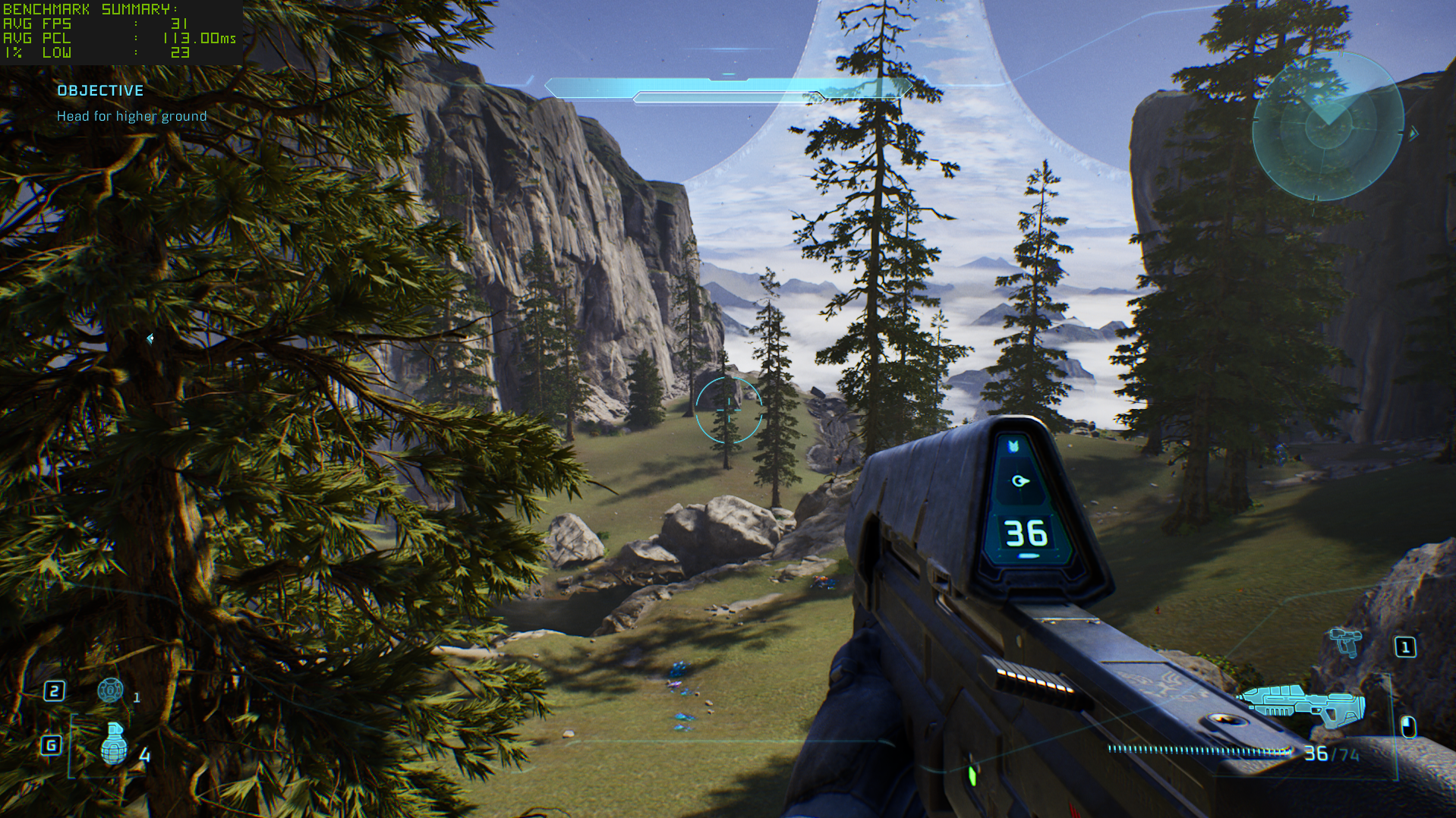
FSR Low offers better performance, but it gives up too much clarity for me. FSR is genuinely really tough to justify on a bigger screen, so I wouldn't bother on my main gaming PC, but FSR Medium with very low textures looks perfectly fine on the ROG Xbox Ally X.
And, most importantly, the difference between Low and Ultra graphics settings is surprisingly subtle here. It's still more or less the same game: it's just a little less pretty, and, with upscaling, has a slight bit more of a sheen to it in motion. Make sure to turn off motion blur, too. It's awful.
Sumber: PC Gamer