
Ulasan Noctua NL-LC1
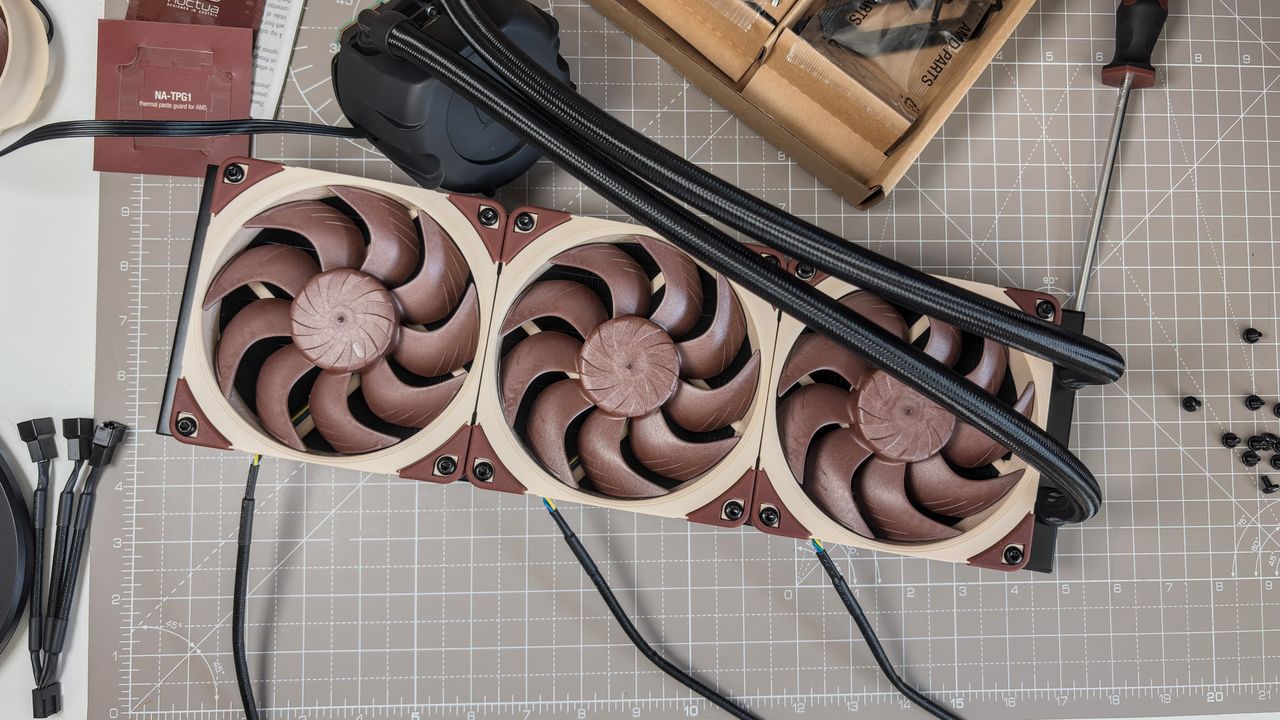
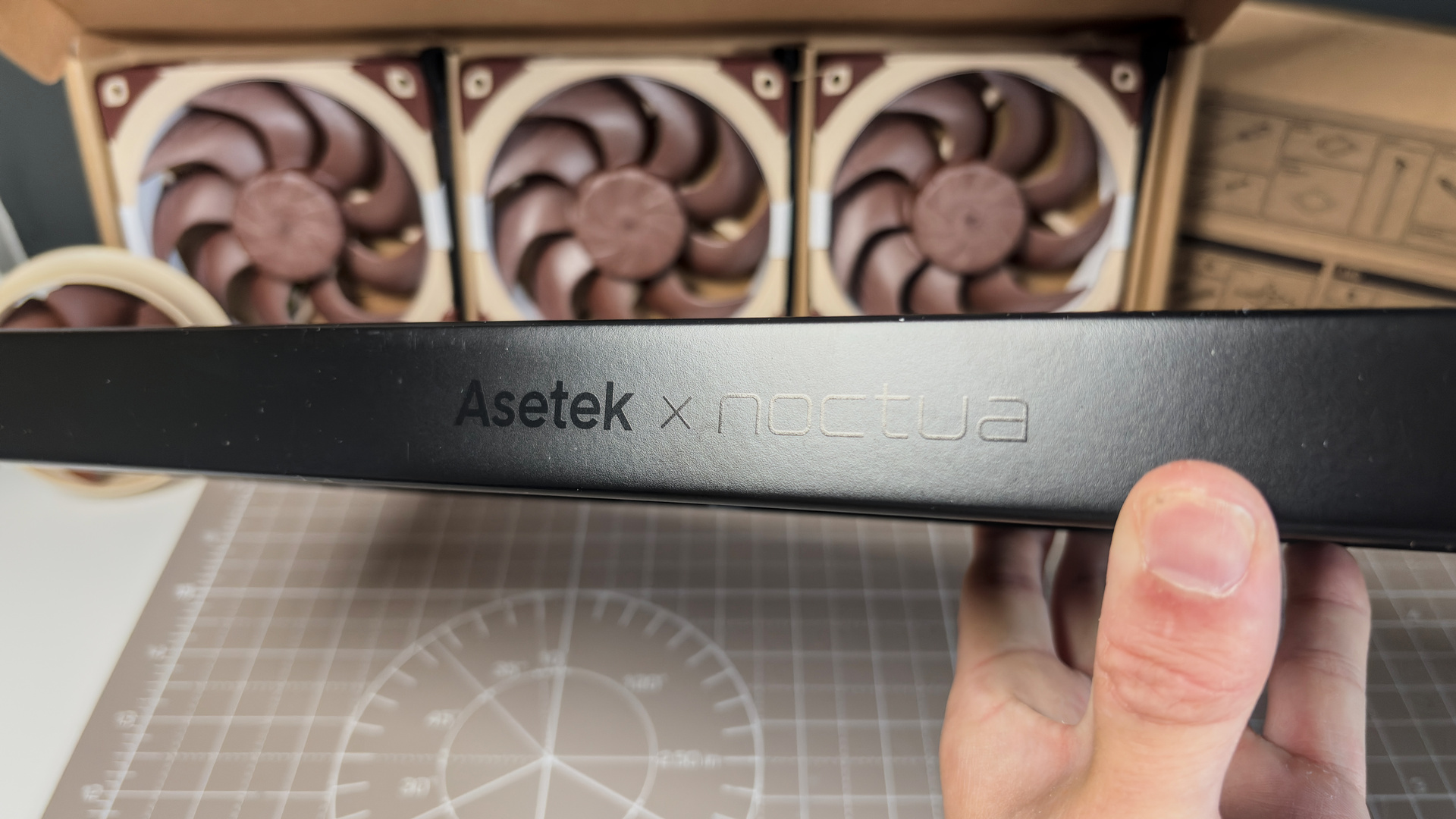
Noctua is pretty good at this whole cooling thing. It takes one swing at a liquid cooler and nails it first time. To be fair, it's not done it alone. Noctua developed the NC-LC1 atop of a high-end liquid cooling platform from the company that literally invented liquid coolers, Asetek. Nevertheless, it's a potent combination, combining a performant pump with world-class fans and sound dampening.
The NL-LC1 is the best liquid cooler I've tested, and there's one reason for that. It's just how little sound it generates while running at full speed. It's incredibly quiet. So, if you value quiet above all else, you really should give this a look.
Of course, quiet comes at a premium. If you're looking for the best bang for your buck, the Arctic Liquid Freezer III Pro 360 is equally competent as the NL-LC1-36 (360 mm model) without the mega-bucks price tag. But the Arctic cooler is anything but quiet at full speed, and the NL-LC1-36 and NL-LC1-42 (420 mm model) are on another level when balancing acoustics with performance.
Buy if…
✅ Money is no object: The NL-LC1-42 does a fantastic job, keeping a chip running at 230 W under control without breaking a sweat.
✅ You want the quietest: The NL-LC1-36 is ridiculously quiet considering its performance. Noctua knows how to build a fan, but that pump enclosure really is something else.
Don't buy if...
❌ You want value for money: The Arctic Liquid Freezer III Pro is more or less as good in terms of performance. It's a lot louder, but if you sacrifice some fan speed you can get it under control.
❌ It doesn't match your build: The brown, beige, and black of the NL-LC1 is tough to match with non-Noctua parts. It's definitely going to clash with lots of RGB lighting.
Features
NL-LC1 | |
Size (mm) | 420/360/240 |
Platform | Asetek Emma V2 |
Max. pump RPM | 3400 (limited by pump speed modes) |
Tube length (mm) | 450/410/400 |
Fans | NF-A12x25 G2/NF-A14x25 G2 (depending on model) |
Radiator thickness (mm) | 30 |
Lighting | None |
Price | $280/$250/$220 | €280/€250/€220 |
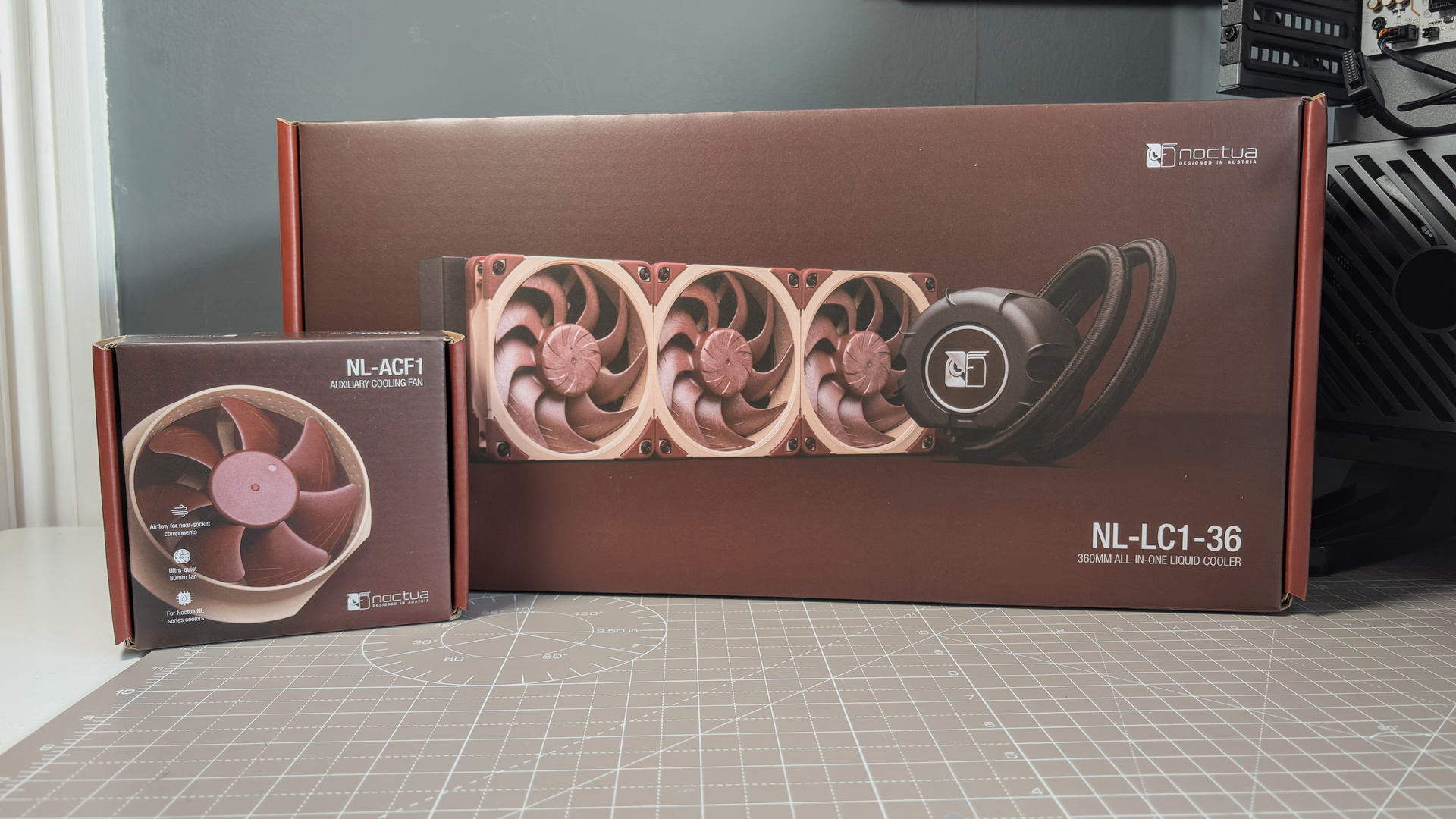
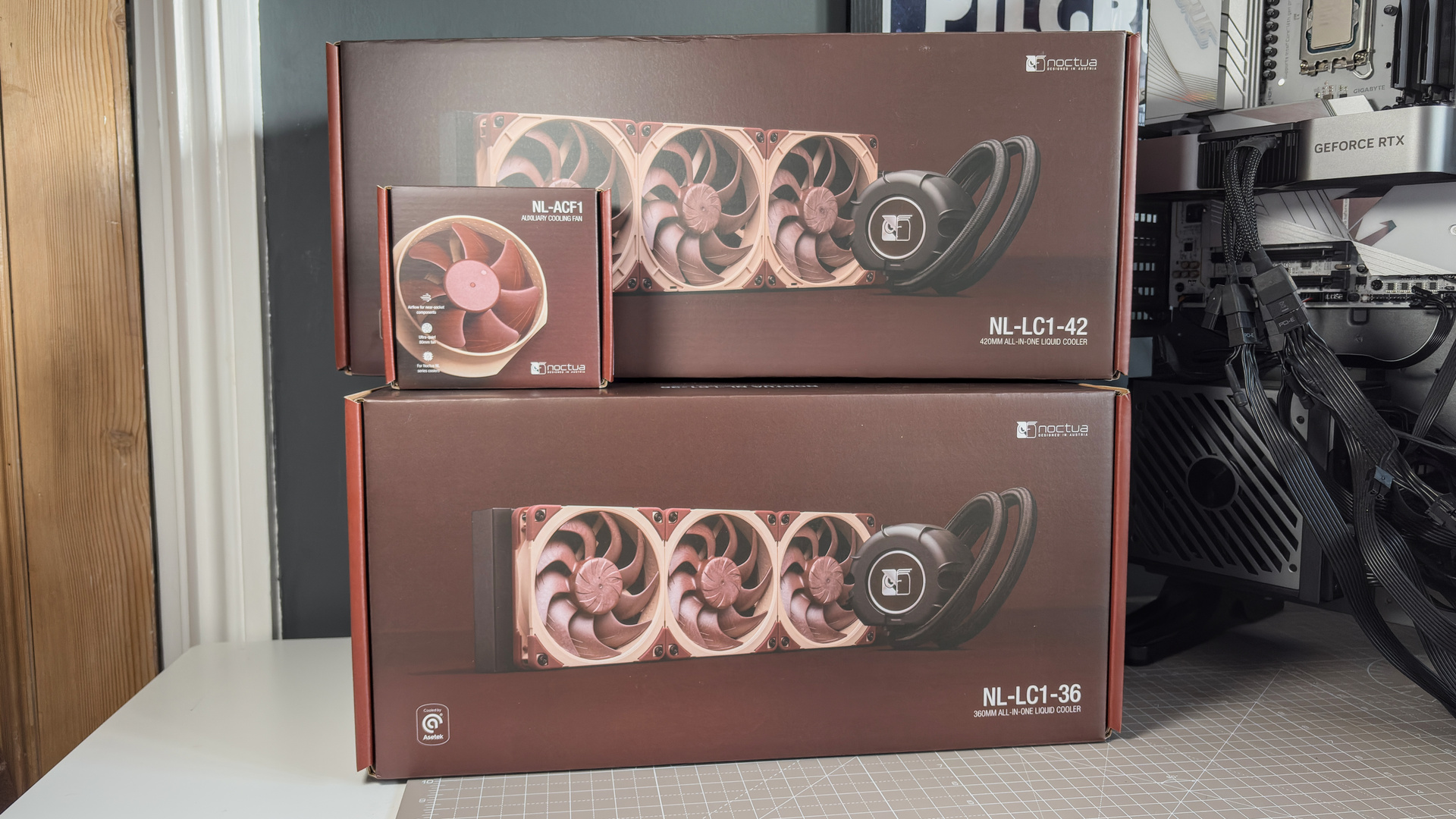
Big, bold, and brown; that's the NL-LC1. It comes in three sizes, denoted by the two numbers at the end of the name. I've got the 360 mm and 420 mm versions for review, but here's the lot of them:
- NL-LC1-24 (240 mm)
- NL-LC1-36 (360 mm)
- NL-LC1-42 (420 mm)
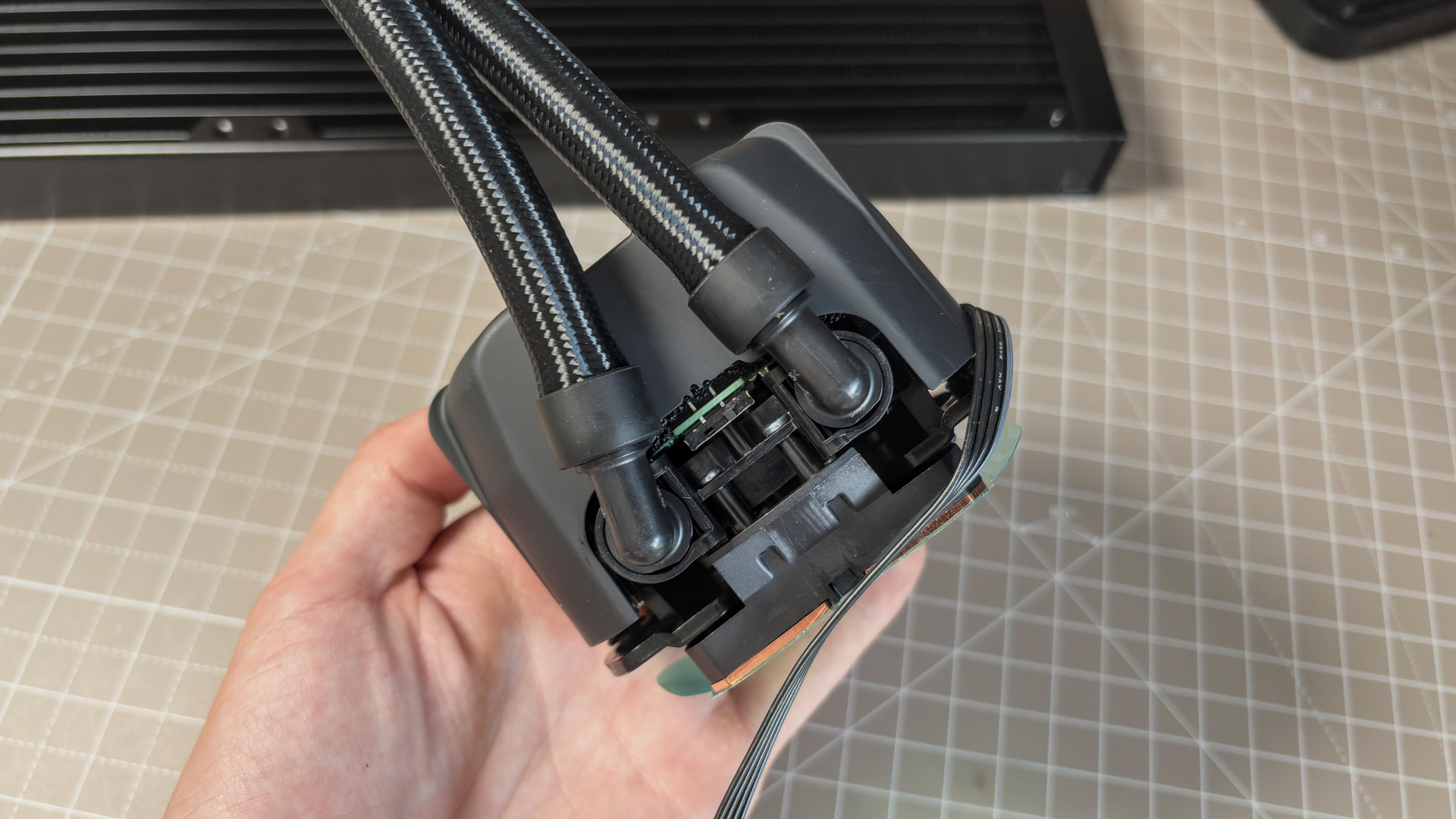
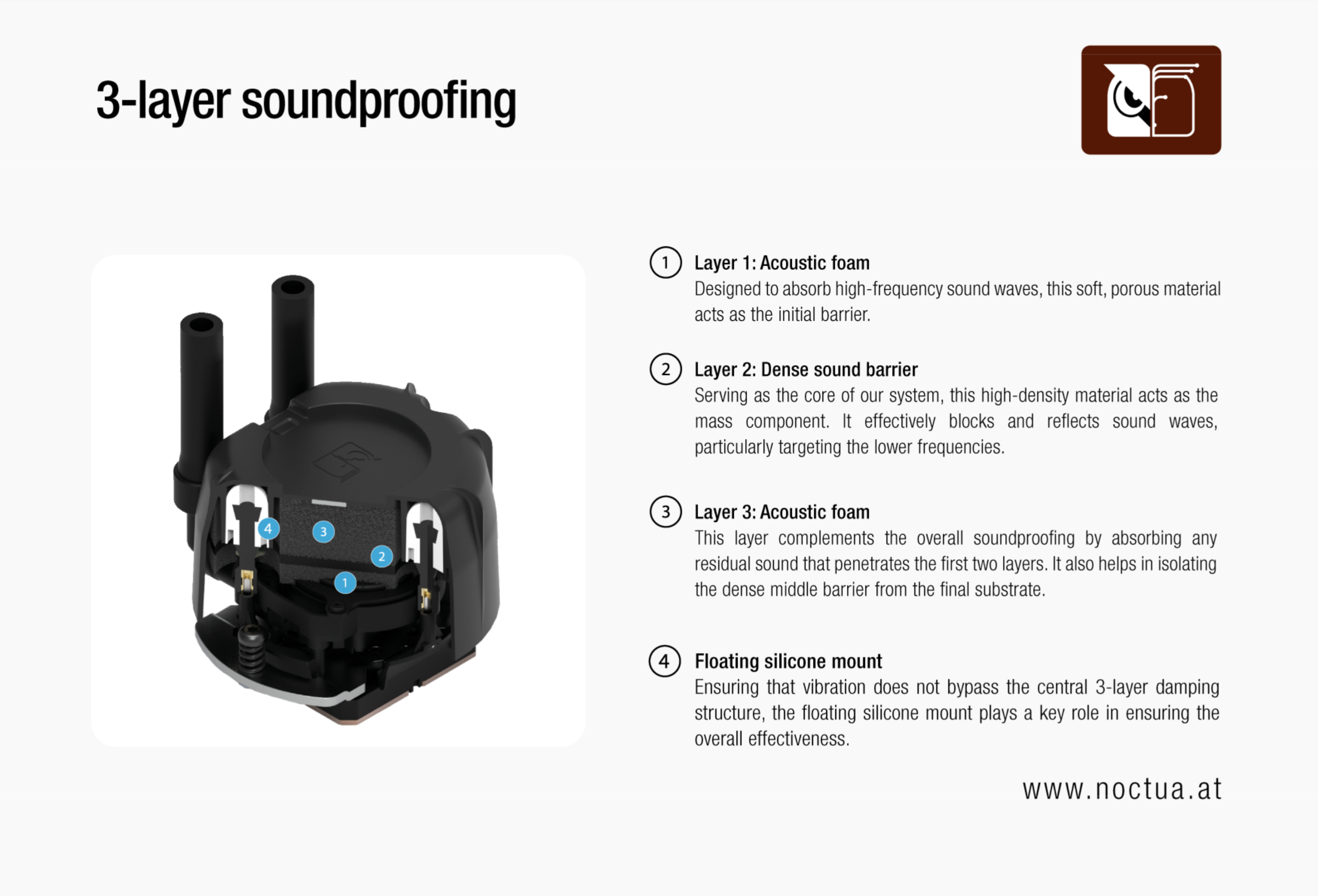
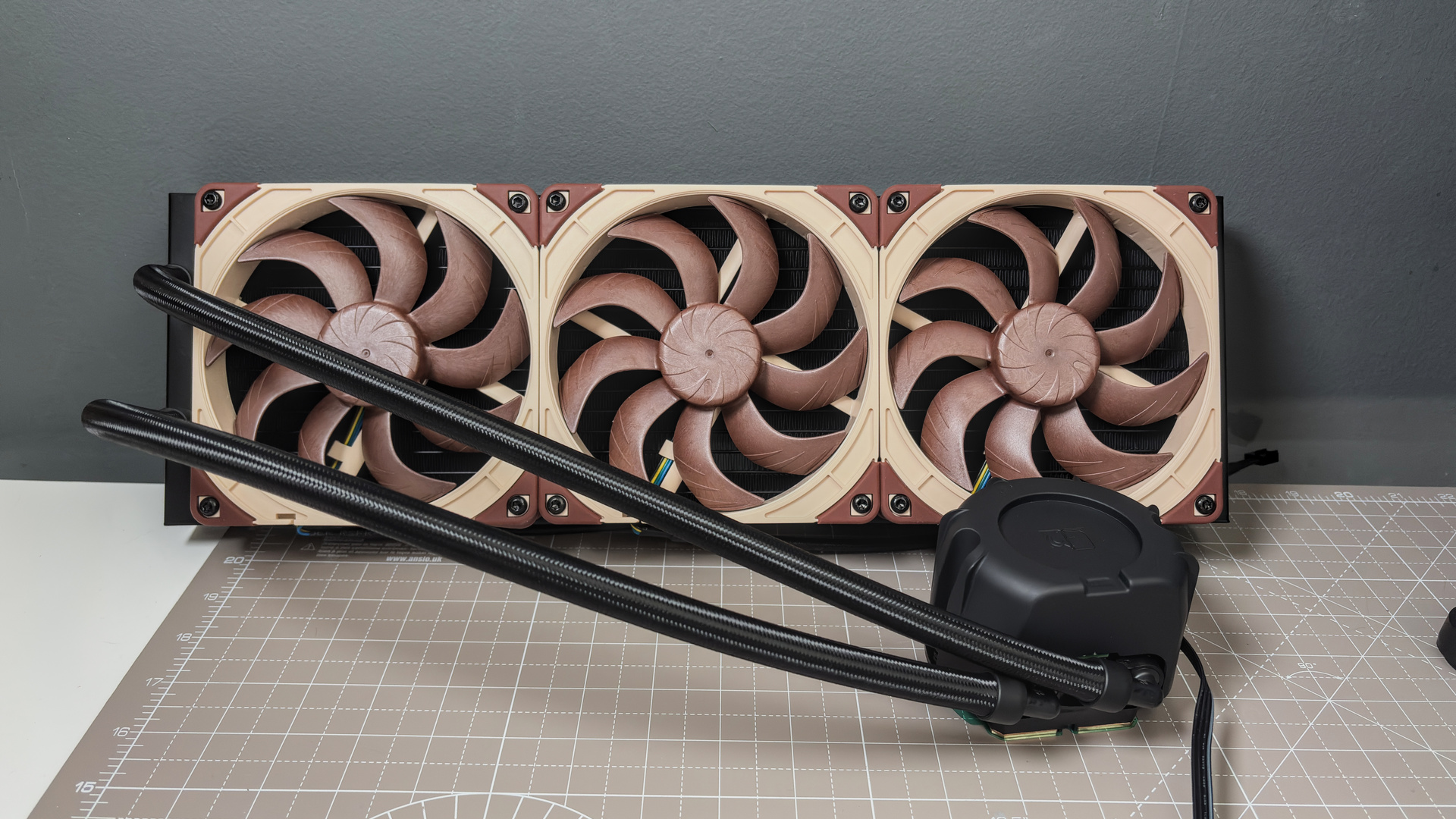
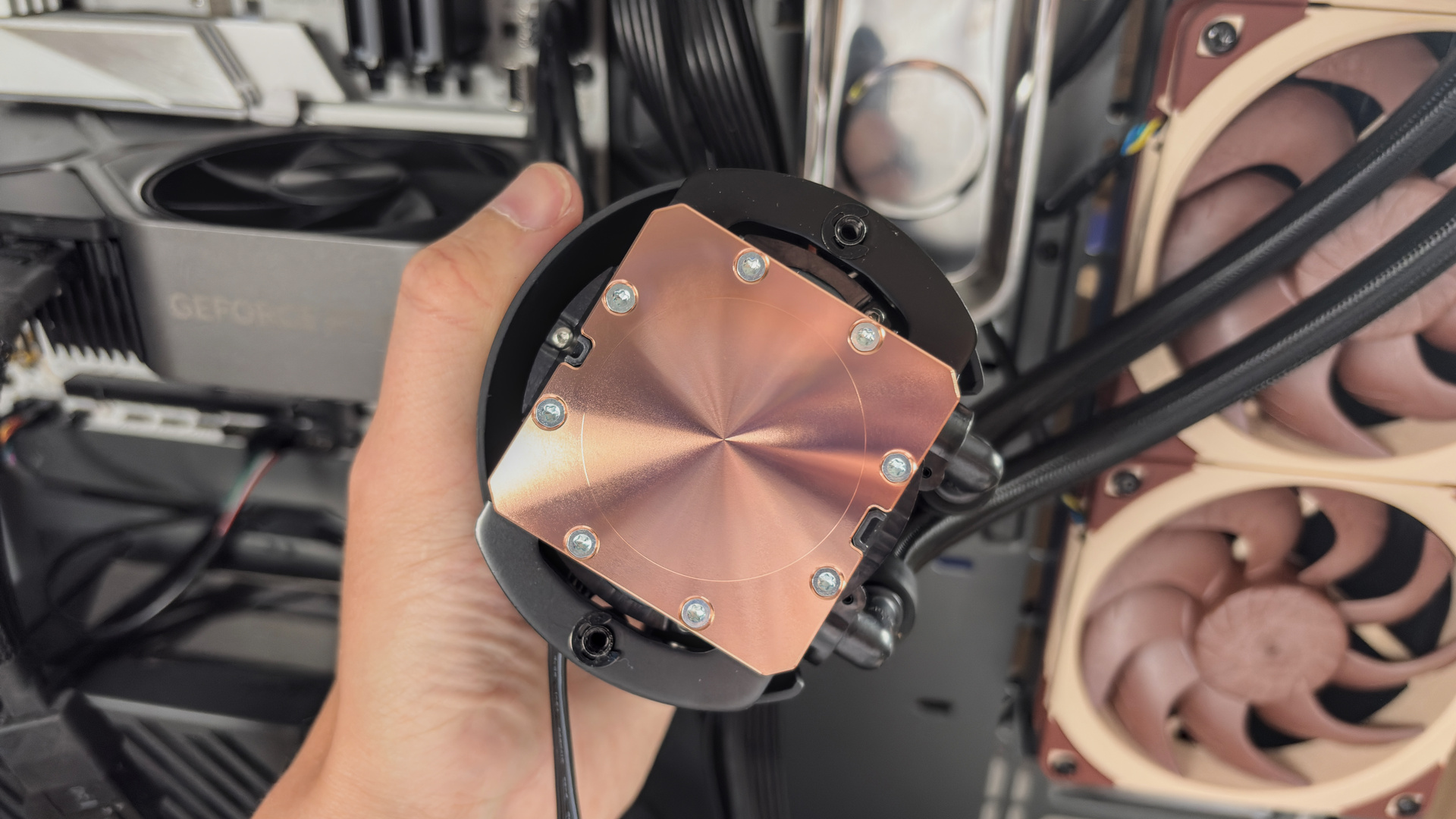
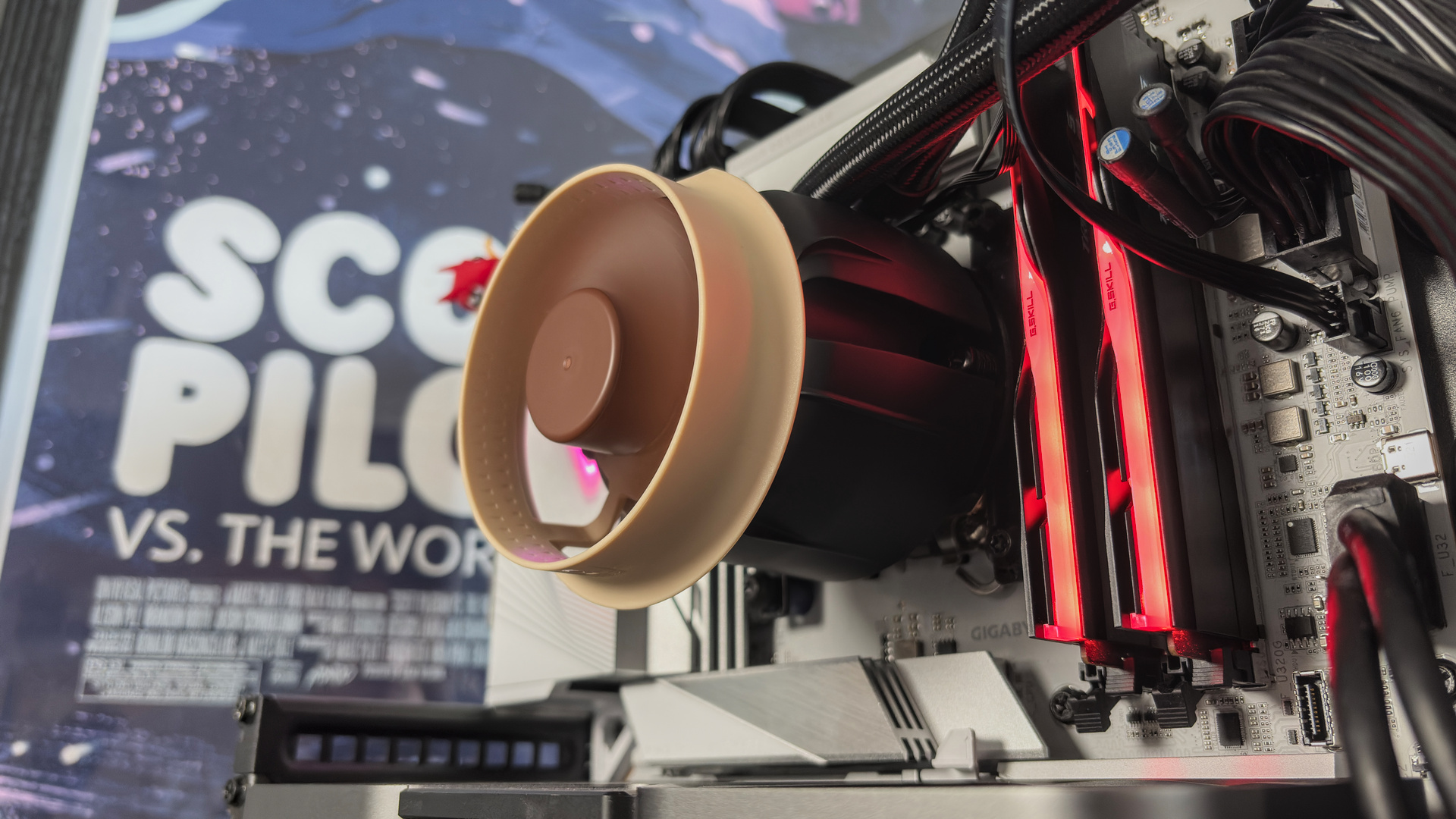
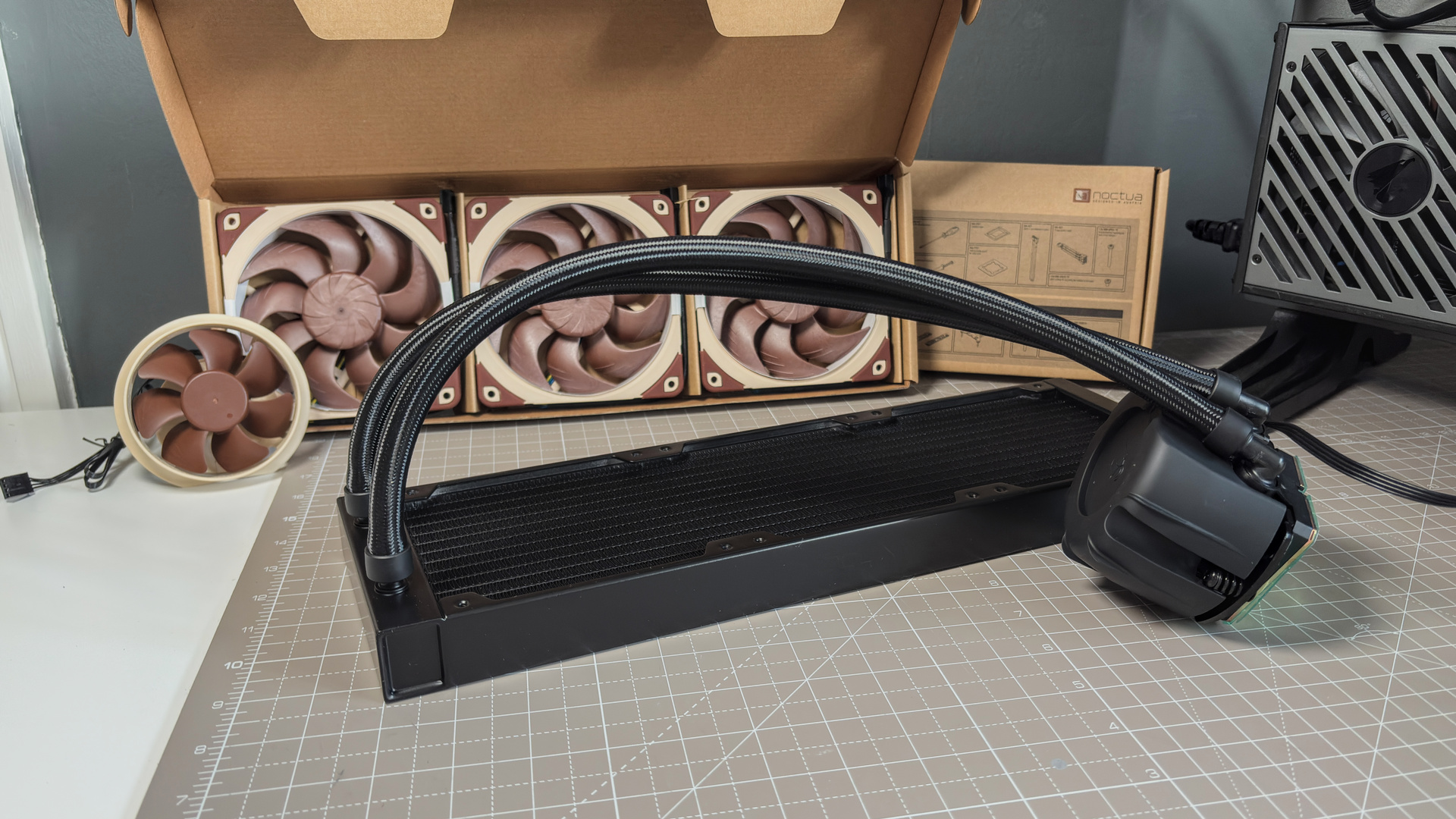
Regardless of size, the NL-LC1 stands out. Not only for Noctua's fine taste in colour palette, but the oversized pump unit. Noctua calls this the NL-PNA1 pump noise absorber, but you don't need to remember that. It's very tall compared to your average liquid cooler, even a standard Asetek unit, and that's in order to cover up one of the NL-LC1's more special features. The pump has 3-layer soundproofing.
Starting closest to the high-purity copper coldplate, the first layer is acoustic foam intended to absorb high-frequency sound waves. The second layer is a thinner slice of high-density material that aims to block and reflect sound waves. Then, layer three is even more acoustic foam, a thick layer stuffed between the pump and the outer casing. Lastly, the pump itself is mounted via a floating silicone mount, to keep vibrations from travelling around those three layers and making a racket anyways.
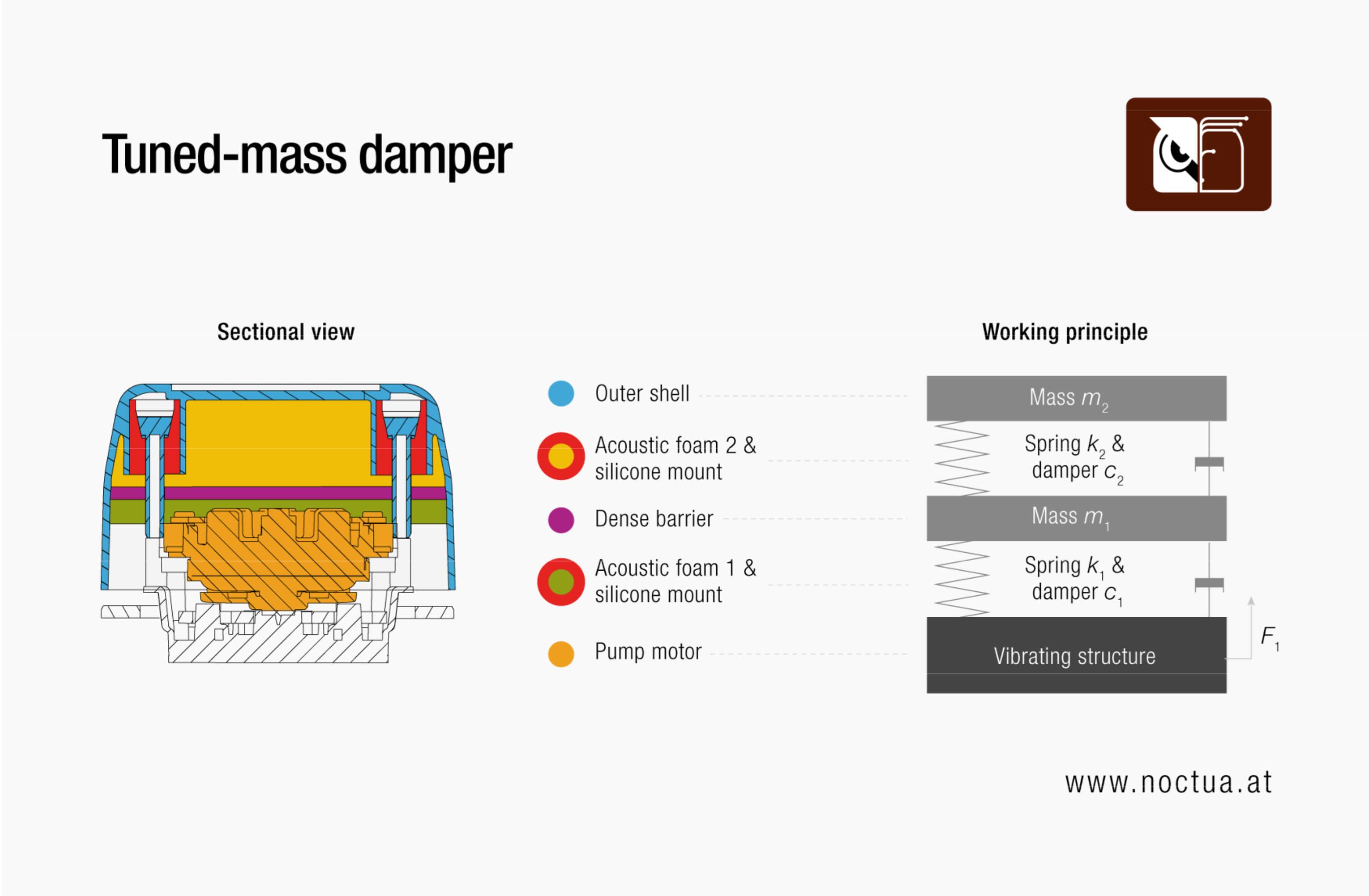
Noctua being Noctua, this entire system also acts as a tuned mass damper with the hard outer shell. The best comparison I can give is the tuned mass damper in the Taipei 101, not far from the exhibition halls of Computex, which is a 660-ton steel sphere suspended at the top of the 101-story skyscraper. This tuned mass damper has a mascot called the Damper Baby. Noctua has no such thing for its own. It does, however, provide many diagrams all about it.
Asetek's Emma V2 takes care of the pump, as well as the coolant, plate, impeller, housing, tubes, and radiator. This is the company's high-end, performance platform. Let's stick with the pump for now, which has received a number of tweaks to improve balancing, reduce noise, and increase performance and efficiency. I'm not going to out-detail Noctua's own page dedicated to the platform, so take a look at that for more.
There's a small switch on the rear of the pump that lets you adjust between quiet mode, balanced mode, and manual mode. Noctua does not recommend running in manual mode, as it could lead to louder operation. By default, the pump is set to quiet mode. That's what I've tested.
Both quiet and balanced modes run on a curve, balancing pump RPM and the temperature of the liquid within the cooler. That's monitored using an integrated liquid temperature sensor. Quiet mode limits the pump to 2,100 RPM, and Balanced mode to 2,600 RPM. In both modes, the pump will run at max speed of 3400 RPM once the liquid exceeds a preset safety temp (varies by mode). Quiet mode seems sufficient anyways, as you can see in the performance section, though running in manual mode will help drop temps a little further.
You'll get a good idea of what the pump sounds like at 3,400 RPM every time your PC starts up, as the cooler will run at this speed for roughly 50 seconds at start-up to shift any air bubbles out of the pump.
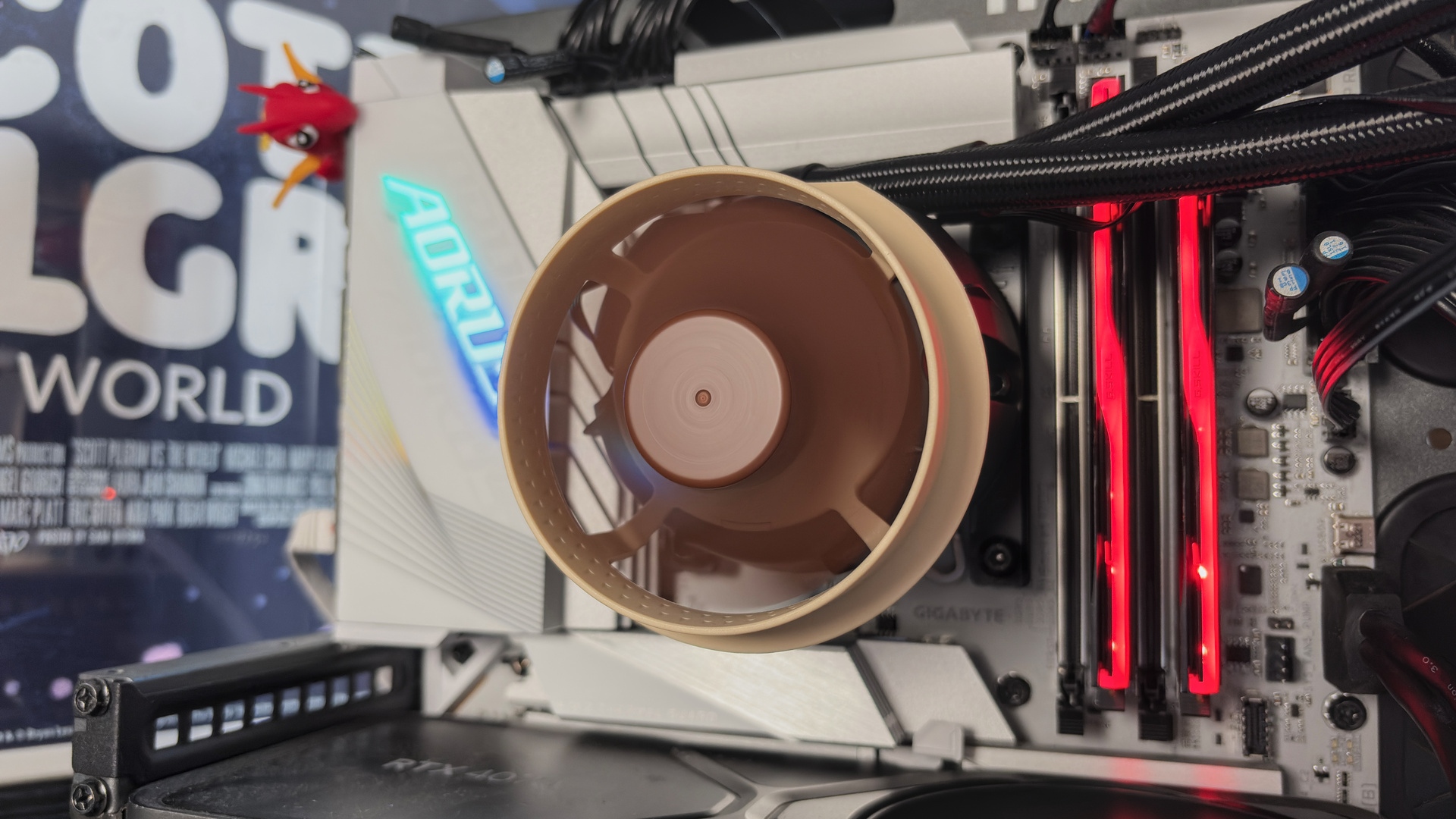
A Noctua logo sticker is included, made to fit atop of the pump. It comes separately for good reason, however, as for an added $20/€20 you can install an optional fan atop of the pump unit in its place. Not to the benefit of the pump itself, but the motherboard VRM beneath it. I've had the fan on the pump for the duration of my testing.
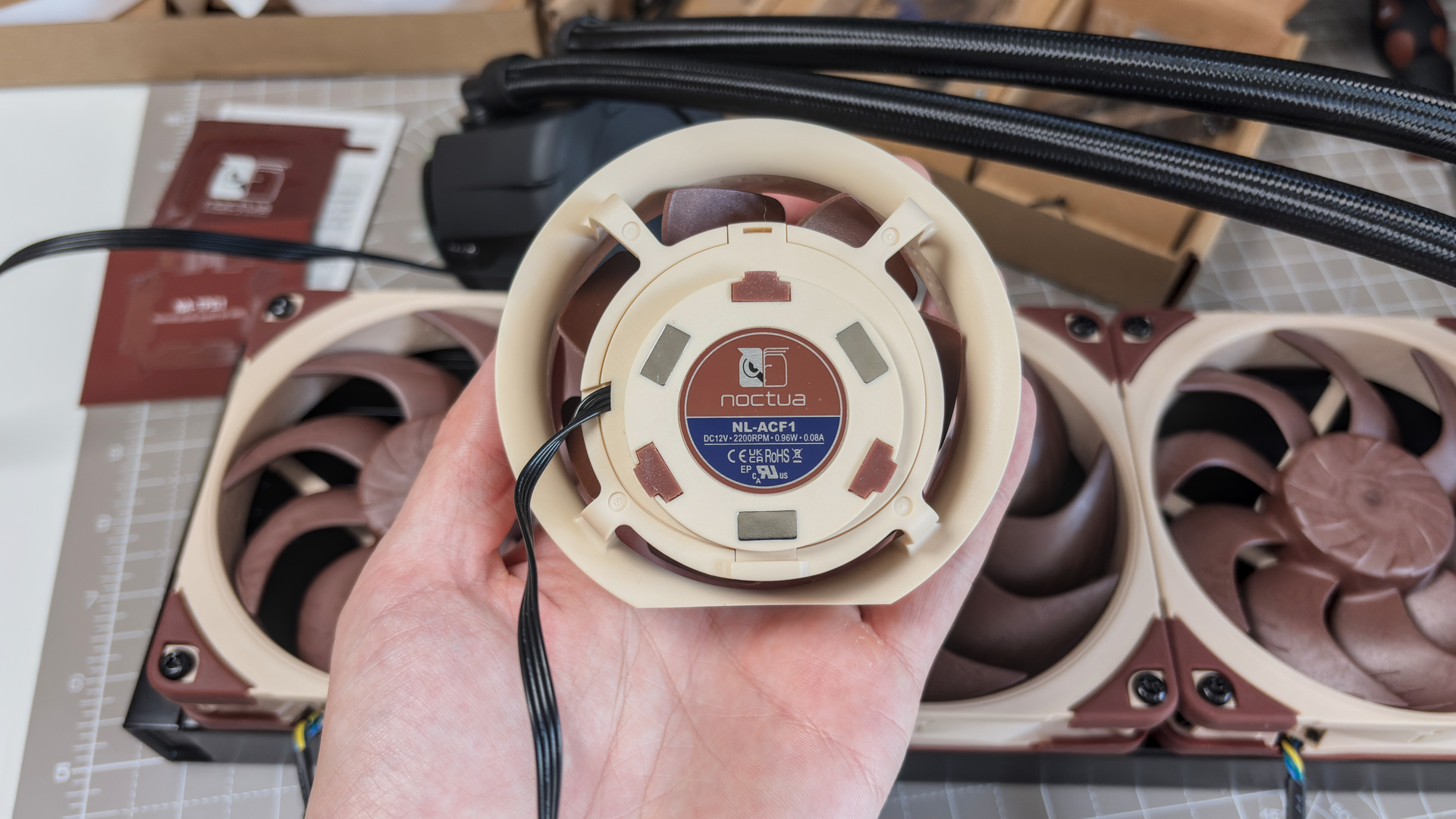
Onto the radiator, and the one used here has 20 fins per inch. Noctua says that is optimised for quiet fans such as the NF-A12x25 G2 and NF-A14x25 G2 used on the NL-LC1. These fans spin up to just 1,800 RPM—or rather, they usually do. For this cooler, as with some of Noctua's other twin-fan kits, the fans are offset in speed to reduce 'harmonic phenomena'. Essentially, making more noise because they're interfering with one another. For the NL-LC1-36, two of its NF-A12x25 G2 fans run at 1,750 RPM and one at 1,850 RPM.
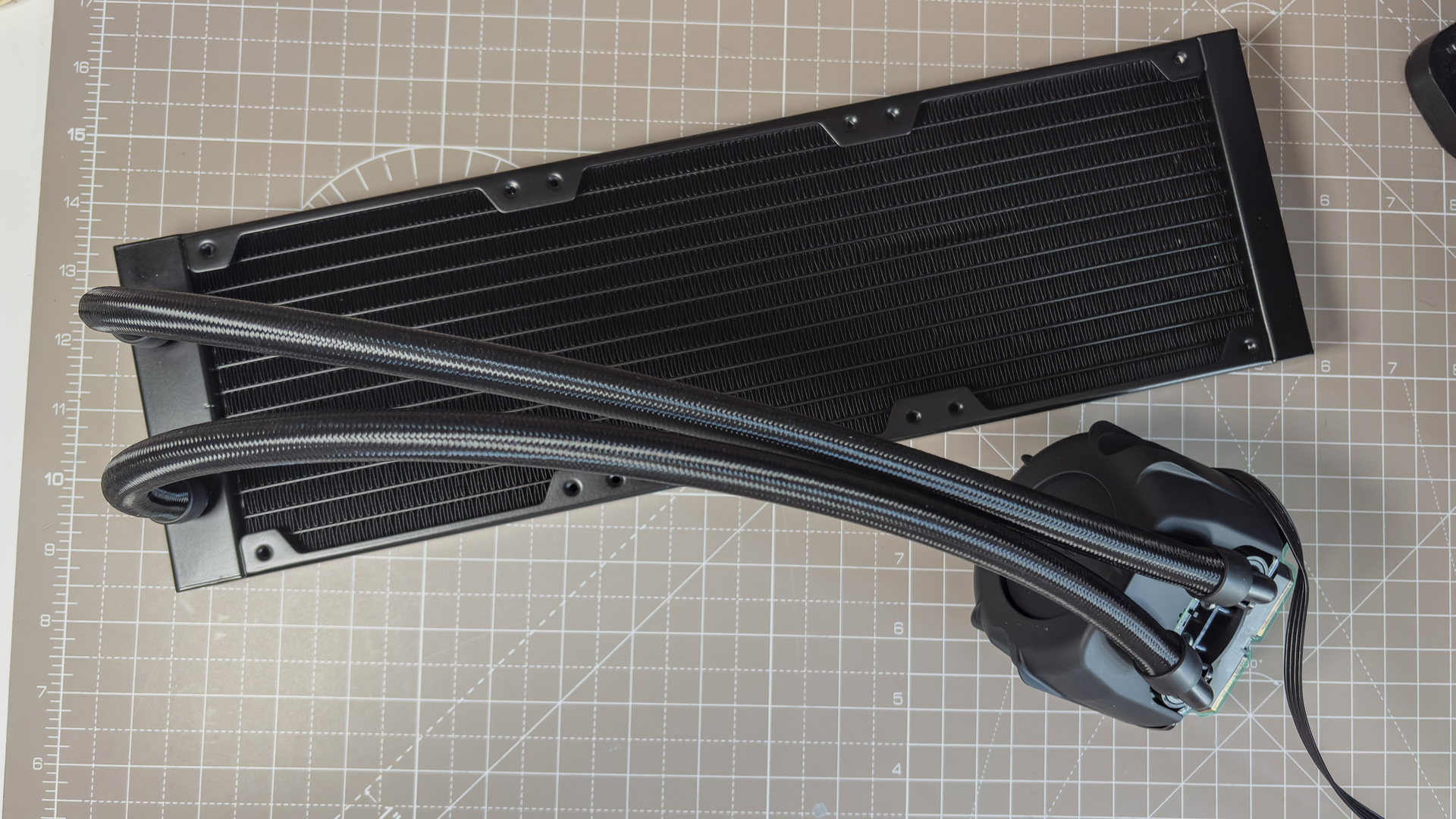
The tubing length varies depending on the model, with the NL-LC1-42 coming with 450 mm tubes; NL-LC1-36 with 410 mm tubes; and NL-LC1-24 with 400 mm tubes. Those are all decently-sized for the sorts of cases they're likely to land in, however, I am a fan of longer tubes considering my test bench is a bit of a stretch between mobo and mount . Both the 360/420 models fit just fine, anyways.
Noise
Noise
Fan noise | measured using a sound meter from 40 cm away
Fan noise | 40 cm away
| Product | Value |
|---|---|
| Noctua NL-LC1-36 | 41.5 Fans @ 100% (dBA), 36.5 Noise floor (dBA) |
| Noctua NL-LC1-42 | 42.5 Fans @ 100% (dBA), 36.5 Noise floor (dBA) |
| Arctic Liquid Freezer III Pro 360 A-RGB | 52 Fans @ 100% (dBA), 36 Noise floor (dBA) |
| Asus Prime LC 240 ARGB | 48 Fans @ 100% (dBA), 34 Noise floor (dBA) |
| Cooler Master MasterLiquid Core II | 47.5 Fans @ 100% (dBA), 34 Noise floor (dBA) |
| Corsair Nautilus 360 RS | 49 Fans @ 100% (dBA), 35 Noise floor (dBA) |
| MSI CoreLiquid P13 360 | 46 Fans @ 100% (dBA), 34 Noise floor (dBA) |

I'm choosing to start with the test results for noise for this review as it plays a pivotal role in evaluating its performance. In simple terms, it's the quietest liquid cooler I've tested, and by some margin.
At 41.5 dB(A), the NL-LC1-36 is a whole 10 dB(A) quieter at full speed compared to the Arctic Liquid Freezer III Pro 360, an excellent cooler in its own right with high-speed P12 Pro fans. It's also 5 dB(A) quieter than the Cooler Master MasterLiquidCore II, which was previously one of the better of the bunch for noise levels, and MSI CoreLiquid P13 360.
The NL-LC1-42 is a touch louder than the NL-LC1-36 by 1 dB(A). Larger fans are usually able to spin slower and produce less noise while producing ample airflow, however, that's not true for Noctua's G2 fans used here. The 140 mm model is rated to 24.8 dB(A); the 120 mm model to 22.5 dB(A). So, it checks out that there's a 1-2 dB(A) difference between them.
On an experiential level, I've tested all of the coolers included in the data within a couple of days of each other under the same conditions. I've been stood alongside each cooler running at 100% duty cycle for hour after hour, doing my best to focus on my work rather than the constant droning noise of fans whirring beside me. The Noctua is noteworthy for how little I noticed it. I had to double check my BIOS to ensure it was indeed running at 100%. It was, it's just incredibly quiet, and in such a way as to be far less noticeable to my ears than others.
Performance
Thermals
Evaluating cooler effectiveness with a Core i7 14700K
| Product | Value |
|---|---|
| Noctua NL-LC1-36 | 68 Max °C, 66 Avg °C |
| Noctua NL-LC1-42 | 68 Max °C, 65 Avg °C |
| Arctic Liquid Freezer III Pro 360 A-RGB | 70 Max °C, 67 Avg °C |
| Asus Prime LC 240 ARGB | 73 Max °C, 69 Avg °C |
| Cooler Master MasterLiquid Core II | 73 Max °C, 69 Avg °C |
| Corsair Nautilus 360 RS | 72 Max °C, 68 Avg °C |
| MSI CoreLiquid P13 360 | 71 Max °C, 68 Avg °C |
Looking over the charts, the NL-LC1-36 is among the top performers in every test. From gaming in Baldur's Gate 3, to X264 and Prime95, with a Core i7 14700K, the Noctua NL-LC1-36 maintains some of the lowest average CPU temperatures of all the liquid coolers tested. At 230 W, our most demanding test, it outperforms all other 360 mm liquid coolers.
I like to review 360 mm liquid coolers to keep things consistent. It's the most popular size, and I can get comparative results. Though I do have the NL-LC1-42 to hand, so I thought I'd best put it through the ringer, too.
The NL-LC1-42, unsurprisingly, delivers the lowest temperatures in every test. All except one, the noise test that I spoke about earlier, but that's within spec and still the second-lowest for noise of the lot. It's even a couple of degrees lower than the Liquid Freezer III Pro during our most demanding test, keeping a Core i7 14700K at a chill at 65 °C, even at a fairly steady 230 W thermal load.
Installation
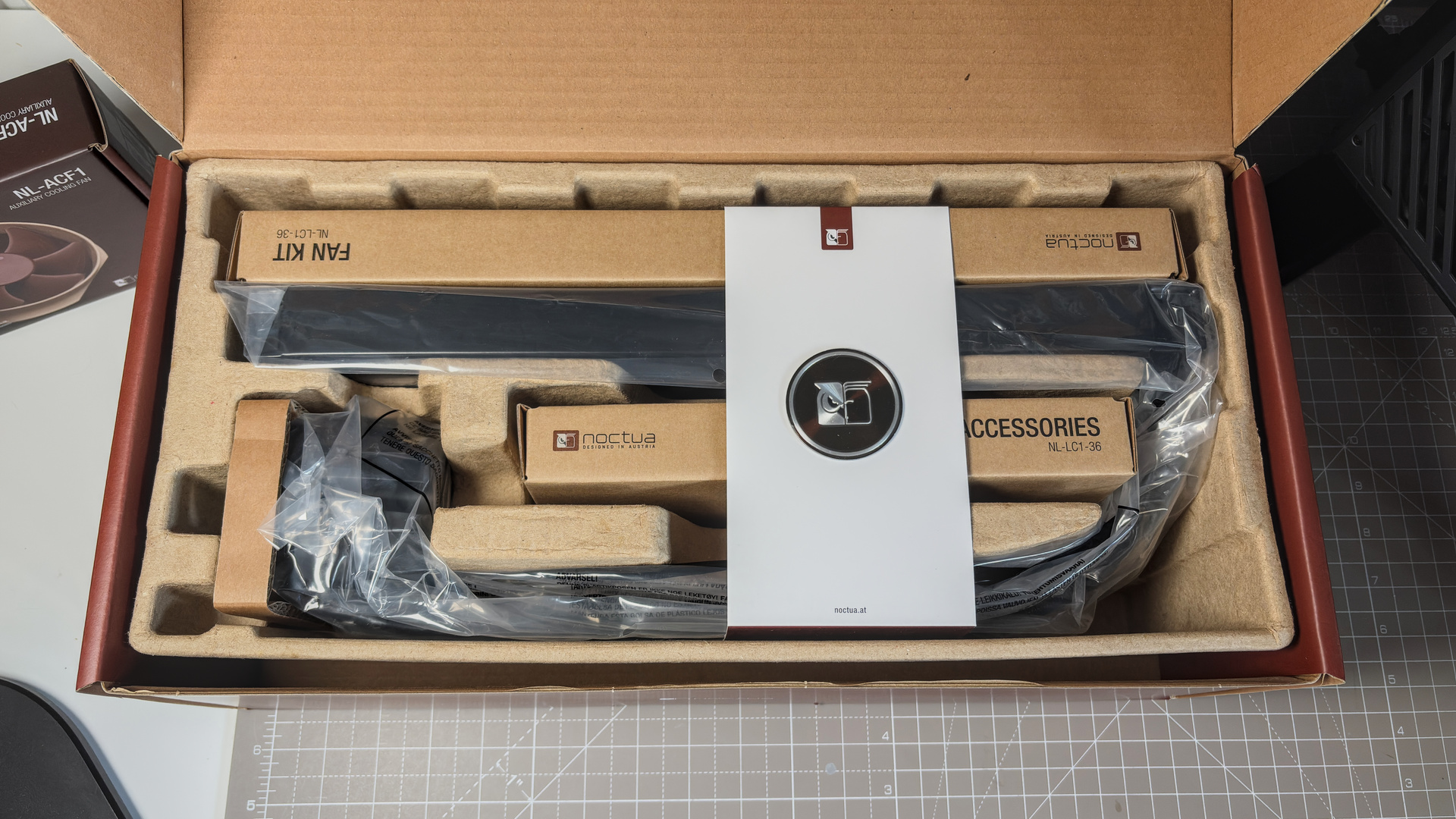
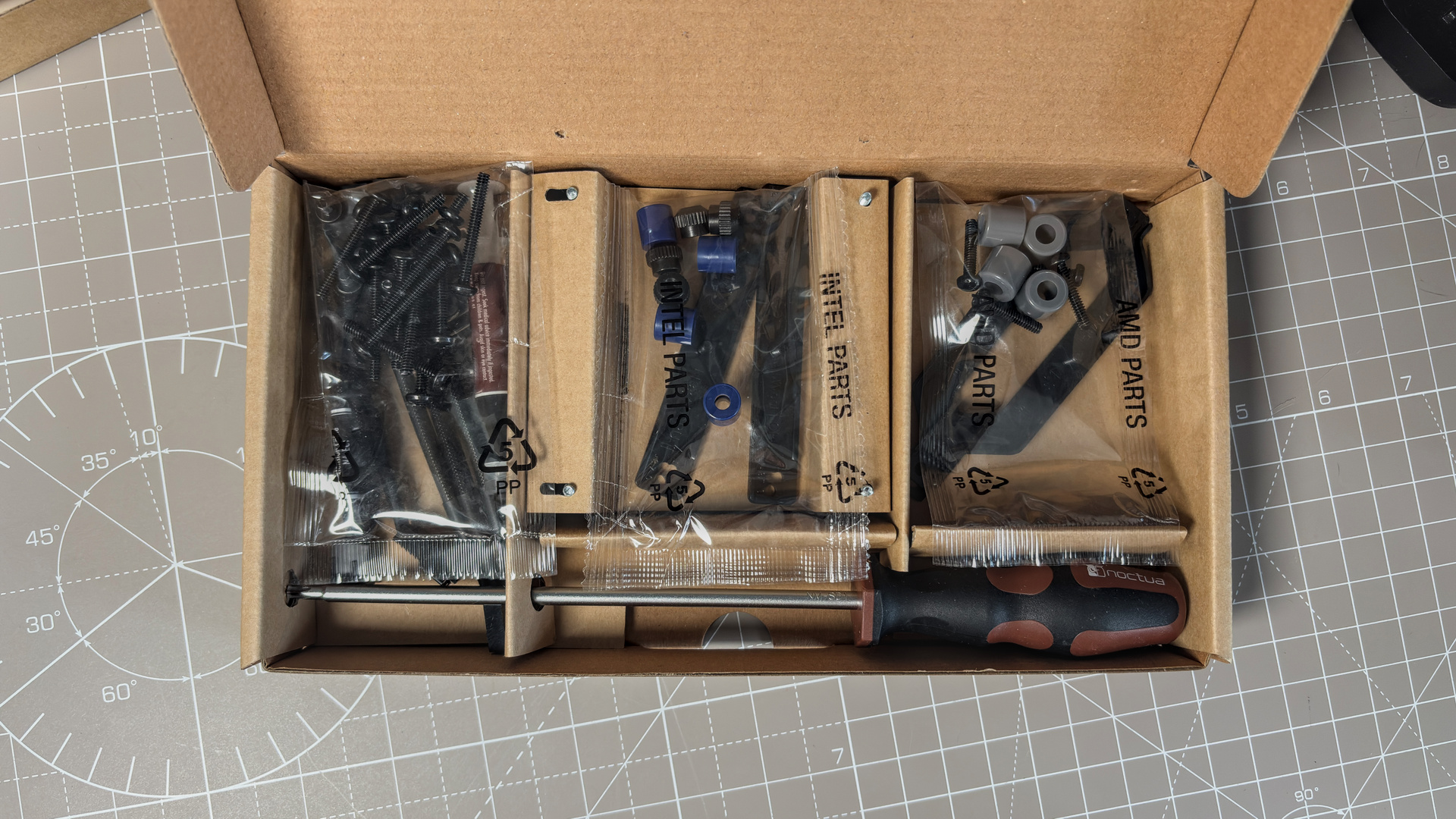
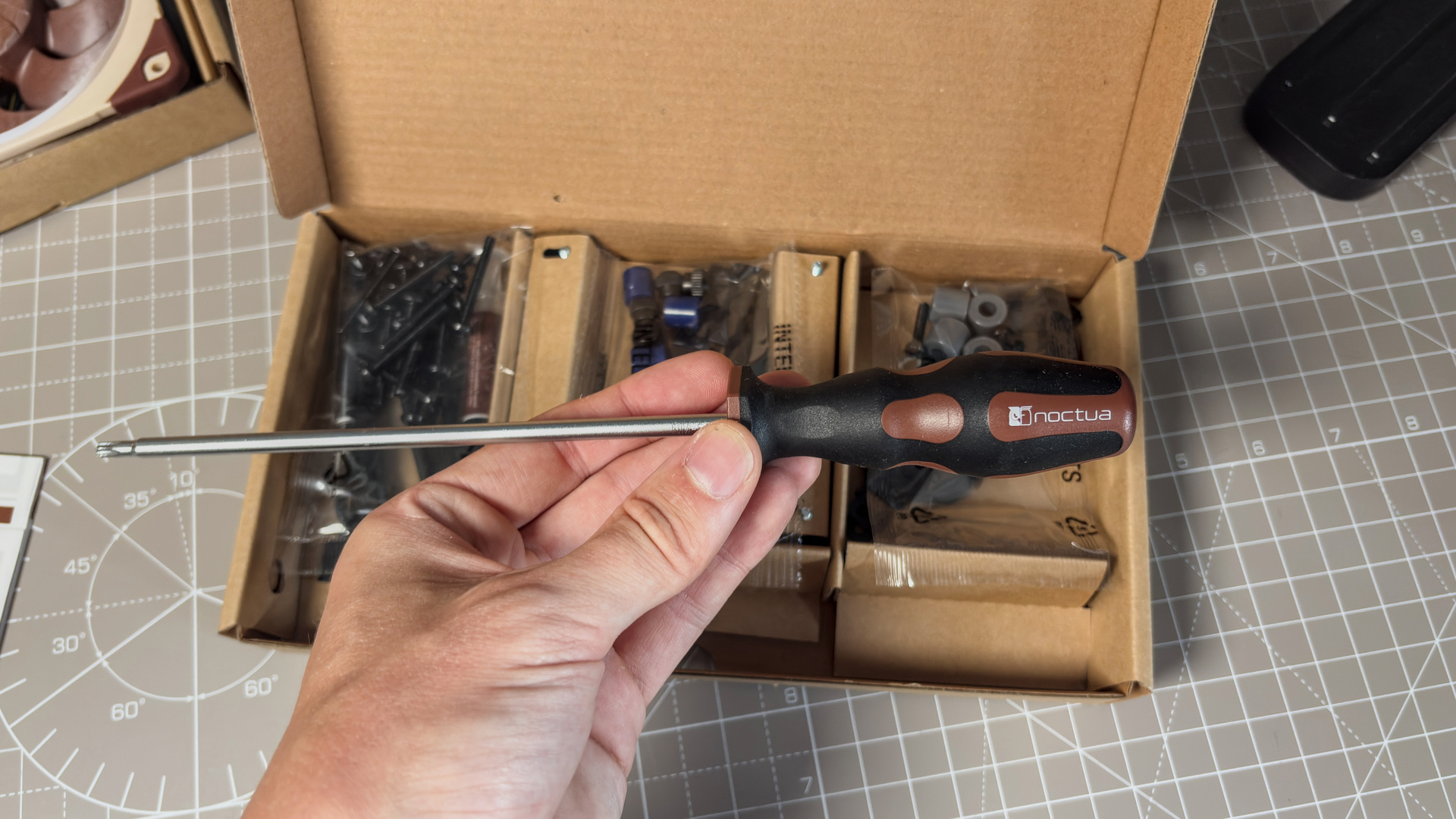
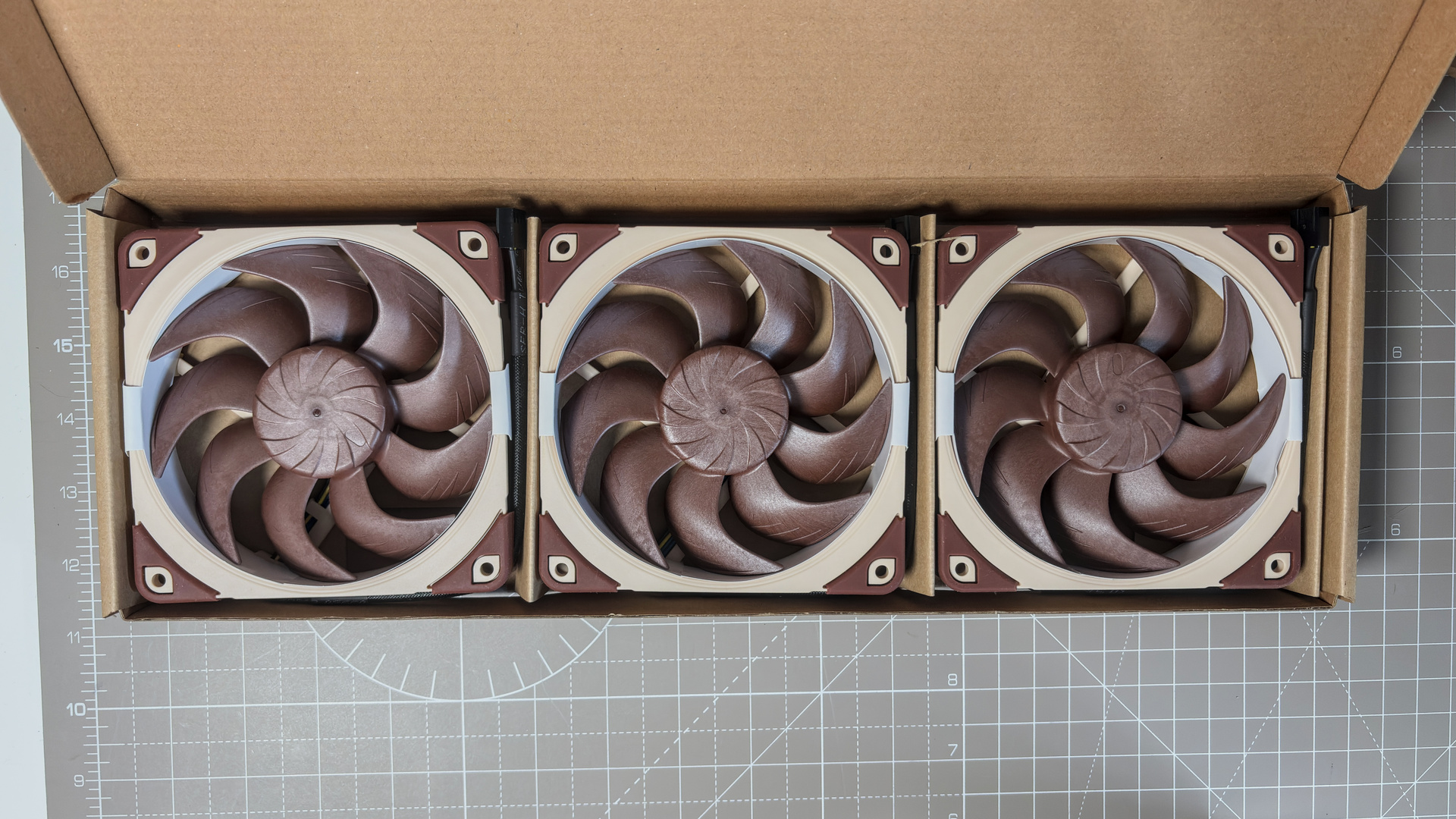
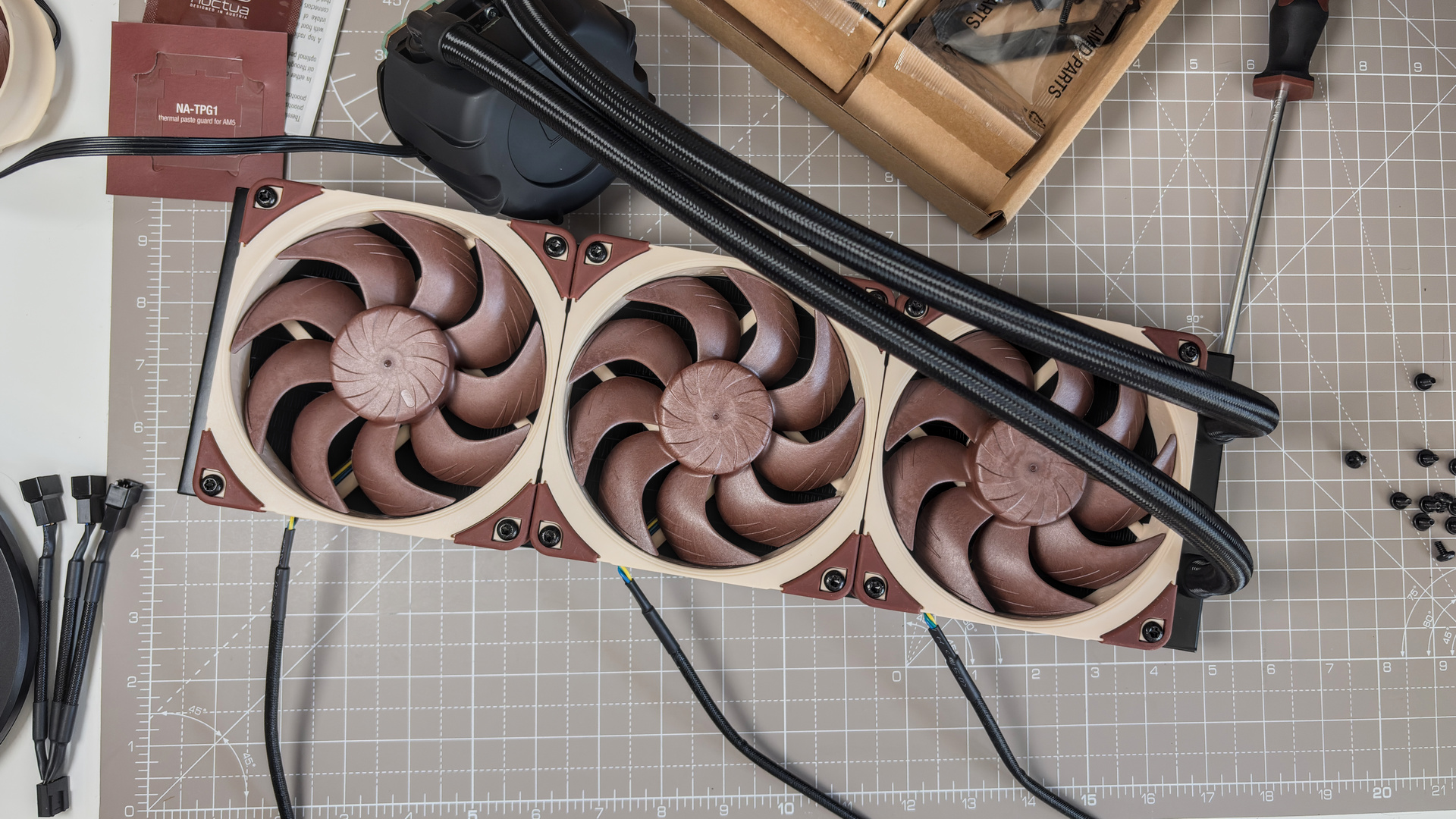
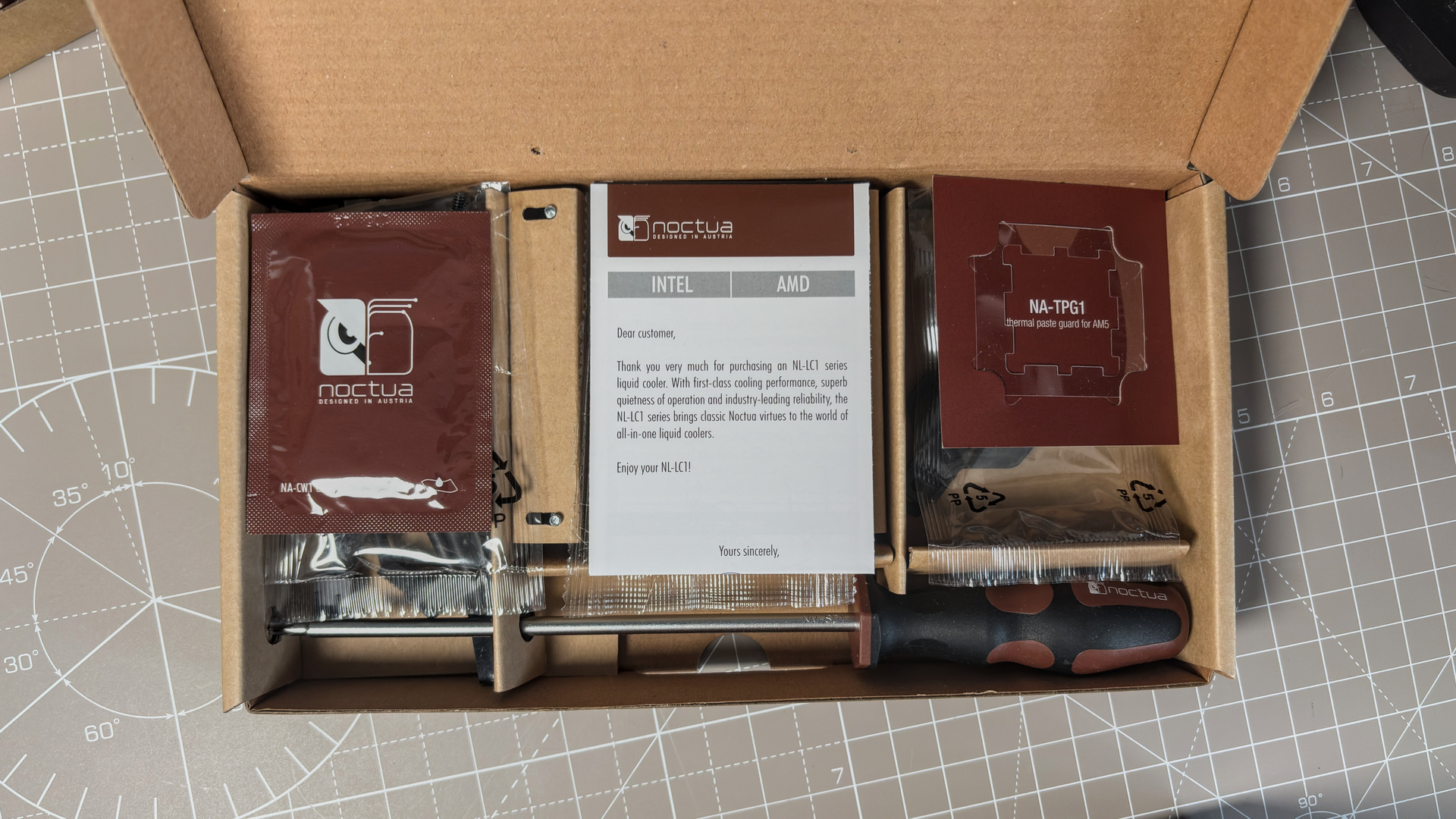
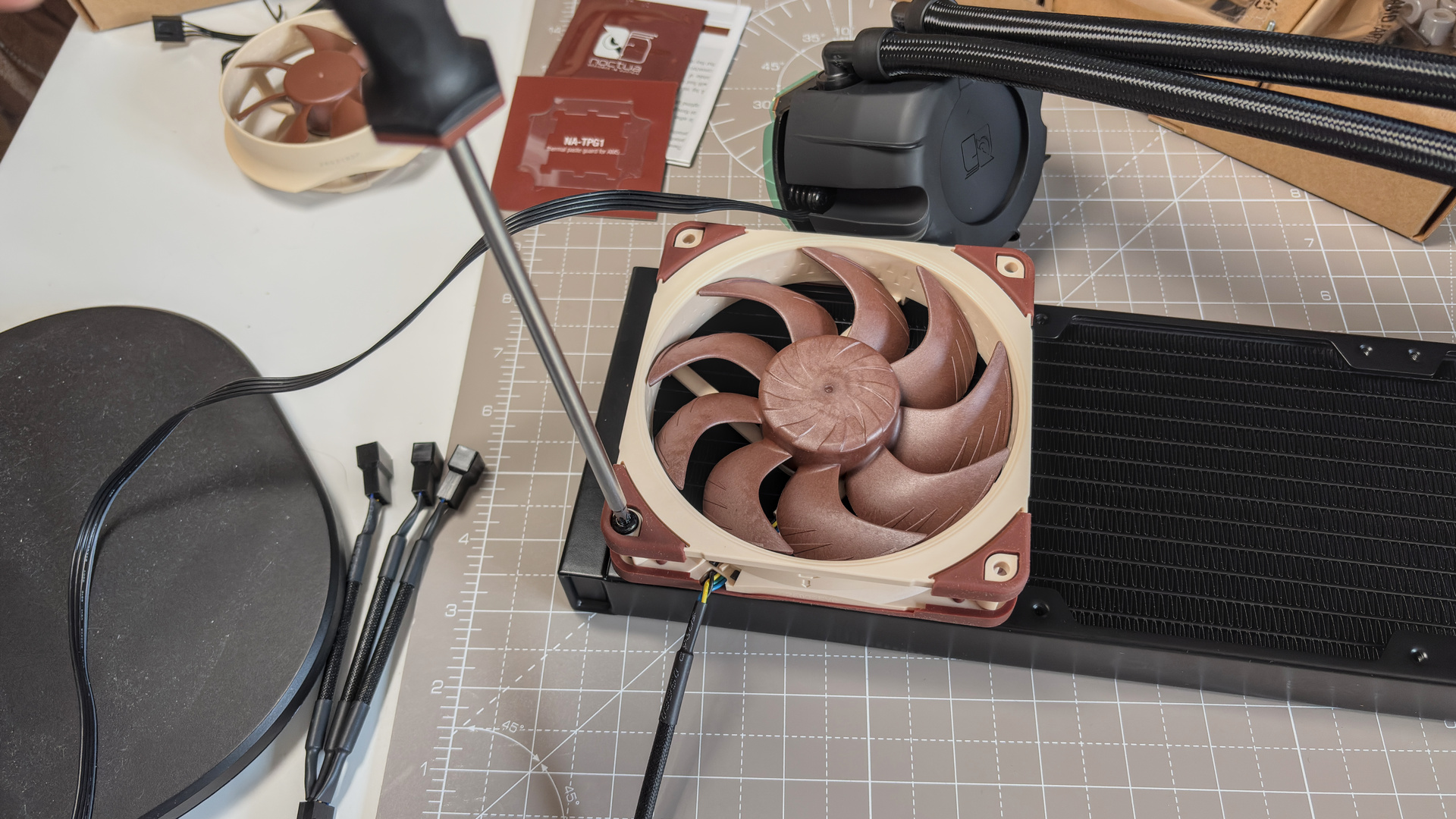
Noctua packages everything neatly for ease of step-by-step installation with the NL-LC1. The fans come packaged separately, meaning my first job is to get those attached. These come with anti-vibration gaskets pre-applied on the correct side for a push configuration, and a push configuration is recommended. Noctua provides the screwdriver for the job, complete with Torx T20 bit, and screws to match. Yeah, Torx screws for everything.
There's no complicated cable runs with the NL-LC1. There's no RGB lighting, which halves the cable requirements, and Noctua provides just a simple 3-to-1 adapter and an extension cable in the box to help one run the cables to a motherboard header. The pump has a separate connector, and that's your lot.
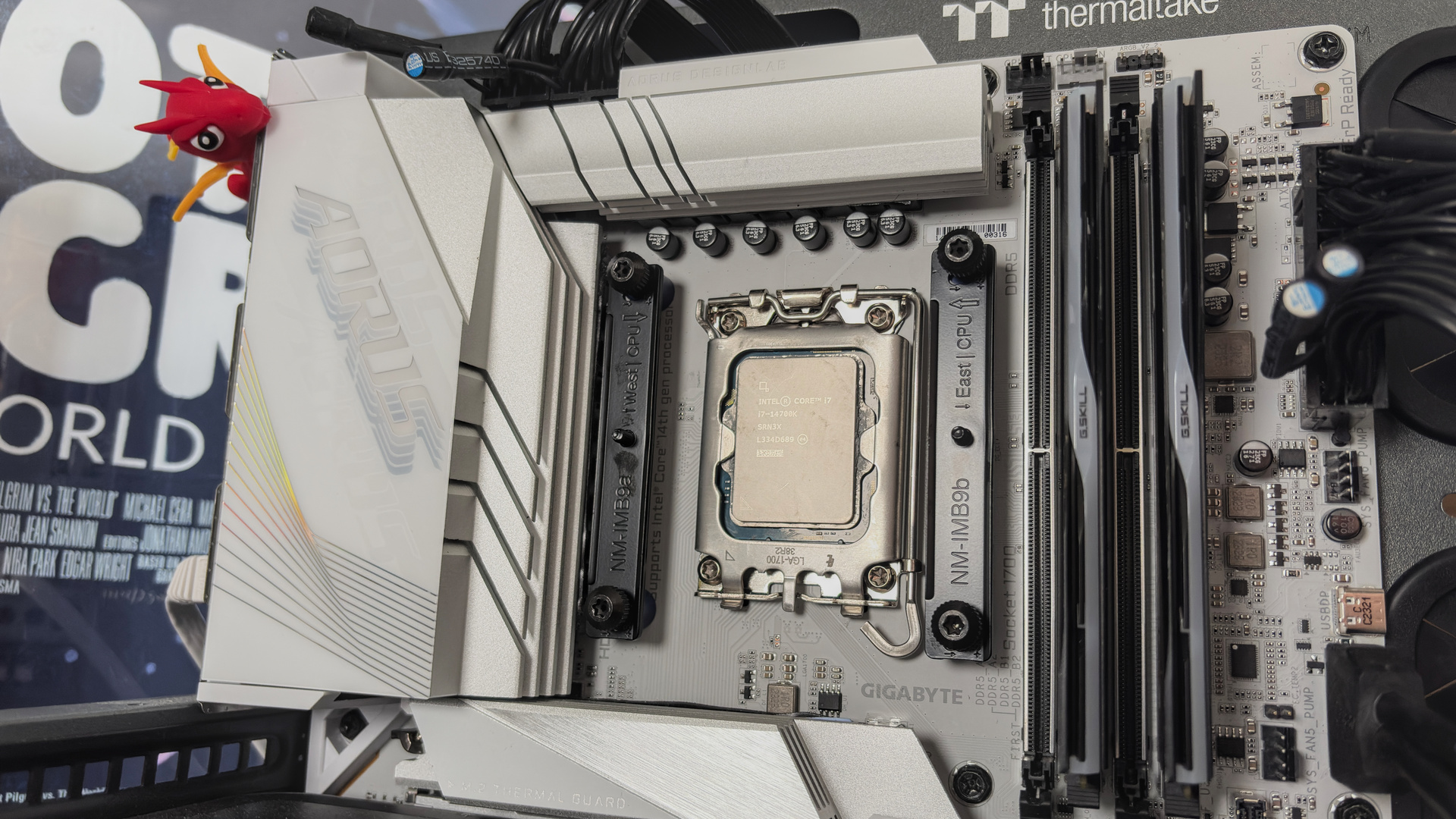
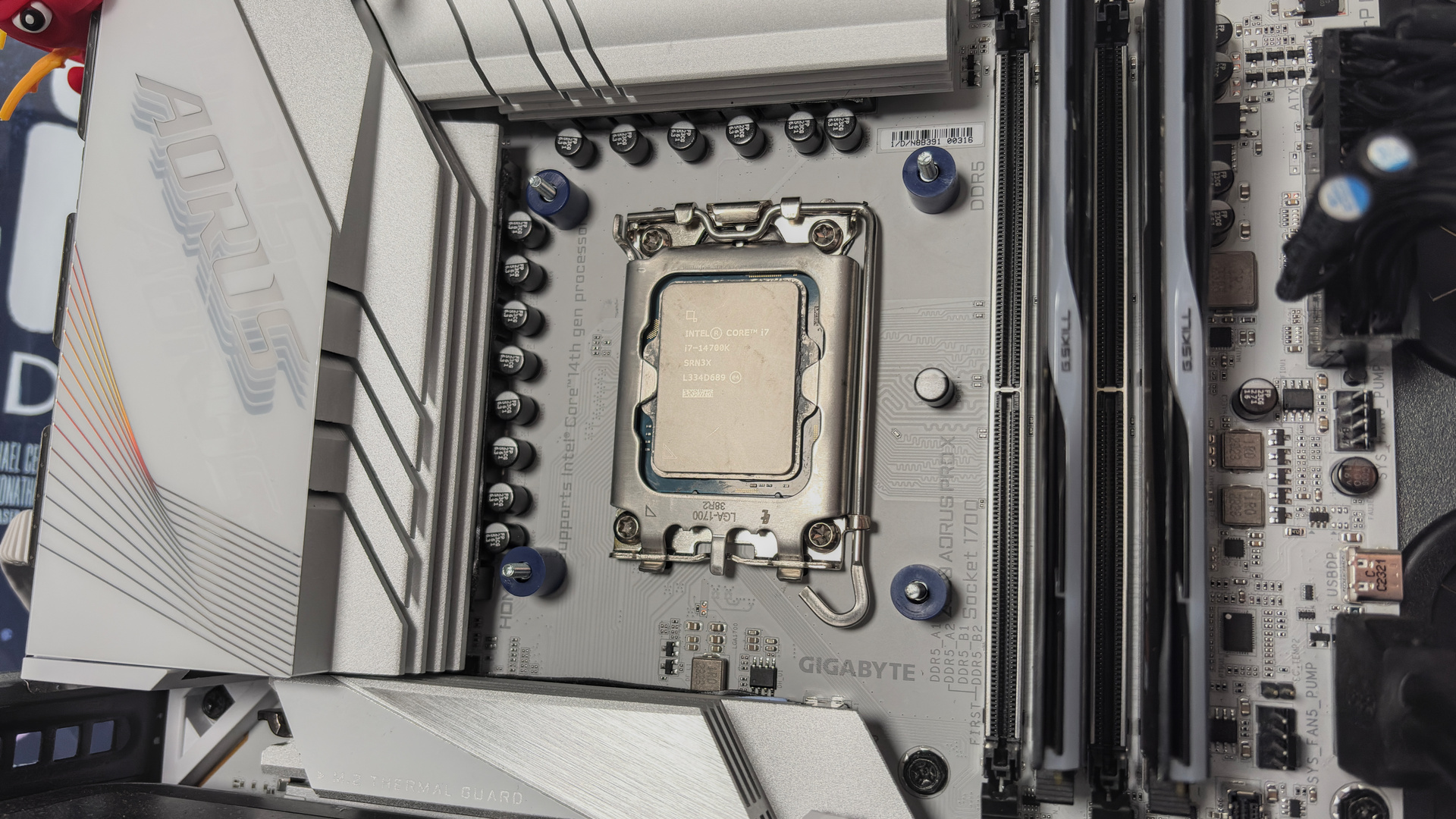
Compatible with both AM5/AM4 and LGA 1851/1700 sockets, it will cover most modern Intel and AMD systems. I'm testing on Intel, which requires one extra step to AMD, but both are relatively simple. Just attach the backplate to the rear of the motherboard (this is the extra step on Intel; it's pre-applied on AMD), attach the four provided spacers, and then the two brackets on top of that. With that all screwed into place, the pump unit sits atop and is attached via two captive screws. Don't forget the thermal paste!
For AMD systems, there's a plastic surround included that prevents too much paste getting into every nook and cranny on that AM5 heatspreader. There's also a cleaning wipe included if you mess it up or need to reapply paste down the line.
Gallery
Value
The NL-LC1, in any size, is an expensive liquid cooler. For easy comparison, let's take the 360 mm version. Noctua suggests a price of $250/€250, which as far as I can see, is the exact price it's selling for right now. That's £217 in the UK.
Compare that to the Arctic Liquid Freezer III Pro 360, and it's over three times the price. You can buy one of those for $70 at time of writing. Just $70. That's for a cooler that, for the most part, matches the NL-LC1-36 in my testing. But it's loud—loud as heck at full speed—and that matters to some more than others.
So, they say silence is golden. In this case, it certainly costs something equivalent to bullion. There's no doubt it's the best liquid cooler I've tested, with frankly incredible performance when normalised by noise, but it's far from the best value.
Sumber: PC Gamer