
Nvidia bilang RTX 4070 Super saya tidak mampu Multi Frame Gen, tapi saya terkejut betapa lancarnya unlock tidak resmi ini
🌐 Konten masih dalam Bahasa Inggris. Terjemahan sedang diproses.
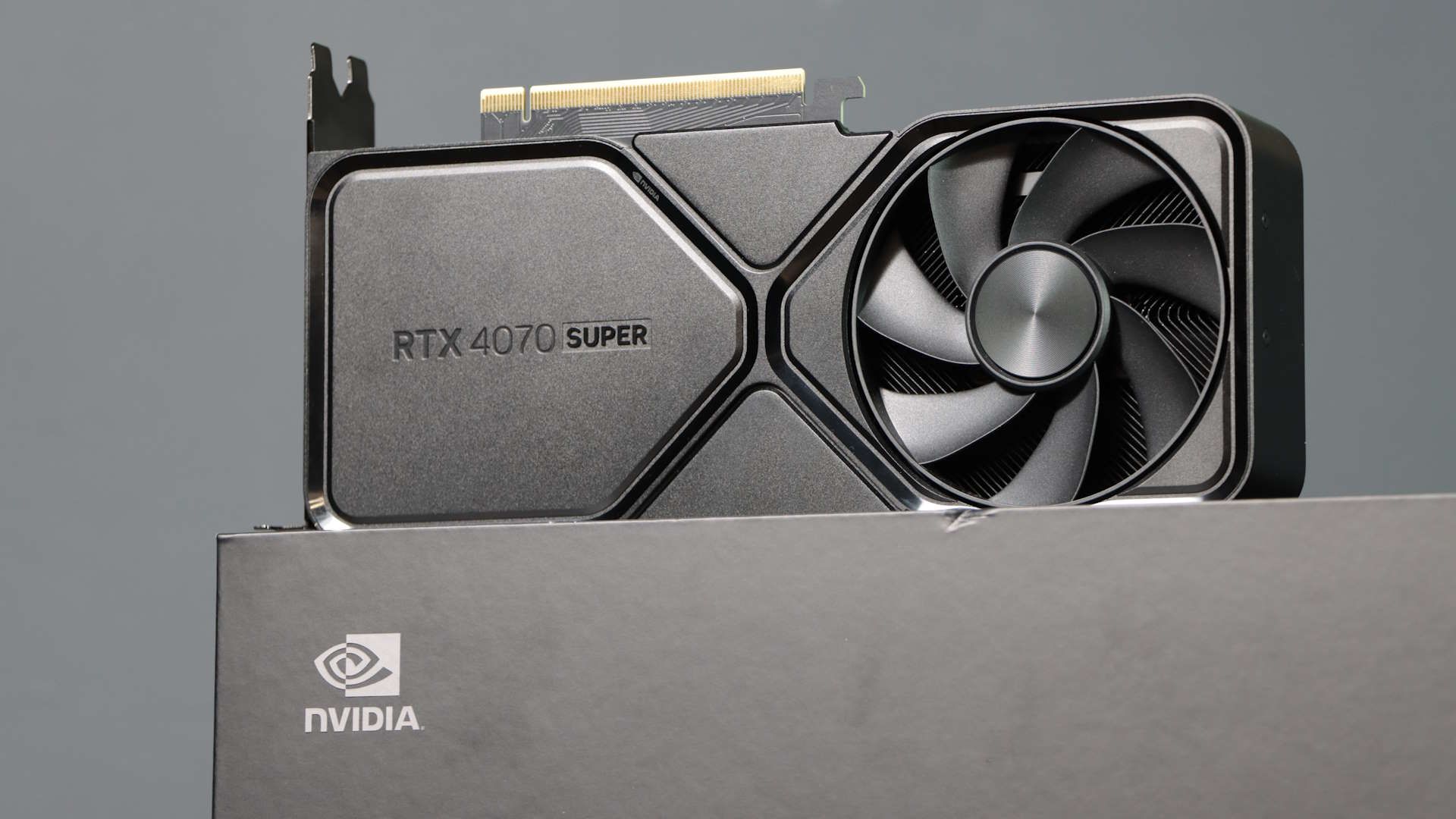
Multi Frame Generation (or MFG) smoothes out gameplay by using AI to create as many as five generated, or 'fake' frames for each one actually rendered by the GPU. Nvidia first introduced the original 2x Frame Generation feature with the RTX 40-series graphics cards back in 2022, but the highest rates of frame gen are reserved for the RTX 50-series.
If you have an RTX 5090 (despite it being particularly tricky to find one, let alone for a price anywhere near MSRP), you can enjoy as much as 6x MFG in supported games. This is because the RTX 50-series GPUs contain more powerful Tensor cores, but also a dedicated AI Management Processor (AMP) which works alongside Flip Metering to deliver frames, both rendered and AI-generated, to your display as smoothly as possible. Older cards, like my RTX 4070 Super, lack this snazzy silicon—but us PC gamers won't let something as silly as official limitations stop us.
I've already detailed how you can get 4x Multi Frame Generation working on an RTX 40-series GPU using some simple mods. I'll tell you what I found across all of my testing shortly, but first let me speedrun through how I got this working in the first place. Very simply, I used the ReShade HDR Installer to download unofficial mods that unlock higher rates of Multi Frame Generation for RTX 40-series cards. My RTX 4070 Super officially supports up to 2x MFG, but the unofficial mods mean I can test up to 6x MFG with this same card.
As Nvidia does not officially support more than 2x MFG on RTX 40-series cards, I was fully expecting some quirkiness ahead.
Even on an RTX 50-series card, officially supported Multi Frame Generation can introduce blurry frames and latency issues, so I'm not really expecting my RTX 4070 Super to fare better on those fronts. My testing is more about getting as much as I possibly can out of the hardware I already own, and silencing the voice that says I need to drop silly money on an RTX 50-series card at least for a little while longer.
Now, not all games support even the standard 2x MFG. So, let me tell you I was surprised to discover that story-heavy games like Lost Records: Bloom & Rage and The Thaumaturge both support up to 6x MFG (you can check Nvidia's full list of games that support MFG here). As such, the full roster of games I tested is a little non-traditional. It's worth noting too that I am only testing single-player games as the MFG unlock mods I'm using are not officially supported and can trigger in-game anti-cheat detection systems. Sorry, Arc Raiders, I don't want to get banned.
As for settings, I tested all games at 1440p resolution, and used High graphical settings. I also set the Nvidia DLSS quality mode to 'Balanced', and turned off ray tracing and similar tech where applicable. I set ReShade HDR Installer to tap out at 4x MFG as not all games support all the way up to 6x. My thinking was that more PC gamers might be interested in testing 4x MFG on an RTX 40-series card for that reason. I set no target frame rate beyond that, though, in the hopes that this experiment would give me the fullest picture of the highest highs and lowest lows in terms of frame rate.
Now, without further ado, let's take a look at some lovely bar charts.
1440p gaming performance
This chart shows average and 1% low frame rate results in various tested games at 1440p resolution
Black Myth: Wukong Benchmark Tool
| Product | Value |
|---|---|
| No MFG (Average FPS) | 64 |
| 2x MFG Max (Average FPS) | 99 |
| Unlocked MFG (Up to 4x) (Average FPS) | 170 |
| No MFG (1% Low FPS) | 47 |
| 2x MFG Max (1% Low FPS) | 67 |
| Unlocked MFG (Up to 4x) (1% Low FPS) | 113 |

I think it's fair to say that not all MFG support is created equal—even before you start tinkering with unofficial mods like me. For instance, though Lost Records: Bloom and Rage isn't an obvious stand out in terms of frames, it did feel consistently smooth to play with MFG active. The only visual difference I could detect is the softening of some shadows on a distant character model—otherwise, this remains a gorgeous game.
Comparatively, while Vampire: The Masquerade - Bloodlines 2 boasted more frames across my tests, it was not the most stable thing to play. I experienced noticeable frame hitching with MFG active. With 4x MFG specifically, I saw a bunch of artifacting while traversing snow-capped Seattle at speed. I didn't encounter the issue while traipsing through the snow at a Masquerade-maintaining jog, instead seeing ghosting when I broke into a supernatural sprint or glided between rooftops.
I've already mentioned the latency issues with Multi Frame Generation, and it's possible this ghosting arises from a similar source.
However, I also ran into artifacting in The Thaumaturge, though not chiefly while pelting around Warsaw. Instead, I saw ghosting in conversation-based cutscenes and during combat (you'd think the AI tech could keep up with a turn-based RPG). It's more subtle than the ghosting I saw in Bloodlines 2, but definitely still there. The effect is most obvious in the clip below as ne'er-do-well Marian enters the cutscene, and every time either Wiktor or his friend from the other side performs a focus-reducing attack in the following turn-based combat.
To be fair to Bloodlines 2, it was more stable than the built-in benchmark tool for Cyberpunk 2077. While CD Projekt Red's game turned in some of the best frame rate results, it was frequently a flickery mess with 4x MFG active on my RTX 4070 Super (to say nothing of how toasty it made my GPU during these tests).
If I was going to venture back to Night City for another playthrough with 4x MFG, I'd want to do some serious software tweaking beforehand. Obviously, Nick found the game ran much more smoothly with MFG active on an RTX 5090.
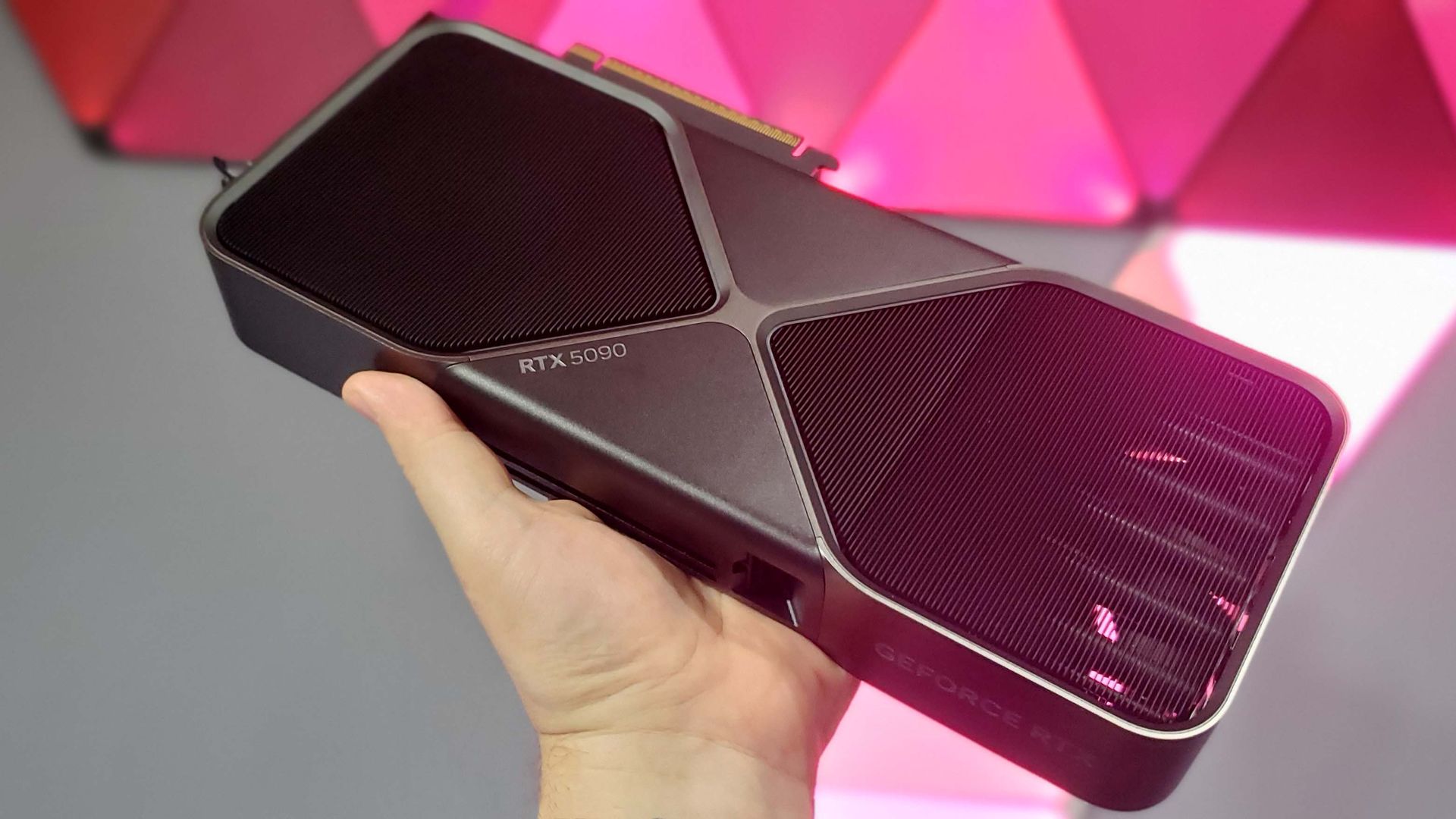
Nvidia CEO Jensen Huang has said in the past that bringing "the latest generation AI technology to the previous generation GPUs" is a good idea but that it would "require a fair amount of engineering." Having tested it out for myself, I do sort of see what he means.
Still, sans the cybernised elephant in the room, I was surprised at how viable playing with this unofficially supported 4x MFG felt on my RTX 4070 Super.
A lot of games require minimal tinkering beyond installing the 'RTX 40 MFG' and 'OptiScaler' mod in the ReShade HDR Installer (though Pragmata additionally requires the 'RE Framework' mod). Once you've done that, all you need to do is select the relevant MFG option from the in-game settings. Pragmata in particular was a doddle to set up and play, though I'd likely need a GPU with more VRAM than my current 12 GB card if I wanted to play with all of its visual flourishes active on top of MFG.
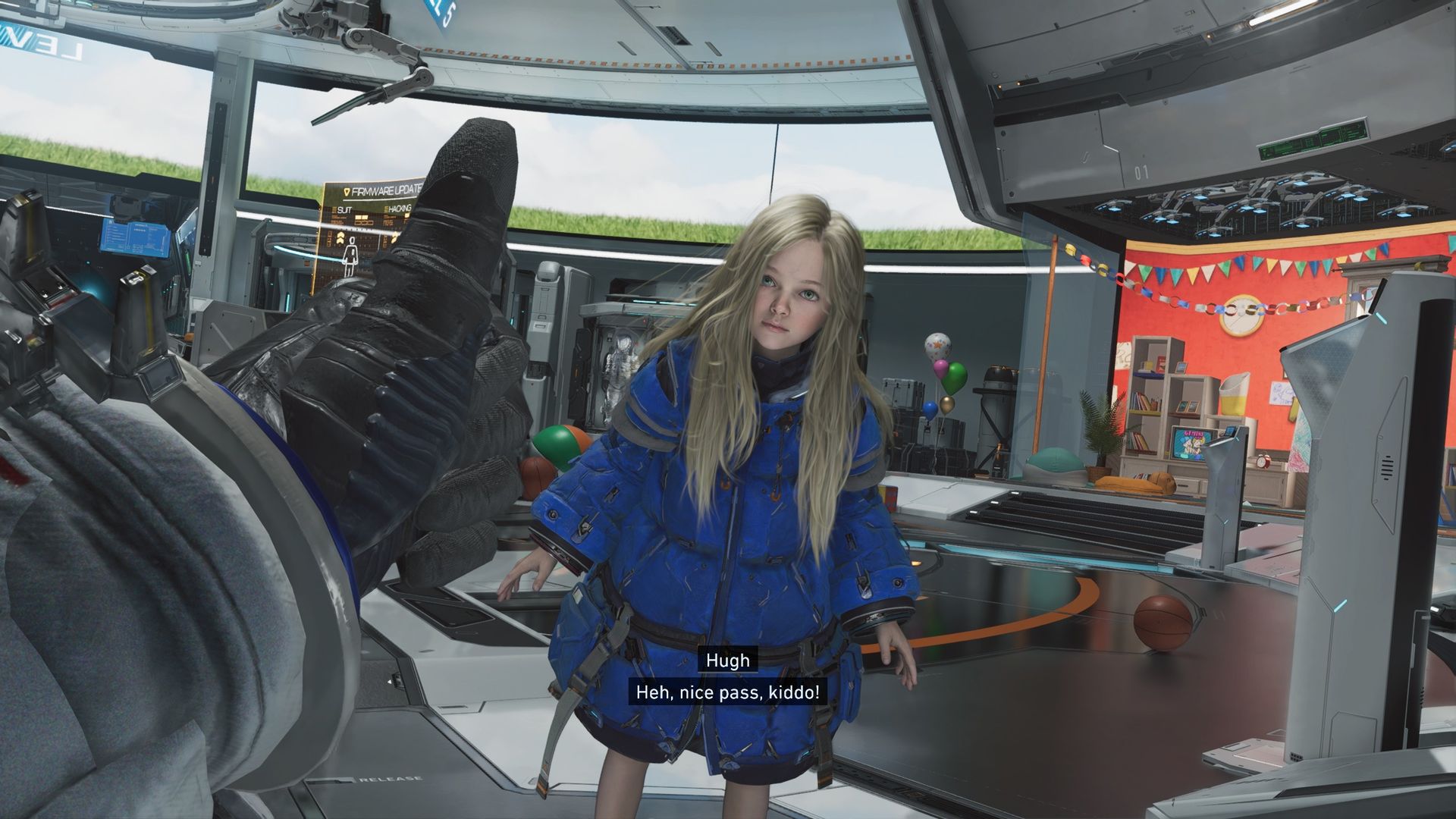
Granted, several hours of benchmarking is not quite the same as a full playthrough, and a lengthier play session of anything I tested may only serve to reveal further stability issues or visual quirkiness.
That said, my RTX 4070 Super is still turning in a very respectable amount of frames (even without MFG active). My 4x MFG testing just goes to show this RTX 40-series card has plenty of life left in it—and that I can definitely put off a potentially very expensive upgrade for a few more years at least.
Sumber: PC Gamer