
Studio Palworld mengatakan hapus mod lama Anda sebelum rilis 1.0: 'Menonaktifkannya tidak cukup'
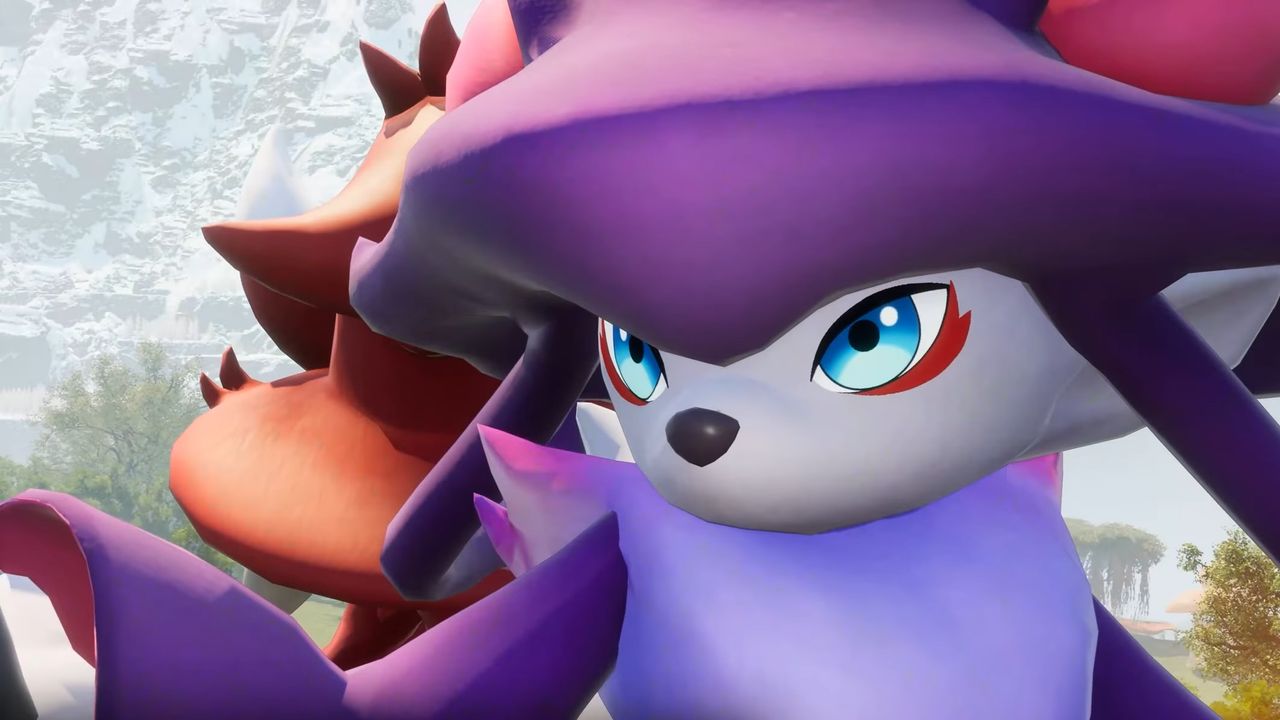
PalworldAfter two-and-a-half years of early access, Palworld is launching into full release tomorrow, July 10. It's a moment that brings both good news and some potential bad news: The price isn't going up, which is very nice, but if you have any old mods left installed, you may run into trouble.
Pocketpair said in today's caution that it supports modding, writing, "we look forward to seeing all the amazing mods that will be made after 1.0." The potential for trouble, particularly for people who are coming back to the game for the 1.0 release after a long time away, is found in old and "potentially harmful" mod data that may still be lying around.
"The upcoming 1.0 update for Palworld makes significant changes to the game’s systems," Pocketpair explained. "If you still have mods installed from the past, especially mods that have been left installed since around 2024, you may encounter problems such as crashes when launching or playing the game, corrupted save data or save data failing to load, [or] quests or events becoming impossible to progress."
Simply disabling mods isn't sufficient, because data and mod loaders may still be loaded when the game starts, even if the mods themselves are switched off. The only way to be sure is to nuke it all from orbit—which is to say, manually delete all the relevant data.
Detailed instructions for doing so are included in Pocketpair's mod usage guidelines, but it's not an especially complicated procedure: Back up your save data (always back up your save data before you start horsing around with this kind of thing), delete Pal\Binaries\Win64 and Pal\Content\Paks, verify your game files on Steam, then verify the game launches properly before applying the 1.0 update. If you're subscribed to any Steam Workshop mods, you'll have to unsubscribe from those as well, and be sure to manually delete that data too.
Pocketpair also recommended not reinstalling any mods until their makers have confirmed they've been updated for the 1.0 version, and doing them one at a time to ensure everything works nice and smooth—because, as the studio said, "Please note that issues that occur while using MODs, or modified game data, are not covered by support."
2026 games: All the upcoming games
Best PC games: Our all-time favorites
Free PC games: Freebie fest
Best FPS games: Finest gunplay
Best RPGs: Grand adventures
Best co-op games: Better together
Sumber: PC Gamer