
Ulasan Razer Blade 16 (2026)
🌐 Konten masih dalam Bahasa Inggris. Terjemahan sedang diproses.
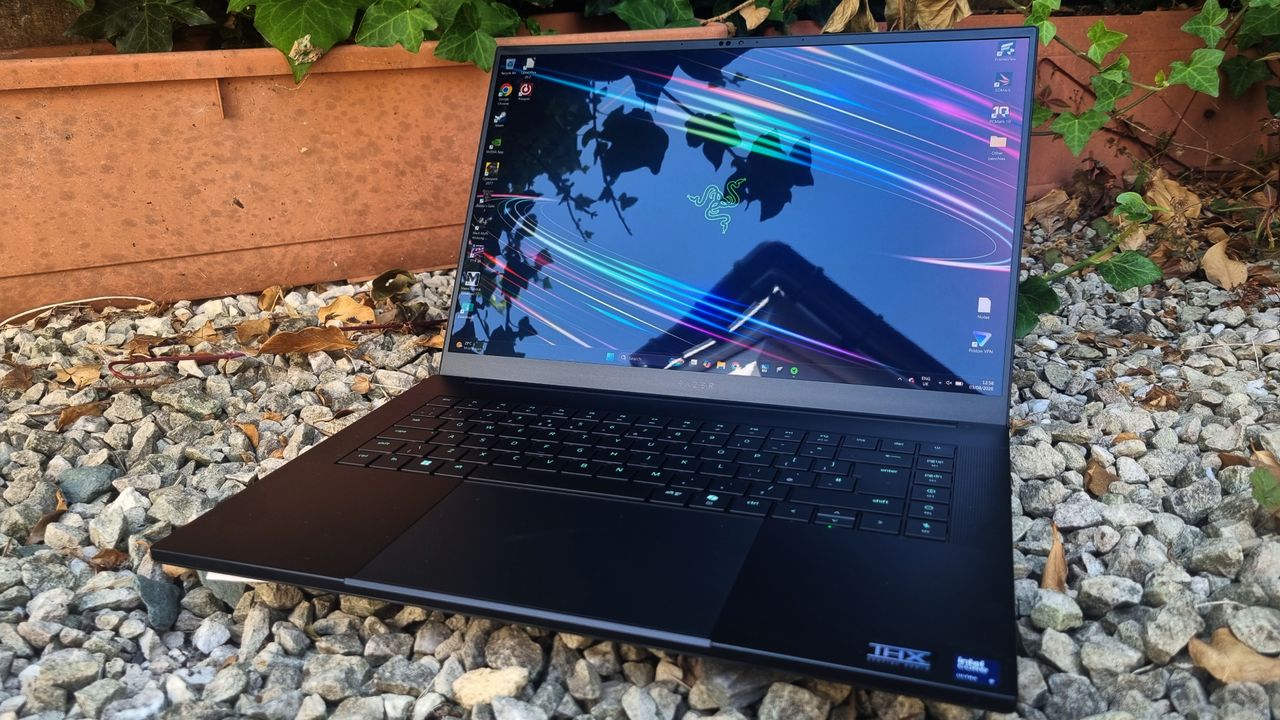
My, how the world can change in a year. The previous version of the Razer Blade 16 shot to the top of our best gaming laptop guide upon its release in 2025, thanks to its fantastic chassis design, great performance, and battery-powered gaming abilities, among other virtues. Yes, it was hugely expensive. But thanks to a stunning all round package, it was worth the money if you had the cash to splash.
Now I sit with the Razer Blade 16 (2026) in front of me—and on the surface, not a whole lot has changed. I've been provided with an RTX 5090-equipped config with 32 GB of DDR5, a 2 TB SSD, and a 240 Hz 16-inch OLED display, all wrapped up in the same chassis as the old model. So far, so brilliant. The major change to this refresh, though, is the addition of one of Intel's Panther Lake-based laptop processors, the Core Ultra 9 386H.
It's a very speedy gaming CPU, and a worthy addition to the Blade 16's armoury. But the thing I'm struggling with, as I'm sure you might have already guessed, is the price. Prepare yourself, folks. This particular Blade 16 costs, and there's no getting round it, $4,900/£4,800.
That's $400 more than the previous RTX 5090-equipped Blade, and, as usual, you can largely blame the memory crisis. But for this sort of price, I'm not quite as convinced by the Blade 16 as I used to be. It's still a sumptuous, fabulous machine, and I'd have one in a heartbeat if I had all the money in the world. But I'd also have a gold-plated Lamborghini and a spare room made of chocolate, while I'm at it.
Which is to say, it's become more difficult to justify the Blade 16's value for this sort of moolah. It's super-portable for a 16-inch machine, and that's worth a lot. It's a wonderfully-premium object, too, with a fantastic screen. And it gets good battery life, all the while running relatively quietly if you drop it down into Balanced mode. It's very… civilised. And I love that.
But spending nearly five grand on an RTX 5090 gaming laptop that can be soundly beaten in the performance stakes by the often-cheaper, RTX 5080-toting Lenovo Legion Pro 7i? The idea of it stops me in my tracks. Is the Razer better in many other ways? Undoubtedly. But the price to performance delta is now skewed, and that gives me the odd doubt.
There are cheaper, lesser-GPUed models of the Blade 16 available, and if I was buying one with my own money, that's where I'd be looking. The Razer Blade 16 is an astonishing piece of engineering, and rarely have I wanted a gaming laptop more. But crucially, I think its MSRP across the range is now substantial enough to keep me awake at night—and as a result, I've got to knock it down by a peg or two.
Razer Blade (2026) features
Razer Blade 16 (2026) | Razer Blade 16 (2025) | |
CPU | Intel Core UItra 9 386H | AMD Ryzen AI 9 HX 370 |
GPU | Nvidia GeForce RTX 5090 (175 W Max TGP) | Nvidia GeForce RTX 5090 (175 W Max TGP) |
Memory | 32 GB LPDDR5X-9600 | 32 GB LPDDR5-8000 |
Storage | 2 TB PCIe 4.0 NVMe M.2 SSD | 2 TB PCIe 4.0 NVMe M.2 SSD |
Expansion slots | 2 x M.2 NVMe (one used) | 2 x M.2 NVMe (one used) |
Display | 16-inch 2560 x 1600 OLED, 240 Hz | 16-inch 2560 x 1600 OLED, 240 Hz |
Dimensions | 14.9 ~ 17.4 x 250.5 x 355 mm | 0.59 ~ 0.69 x 9.86 x 13.98 inches | 14.9 ~ 17.4 x 250.5 x 355 mm | 0.59 ~ 0.69 x 9.86 x 13.98 inches |
Battery | 90 Whr | 90 Whr |
Weight | 2.14 kg / 4.71 lbs | 2.14 kg / 4.71 lbs |
Price | $4,500 / £3,900 |
The 2026 version of the Blade 16 is still a lush device, and my review sample has a specs sheet to be proud of. The major internal change over our previously tested model comes in the form of the Panther Lake-based Intel Core Ultra 9 386H processor, which replaces the AMD Ryzen AI 9 HX 370 found in last year's top-spec config.
It's a 16-core CPU, which breaks down into four Performance cores, eight Efficient, and four Low Power Efficient types. That core distribution might sound a little weak on paper, but in practice it adds up to create a powerful gaming chip, with a 4.9 GHz max boost frequency and a maximum boosted power draw of 80 W.
Unfortunately, the iGPU here isn't the Arc B390 found in Intel's top-of-the-line Panther Lake chips, which feels like a bit of an omission. Instead you get a four Xe3-cored "Intel Graphics" tile, which means that for battery-based gaming you're probably going to want to lean on the dGPU. Which in this case is a beastly RTX 5090 mobile chip capable of maxing out at a 175 W TGP.
It'll sip much less power than that in practice, of course, and you'll need a Razer cooling pad to enable its potential top wattage figure. Still, the lack of a feisty iGPU is a missed opportunity for genuinely mobile gaming, if you ask me.
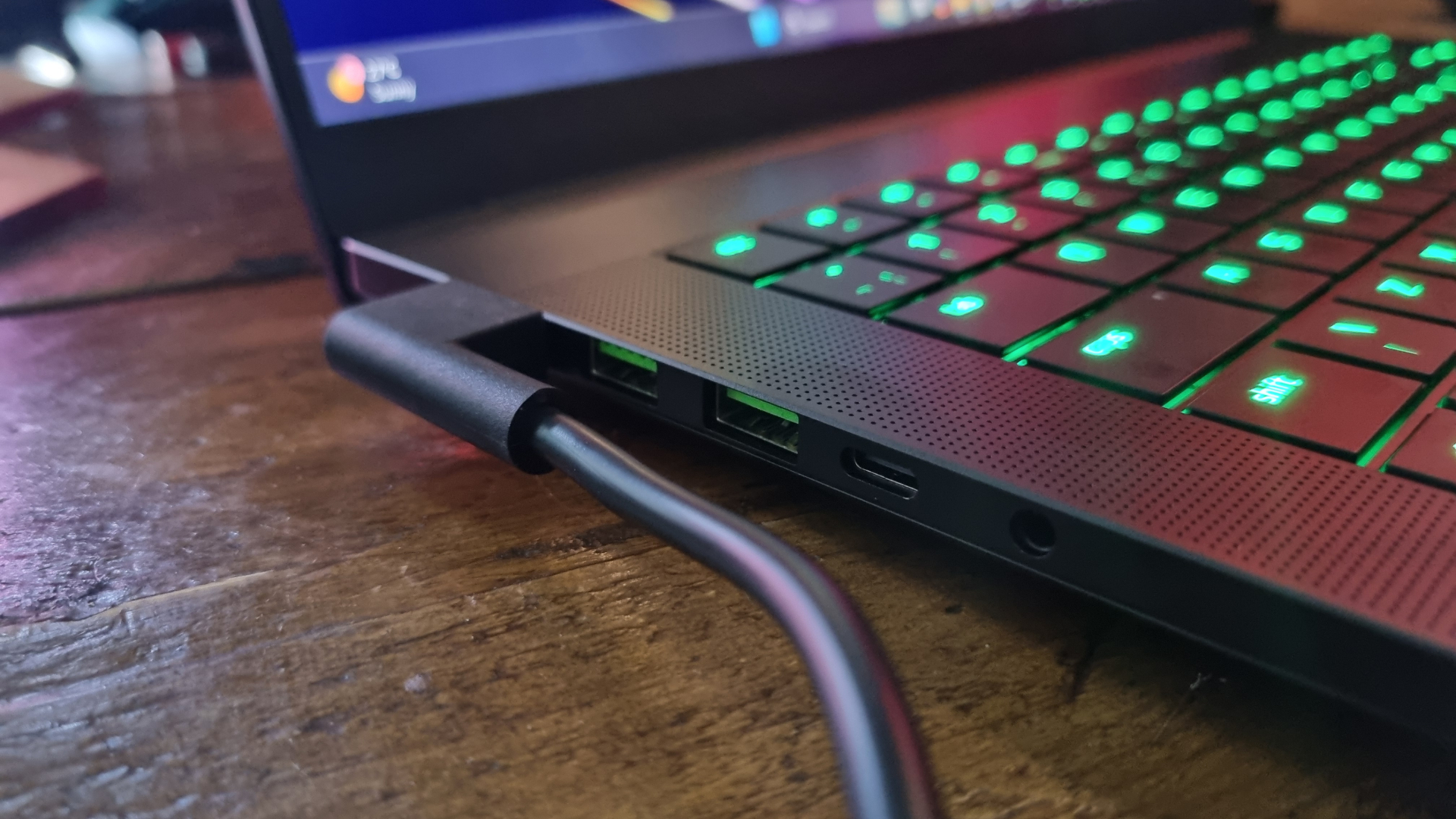
Lower-specced variants of the Blade 16 are available, going all the way down to an RTX 5060/Ryzen AI 9 365 config with 16 GB of DDR5 and a 1 TB SSD. Even this "bottom-spec" model, though, has an eye-watering price given the hardware inside. It's $2,400, to be precise. Oof.
Still, my top-end sample is well-equipped no matter which way you look at it. It's got 32 GB of LPDDR5X-9600, a 2 TB Gen4 SSD, and a truly stunning 240 Hz OLED display, complete with DisplayHDR TrueBlack1000 certification.
Every other laptop manufacturer should take a look at Razer's efforts and make notes
It's still one of the best panels I've had the pleasure of setting my eyes upon—although it's got some serious competition in the form of the new ROG Nebula OLED displays found in the latest Asus ROG Zephyrus G16 models.
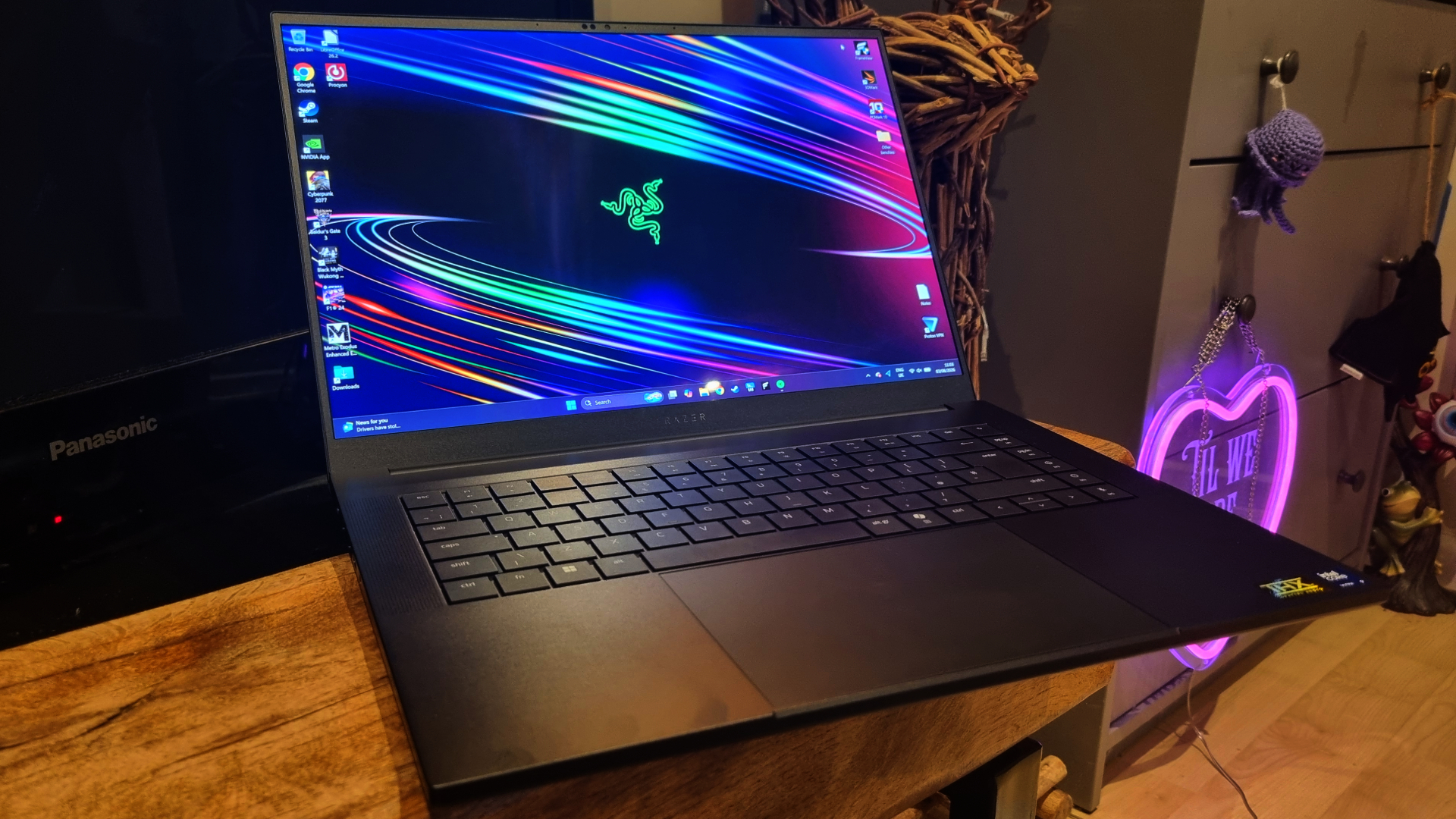
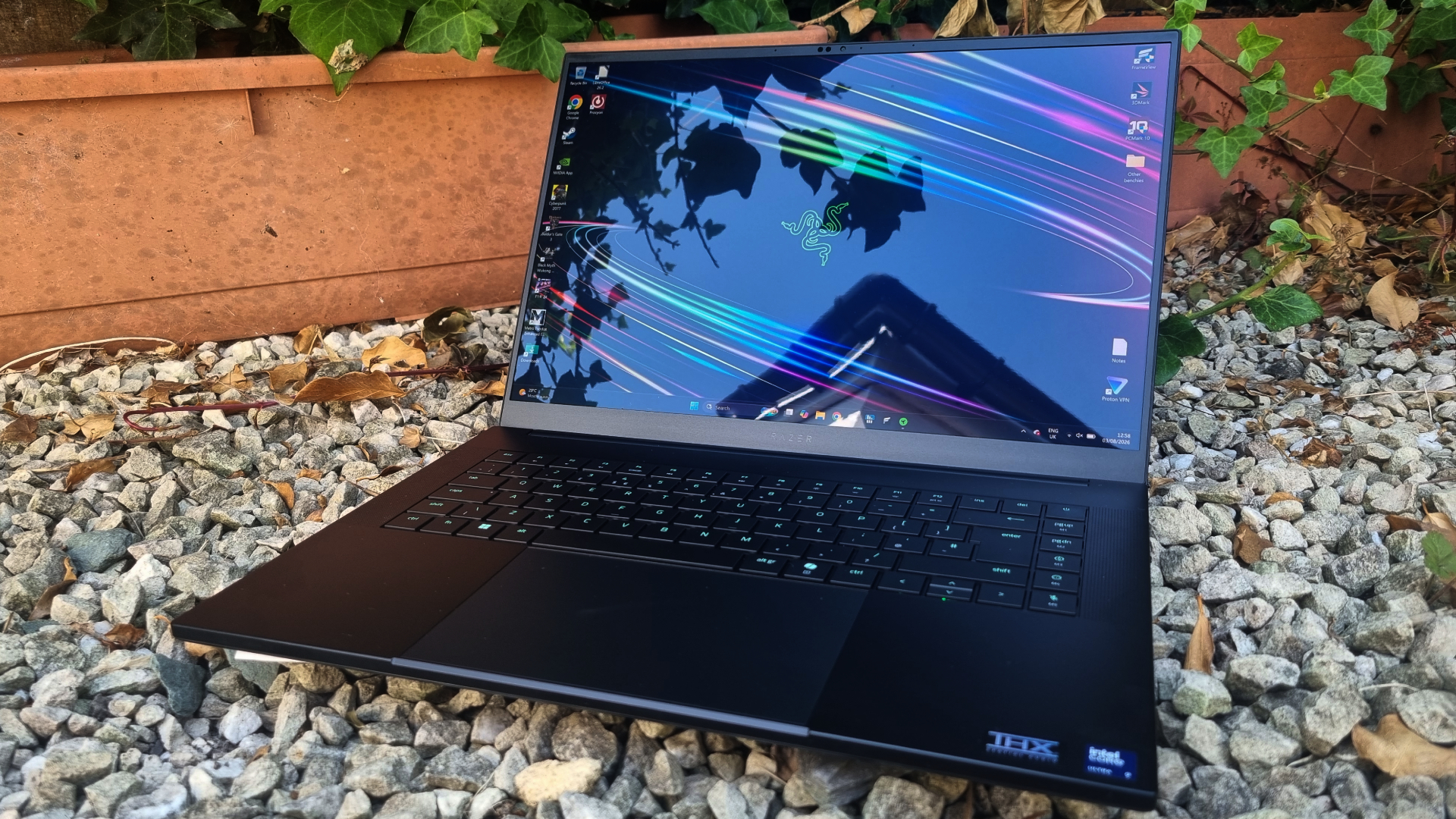
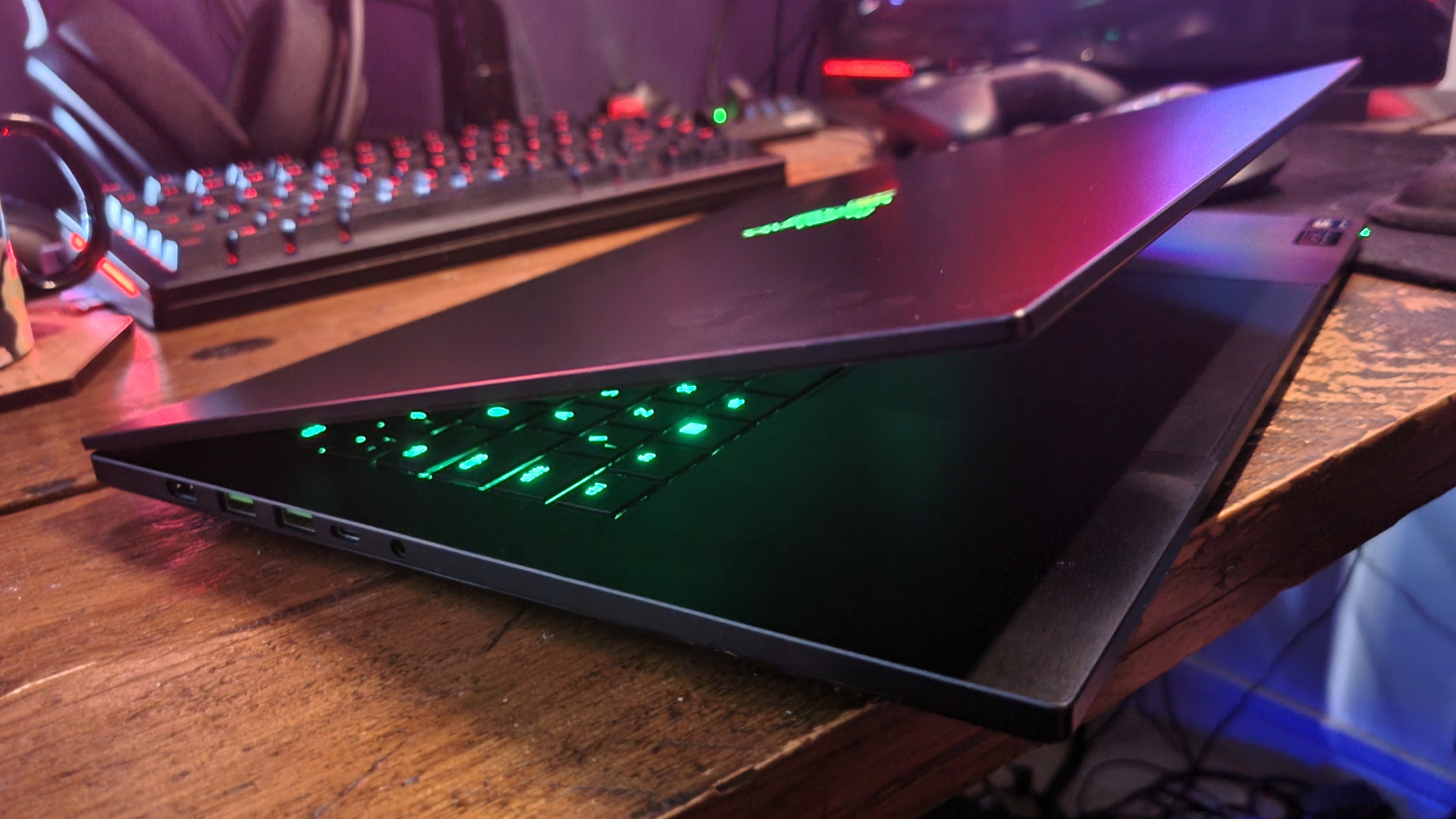
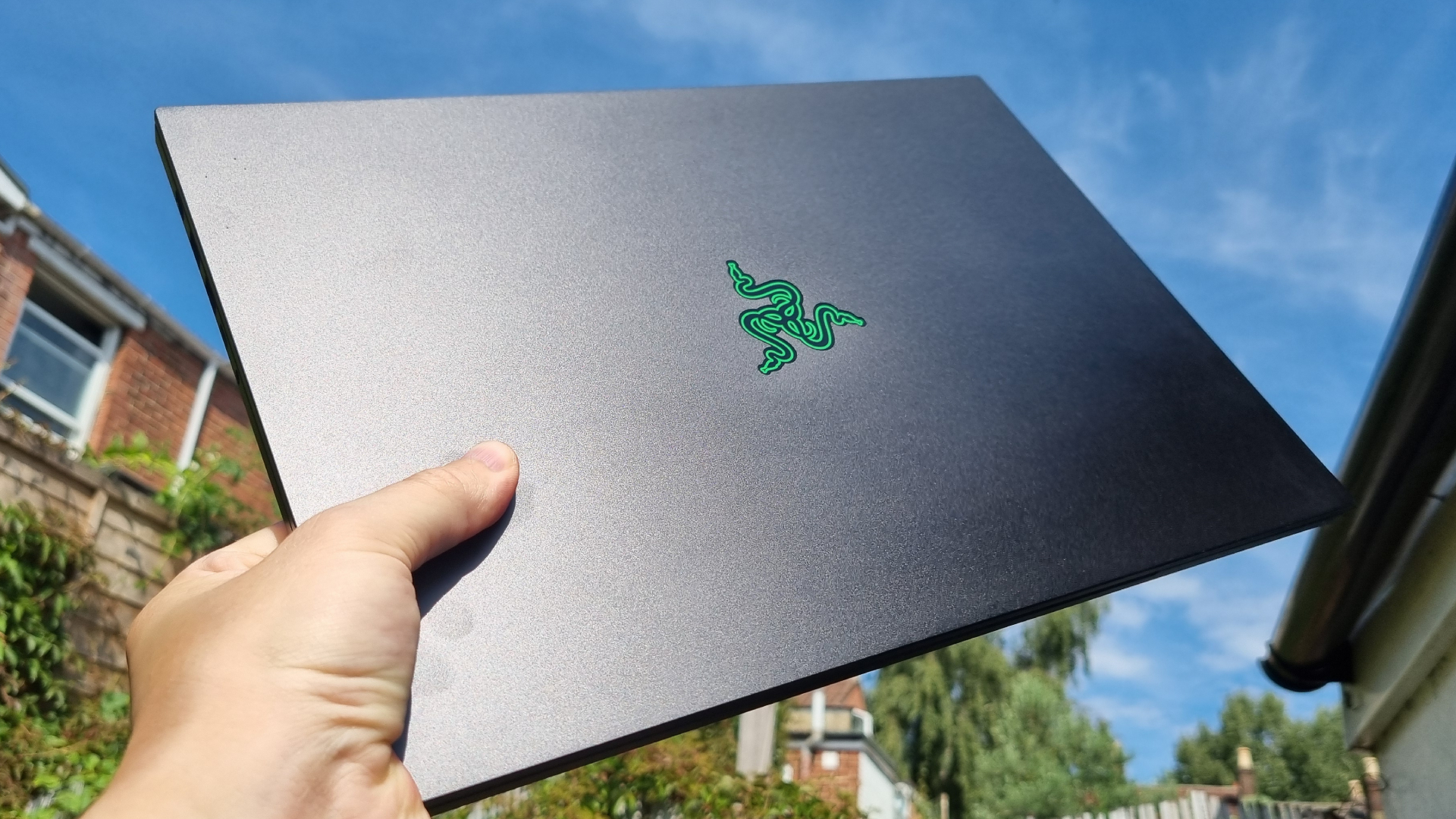
All this high-end hardware comes wrapped in a chassis that still stands head and shoulders above the rest. The Blade 16 is astonishingly slim given the components inside, and its crisp-edged, all-business frame feels like the pinnacle of gaming laptop design.
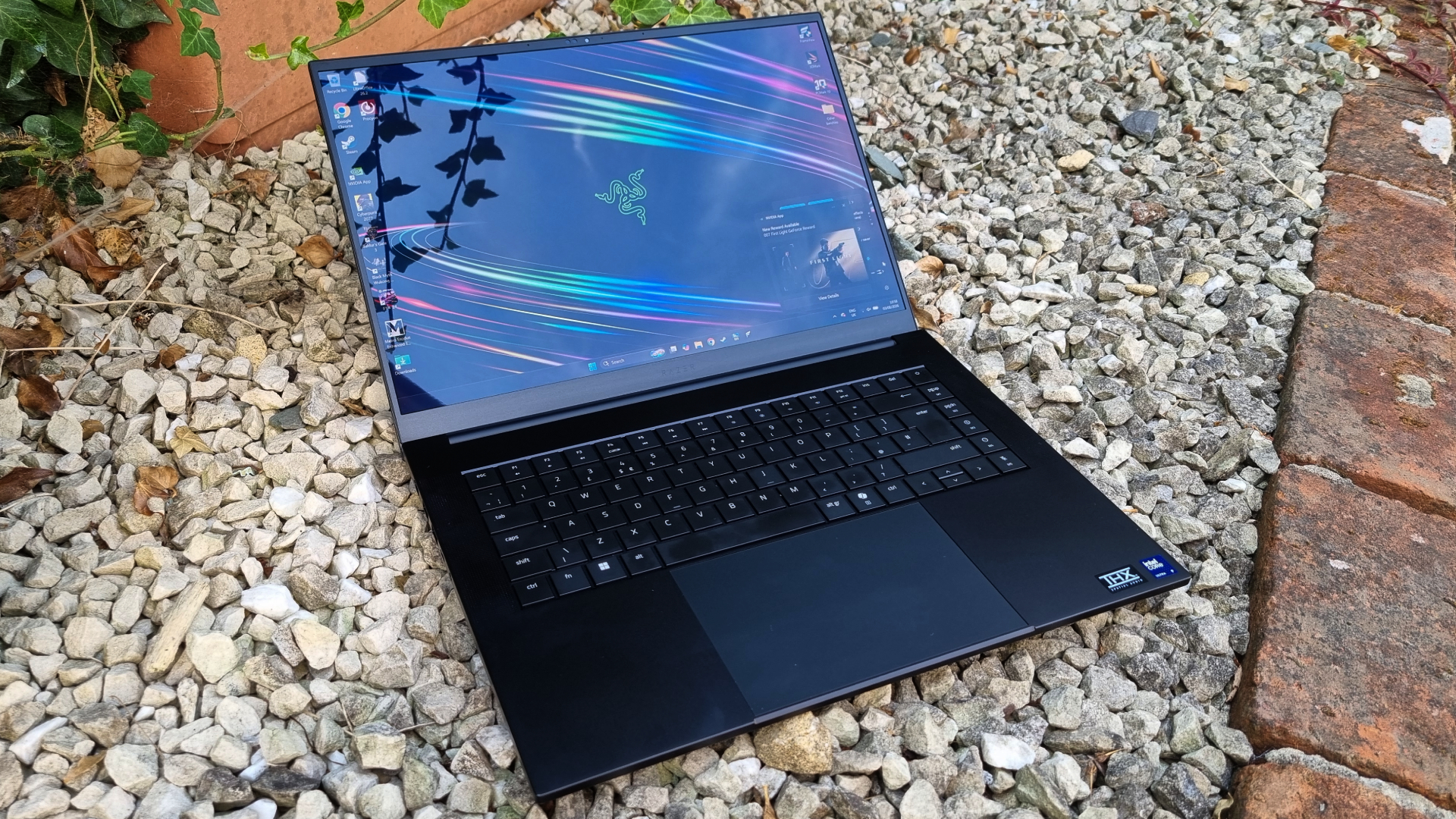
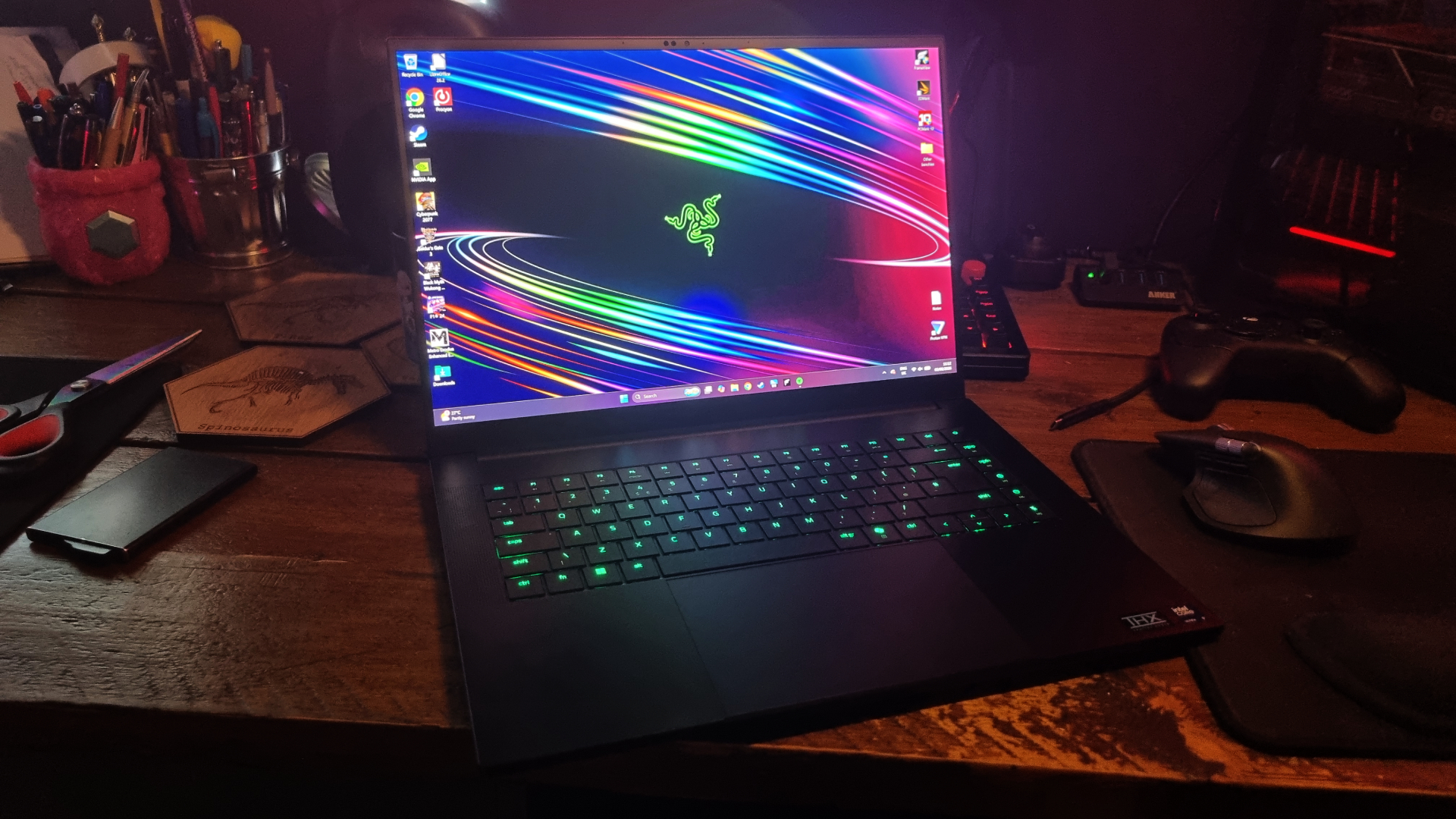
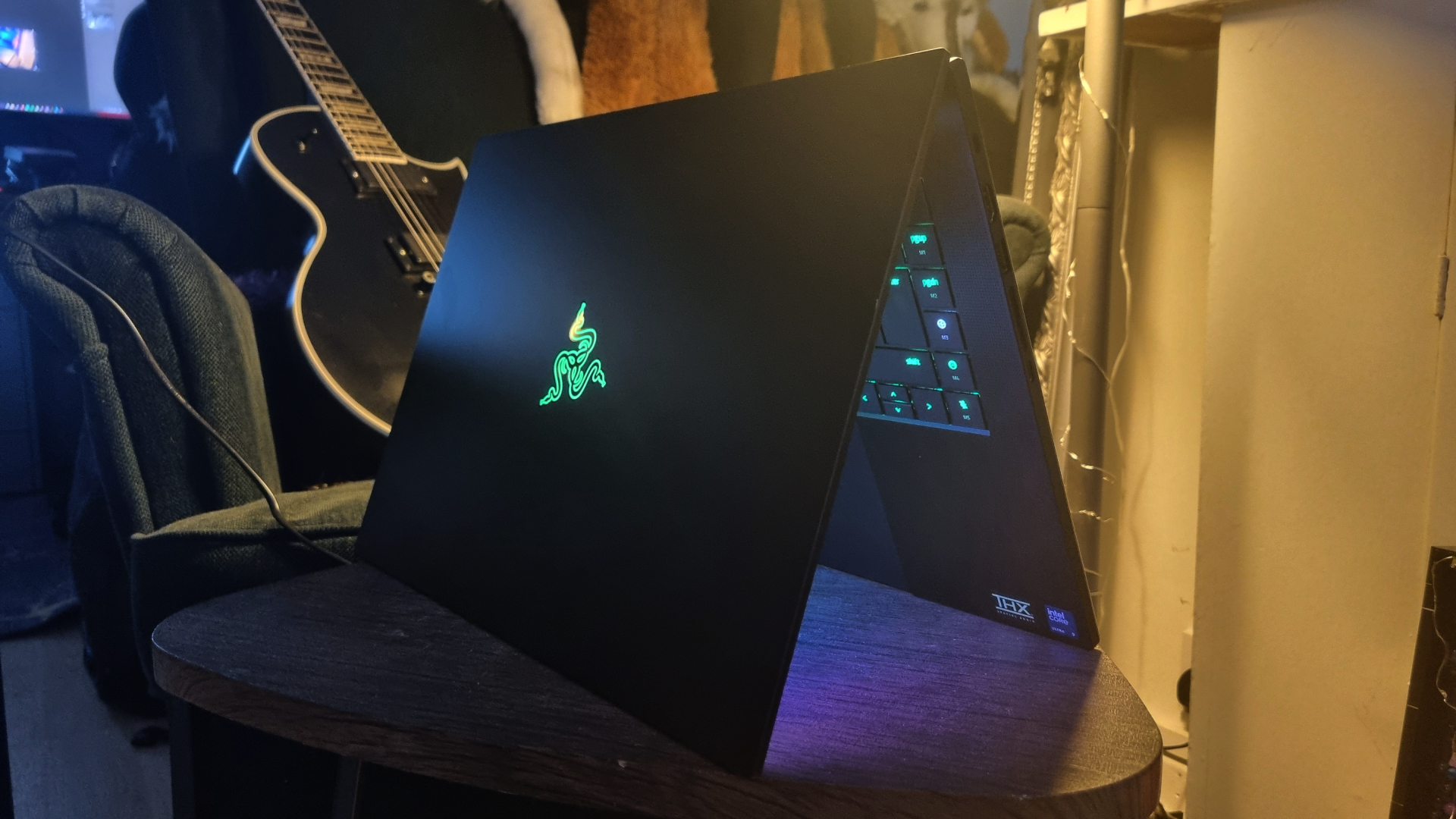
I say all business, but it's still got a big, neon green Razer logo on the back and an RGB-lit keyboard. You can always turn the lighting off, but I quite like the contrast it creates. Gamer executive chic? Something like that, anyway.
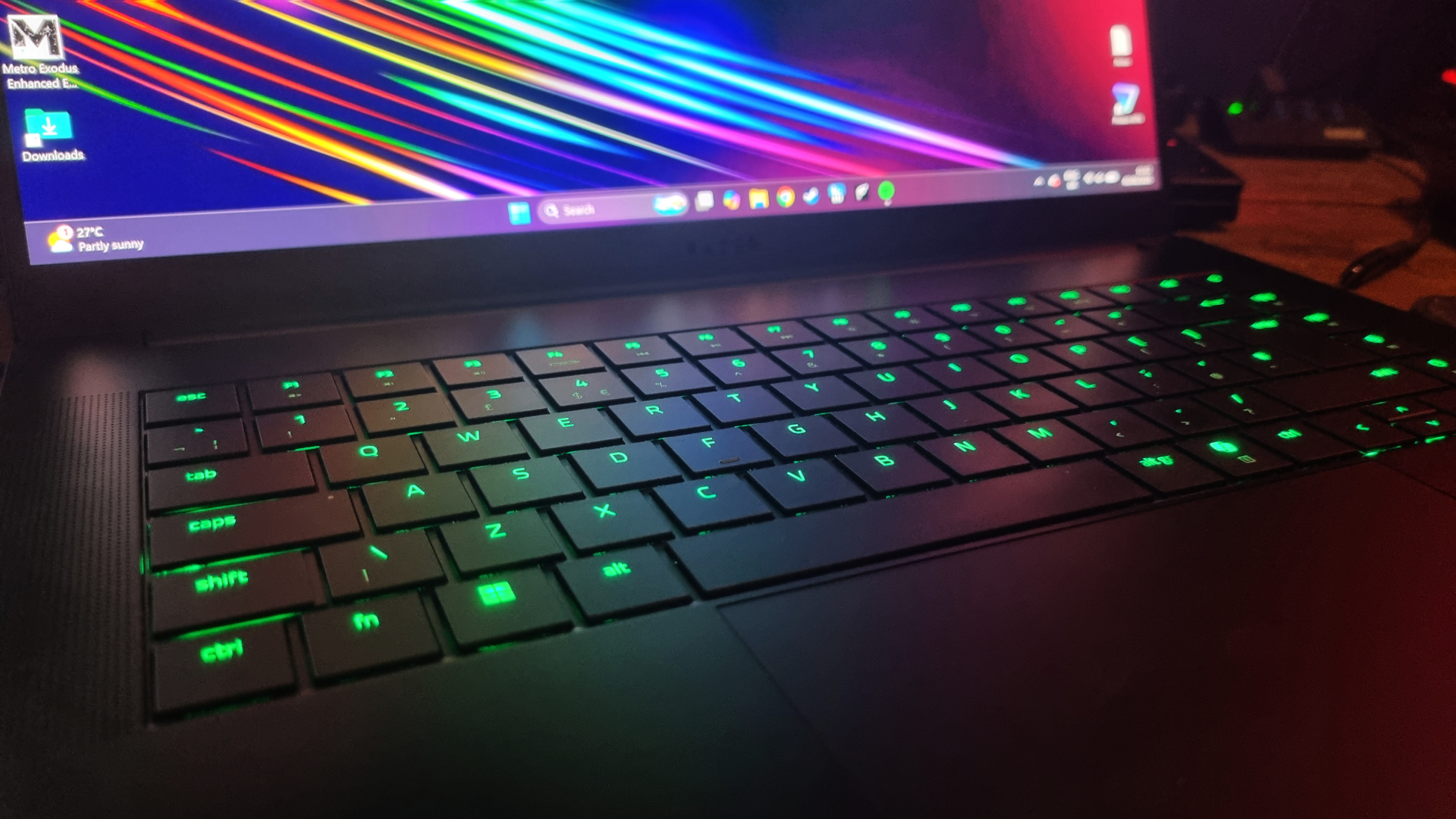
The keyboard has more travel than you might expect from a low-profile unit, and my typing accuracy has noticeably improved when clicking away at its keys on the go. As for the trackpad? It's glorious, with a large, smooth-yet-tactile surface and ultra-responsive clicks.
Every other laptop manufacturer should take a look at Razer's efforts here and make notes. Simply put, every part of the Blade 16 looks and feels top notch. It's amazing what huge gobs of cash will buy, isn't it?
Razer Blade (2026) performance
Jumping straight into the 1080p benchmarks, it's clear that the new Intel chip has done the Blade 16 some good when it comes to gaming performance. In Baldur's Gate 3, the newly-sharpened Blade manages to pull an impressive 21 fps lead in the averages over its older AMD-chipped sibling, with substantially higher 1% lows to boot.
1080p gaming performance
This chart shows average and 1% low frame rate results in various tested games at 1080p resolution
| Product | Value |
|---|---|
| Razer Blade 16 (2026) | RTX 5090 (175 W) | Core Ultra 9 386H | 66 Avg FPS, 44 1% Low FPS |
| Asus ROG Zephyrus G16 (2026) | RTX 5080 (135 W) | Core Ultra 9 386H | 52 Avg FPS, 39 1% Low FPS |
| Razer Blade 16 (2025) | RTX 5090 (175 W) | Ryzen AI 9 HX 370 | 63 Avg FPS, 34 1% Low FPS |
| Lenovo Legion Pro 7i Gen 10 | RTX 5080 (175 W) | Core Ultra 9 275 HX | 68 Avg FPS, 38 1% Low FPS |

In Cyberpunk 2077, though, that lead shrinks to a mere 3 fps average, albeit with 10 frames gained in the 1% lows. The Blade 16 also beats the new Asus G16 quite handily, although runs into some trouble when faced with the mighty Lenovo Legion Pro 7i Gen 10.
The Lenovo machine also scorches ahead in Metro Exodus Enhanced Edition, leaving every other lappy on this chart firmly in its wake. It's a good example of how some high-wattage components in a chonkier laptop chassis can gulp down power, spin up the fans, and pull beyond their weight under duress.
1600p gaming performance
This chart shows average and 1% low frame rate results in various tested games at 1600p resolution
| Product | Value |
|---|---|
| Razer Blade 16 (2026) | RTX 5090 (175 W) | Core Ultra 9 386H | 39 Avg FPS, 30 1% Low FPS |
| Asus ROG Zephyrus G16 (2026) | RTX 5080 (135 W) | Core Ultra 9 386H | 31 Avg FPS, 24 1% Low FPS |
| Razer Blade 16 (2025) | RTX 5090 (175 W) | Ryzen AI 9 HX 370 | 39 Avg FPS, 29 1% Low FPS |
| Lenovo Legion Pro 7i Gen 10 | RTX 5080 (175 W) | Core Ultra 9 275 HX | 40 Avg FPS, 28 1% Low FPS |
At 1600p, the 2026 Blade 16 is virtually tied with both the older model and the Legion Pro 7i in Cyberpunk 2077. However, the Lenovo lappy knocks all our other machines for six in Baldur's Gate 3 and Black Myth Wukong.
Despite the Legion being an RTX 5080-equipped machine, it's got a tendency to power ahead of many other gaming laptops (including some of the RTX 5090-equipped ones) thanks to a brace of very powerful cooling fans, a monstrous 24-core Intel CPU, and a larger chassis. Thermal throttling will hold back performance with any machine, and the Lenovo is better at letting its hardware run wild and free.
It's a much heftier beast, though. While you could certainly shove its substantial, 6 lbs, rear-lipped chassis into a backpack, it's a laptop that focuses on raw performance over portability. By contrast, what the Blade 16 and Asus ROG Zephyrus G16 are aiming for is a balance between gaming chops and day-to-day usability.
Real-world gaming performance
This chart shows average and 1% low frame rate results in various tested games at 1600p resolution with Quality upscaling enabled, and frame gen. where applicable
| Product | Value |
|---|---|
| Razer Blade 16 (2026) | RTX 5090 (175 W) | Core Ultra 9 386H | 112 Avg FPS, 75 1% Low FPS |
| Asus ROG Zephyrus G16 (2026) | RTX 5080 (135 W) | Core Ultra 9 386H | 95 Avg FPS, 79 1% Low FPS |
| Razer Blade 16 (2025) | RTX 5090 (175 W) | Ryzen AI 9 HX 370 | 104 Avg FPS, 73 1% Low FPS |
| Lenovo Legion Pro 7i Gen 10 | RTX 5080 (175 W) | Core Ultra 9 275 HX | 124 Avg FPS, 83 1% Low FPS |
Add some upscaling and frame generation into the equation, and the Blade 16 pulls ahead of both the Asus and the previous model by substantial amounts in two of my benches. The Legion Pro 7i, though, gives it a pasting in Cyberpunk and Black Myth once more, although drops a single frame behind it on average in F1 24, with worse 1% lows.
What we're seeing here is the difference between a full fat, slightly old-school gaming laptop design with modern components, versus three slim and light machines designed to be taken on the road. While the Blade 16's gaming performance has definitely been improved by the addition of a new Intel chip, it's worth noting that better raw performance (for cheaper) can still be found elsewhere.
Gaming GPU usage
Average GPU frequency and power usage recorded during multiple Metro Exodus Enhanced Edition benchmark runs
GPU stats
| Product | Value |
|---|---|
| Razer Blade 16 (2026) | RTX 5090 (175 W) | Core Ultra 9 386H | 1853 Avg GPU freq. (MHz), 143 Avg GPU power (W) |
| Asus ROG Zephyrus G16 (2026) | RTX 5080 (135 W) | Core Ultra 9 386H | 1868.53 Avg GPU freq. (MHz), 112 Avg GPU power (W) |
| Razer Blade 16 (2025) | RTX 5090 (175 W) | Ryzen AI 9 HX 370 | 1874 Avg GPU freq. (MHz), 106 Avg GPU power (W) |
| Lenovo Legion Pro 7i Gen 10 | RTX 5080 (175 W) | Core Ultra 9 275 HX | 2375 Avg GPU freq. (MHz), 127 Avg GPU power (W) |
Looking at the GPU frequency figures, we can start to see where the Legion Pro 7i finds its extra grunt. While it's got toastier temps overall, the Lenovo machine's RTX 5080 is allowed to clock much higher than the other mobile GPUs on this chart.
CPU performance
CPU performance figures taken from the Cinebench R24 single-core and multi-core benchmarks
Cinebench 2024
| Product | Value |
|---|---|
| Razer Blade 16 (2026) | RTX 5090 (175 W) | Core Ultra 9 386H | 1200 Multi-core index score, 124 Single-core index score |
| Asus ROG Zephyrus G16 (2026) | RTX 5080 (135 W) | Core Ultra 9 386H | 1215 Multi-core index score, 124 Single-core index score |
| Razer Blade 16 (2025) | RTX 5090 (175 W) | Ryzen AI 9 HX 370 | 1246 Multi-core index score, 118 Single-core index score |
| Lenovo Legion Pro 7i Gen 10 | RTX 5080 (175 W) | Core Ultra 9 275 HX | 2039 Multi-core index score, 138 Single-core index score |
As for productivity, the Cinebench R24 benchmark shows the Core Ultra 9 386H tracking near-identically in both the Blade 16 and the new Asus G16. The AMD Ryzen AI 9 HX 370 is ahead by a nose in the multi-core stakes, but a little off the pace of both in terms of single-core performance.
But here comes the Legion Pro 7i once more, with its 24-core Intel Core Ultra 9 275HX streaking ahead in both benches. It's no great surprise given the big Intel chip's fearsome specs sheet, but it's still impressive to see how far one of Intel's higher-core-count Arrow Lake CPUs can pull ahead when given room to breathe.
Razer Blade 2026 thermals
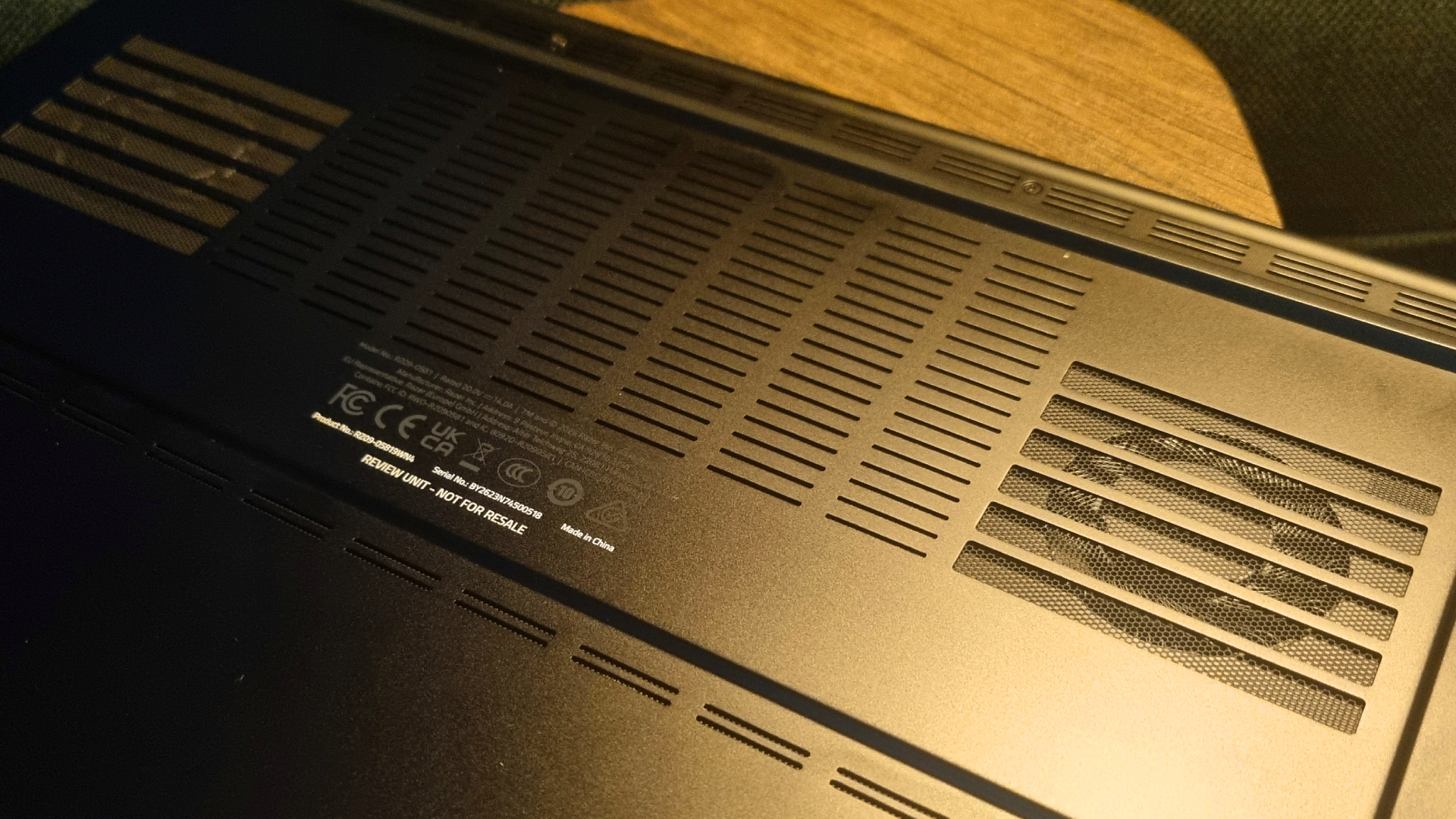
When it comes to fan noise, the Blade 16 is a bit of a hairdryer in Turbo mode, which is where you'll get the performance figures above. It keeps its component temperatures decently in check while gaming, but the fan noise is very intrusive.
You can say the same about just about any gaming laptop running at full tilt, though, and I've certainly heard worse. Much, much worse, now I come to think of it.
Real-world gaming temperatures
Gaming temperature results recorded during multiple Metro Exodus EE runs
Gaming temperatures
| Product | Value |
|---|---|
| Razer Blade 16 (2026) | RTX 5090 (175 W) | Core Ultra 9 386H | 82 Avg CPU (°C), 98 Max CPU (°C), 62 Avg GPU (°C), 77 Max GPU (°C) |
| Asus ROG Zephyrus G16 (2026) | RTX 5080 (135 W) | Core Ultra 9 386H | 72 Avg CPU (°C), 98 Max CPU (°C), 69 Avg GPU (°C), 77 Max GPU (°C) |
| Razer Blade 16 (2025) | RTX 5090 (175 W) | Ryzen AI 9 HX 370 | 86 Avg CPU (°C), 95 Max CPU (°C), 82 Avg GPU (°C), 86 Max GPU (°C) |
| Lenovo Legion Pro 7i Gen 10 | RTX 5080 (175 W) | Core Ultra 9 275 HX | 94 Avg CPU (°C), 105 Max CPU (°C), 74 Avg GPU (°C), 79 Max GPU (°C) |
Drop the Blade 16 down into its Balanced power mode, and the fan noise, temps, and component speeds drop with it. It's remarkably quiet at these settings, although as you would expect, this does affect the gaming performance.
I recorded a 12 fps lower result in Cyberpunk 2077 at 1600p with Quality upscaling and frame gen enabled, resulting in a 100 fps average with 68 fps 1% lows. That's still plenty fast enough for me, and likely where I'd keep the Blade 16 at all times if I owned one myself.
And therein lies the Blade 16's party trick. When you combine its portability, good frame rates at Balanced power settings, and the still-decent battery life you'll see below, the whole package starts to make a lot more sense. It's capable of being civilised in a way most high-powered laptops are not, and that goes a significant way towards justifying the expense.
Razer Blade 2026 battery life
The new Blade 16 claims to have better overall battery life than the older model, but when it comes to my gaming test figures, that doesn't prove out. To keep things even, all of our laptops are tested by setting screen brightness to 50%, disabling the Wi-Fi, and unplugging them from the wall—which, in the Blade 16's case, causes the software to switch into a Balanced power mode.
A 102 minute score is pretty good going, but it's still significantly lower than the previous model.
Gaming battery life
Results recorded in the PCMark 10 gaming battery life test, with screen brightness set to 50% and Wi-Fi disabled
PCMark 10 gaming battery life test
| Product | Value |
|---|---|
| Razer Blade 16 (2026) | RTX 5090 (175 W) | Core Ultra 9 386H | 102 |
| Asus ROG Zephyrus G16 (2026) | RTX 5080 (135 W) | Core Ultra 9 386H | 117 |
| Razer Blade 16 (2025) | RTX 5090 (175 W) | Ryzen AI 9 HX 370 | 135 |
| Lenovo Legion Pro 7i Gen 10 | RTX 5080 (175 W) | Core Ultra 9 275 HX | 73 |
Synapse has an extra Battery Saver setting that lowers the power draw even further, though, so for extra points I enabled it and ran the test again. This resulted in an extra six minutes or so of battery life, which isn't exactly mindblowing. Given the limited gains, I'd prefer to keep the performance of Balanced mode while I was gaming on the go.
Regardless, although the 2026 version of the Blade can't match the older model for gaming battery life in my regular testing, it's still an impressive result when compared to the Legion Pro 7i—which puts the difference between these machines in stark contrast.
You might get more performance elsewhere for your cash, but if you want usable battery life and gaming chops, you'll be paying for it. The Blade 16 might not be the fastest gaming laptop on the planet, but when it comes to travel convenience, it's still a fearsome contender.
Razer Blade 2026 aesthetics
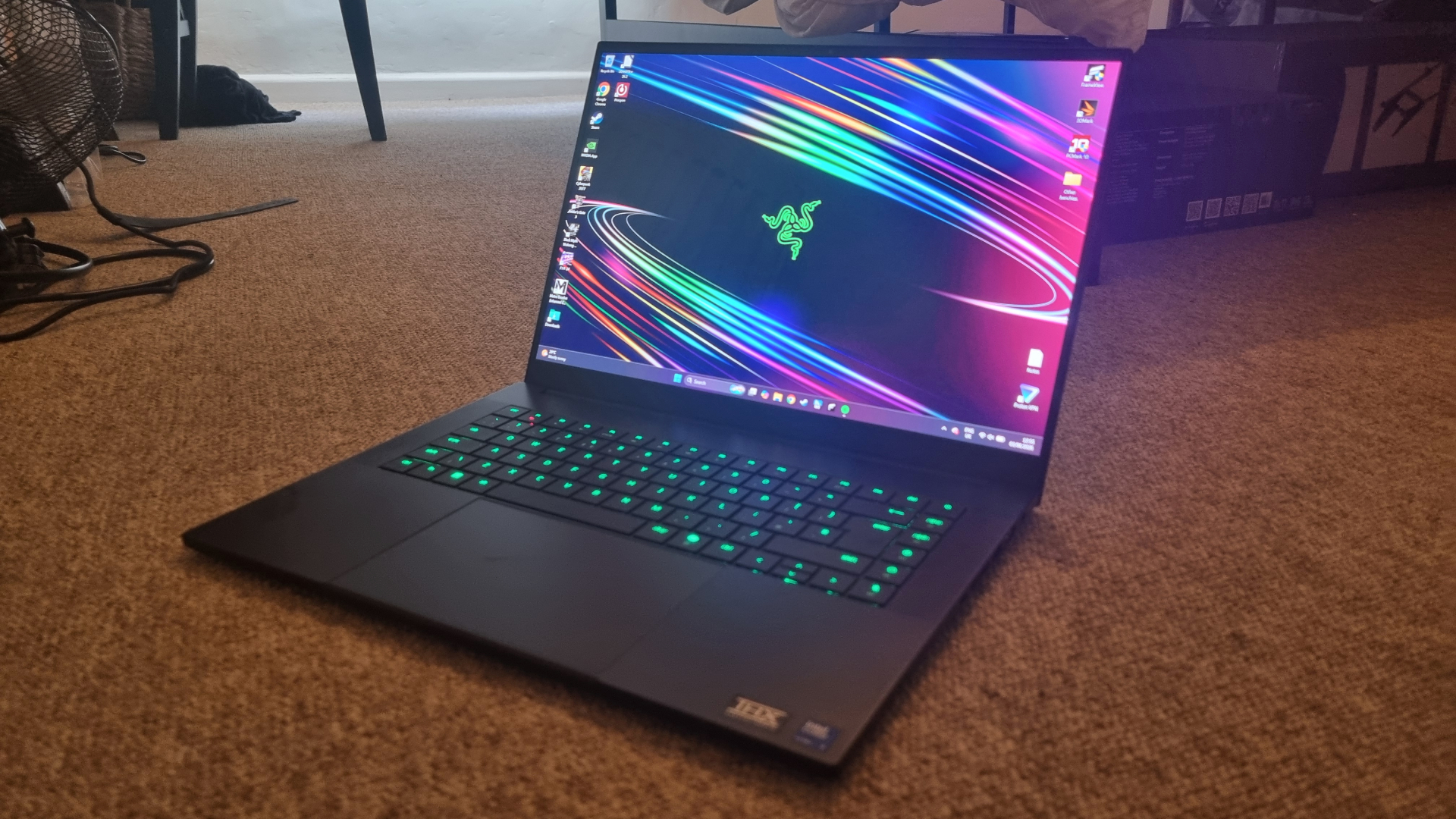
The Blade 16 is a truly gorgeous machine. The crisp chassis design, stealthed-out colour palette and trim corners create a moody, purposeful aesthetic that I can't get enough of. This Razer lappy is here to kick ass and chew bubblegum, and guess what? It's all out of Hubba Bubba.
In all seriousness, this is a gaming laptop with the gamer aesthetic tastefully reigned in, which means it wouldn't look out of place in your next business meeting, or on the train to work. It's still got a big neon green Razer logo on the back and an RGB keyboard, but both can be turned off for the true stealth experience. It's lean, mean, and beautifully well-made.
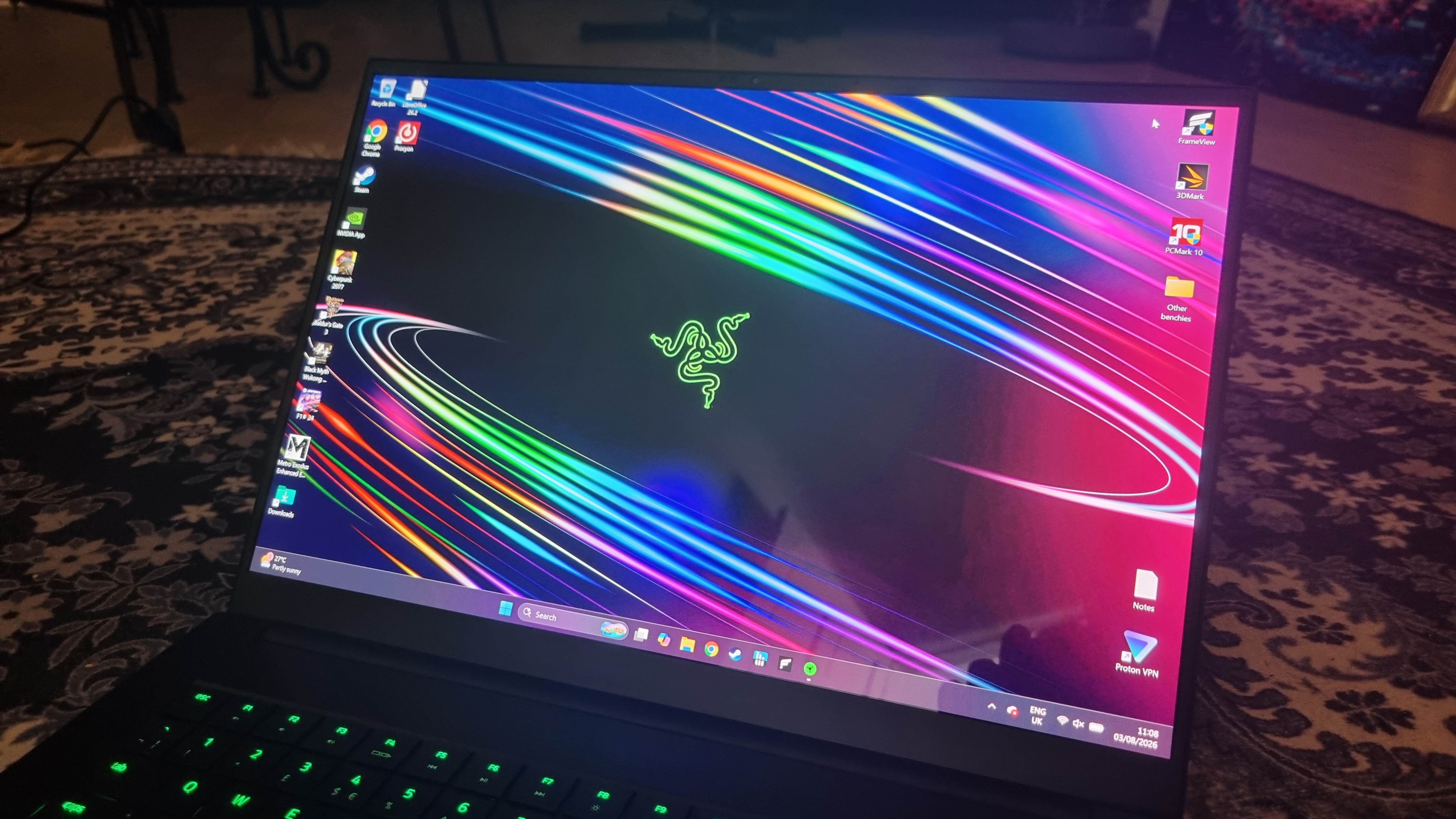
And while we're on aesthetics, I have to rave about the Blade 16's 240 Hz OLED display. You can spot this panel from across a crowded room, as I have done at many tech conferences and events. It's stunningly vibrant without appearing over-saturated, and has caused me to stare gormlessly at benchmark demos running in the background that I'd ordinarily glance at with indifference. And the contrast levels? Sumptuous.
I've spent a lot of time gaming on many different OLED displays, and they're usually very impressive. This one, though? It still stands out from the crowd.
Razer Blade (2026) software
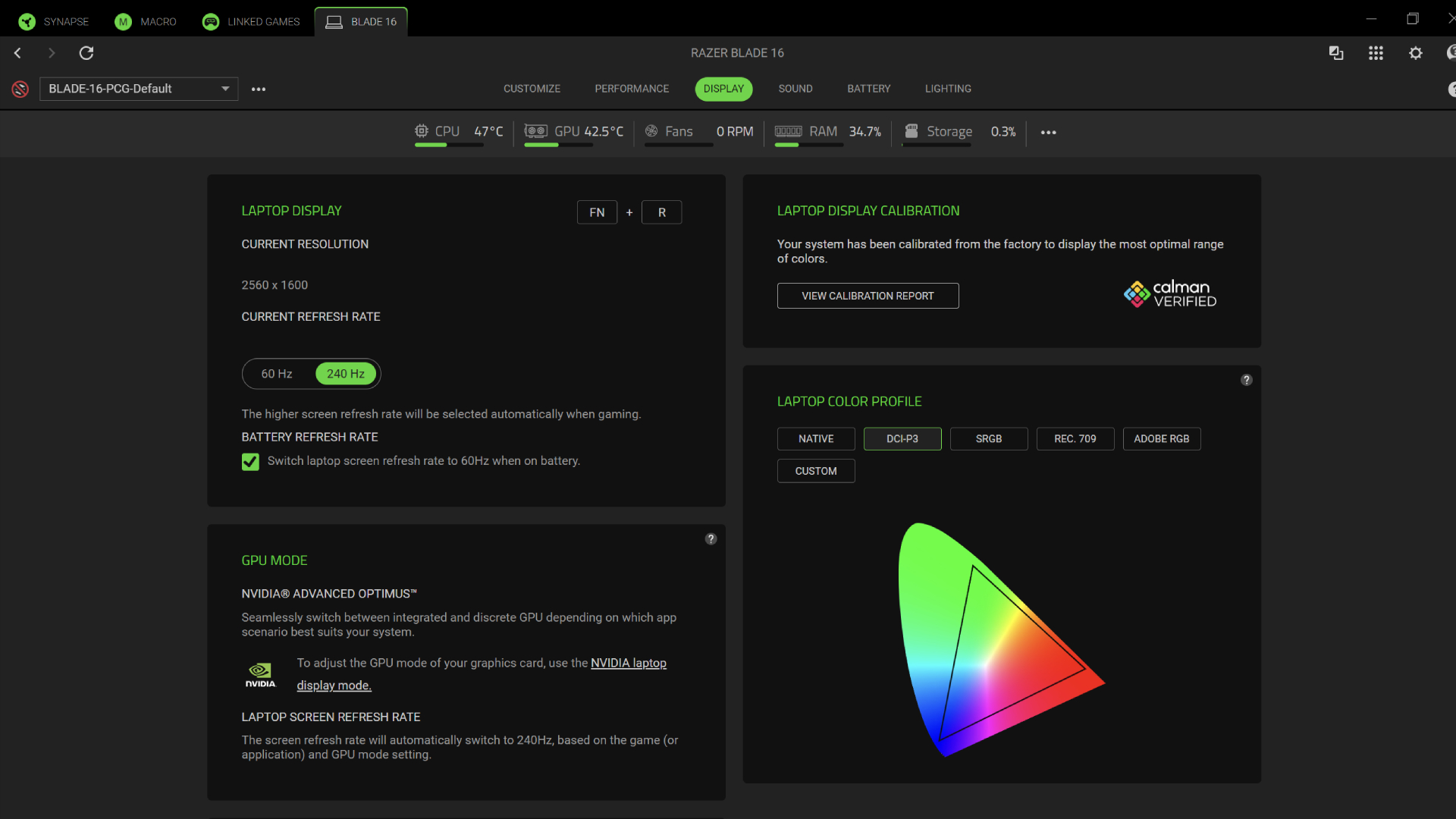
No laptop software is perfect, and Razer Synapse is no exception. Still, it's pretty straightforward to configure, with clearly laid-out presets for Silent, Balanced, and Performance modes to help reign in some of the fan noise (and the performance, naturally) when attached to the wall.
CPU and GPU power settings can be custom configured for the plugged in modes, but the battery options limit you to Balanced and Battery Saver power presets—although you can still switch the fans between an automatic mode and a fixed speed option within the menus.
I'd like to see some more manual power configuration options while on battery, but alas, the software suddenly changes from "do what you like" to "not on my watch, buddy." Otherwise, there are plenty of settings to play with. The display, speakers, keyboard, trackpad, and lighting can be tuned to your preferences, and there's a floating bar along the top showing you real time data for your CPU and GPU temps, fan speeds, and more.
There's also a Battery Health Optimizer, which can be manually set to prevent the battery from topping itself up to the maximum, extending its overall lifespan. It's nothing revolutionary, but the Synapse integration feels reasonably comprehensive and easy enough to mess with, even if it's not quite as granular as something like Lenovo's LegionSpace solution.
Razer Blade (2026) value
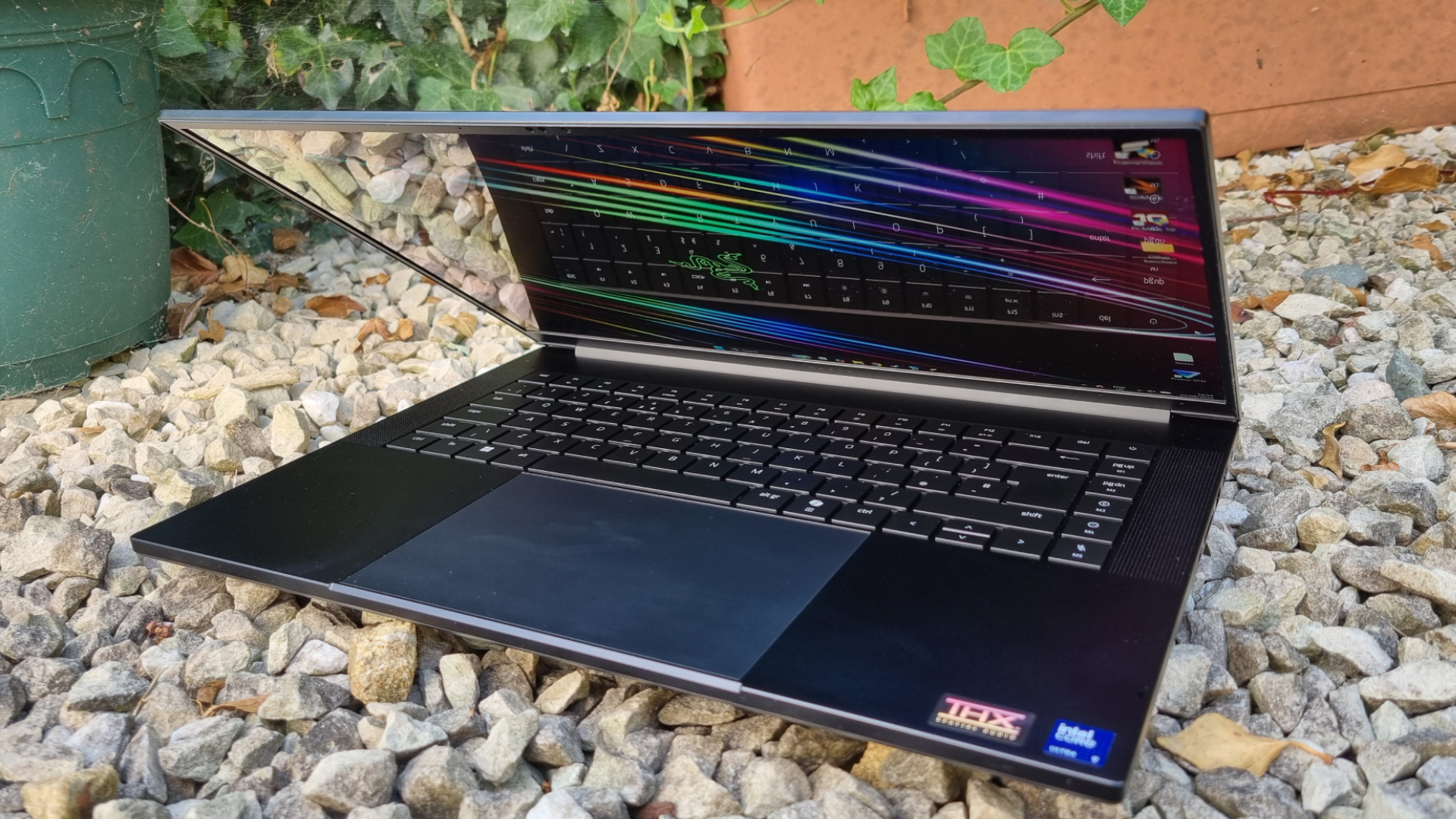
The Razer Blade (2026) is now substantially more expensive than the previous model, and the new CPU isn't really to blame. The memory crisis has torn its way through the gaming laptop market, and the Blade 16 is far from immune. Which means that many of the Blade 16's competitors have also jumped in price. But now it's sitting perilously close to the five grand mark, a gaming laptop I genuinely adore is suddenly a tougher sell.
Our Dave gave the previous version's performance a solid thumbs up, even though it was off the pace when compared to some heftier, far-less-portable machines. It was quieter, more refined, more pleasant to live with. And that offset some of the benchmark quibbles, an opinion I very much agree with for the newer model.
However, while the much-faster (and much chonkier) Lenovo Legion Pro 7i can often be found for significantly less, I can't help but wonder how much the Blade's ultra-premium, ultra-portable design is actually worth. More, certainly. But substantially more? It's a very difficult thing to square.
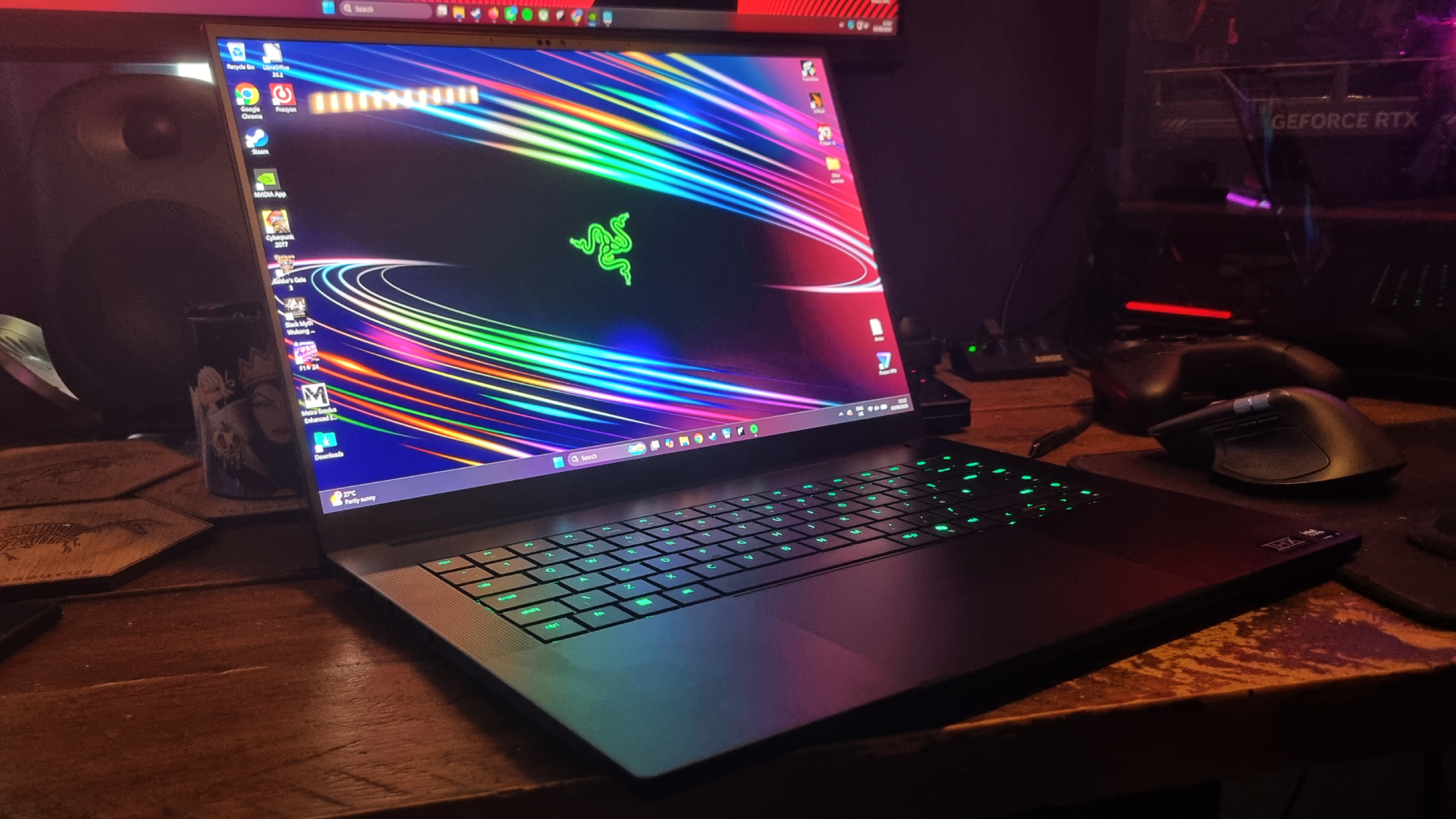
There is a silver lining, though. The RTX 5080 Blade 16, with the same speedy Intel chip (albeit with a 1 TB SSD), can be found for $4,000. The RTX 5070 Ti version is cheaper still, at $3,500. And while these are still eye-watering sums for a gaming laptop, you can buy a lot of the best things the Blade has to offer for a substantially lower price.
The Razer Blade 16 is a fabulous machine, there's absolutely no doubt. If I had a huge amount of disposable cash to spend, I'd spec one out with relatively little thought. It screams desirability from every angle, and I've loved spending time with my review sample. Plus, it's still one of the easiest 16-inch machines to stuff in your bag and take on your next flight.
But at these prices, I think some of the Blade 16's drawbacks start to weigh more heavily upon its svelte frame. It's still one of the best gaming laptops money can buy—but for this sort of cash, I think it's lost just a touch of its shine.
Sumber: PC Gamer