
Roll up roll up, bisakah kamu melihat gambar mana yang menggunakan DLSS 5?
🌐 Konten masih dalam Bahasa Inggris. Terjemahan sedang diproses.
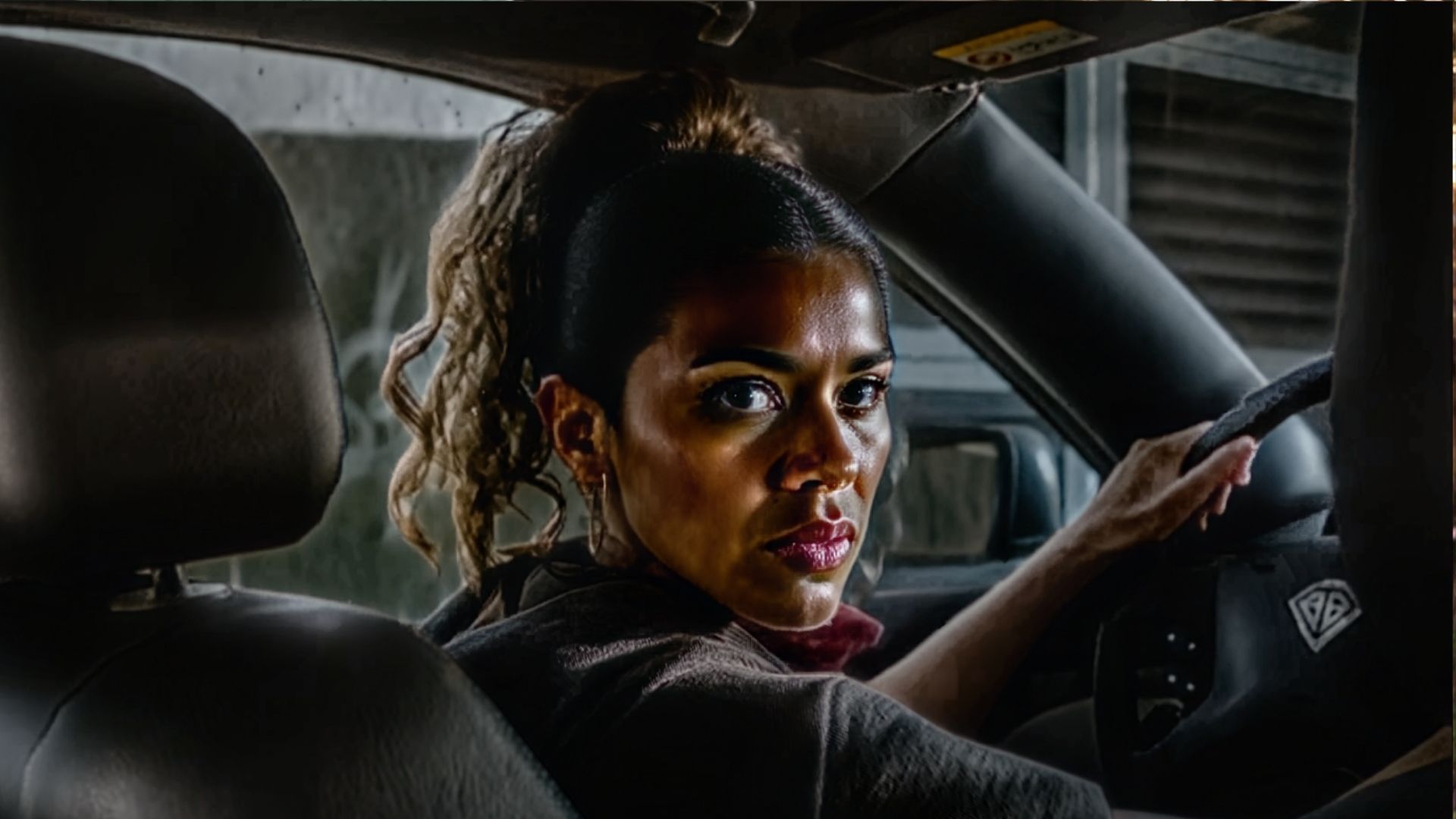
A few weeks ago, I spotted a GitHub project for a DLSS 5 NeuralScreen, a free app that lets you put DLSS 5 on your entire desktop. Over the weeks, it has become easier to use and offers more customisation options. Therefore, I thought it would be best to push this technology to its absolute limits and see if you, dear reader, can spot the difference.
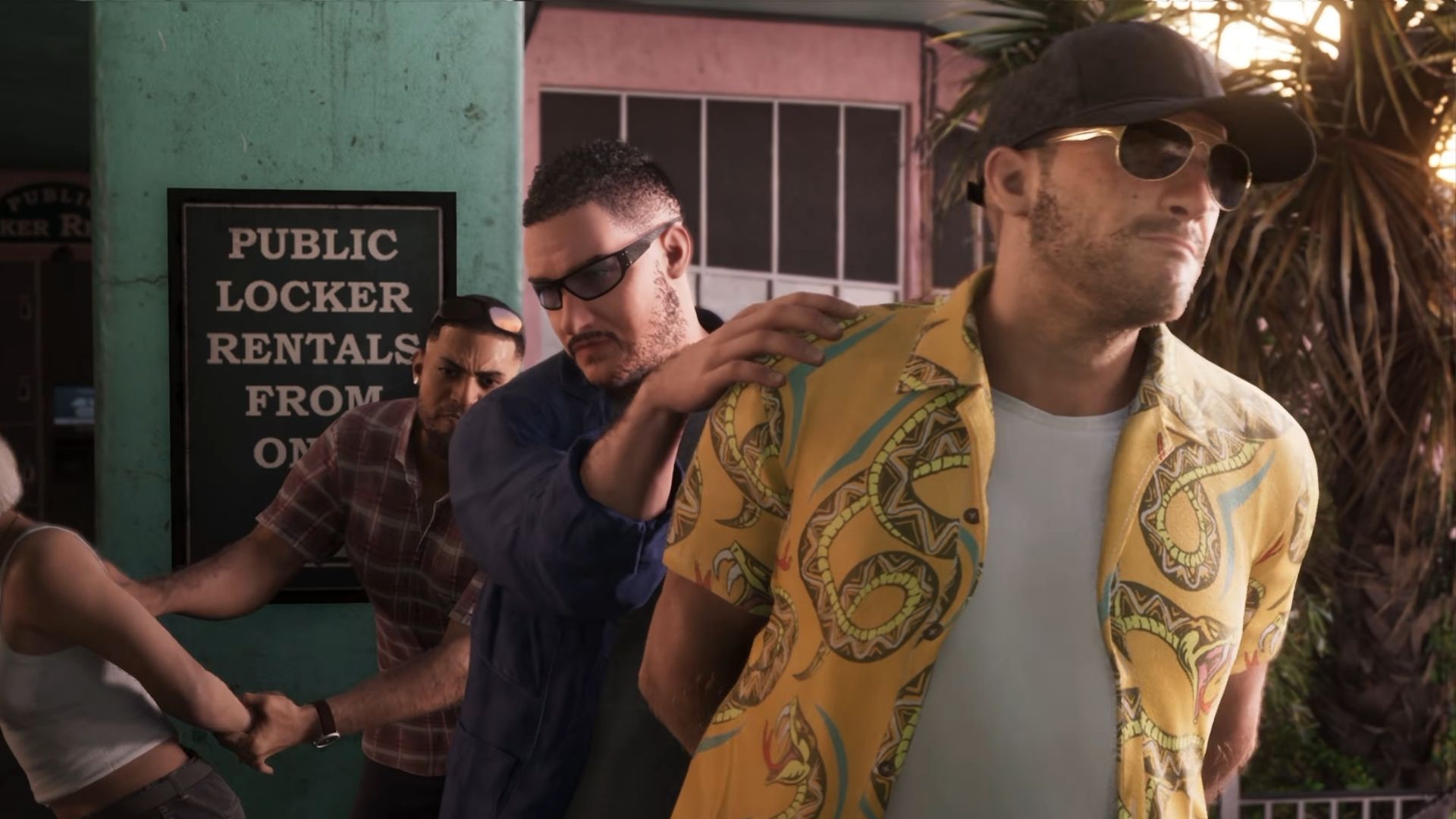
I start with 100% intensity through four different runs, ensuring the most wacky AI-generated interpretations of the GTA 6 trailer, and it gets progressively harder to spot as you scroll down. Props to whoever gets the last one correct, as that one's particularly difficult to spot the difference.
The most deep-fried of the DLSS 5 images will be partly because of intensity, but also because the more runs DLSS 5 does, the more the model extrapolates from the data fed to it. Therefore, for each of the intensity levels, I have done four and two runs of the images. Make sure to vote on which image you think has been run through DLSS 5.
100% intensity
Which one has DLSS 5? (four passes)
This one is a hard test, I know. Vote on your answer in the poll below
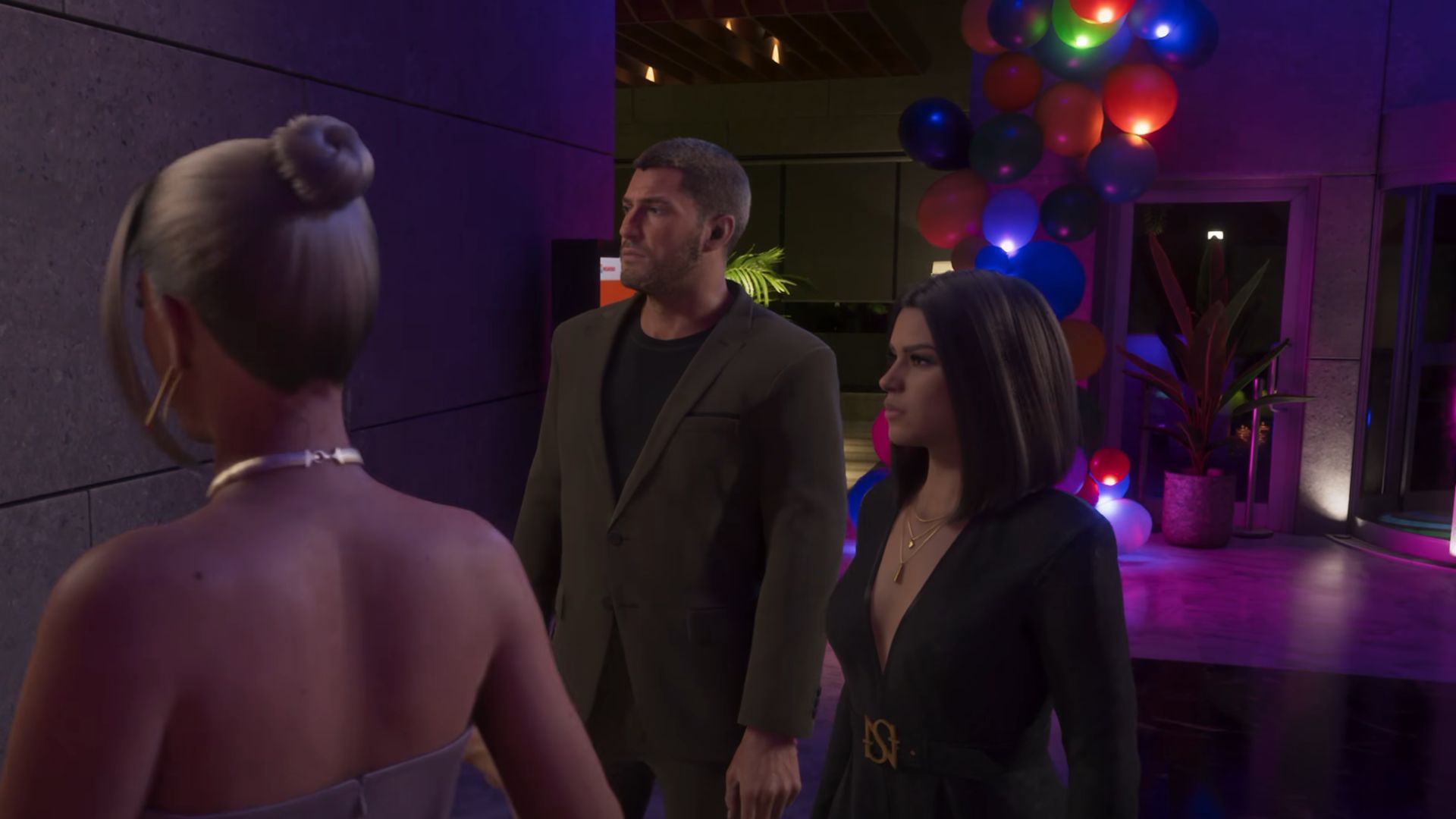
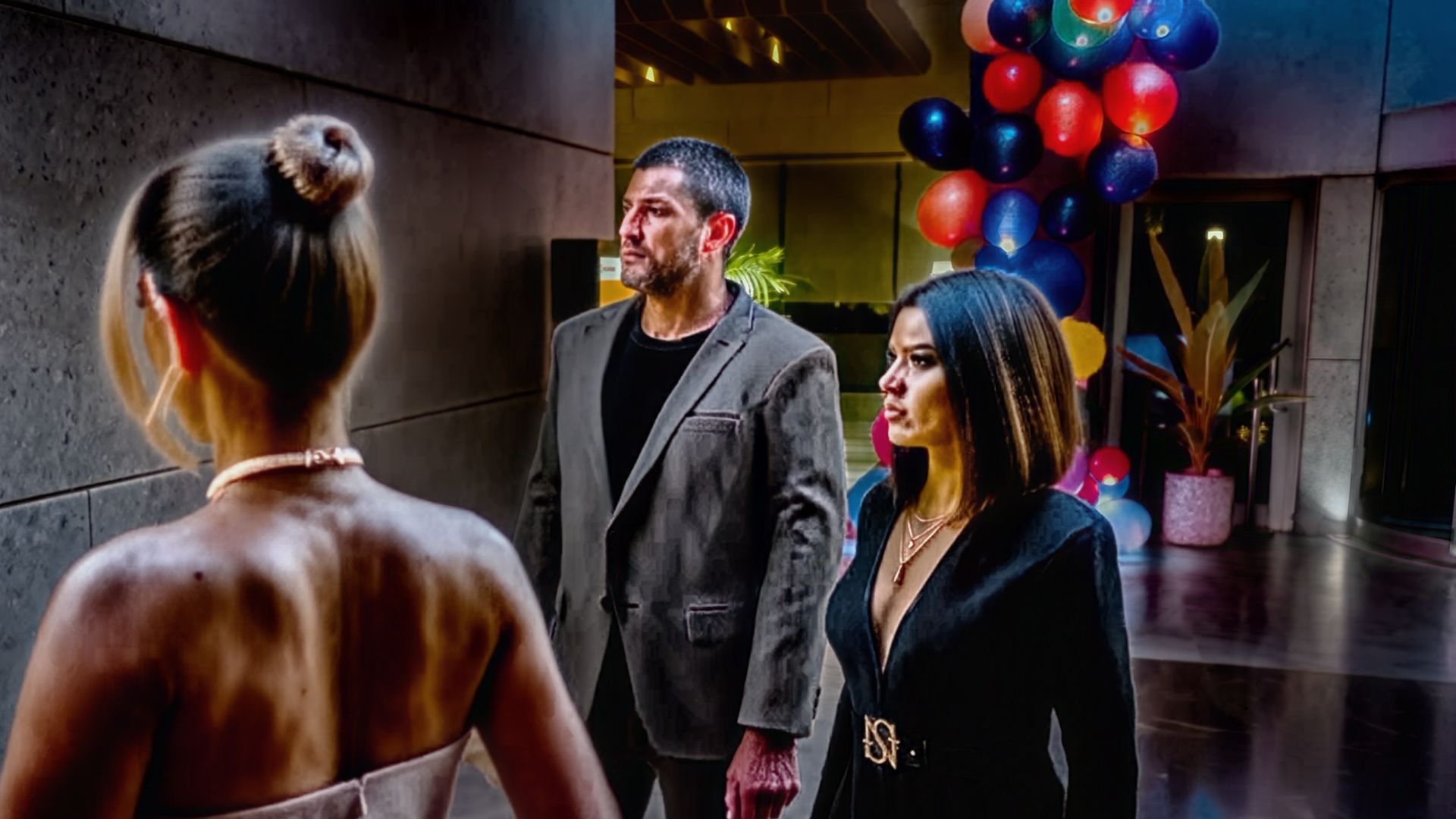
Which one has DLSS 5? (two passes)
Look at both and vote on your answer in the poll below
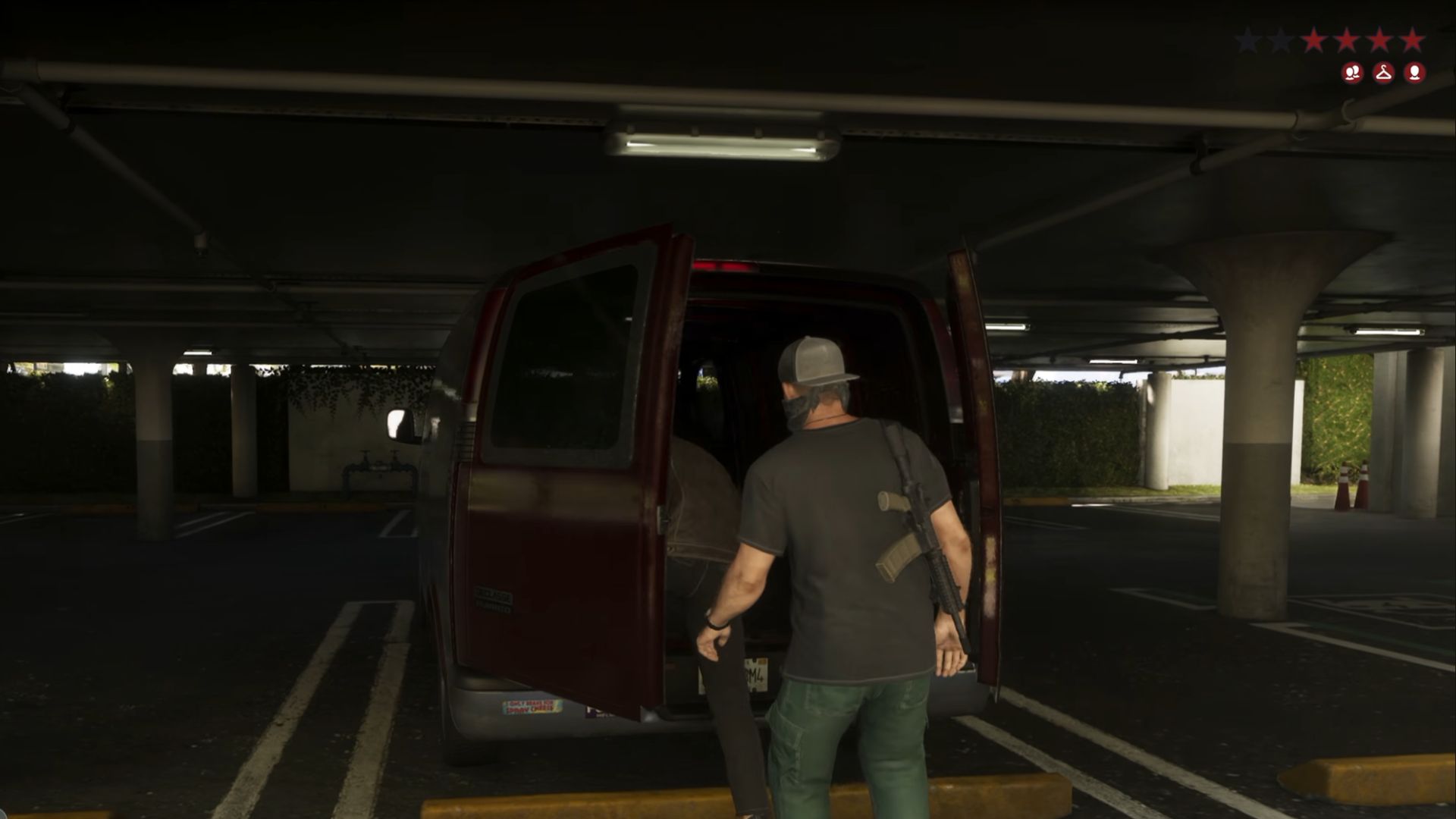
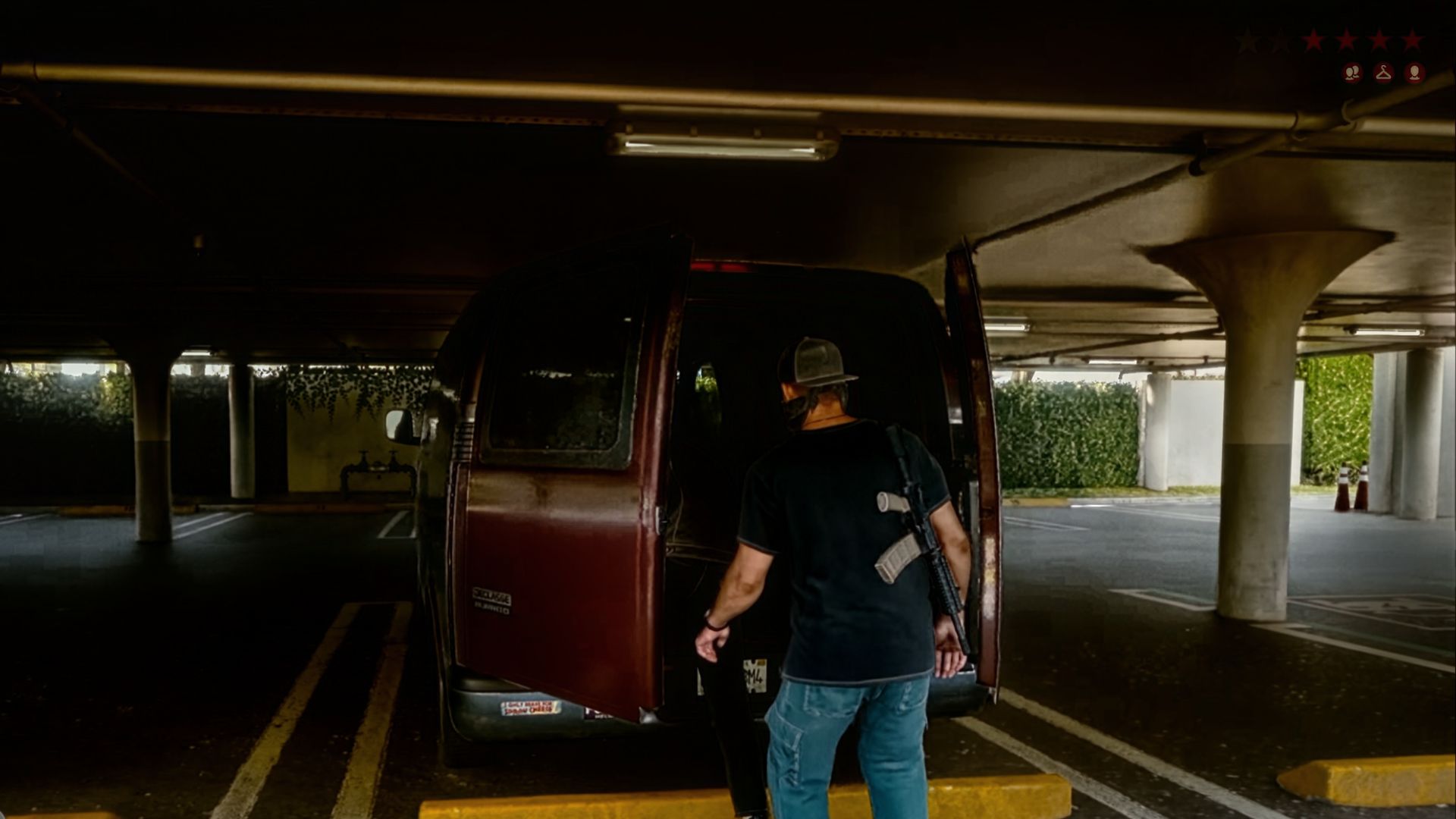
75% intensity
Which one has DLSS 5? (four passes)
Look at both and vote on your answer in the poll below
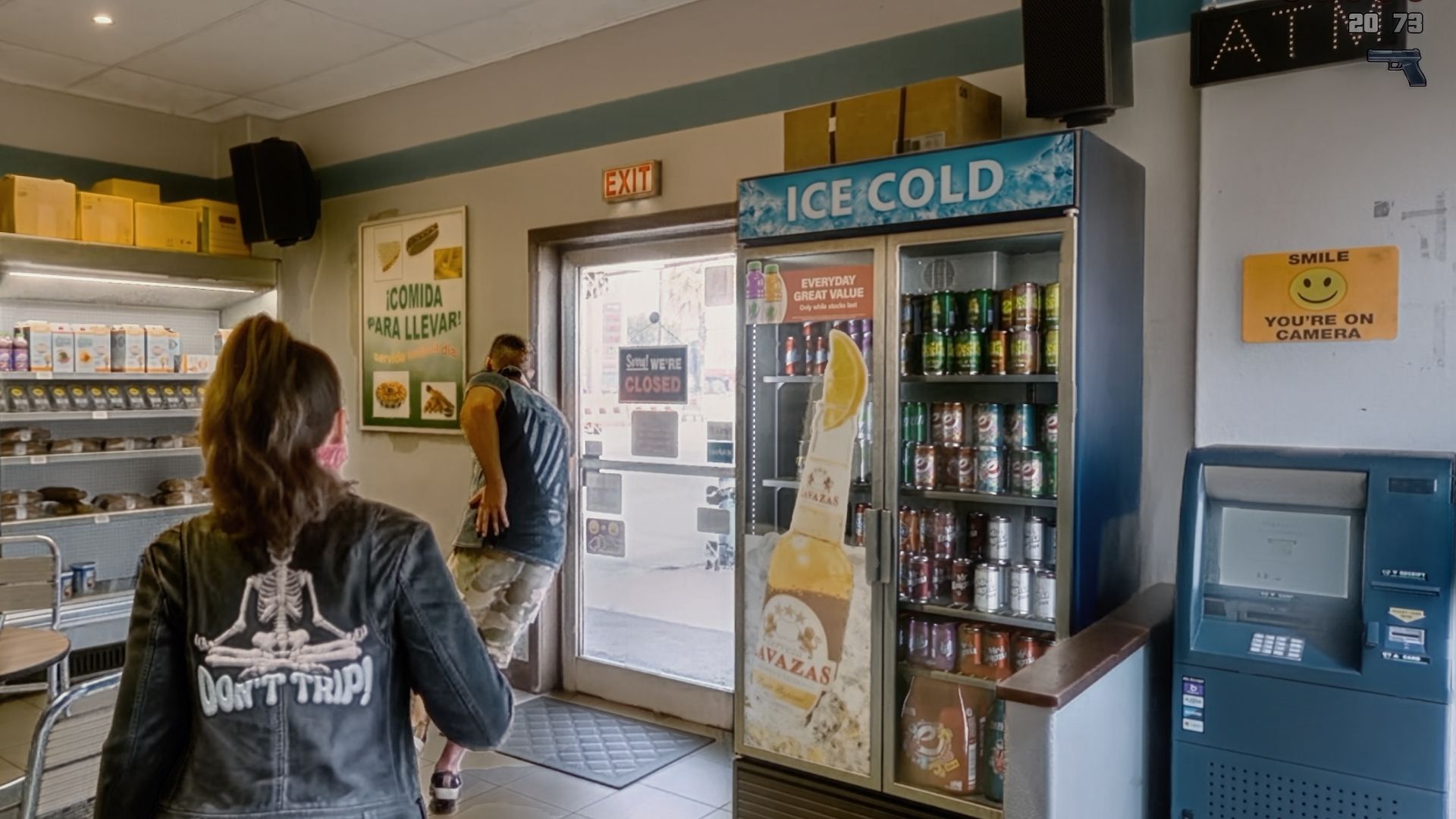
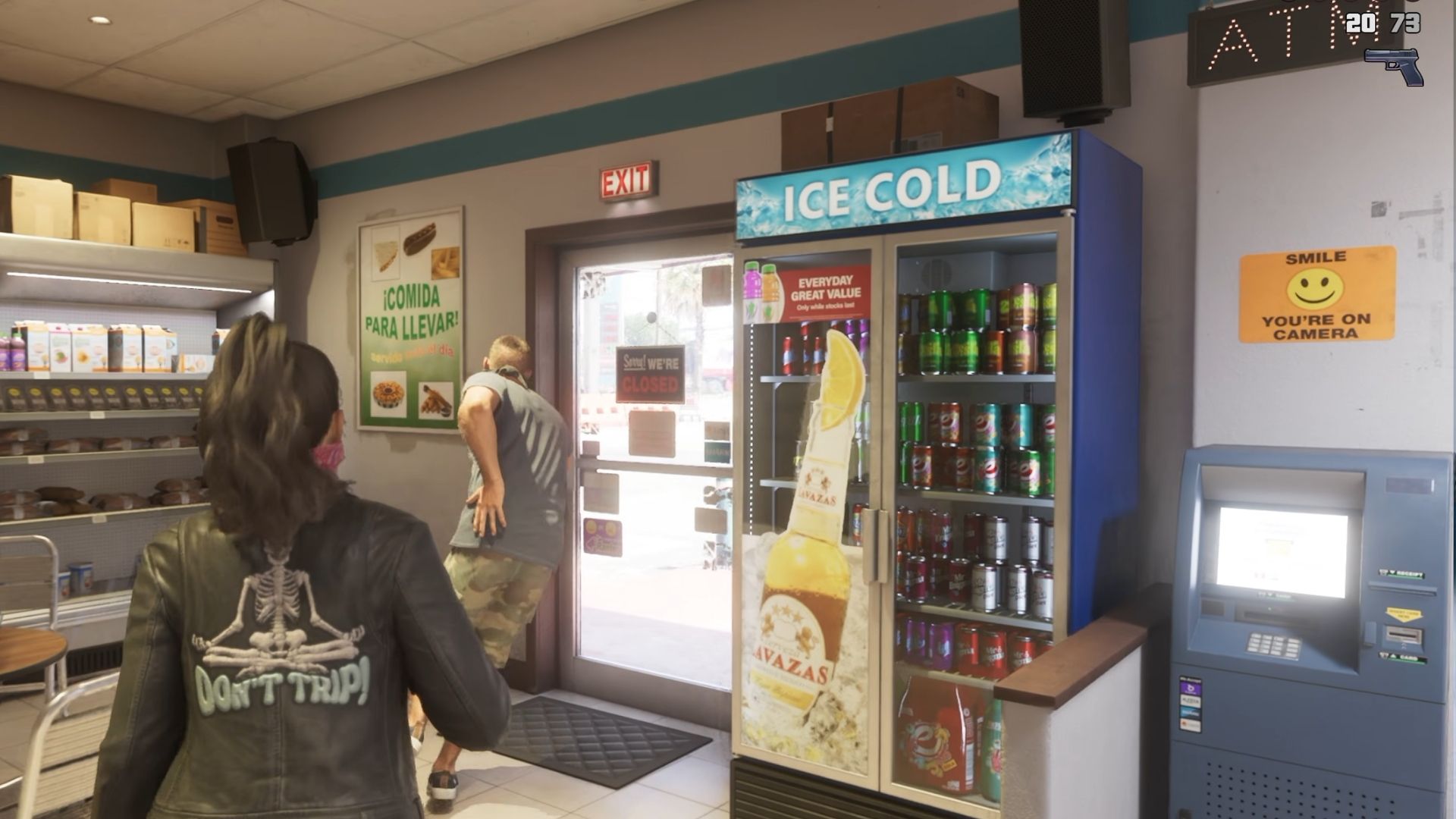
Which one has DLSS 5? (two passes)
Look at both and vote on your answer in the poll below
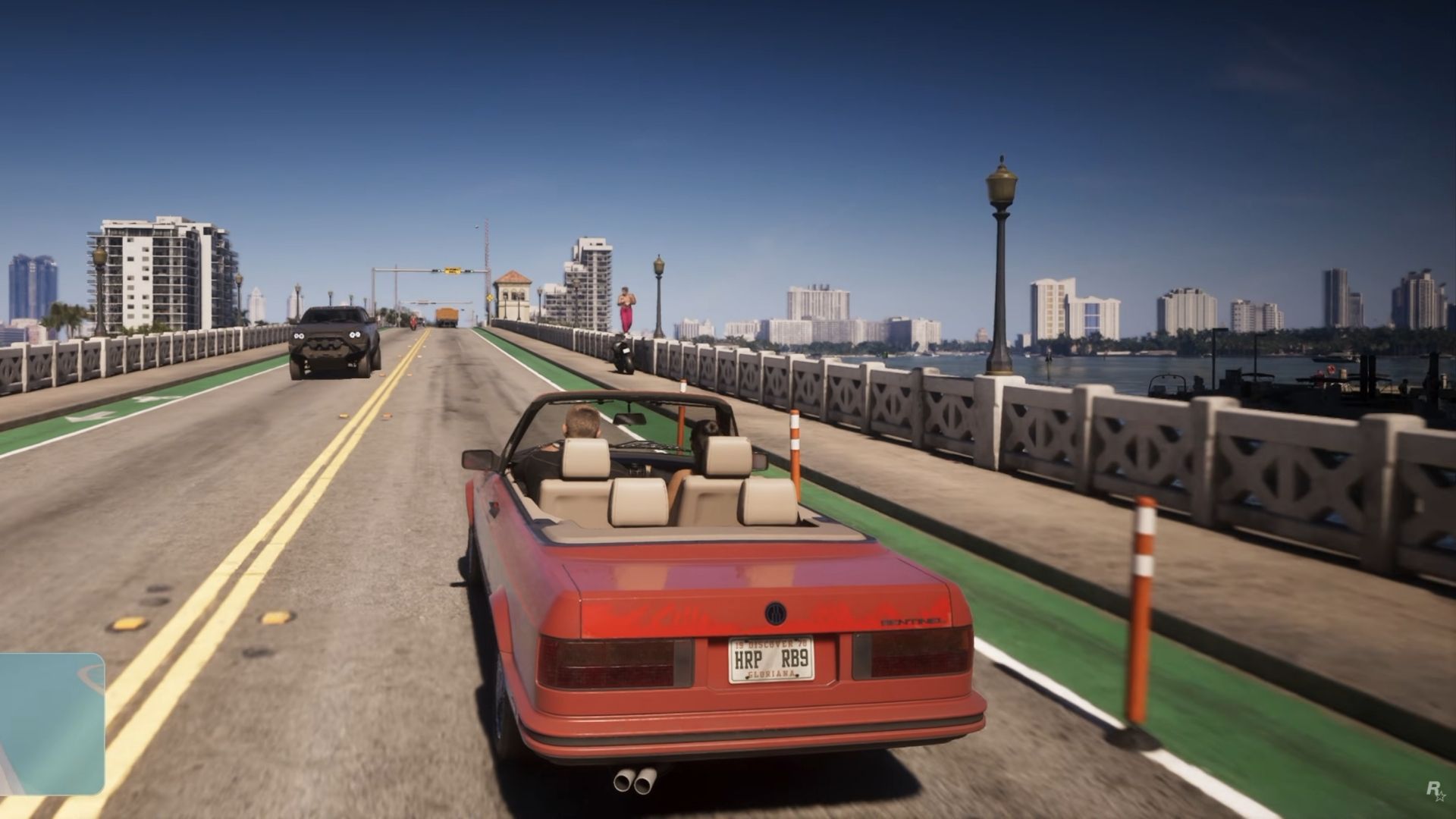
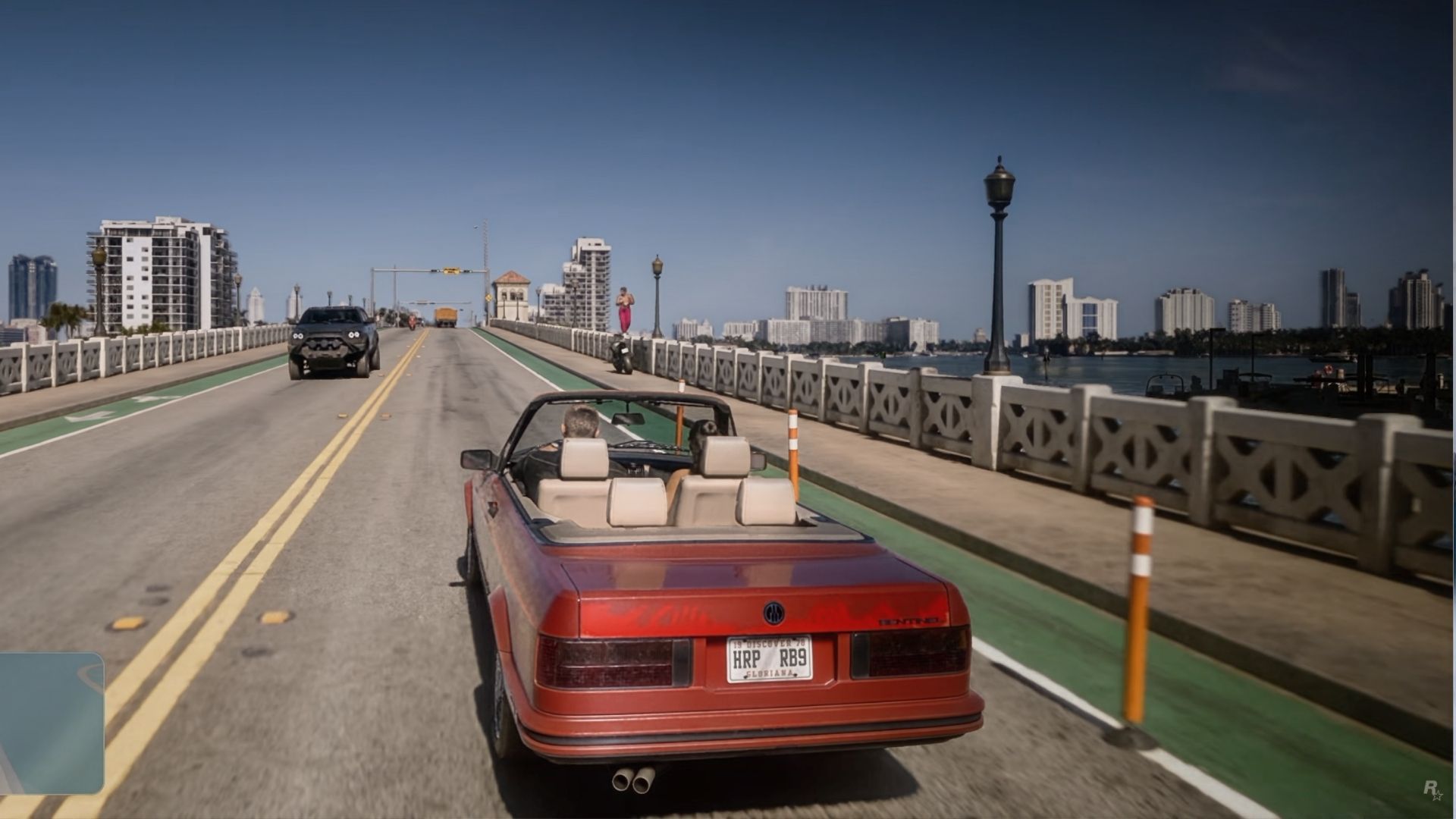
50% intensity
Which one has DLSS 5? (four passes)
Look at both and vote on your answer in the poll below
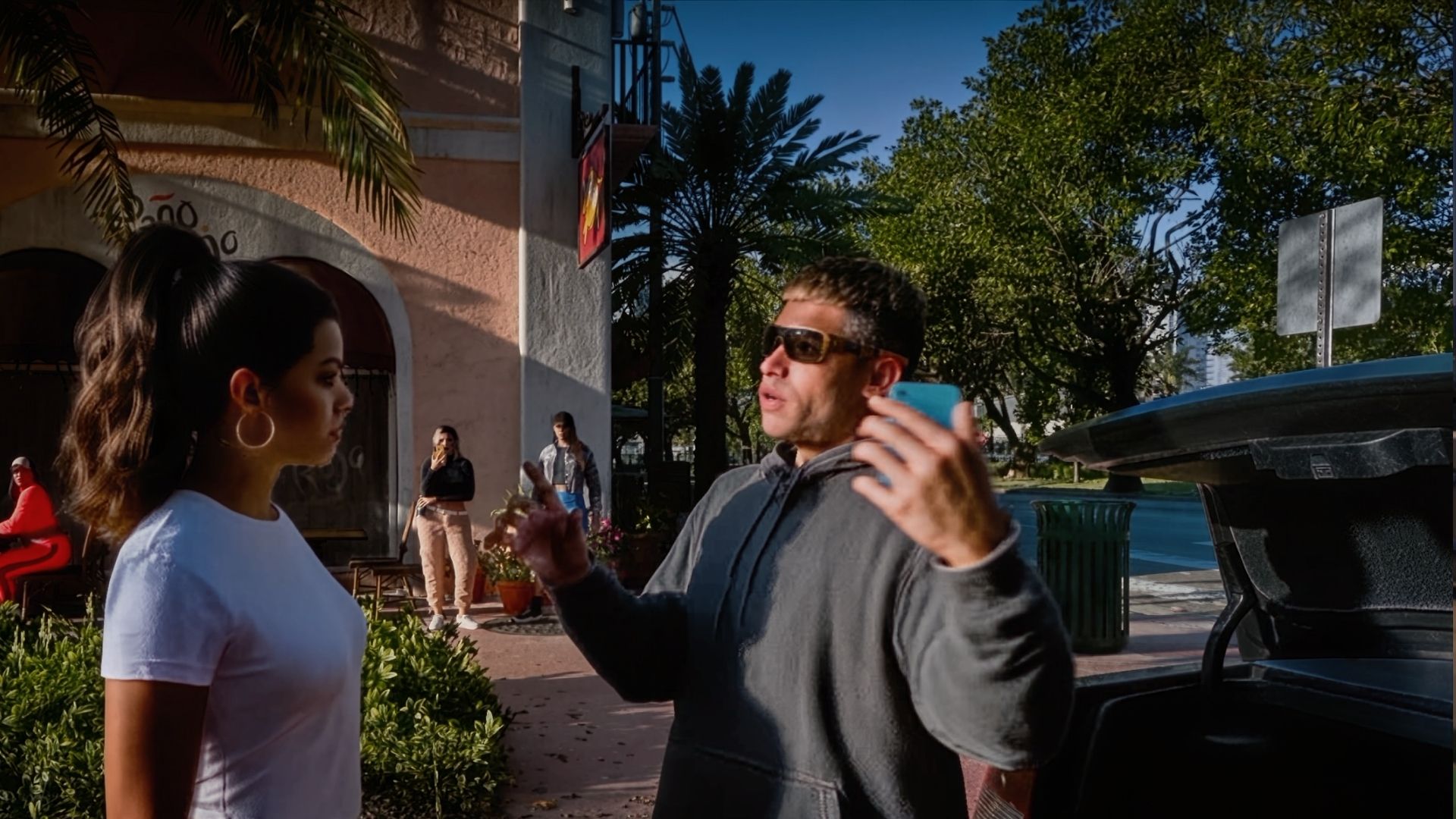
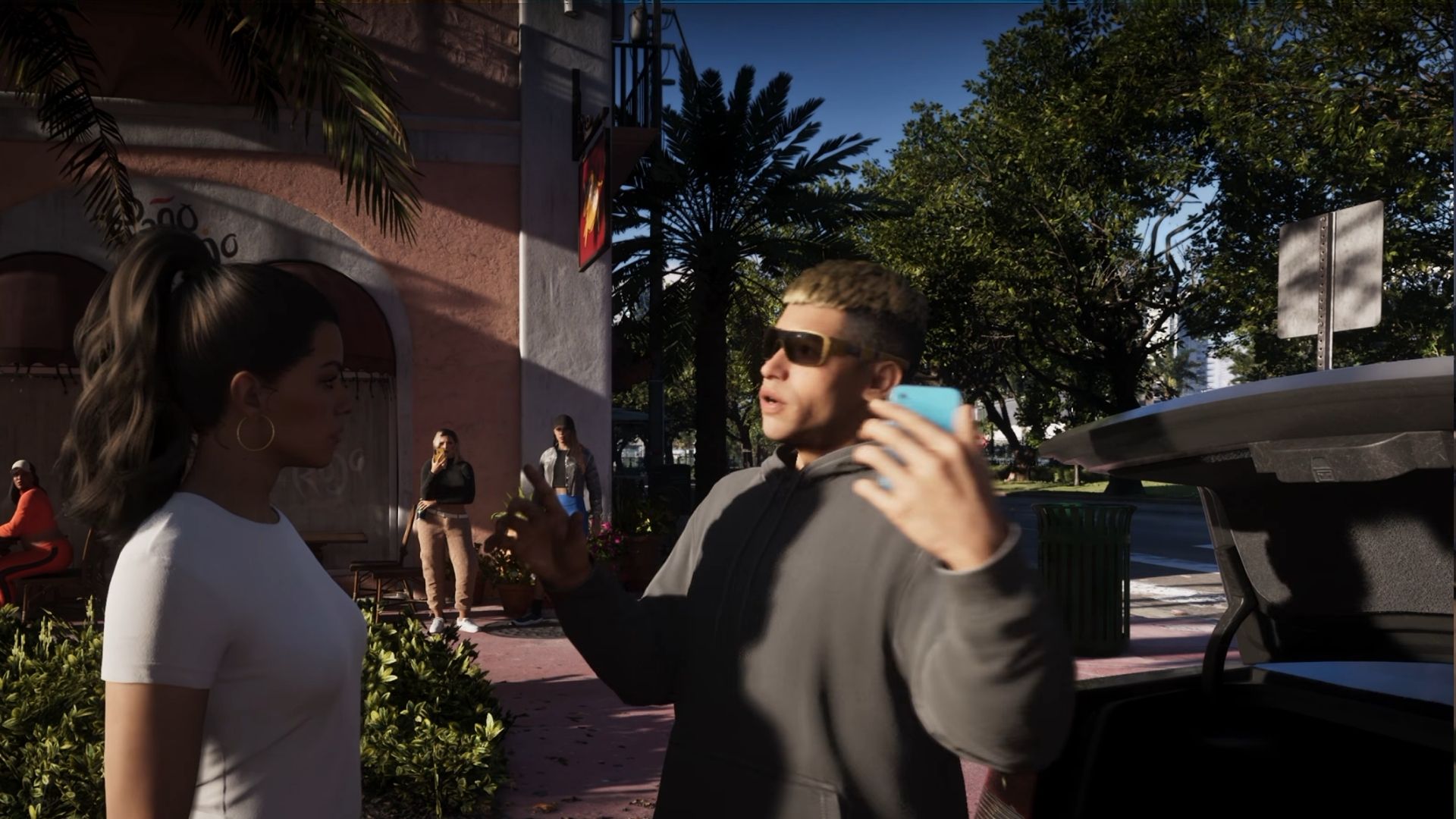
Which one has DLSS 5? (two passes)
Look at both and vote on your answer in the poll below
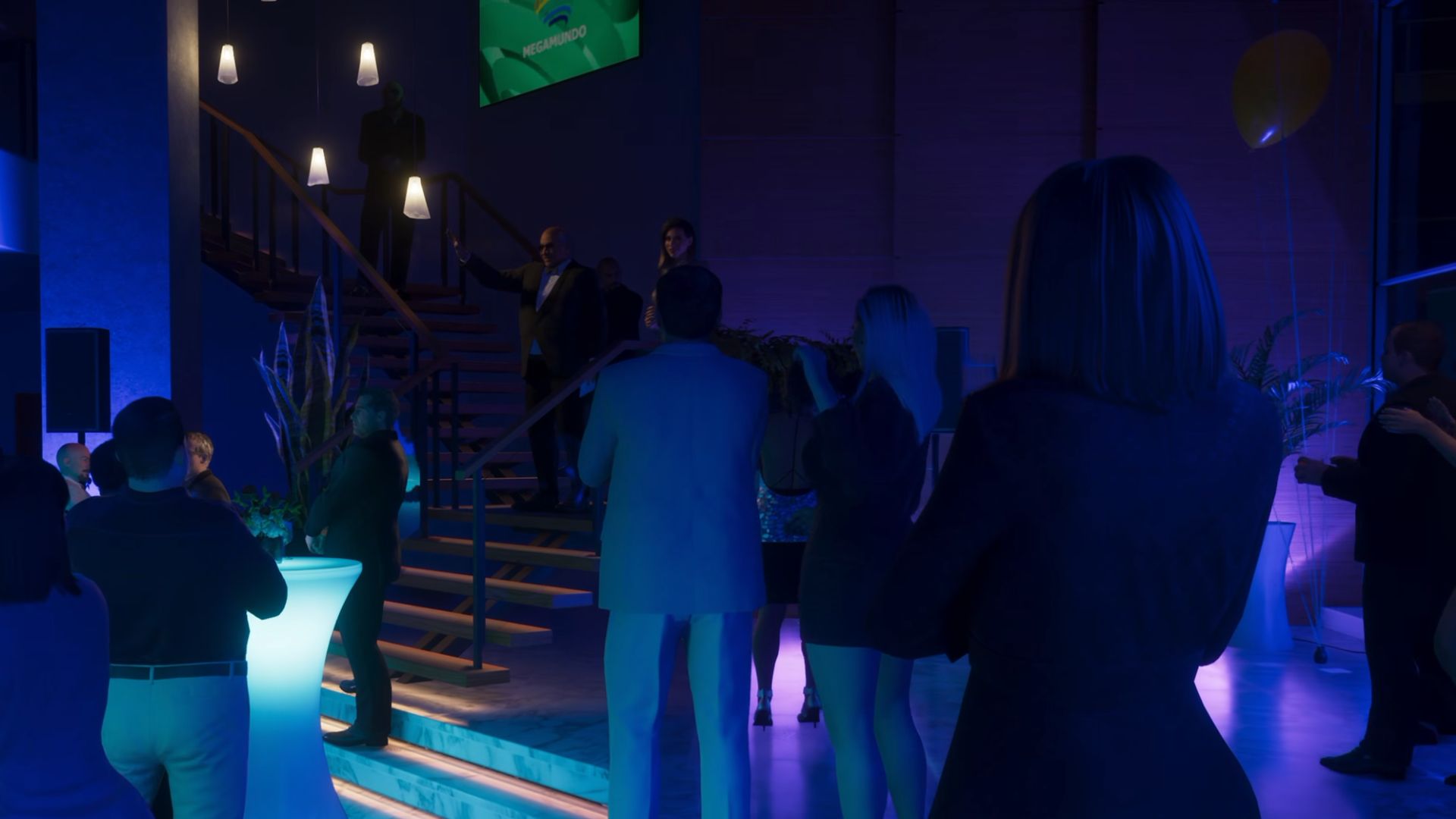
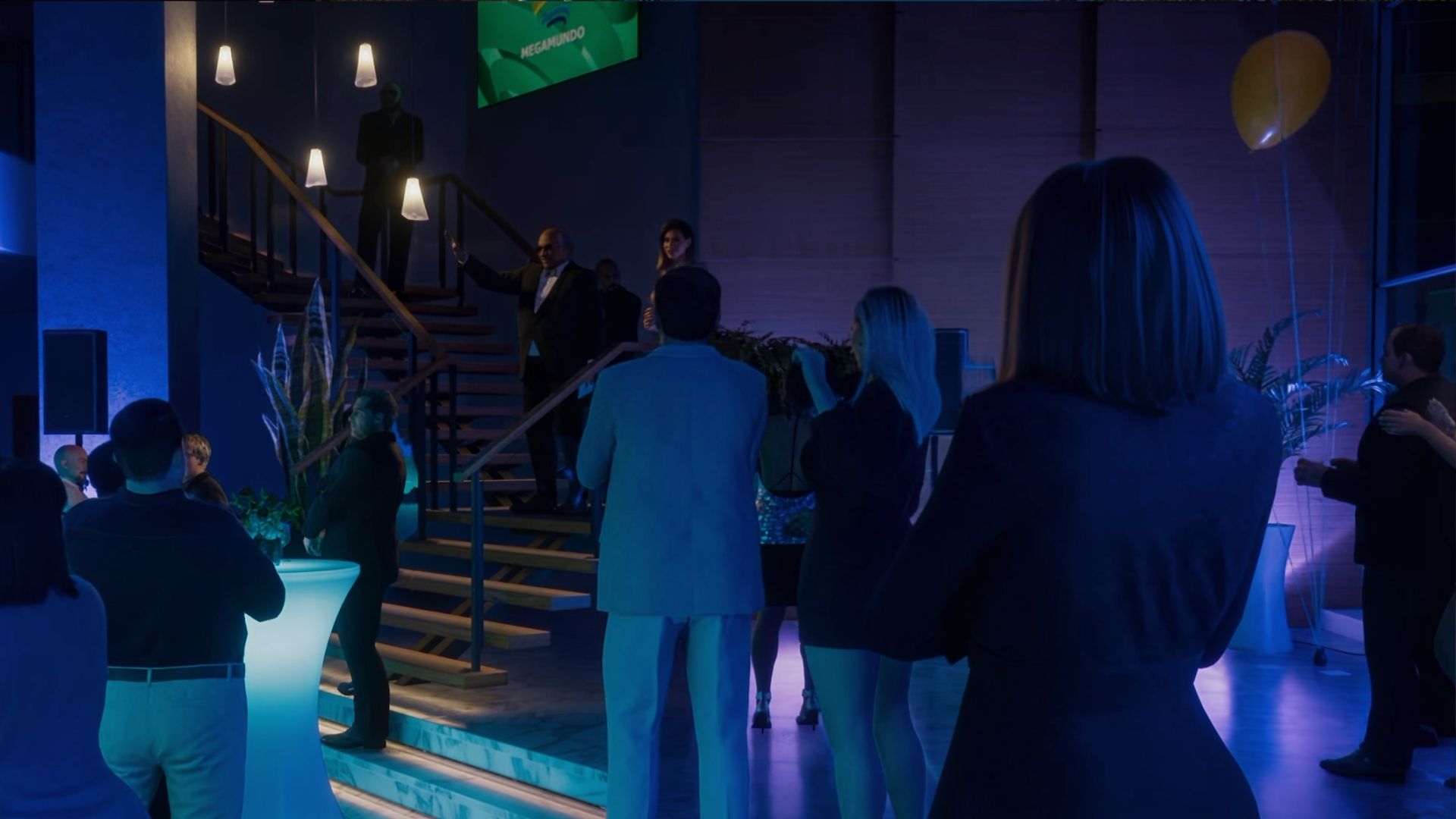
25% intensity
Which one has DLSS 5? (four passes)
Look at both and vote on your answer in the poll below
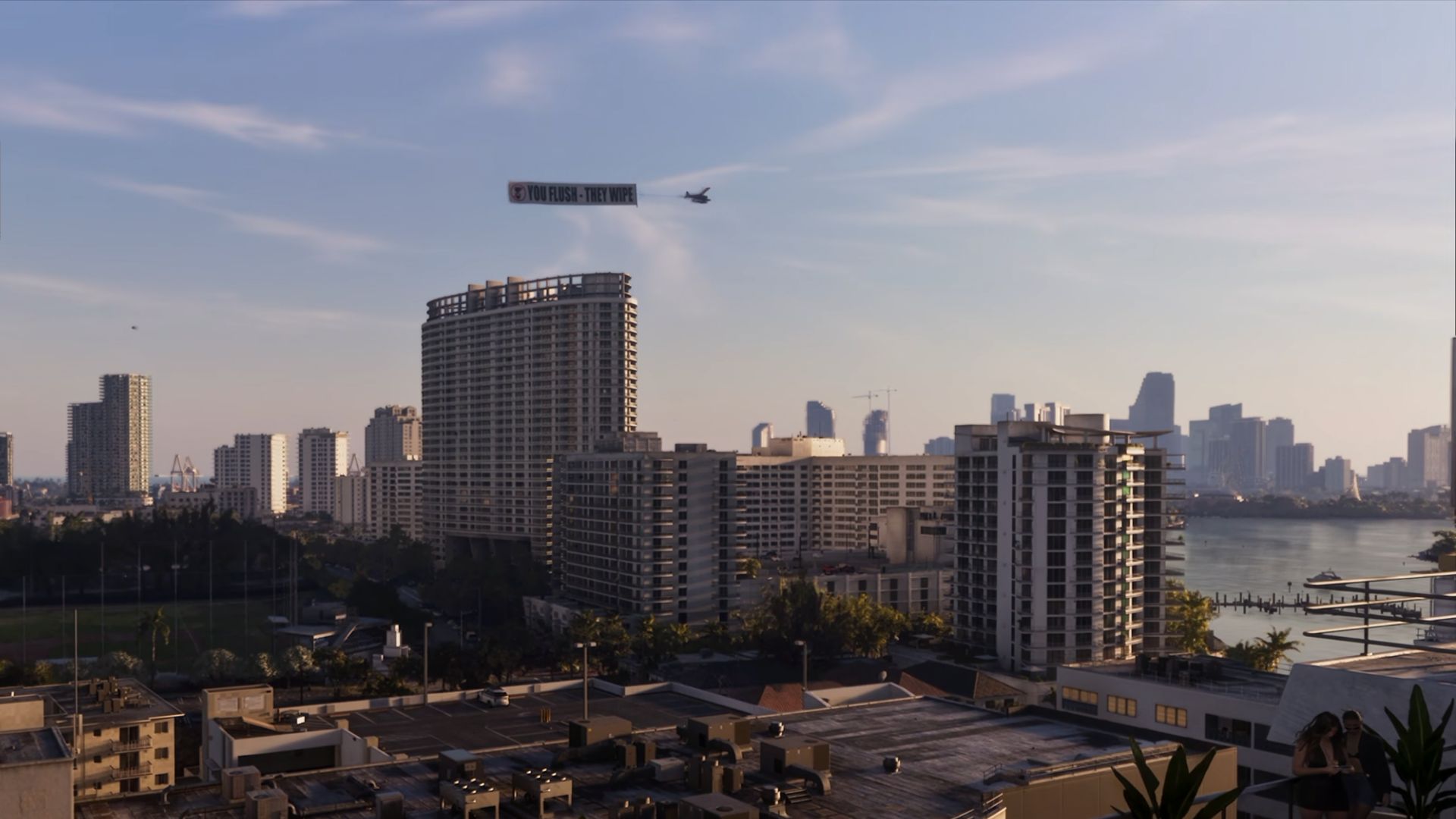
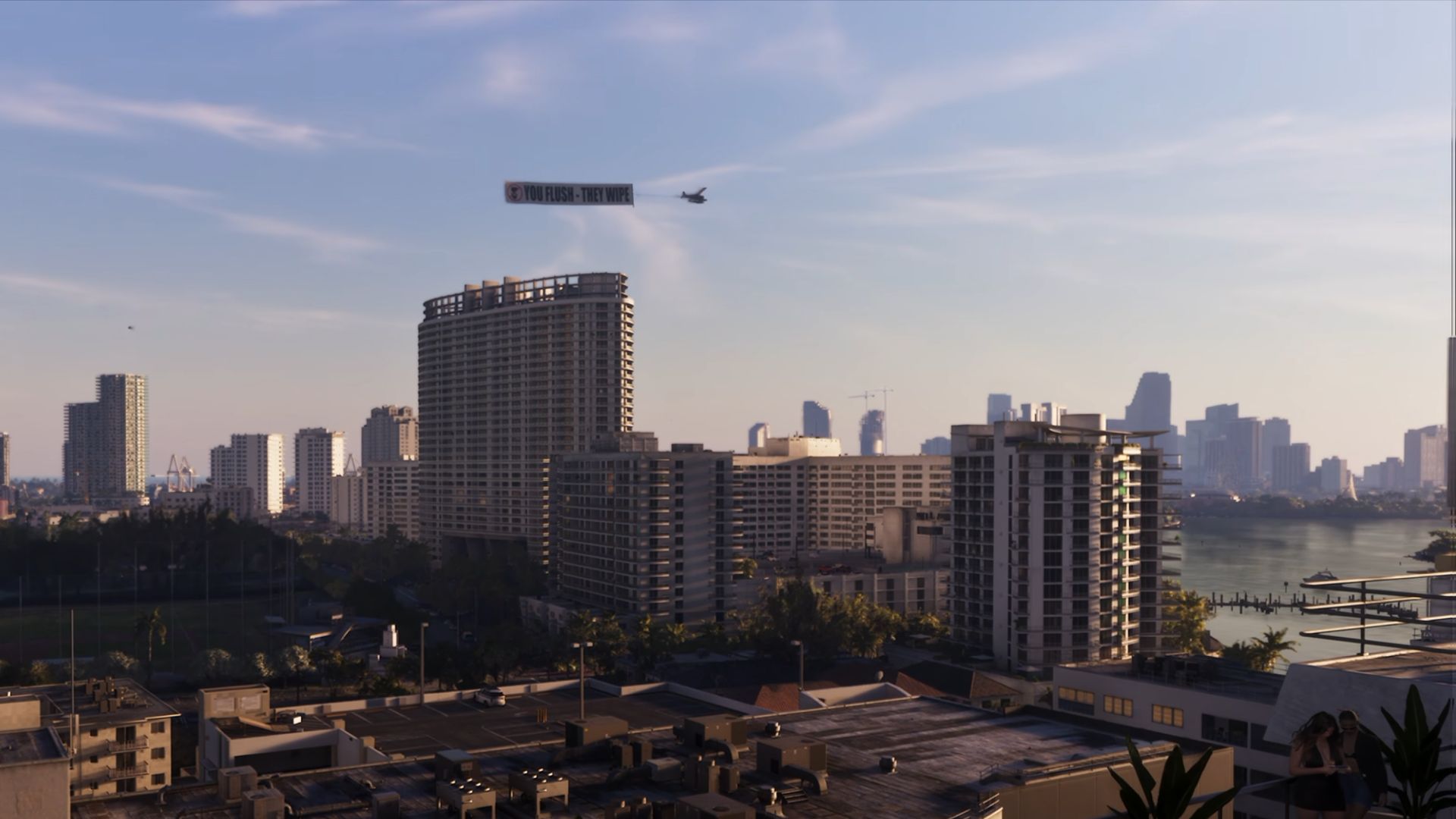
Which one has DLSS 5? (two passes)
Look at both and vote on your answer in the poll below
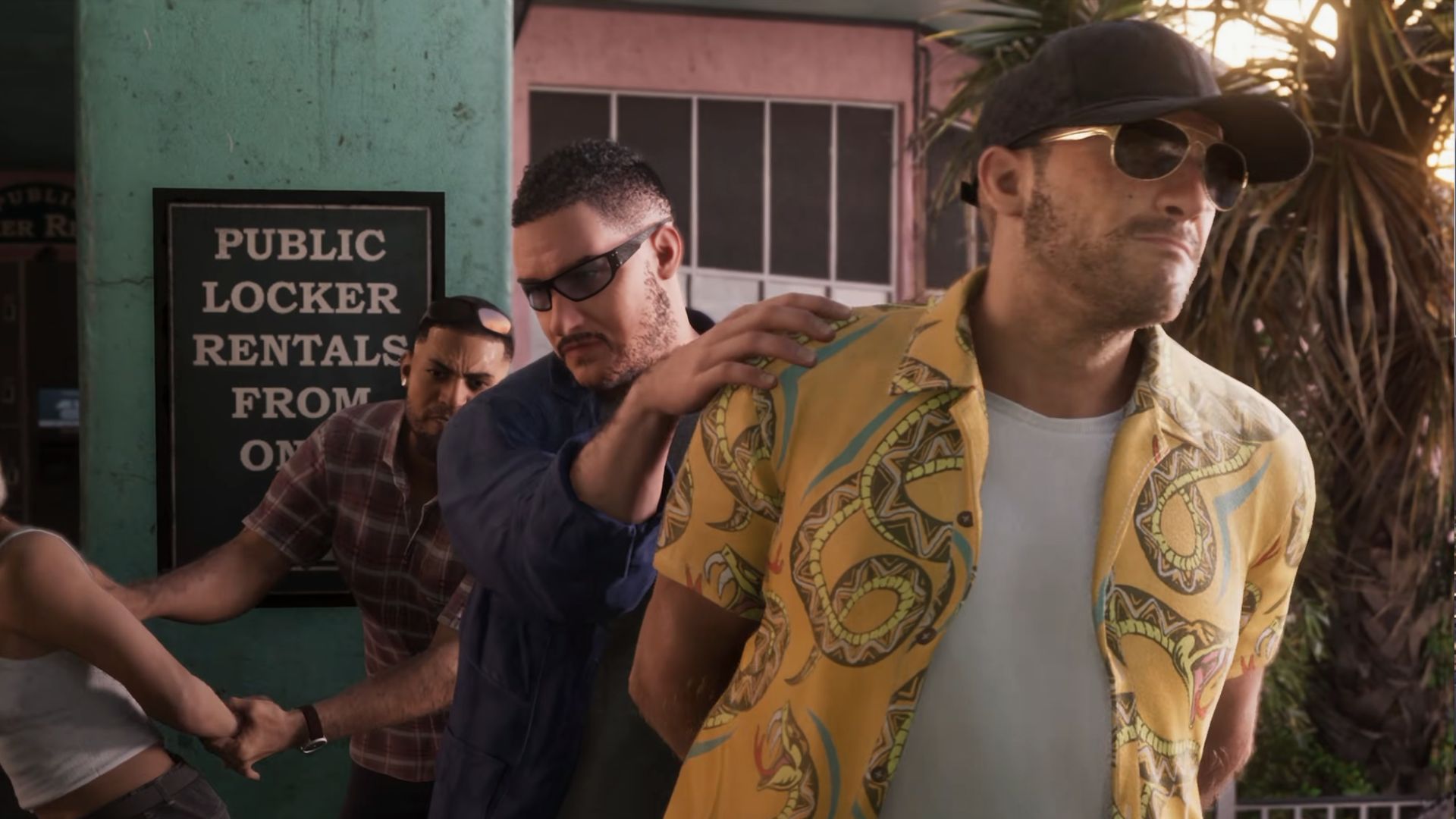
Sumber: PC Gamer