
Proyek 'OpenPuck' DIY ini memungkinkan Steam Controller untuk meniru pengontrol Xbox, Switch, dan PlayStation, tetapi tidak ada pengisian nirkabel untuk Anda
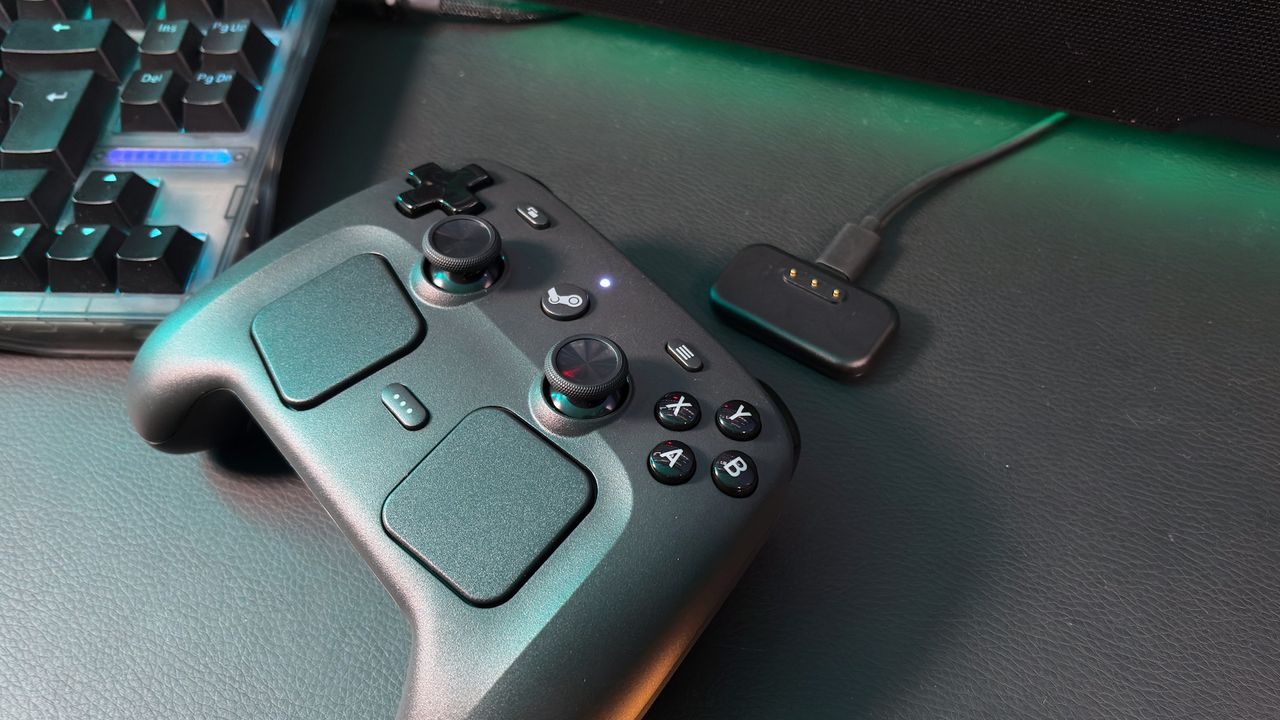
The Steam Machine might have turned out to be a disappointment (mostly down to its price), but the Steam Controller remains a very useful thing.
Should you be the tinkering sort, the OpenPuck project doubles down on the Steam Controller's Swiss Army Knife-like tendencies, allowing it to emulate Xbox, Nintendo Switch, and PlayStation controllers.
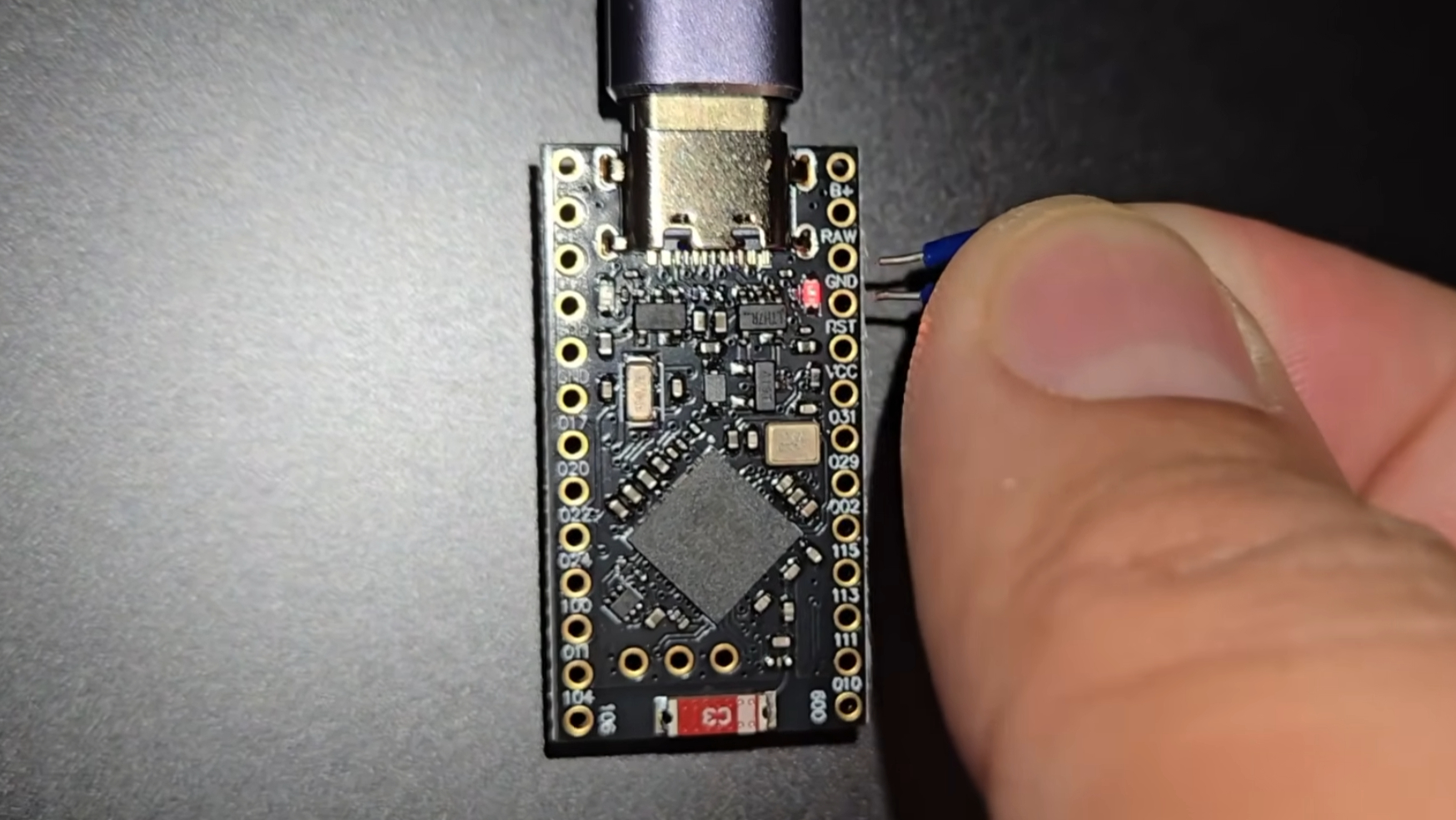
The OpenPuck is the work of Github user safijari, and the project is based around a Pro Micro NRF52840 board. This $8 device can be flashed to emulate the Steam Controller's regular wireless puck, and translates the controller inputs to their console equivalents while also enabling Steam-specific features (via Hackaday).
Although safijari says "the Switch and PS3 modes have been verified to work on real consoles," so your mileage may vary. By the looks of the project's page on Github, DualSense emulation is currently supported for PC only, and there are various caveats for emulation support to consider for each potential mode.
Pairing involves connecting the board and the Steam Controller to a PC with a USB Type-C cable and flashing the microcontroller, after which the controller itself can be wirelessly connected.
"At any point you can hold all four back buttons and press X to switch over to Xbox mode which maps all canonical inputs to their expected counterparts," safijari confirms. "In this mode the right trackpad acts as a mouse, but at present this only works in Android and SteamOS."
Holding the back four buttons and Y switches to, err, Switch mode (with gyro and haptic support), whereas the same buttons + B puts it in "Lizard" mode, where the Steam Controller behaves as it does when Steam is closed—while it's still open.
"This has a few advantages," says safijari. "The biggest one being that you can use inputs when a high privilege application is in the foreground (like the Task Manager, when using Steam if you wanna be able to do that Steam must be run as admin)."
The project seems to be a work in progress, and the author warns that "Every part of this project HEAVILY used LLMs," so take that for what it's worth. Should you wish for a chassis to contain the puck properly, you'll also need to 3D print one for yourself—with several options offered.
Unfortunately, the OpenPuck isn't capable of charging your Steam Controller like the regular puck, as it lacks any pins. Otherwise, though, it seems to be a multi-talented little marvel.
As part of this project, safijari also includes reference to ReversePuck, which is their way to emulate Steam Controller inputs (except the grip controls) on the Steam Deck in order to use it as one of the world's most expensive console pads. It's an interesting part of the project for sure.
I had a feeling Valve's new hardware would excite the imaginations of the maker community, and by the looks of things, they're already beavering away finding all sorts of uses for the latest Steam-branded offerings.
Sumber: PC Gamer